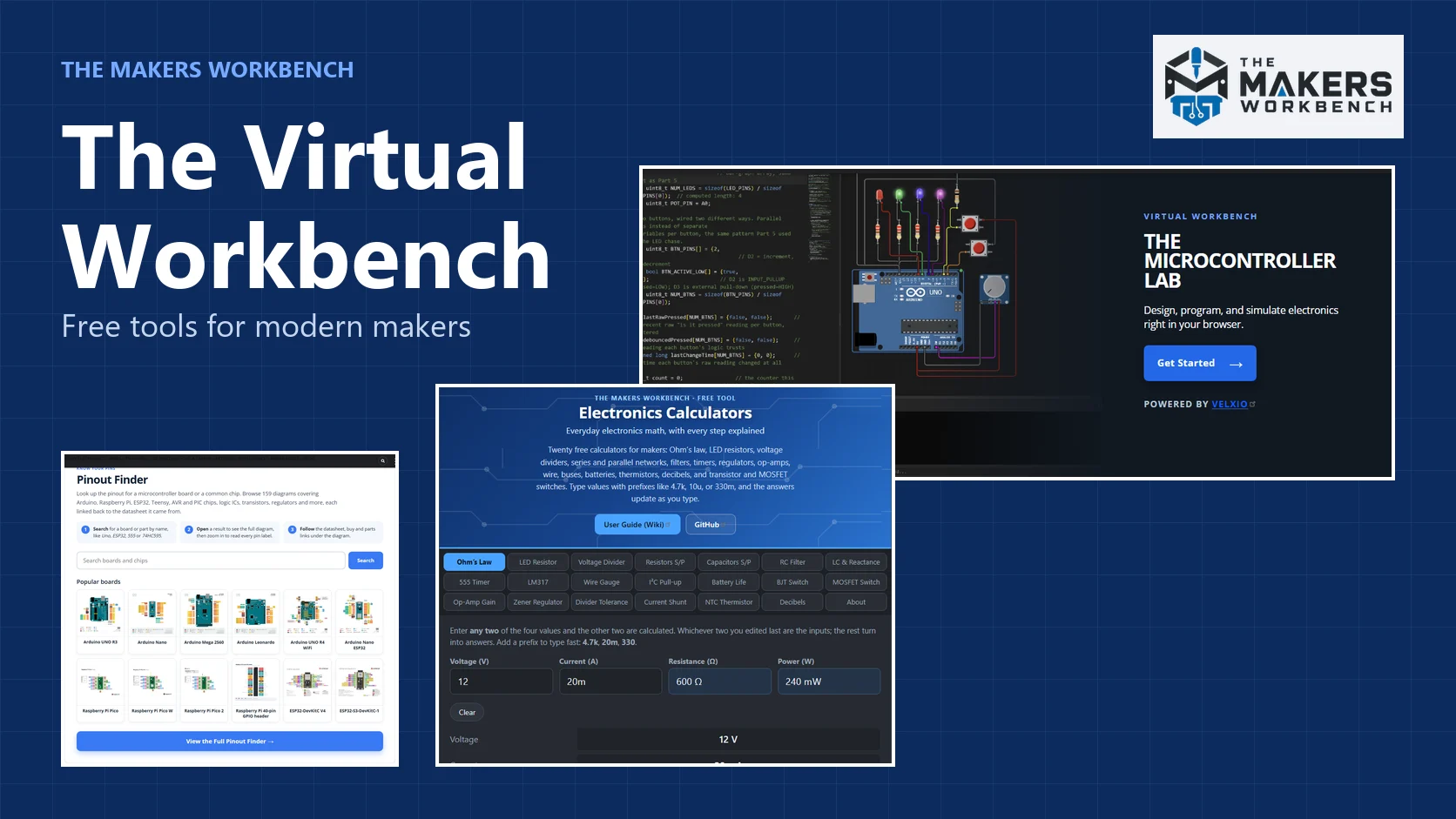
Picture this. You are halfway through a project, and you need three small answers. Which pin on this board is the SPI clock? What does the faded code on this little black rectangle mean? And how big does a resistor need to be so this LED does not burn out? Normally that is three different websites, two datasheets, and a calculator you had to hunt for.
I got tired of that, so I started collecting the answers into one place. It is called the Virtual Workbench, it is free, and it lives right here on the site.
What is the Virtual Workbench?
Think of it as the shelf above your real workbench, the one holding the tools you reach for over and over. Instead of a multimeter and a laminated cheat sheet, it holds a browser-based electronics lab, a pinout library, a part identifier, and a set of calculators. Everything runs in your browser. There is nothing to install and no account to make.
The page is laid out as a series of sections, one for each tool. You can scroll straight down the page, or jump to the one you need. Here is a quick tour.
The Microcontroller Lab
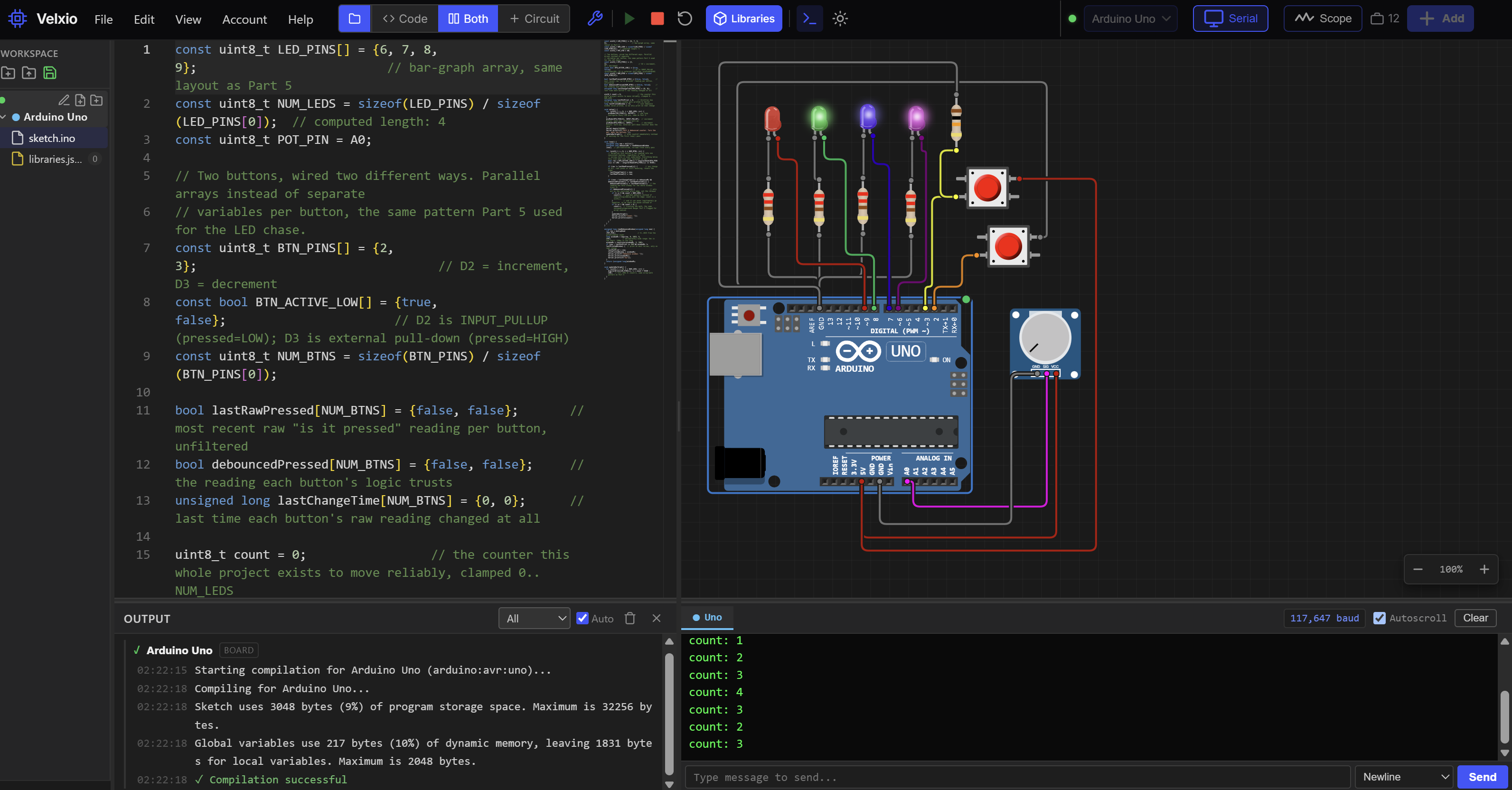
A microcontroller is a tiny computer on a single chip, the thing that runs an Arduino, an ESP32, or a Raspberry Pi Pico. The Lab lets you build and test projects with those boards without owning the hardware yet. You drag parts onto a circuit canvas, write your code in an editor, press run, and watch the circuit behave. Code is compiled with the real toolchains, and the chip is emulated, which means software pretends to be the processor closely enough that your program runs the way it would on the real board.
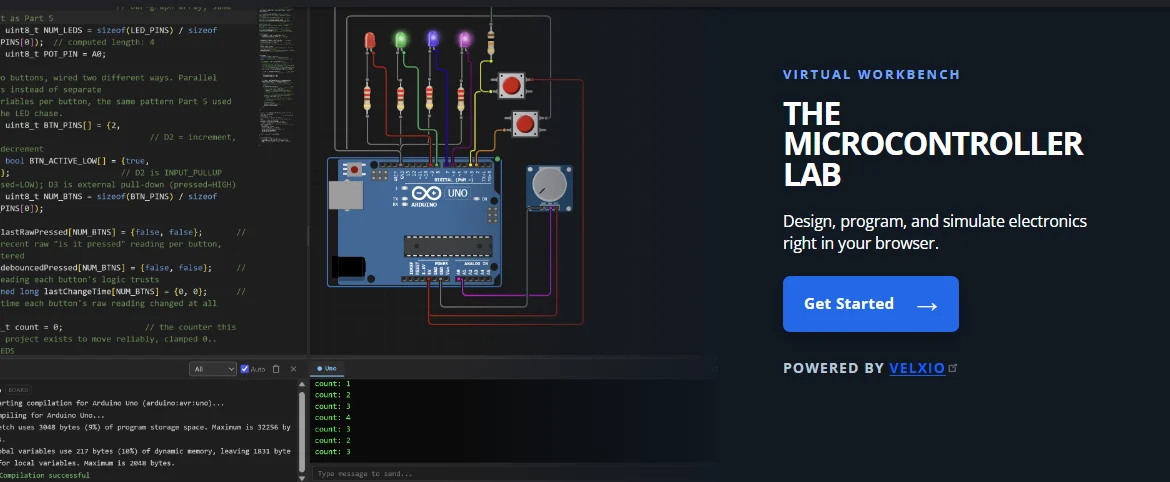
The Lab is powered by Velxio, an open-source project. If you like it, Velxio also offers downloadable versions for your computer, which add more features and work without an internet connection. You can open the Lab straight from the page, or go to lab.themakersworkbench.com.
The Pinout Finder
A pinout is a diagram that tells you what each pin on a board or chip does. Which one is power, which one is ground, which ones can read an analog sensor. Getting a pin wrong is the classic way to waste an evening, so a clear pinout is worth a lot.
The Pinout Finder holds more than 150 of them. There are Arduino boards, Raspberry Pi Pico boards and the Pi's 40-pin header, a stack of ESP32 boards, Teensy boards, and common chips such as the 555 timer, the 74HC595 shift register, the L293D motor driver, and popular transistors and regulators. Type a name into the search box and pick a result. You get a large diagram you can zoom into, plus links to the datasheet it came from.
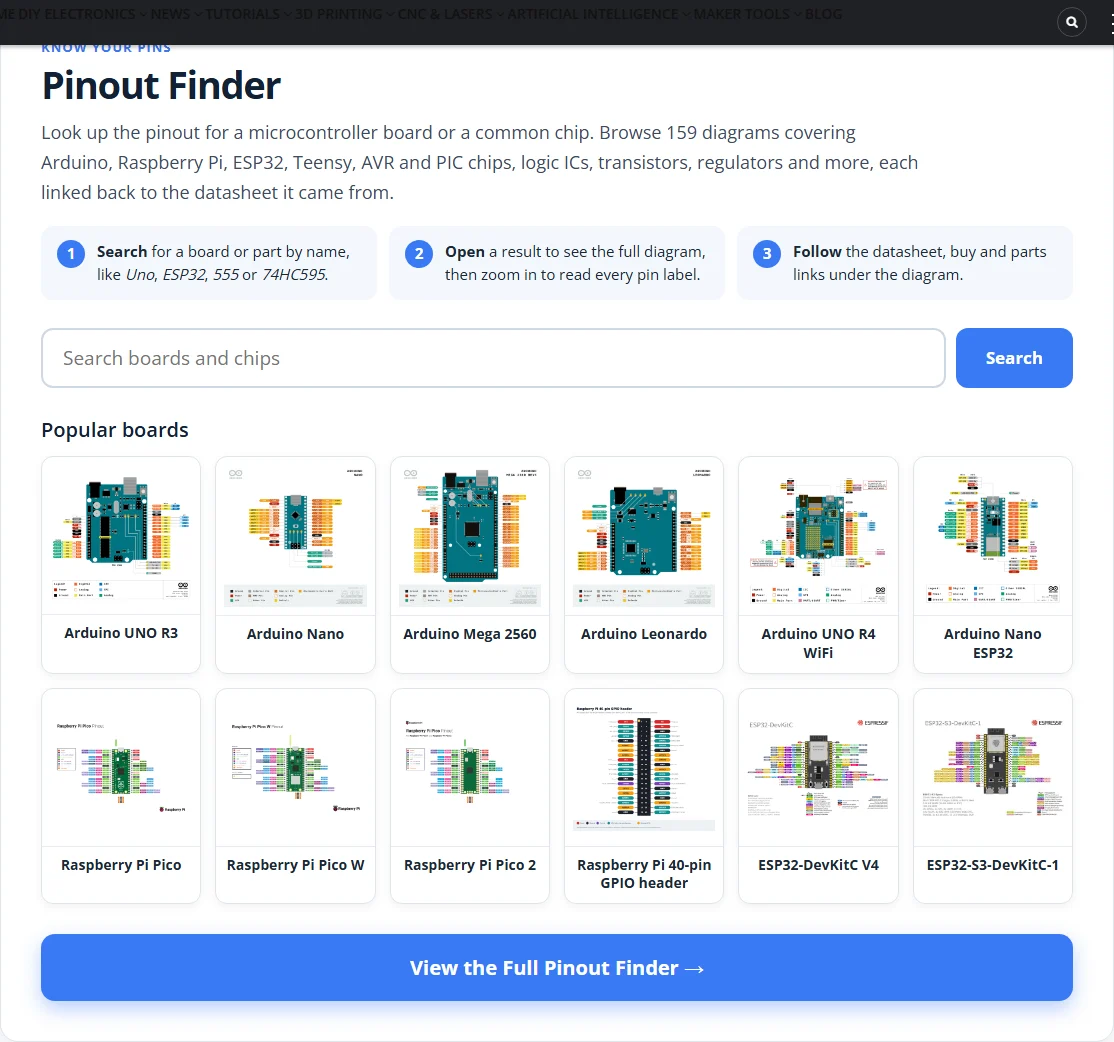
Board diagrams come from the manufacturers and are credited to them. The chip diagrams I drew myself, and each one is checked against the manufacturer's datasheet before it goes up. Some of the buy and parts links on those pages are affiliate links, which you can read about on the affiliate disclosure page. The Pinout Finder is growing, and more chips and boards are on the way.
The Component Marking Decoder
Parts are small, so manufacturers print short codes instead of full values. A code like 103 on a capacitor, or a set of colored stripes on a resistor, is shorthand. The Component Marking Decoder translates it. Pick the tab for your part, type the marking or choose the colors, and it shows the value, the tolerance (how far the real value can drift from the printed one), and the ratings.
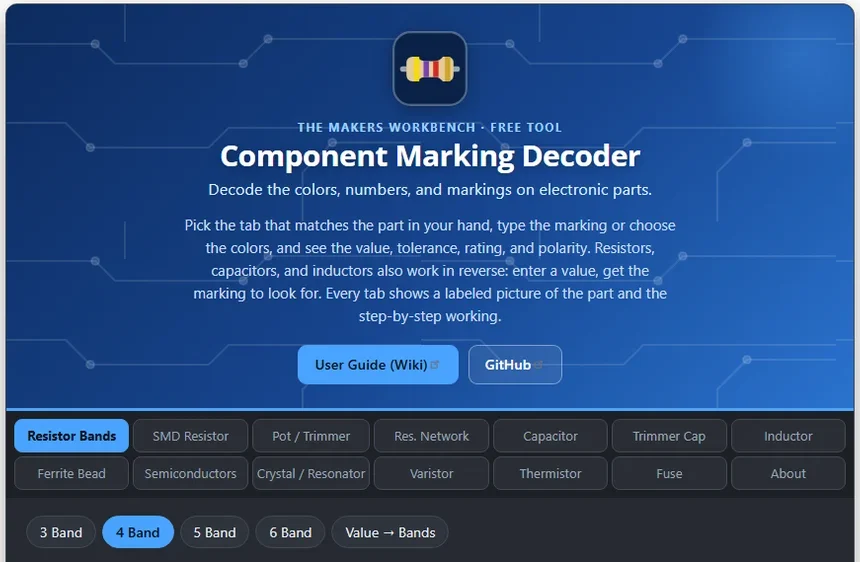
It covers resistor bands, surface-mount resistors, potentiometers, capacitors, inductors, ferrite beads, diodes and transistors, crystals, varistors, thermistors, and fuses. Each tab shows a labeled picture and a step-by-step explanation, so you learn to read the codes yourself over time. I wrote a separate post that goes deeper on it, and there is a user guide on GitHub.
The Calculators
The calculators are the biggest part of the page, so I split them into four tools. That keeps each one focused, and each has its own tabs, a short explanation built in, and a user guide on GitHub that covers the formulas and the theory behind it.
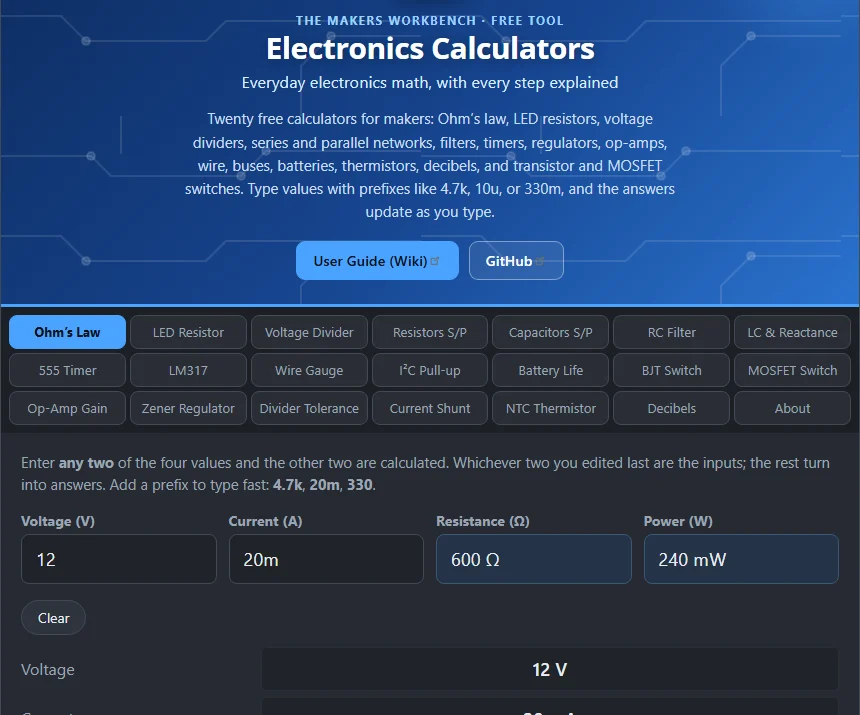
Electronics Calculators
Twenty everyday calculators for the math you do at the bench: Ohm's law, LED resistors, voltage dividers, series and parallel resistors and capacitors, RC filters, 555 timers, the LM317 regulator, op-amp gain, thermistors, decibels, and more. Type values with prefixes like 4.7k or 330m, and the answers update as you type, with the formula and each step shown underneath.
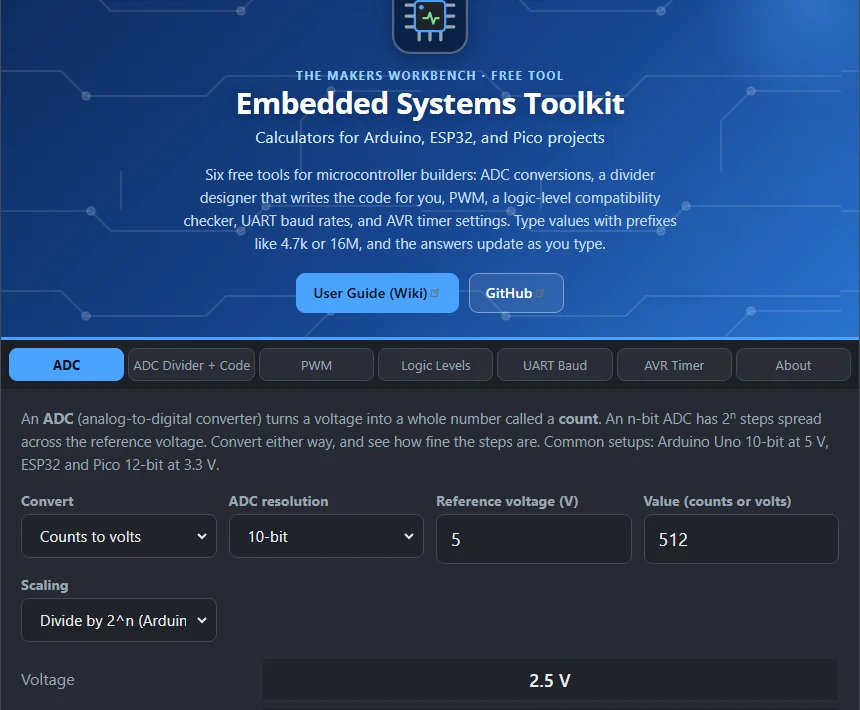
Embedded Systems Toolkit
These are the numbers microcontrollers care about. Convert ADC readings, work out PWM settings, check whether two chips with different logic levels can talk to each other, pick a UART baud rate that your clock can hit, and plan an AVR timer.
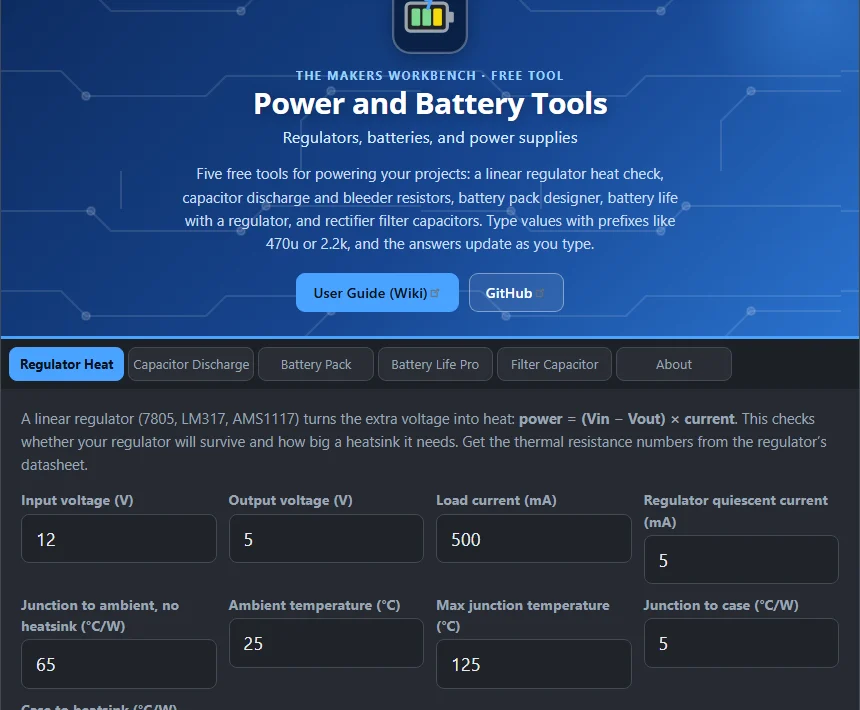
Power and Battery Tools
Use these before you power anything. Check how hot a linear regulator will get, how long a capacitor takes to discharge, what a battery pack will give you, and roughly how long a battery will last.
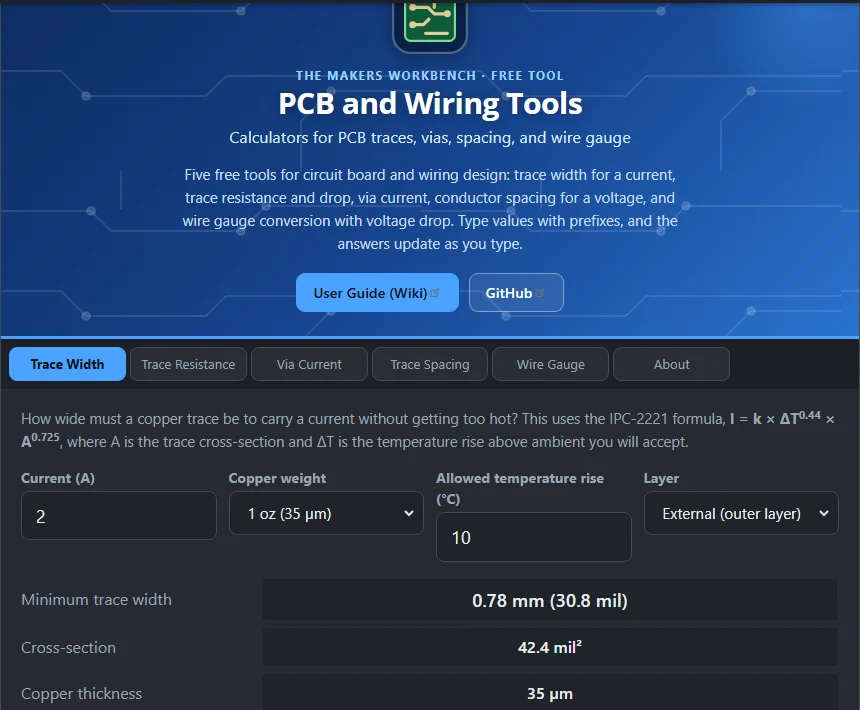
PCB and Wiring Tools
If you are laying out a circuit board or choosing wire, these cover trace width, trace resistance, via current, trace spacing, and wire gauge.
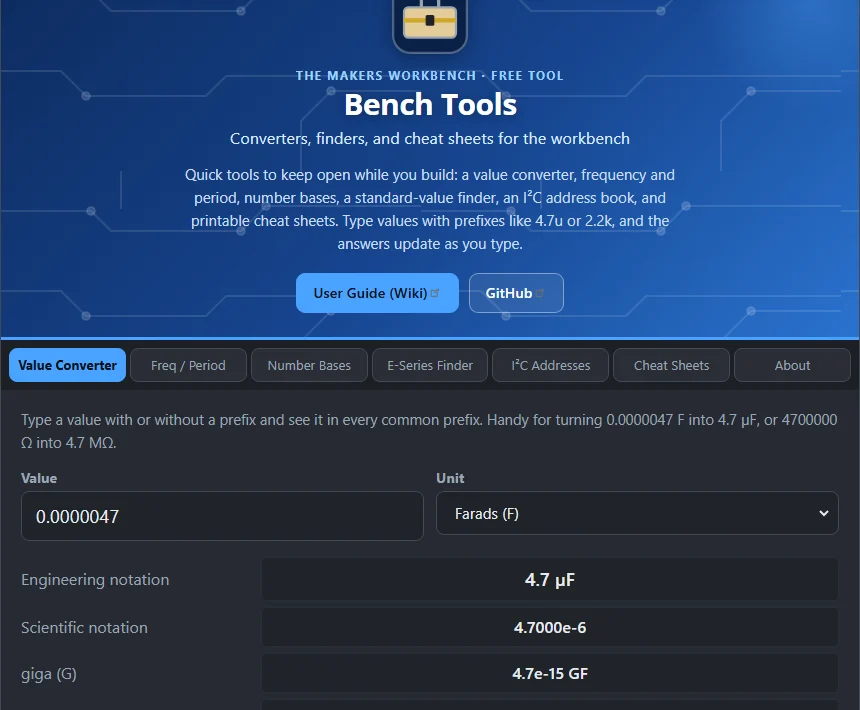
Other Tools
The last section is the drawer of small things you keep open in another tab. There is a value converter, a frequency and period converter, and a number base converter for switching between decimal, binary, and hexadecimal. The E-series finder helps you pick the nearest standard resistor or capacitor value, since parts only come in a fixed set of sizes. An I²C address book lists the addresses of common chips. I²C is a two-wire connection that lets many chips share one bus, and each chip needs its own address, like a house number, so two chips do not answer at the same time. There are also printable cheat sheets.
Is it really free?
Yes. Everything on the page is free to use, and the tools are open source, so you can read the code, suggest changes, or run your own copy. Each tool has its own repository and user guide on GitHub under the MakersWorkbench organization.
What is next?
The Virtual Workbench is a work in progress, and I plan to keep adding to it. More pinouts come first, with more chips and boards. If there is a tool, a board, or a part you wish was here, tell me. The best additions so far came from someone saying "I keep needing this." So check out the Virtual Workbench today, and let me know what you would like to see added, and as always, Hack The World & Make Awesome!