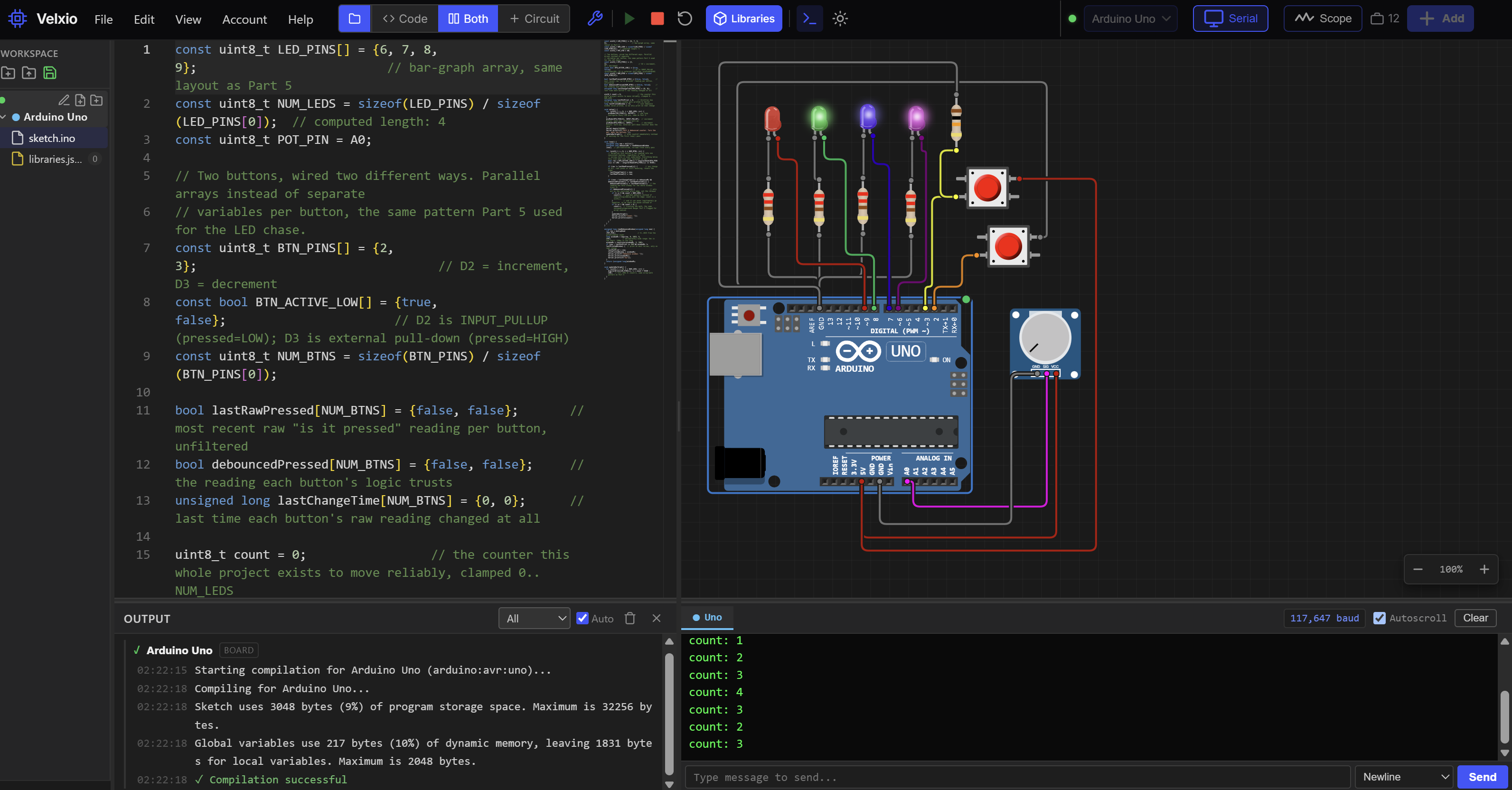
How I²C Works: Reading a BMP280 Pressure and Temperature Sensor with an ESP32
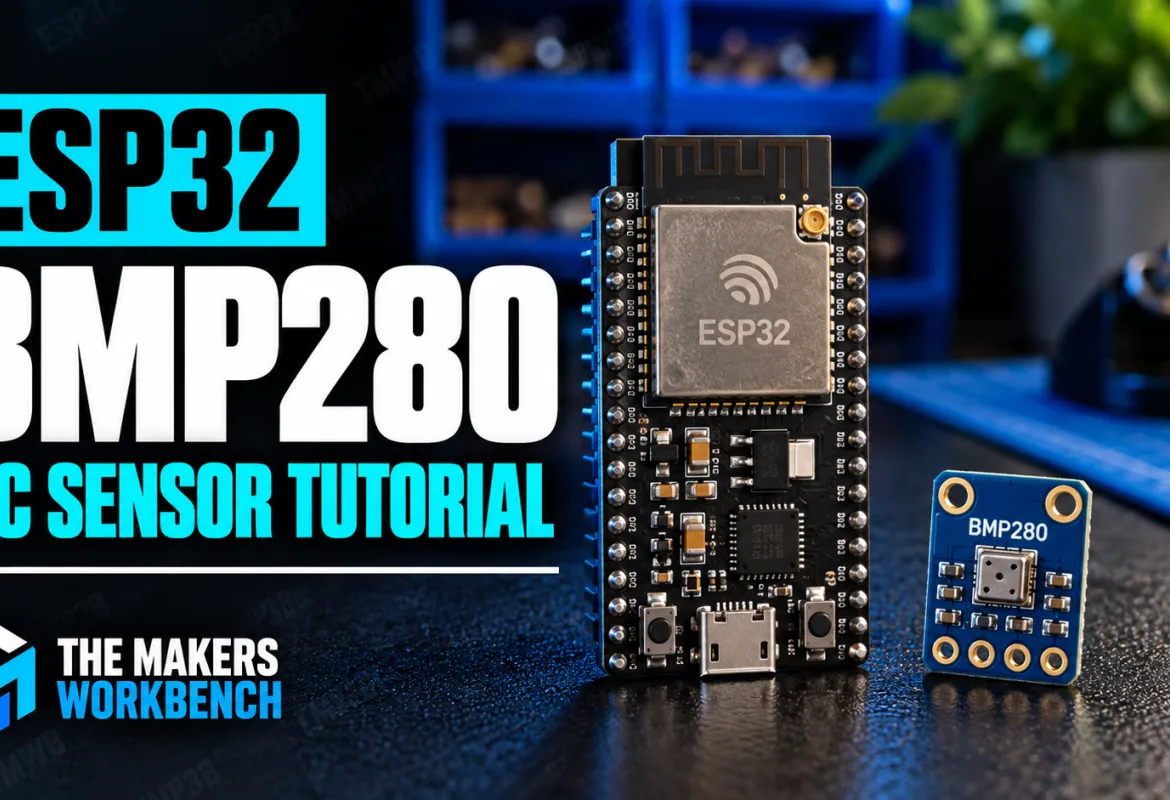
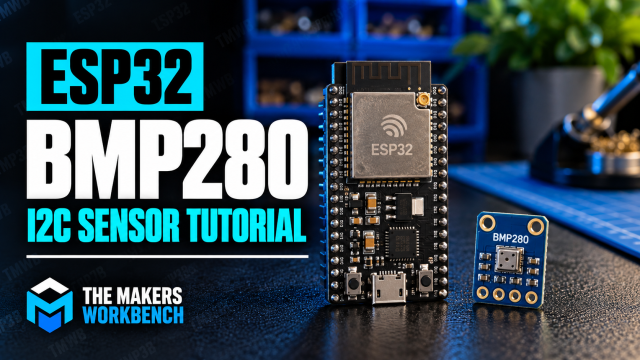
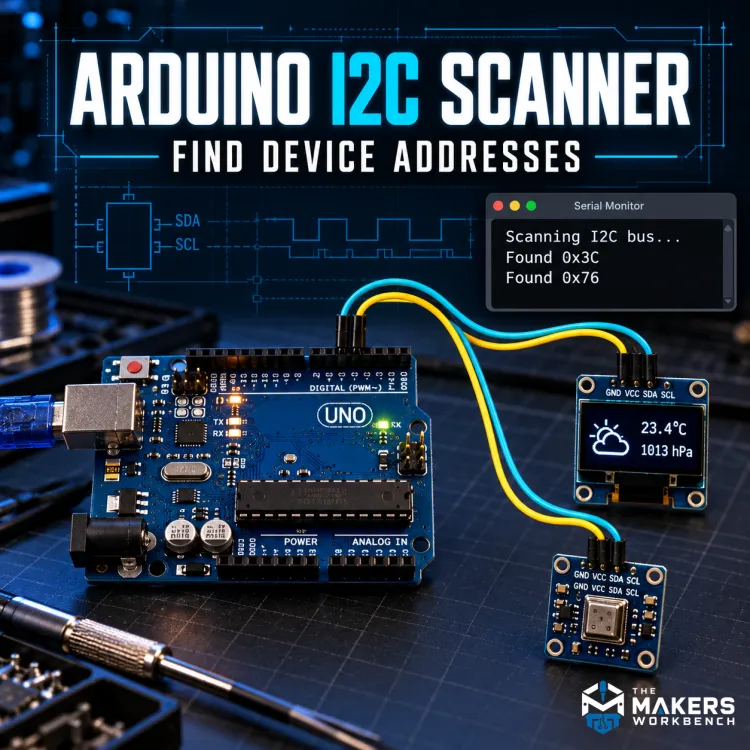
Learn how I2C moves data over two wires, why pull-up resistors matter, how to find a device's address, and how to read pressure and temperature from a BMP280 on an ESP32.
Step-by-step guides for wiring, programming, and understanding the hardware you build with. Start with a platform below, or browse every tutorial in one place.
Wiring, code, and core concepts for the world's most popular beginner board.
Wi-Fi and Bluetooth projects on a fast, inexpensive microcontroller.
Single-board computers and the wider microcontroller ecosystem.
Every published tutorial on The Makers Workbench, newest first.
Learn how I2C moves data over two wires, why pull-up resistors matter, how to find a device's address, and how to read pressure and temperature from a BMP280 on an ESP32.
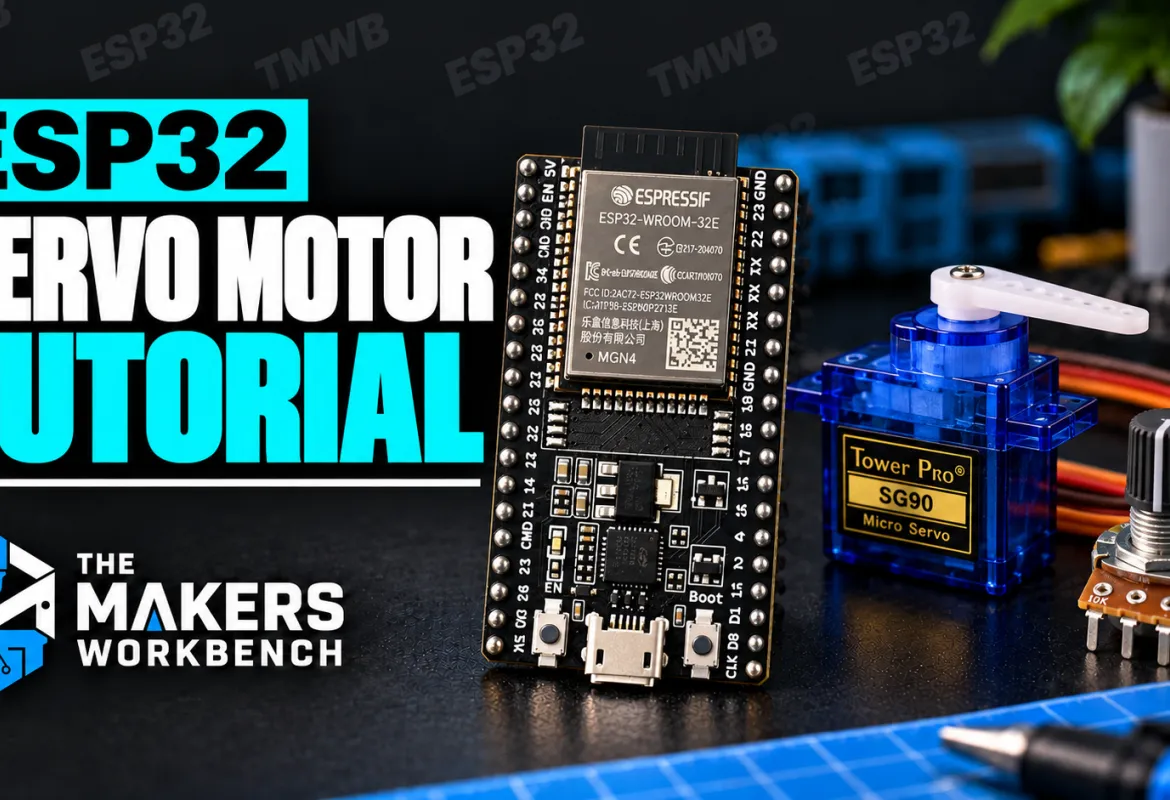
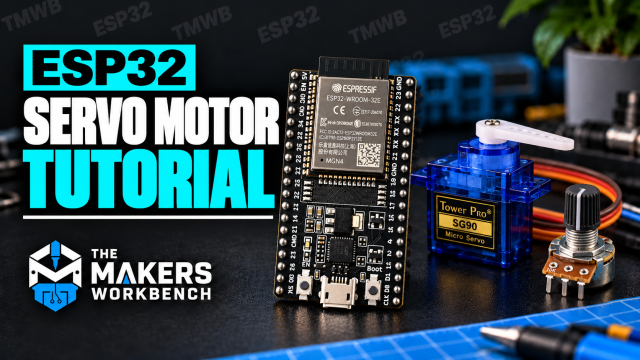
Learn what is inside a servo motor, how a pulse width sets its angle, how to power it safely, and steer one with a potentiometer on an ESP32, in the Lab or on a breadboard.
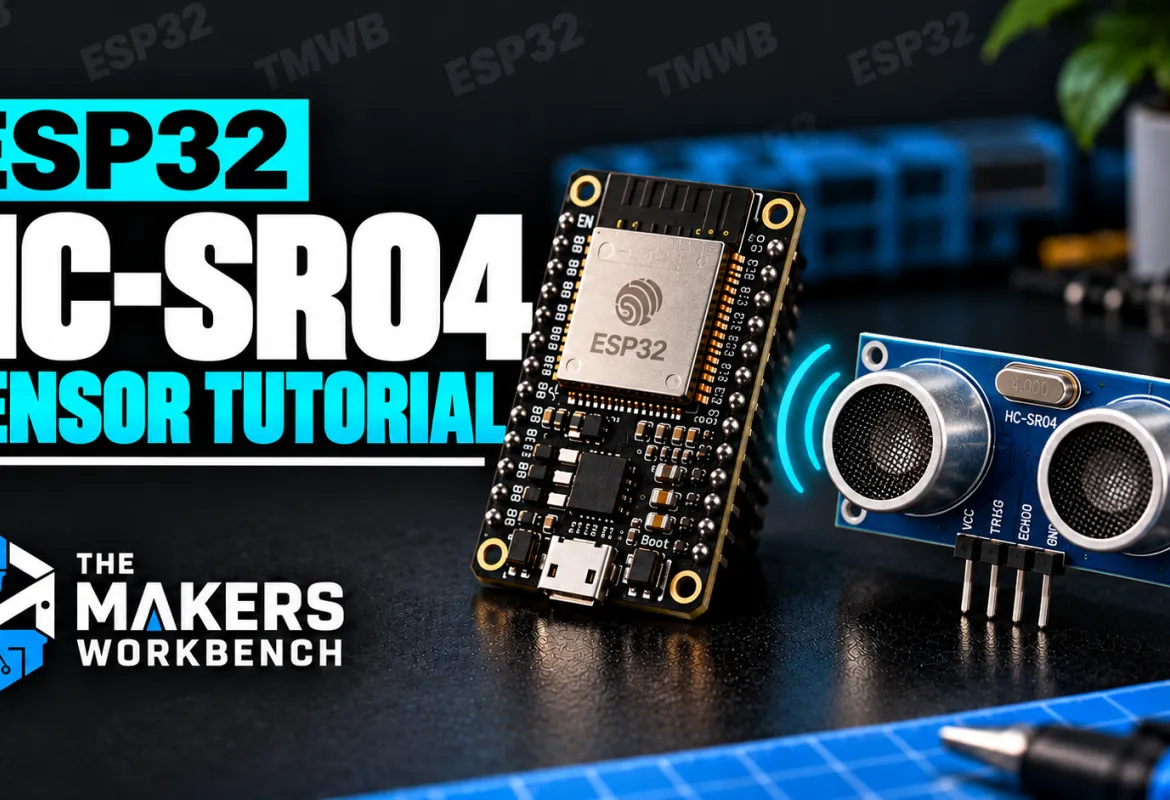
Learn how the HC-SR04 ultrasonic sensor turns an echo into a distance, how to protect your ESP32's 3.3 V pin with a voltage divider, and build a distance meter in the Lab or on a breadboard.
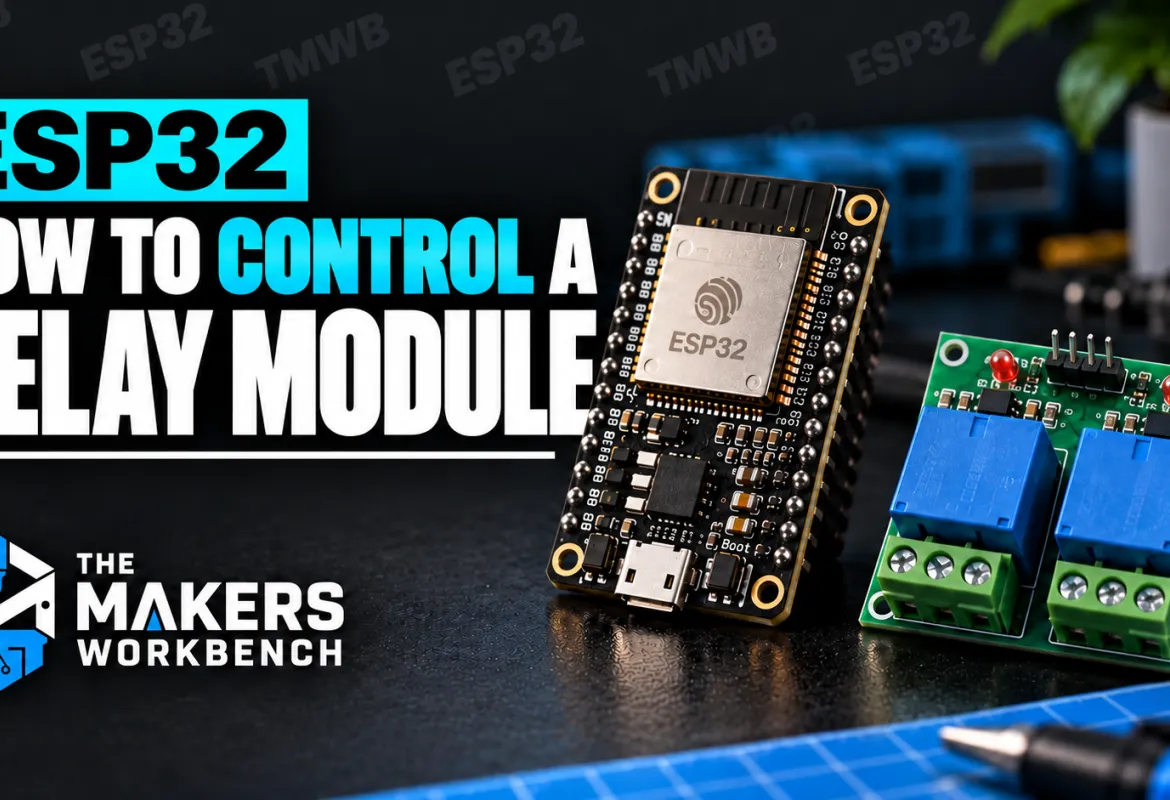
Learn how a relay works, how to read COM, NO, and NC, whether a 5 V relay module will work with the ESP32's 3.3 V pins, and how to switch a 12 V fan with timers and hysteresis, with a full bill of materials and troubleshooting guide.
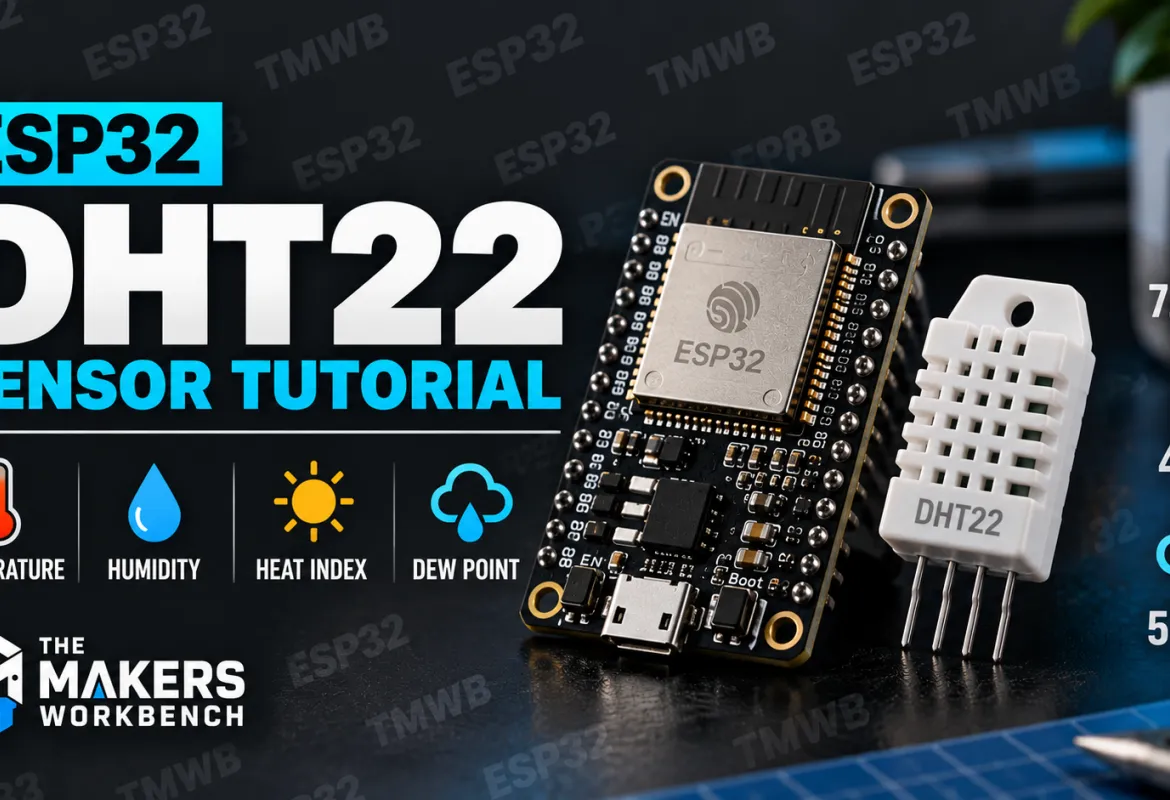
Wire an AM2302/DHT22 to an ESP32, read temperature and humidity with the Adafruit DHT library, and calculate heat index and dew point, with a full bill of materials and a troubleshooting guide.
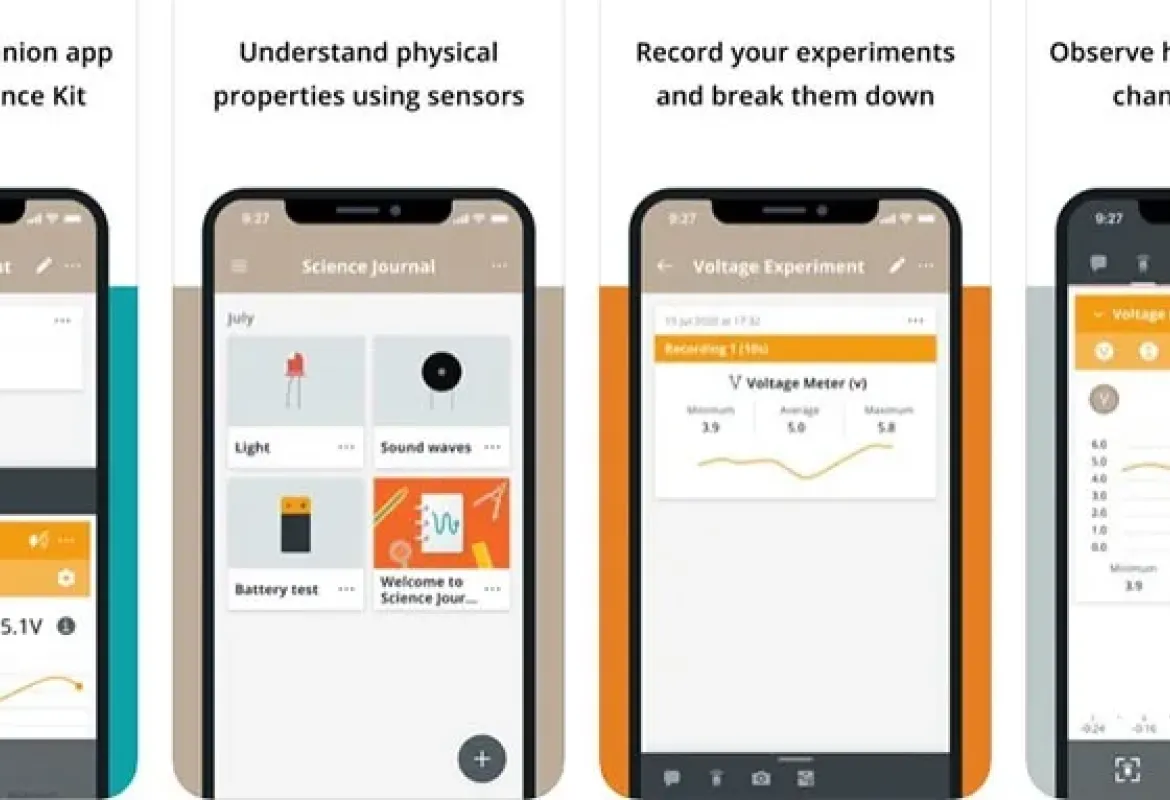
What Arduino Science Journal is, how it uses phone sensors and Bluetooth Arduino boards, how it differs from Arduino IDE 2 and IoT Remote, and experiments you can run without writing a sketch first.
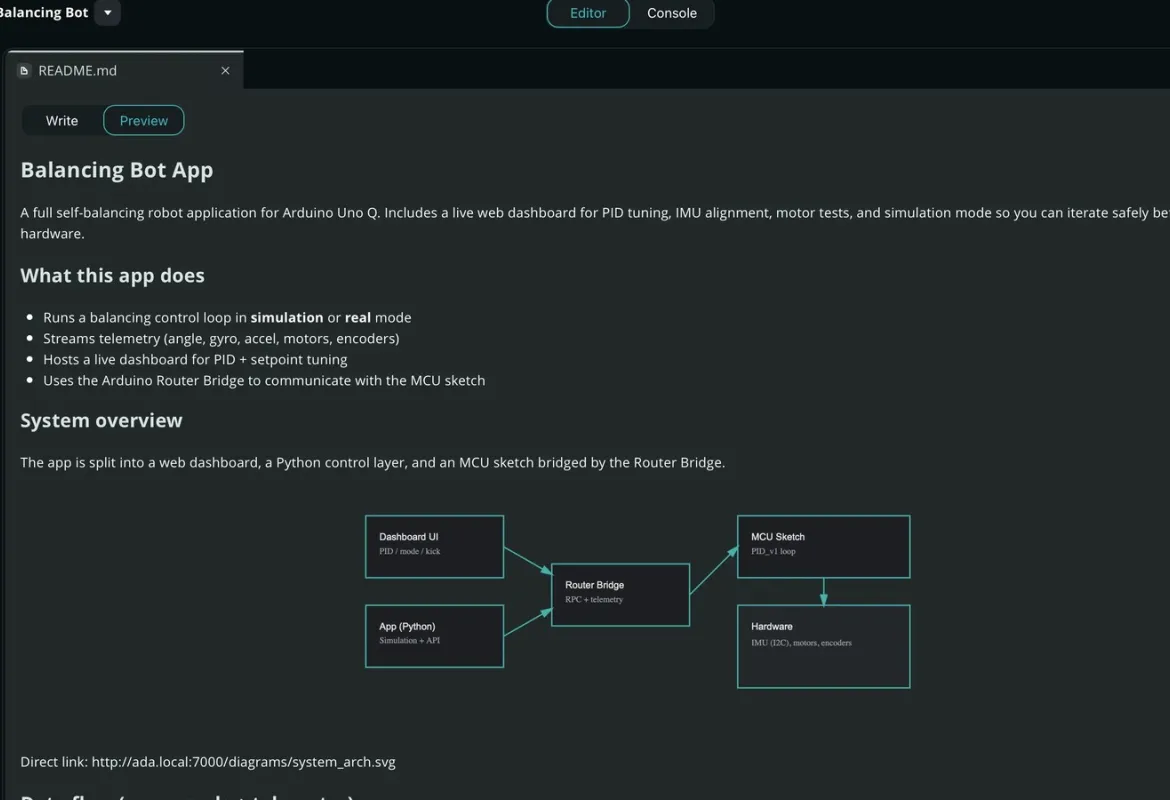
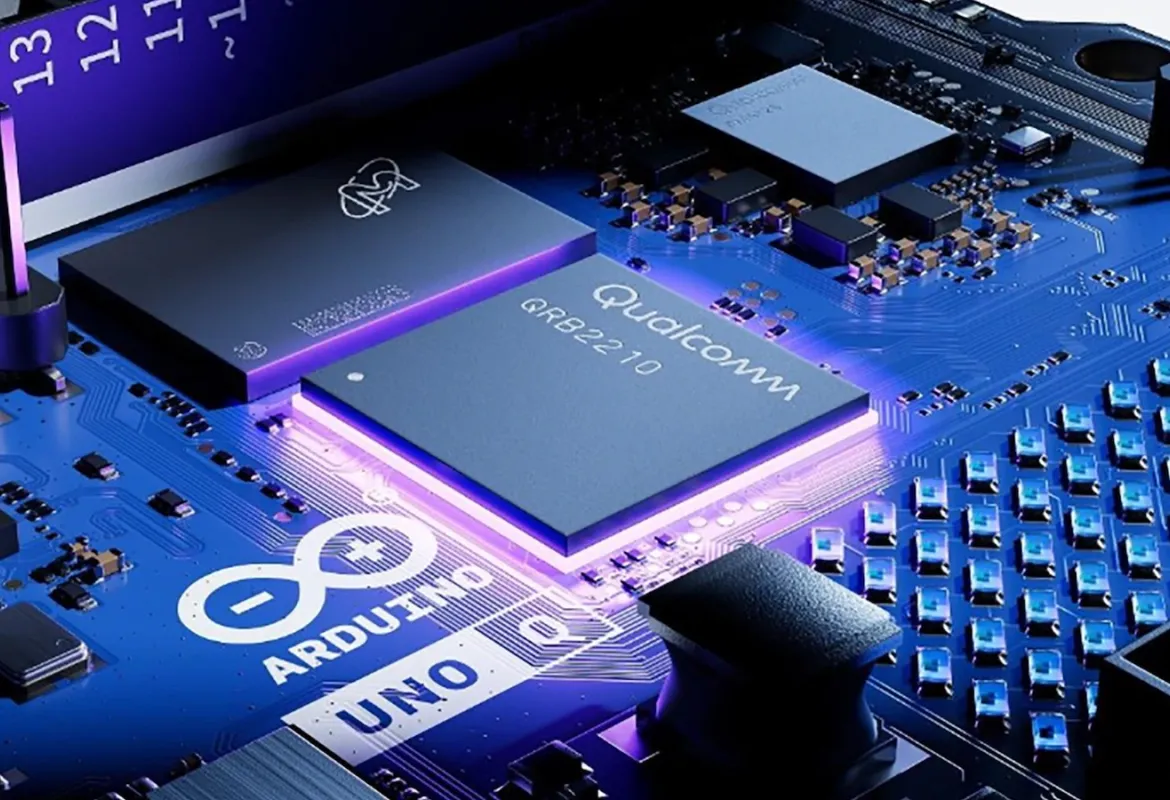
How App Lab runs AI on the UNO Q Linux side as Bricks or Python, why the microcontroller never executes the model, and how to send a small result over the Bridge to a pin.
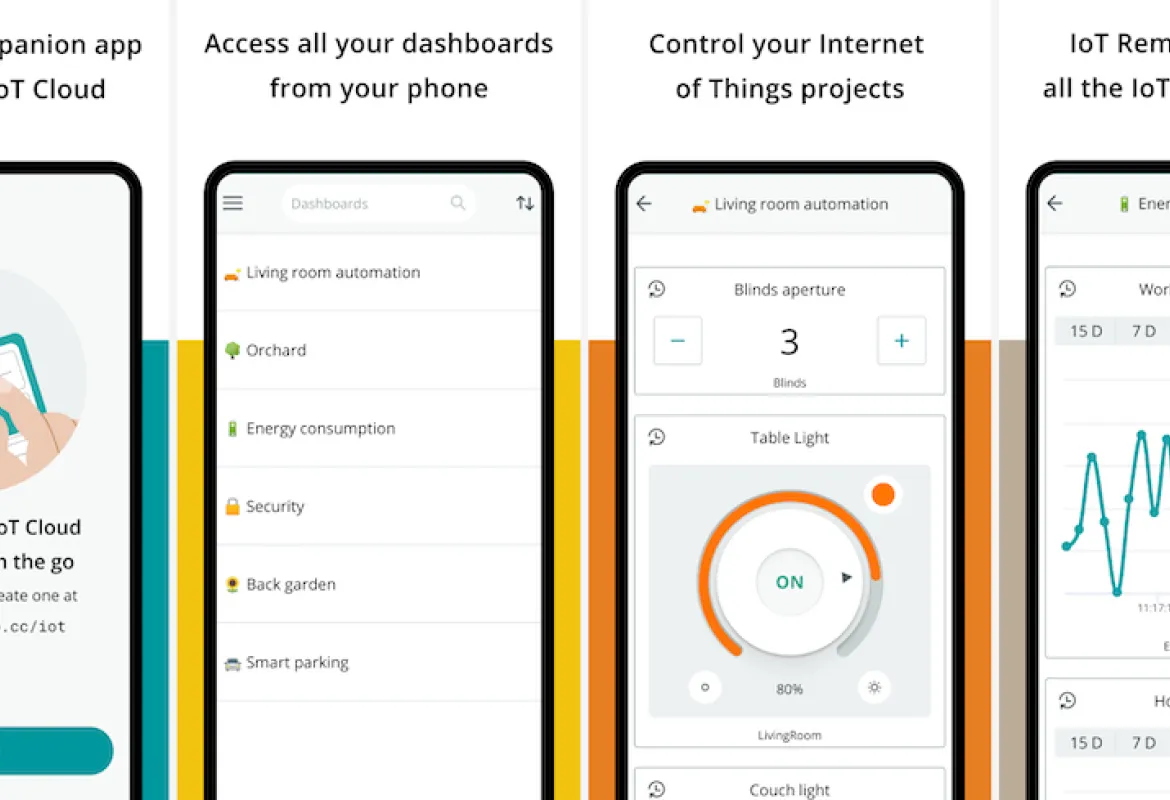
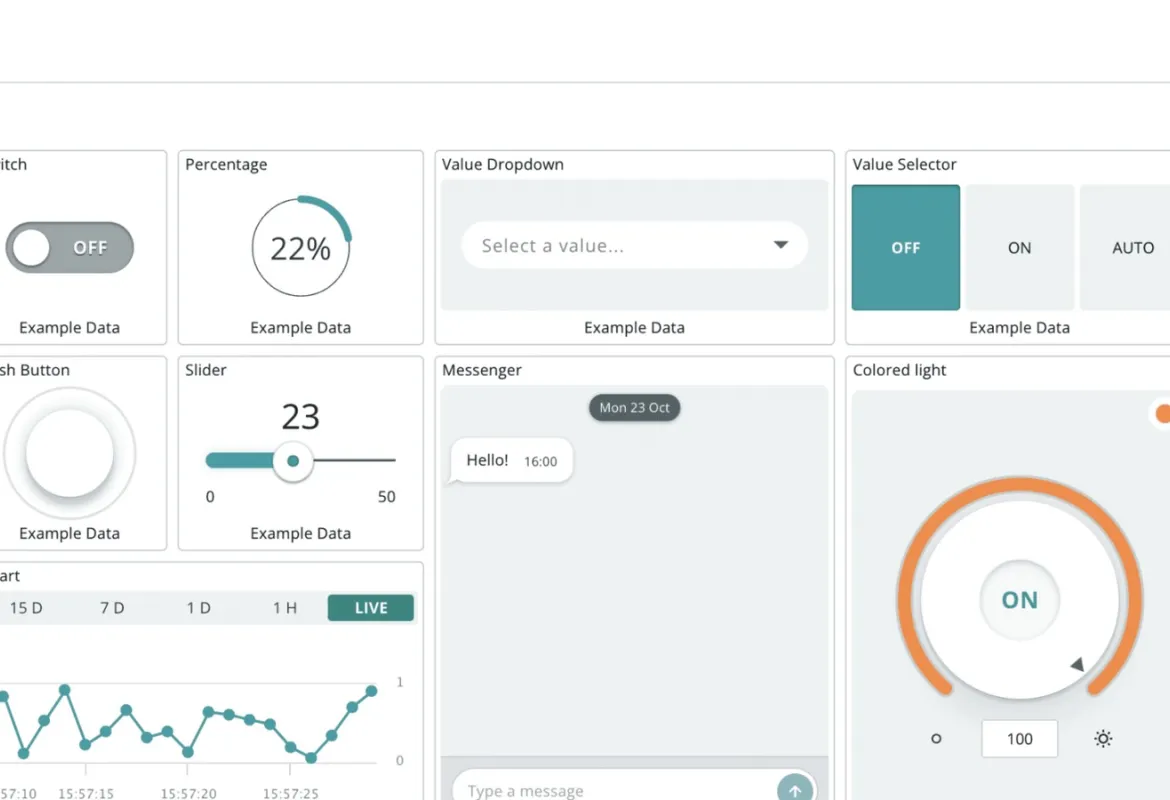
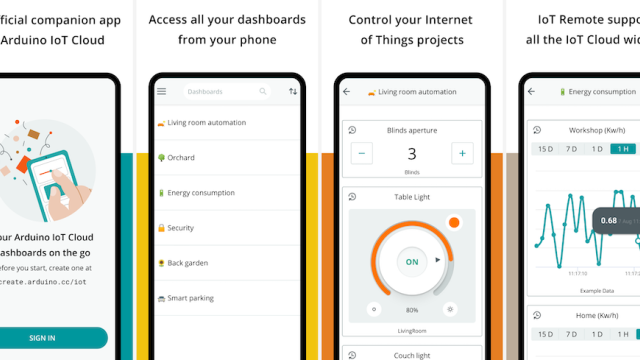
What Arduino IoT Remote is, how it attaches to Arduino Cloud dashboards, what you can and cannot do on the phone, Phone as Device, and a practical path from a Wi-Fi board and a DHT22 to a dashboard you can open on the couch.
How to write, save, and upload Arduino sketches from a Chromebook using Arduino Cloud and the Chromebook app, which boards work, how USB fits in, and what you give up compared with Windows, macOS, or Linux.
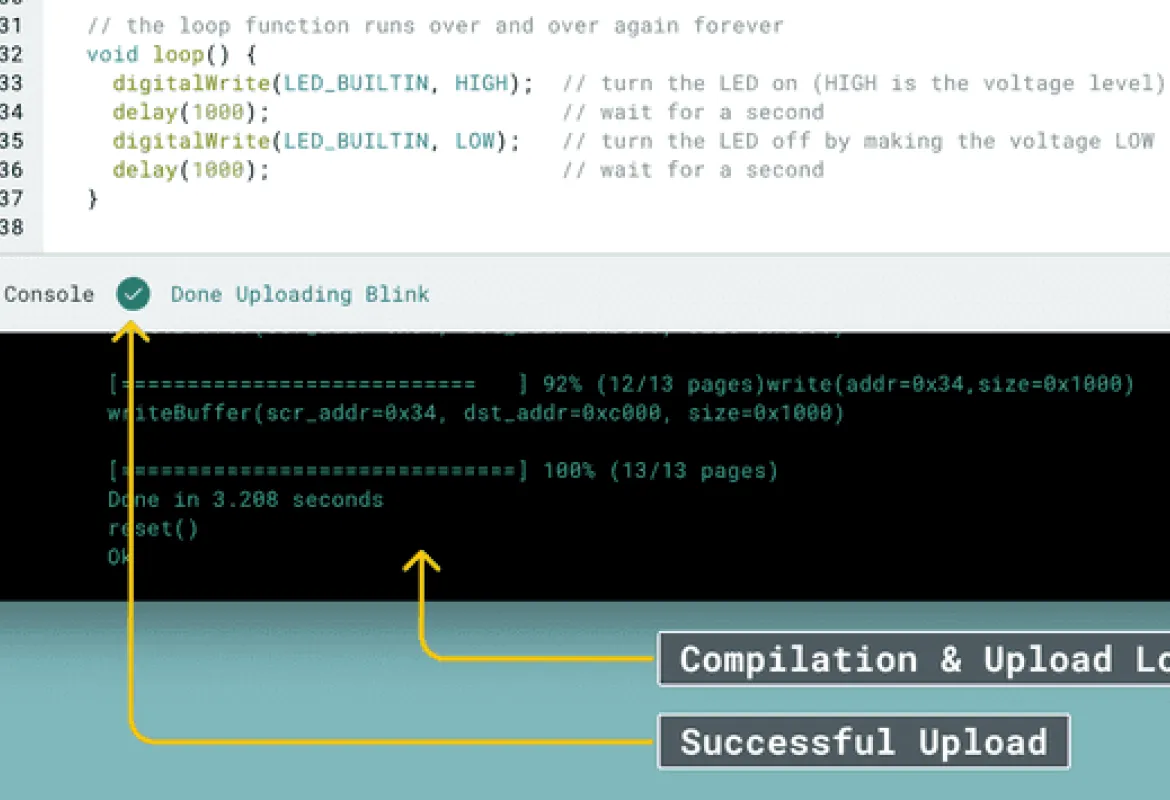
What Arduino Cloud is, how Things, variables, dashboards, triggers, and OTA fit together, how the Cloud Editor compares to Arduino IDE 2, and a first project that puts a sensor on a dashboard.
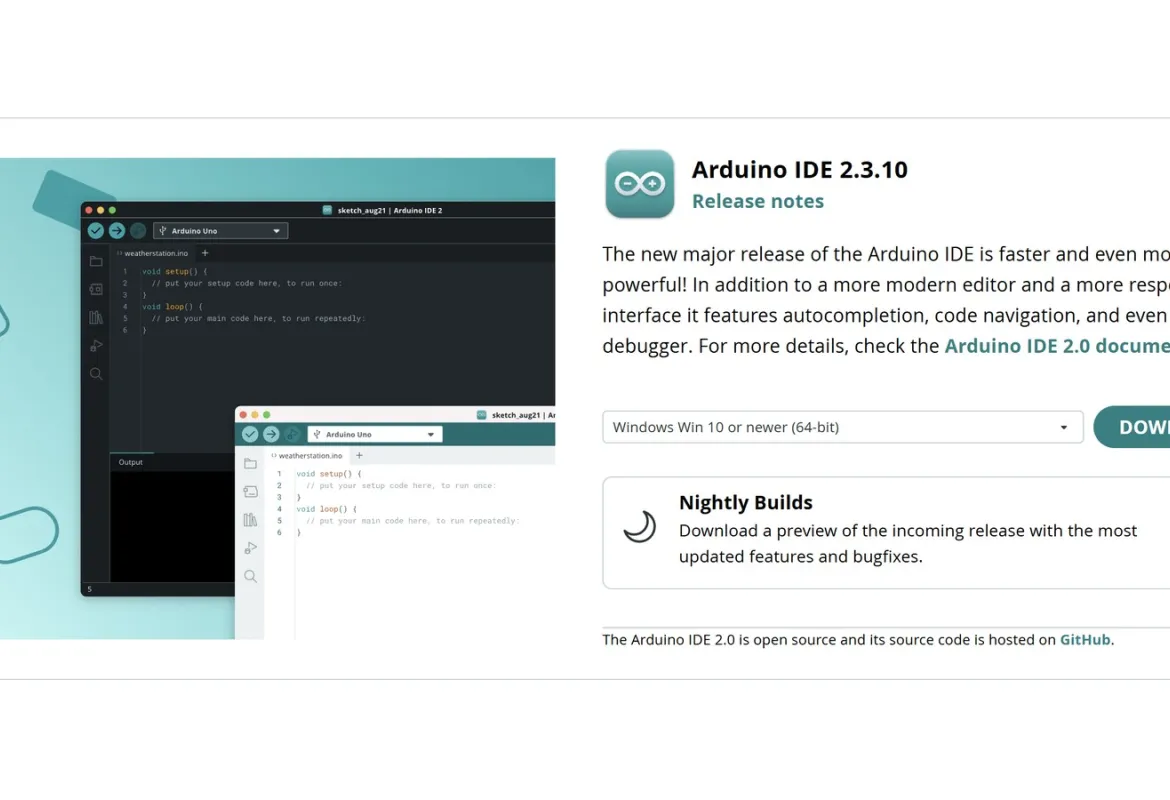
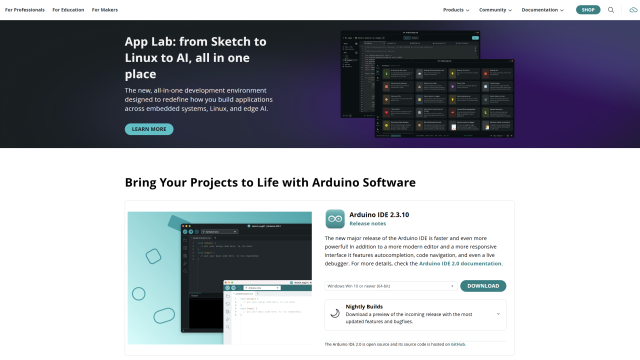
What an Arduino IDE 2 nightly build is, how it differs from stable 2.3.x, who should install one, how to run it beside stable, how to back up configuration, and how to report a bug.
Recovery path when a UNO Q will not boot or App Lab cannot see it: cables and udev first, then Emergency Download Mode and Arduino Flasher CLI `flash latest`.
How to reinstall the UNO Q Debian image when the board still talks to App Lab, using the built-in flasher, with a clear warning that this is not the same as uploading a sketch.
Why UNO Q and VENTUNO Q run a Linux operating system, how that differs from uploading a sketch, when to reflash, how App Lab's flasher compares to Arduino Flasher CLI, how to recover a UNO Q that will not boot, and why VENTUNO Q follows a different procedure.
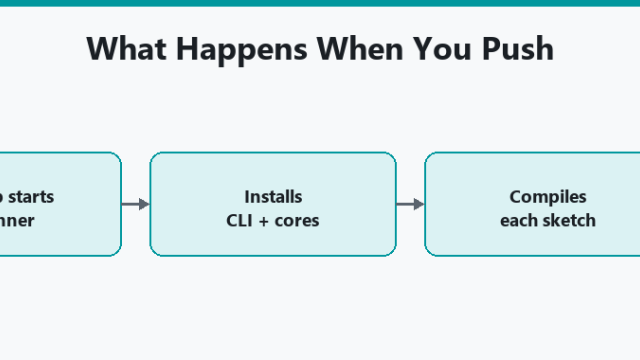
How to turn Arduino CLI compile checks into a small pipeline: compile on pull requests, save hex artifacts, optionally lint, and keep flashing boards as a local or tagged-release step, not something GitHub-hosted runners can do without hardware.
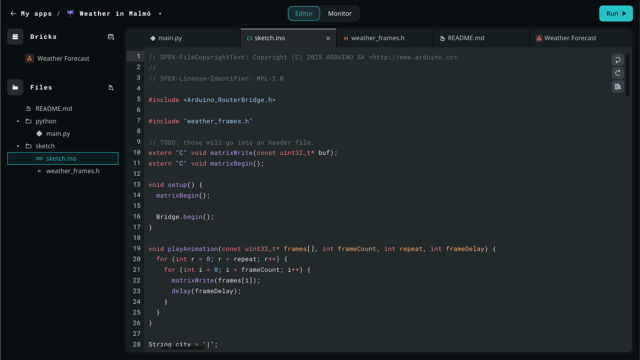
Duplicate an official Blink example in Arduino App Lab, read main.py and sketch.ino, change the Bridge call, Run, and know how to get back if IDE 2 overwrote the microcontroller.
How to use MicroPython's Read-Eval-Print Loop in Arduino Lab: live lines, paste mode, Stop, soft reset, and why REPL experiments are not the same as a main.py you can reboot.
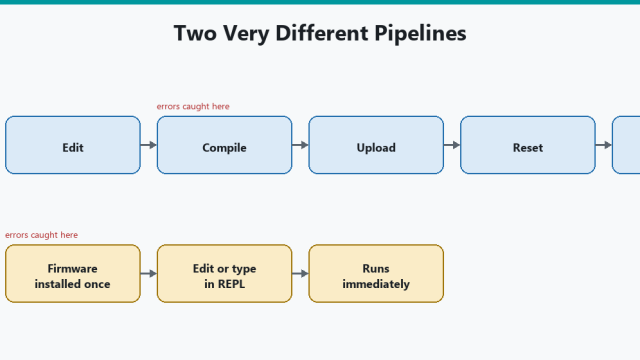
A practical comparison of Arduino C++ and MicroPython on Arduino boards: compiled vs interpreted, speed, memory, how fast you can try an idea, the REPL, libraries, debugging, hardware access, and which one is easier when you are new.
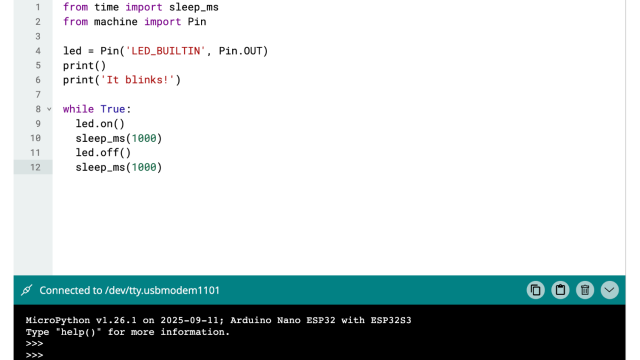
Write a MicroPython blink, Run it from Arduino Lab, save it as main.py so it starts on boot, and avoid time.sleep seconds vs delay milliseconds.
How to put MicroPython firmware on a supported Arduino board with Arduino's MicroPython Installer, which boards are on the list, and how to get Arduino C++ back by uploading a sketch.
What Arduino Lab for MicroPython is, how it differs from Arduino IDE 2, how to put MicroPython firmware on a supported board, how the REPL and file transfer work, and how to get back to Arduino C++ when you want the sketch workflow again.
How to compile Arduino sketches on every GitHub push or pull request using Arduino's official Actions (setup-arduino-cli and compile-sketches), including a matrix of board FQBNs.
How to split an App Lab project so Python on Linux handles slow work and Arduino C++ on the microcontroller handles pins, using the App folder layout and the Bridge.
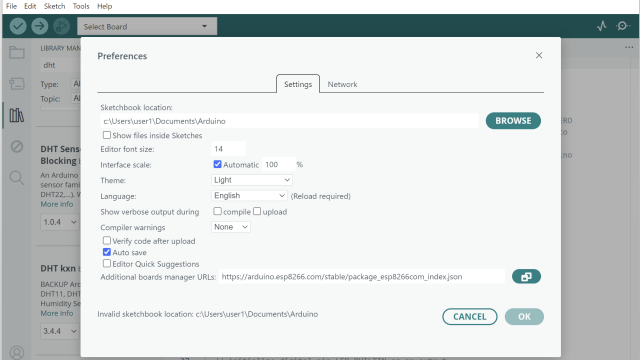
How to install Arduino IDE 2 beside 1.8.19, keep your sketchbook and libraries, reinstall cores if needed, find Serial Monitor and Board Manager in the new window, and only uninstall 1.8 when a project compiles and uploads in 2.
Recent projects, tutorials, news, reviews, and ideas from the rest of The Makers Workbench.

Browse every published item in this section.