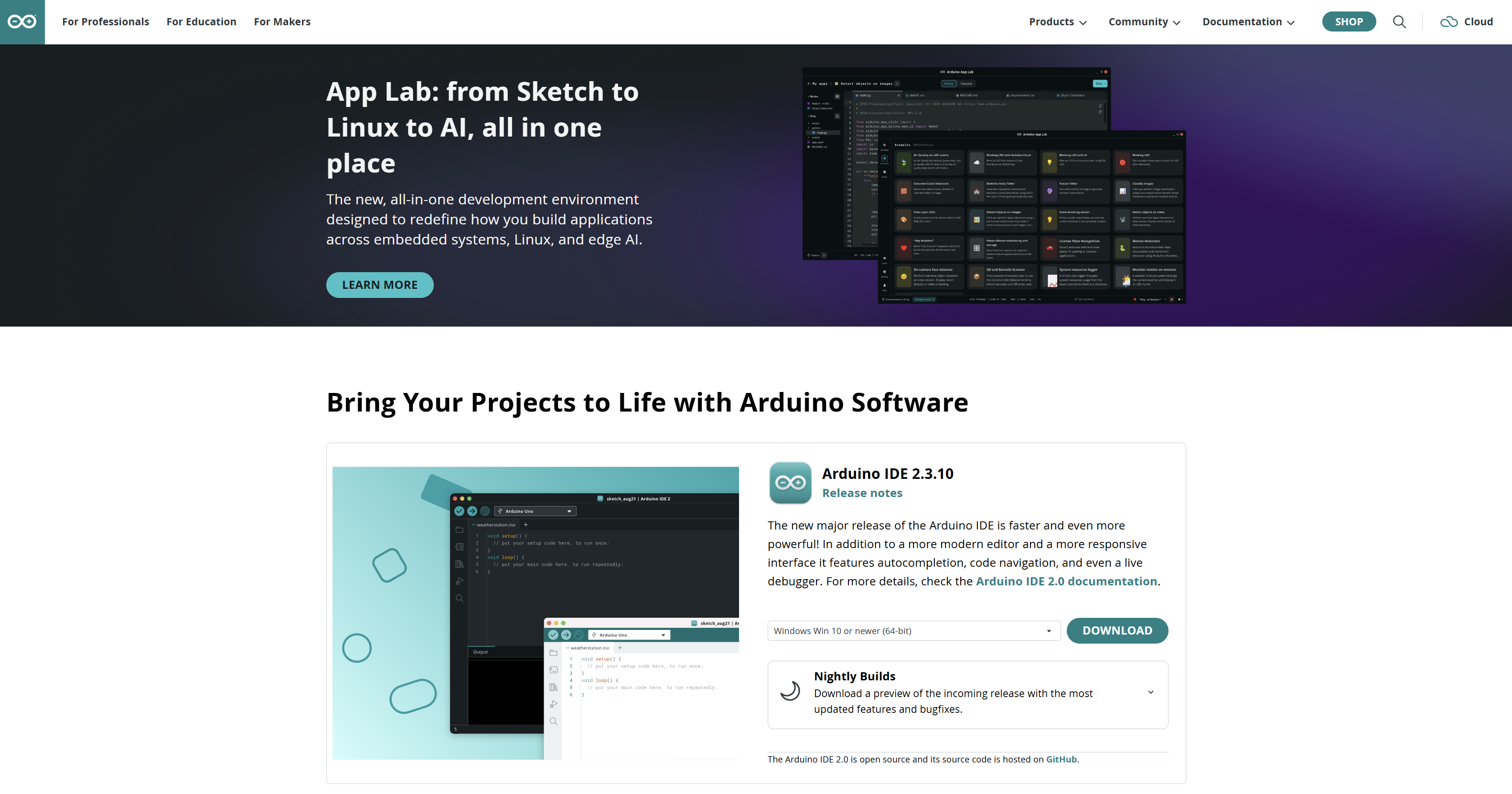
Arduino IDE 2 has a stable release (2.3.10 as of this writing) and nightly builds. Arduino describes nightlies as previews: incoming features and current bug fixes, with less of a stability promise. A nightly is a fresh compile from the development branch, usually cut automatically, not a tested 2.3.x.
You should not make a nightly your only Arduino install. You might add one for a week if a bug you hit is marked fixed on GitHub and has not landed in stable yet, or if a developer asked you to try a fix.
Part 3 of the Mastery Series does not depend on a nightly. Sketches compile on stable. This article is only the preview channel.
Stable vs nightly vs 1.8
| Feature | Stable IDE 2 | Nightly IDE 2 | Legacy 1.8.19 |
|---|---|---|---|
| Purpose | Daily driver | Preview / verify a fix | Old editor, security only |
| Version string | 2.3.x | Date-stamped, or a git hash (a short code that identifies the exact code snapshot it was built from) | 1.8.19 |
| Risk | Low | Features and bugs move | Stale, not where new cores aim |
| Where to get it | arduino.cc/en/software | Software page nightly section, or GitHub Actions build files | Software page Legacy |
A nightly can break Board Manager, Serial, or launch. That is the deal. You are testing tomorrow's IDE.
Who should install one
- You were asked to confirm a GitHub issue is fixed.
- You need a fix that landed on
mainand is not in 2.3.10 yet. - You follow Arduino IDE development and you keep stable installed.
Who should not:
- A classroom image.
- The only copy on a machine you need for a deadline.
- Someone who has not backed up
Arduino15and the sketchbook.
Install beside stable, not instead
On Windows, the ZIP nightly is the easy side-by-side path. Unzip to C:\tools\arduino-ide-nightly-YYYYMMDD\ and run that exe. Leave the stable MSI installed. Pin both with names you can tell apart.
Nightly and stable often share %LOCALAPPDATA%\Arduino15 and Documents\Arduino. Cores you installed in stable appear in nightly. If a nightly corrupts an index, stable can feel the pain. If you are testing something that writes a lot of config, copy Arduino15 first.
macOS: two .app bundles with different names. Linux: two AppImages.
Do not let Windows "open with" steal all .ino files to the nightly. Right-click, open with stable, or keep opening from inside the IDE.
Back up before you play
Copy, do not move:
Documents\Arduino(sketches, user libraries)%LOCALAPPDATA%\Arduino15(cores, indexes)
A zip of those two is enough to recover from a bad nightly experiment. If you only zip the sketchbook, cores will re-download. That is slow, not fatal.
How to report a bug
Arduino IDE 2 issues live on github.com/arduino/arduino-ide. Search first. Open an issue with:
- Nightly date / version from Help → About
- OS (Windows 11 23H2, etc.)
- What you expected, what happened
- Whether stable 2.3.x does the same thing
- Serial Monitor open or not, if the bug is install/index related
"It doesn't work" without About and OS is how issues stall. Nightlies exist so those reports can be precise.
You do not need a GitHub account to read issues. You need one to file.
This is also the natural first look at Arduino as an open-source project: the IDE is on GitHub, CLI is on GitHub, you can watch a fix land. You do not need to compile the IDE from source to be useful. Reproducing a nightly is useful.
When to delete the nightly
When you have answered the question (fixed or not), delete the unzipped folder. Keep stable. If the fix matters, wait for the next 2.3.x and install that MSI.
If you "got used to" nightly and stable feels old, you are now a beta tester. Own that. Backups stay mandatory.
Where the download lives
Arduino's software page has a Nightly Builds section next to stable IDE 2. GitHub Actions (GitHub's automatic build service) on the arduino/arduino-ide repo also produces downloadable build files, which GitHub calls artifacts. Prefer the software page unless a developer pointed you at a specific Actions run.
Check the date on the file. A nightly from three months ago is not "the" nightly. It is a random old preview. Download again the day you test.
Troubleshooting
| Symptom | Likely cause | Fix |
|---|---|---|
| Nightly will not start | Broken build, GPU/Electron | Try the next nightly. Use stable. Update GPU driver |
| Stable Board Manager broke after nightly | Shared Arduino15 index |
Restore Arduino15 zip, or delete staging and re-download indexes |
Wrong app opens .ino |
File association | Open from inside stable. Reassign the file type |
| Cannot tell which window is which | Same icon | Help → About. Rename the nightly shortcut |
Wrap-up
A nightly build is a preview of IDE 2, not a second stable. Install it next to 2.3.x, back up sketchbook and Arduino15, test the thing you came for, report it with a version string, then go back to stable. Arduino's software page is where both downloads live.
Hack The World and Make Awesome.