

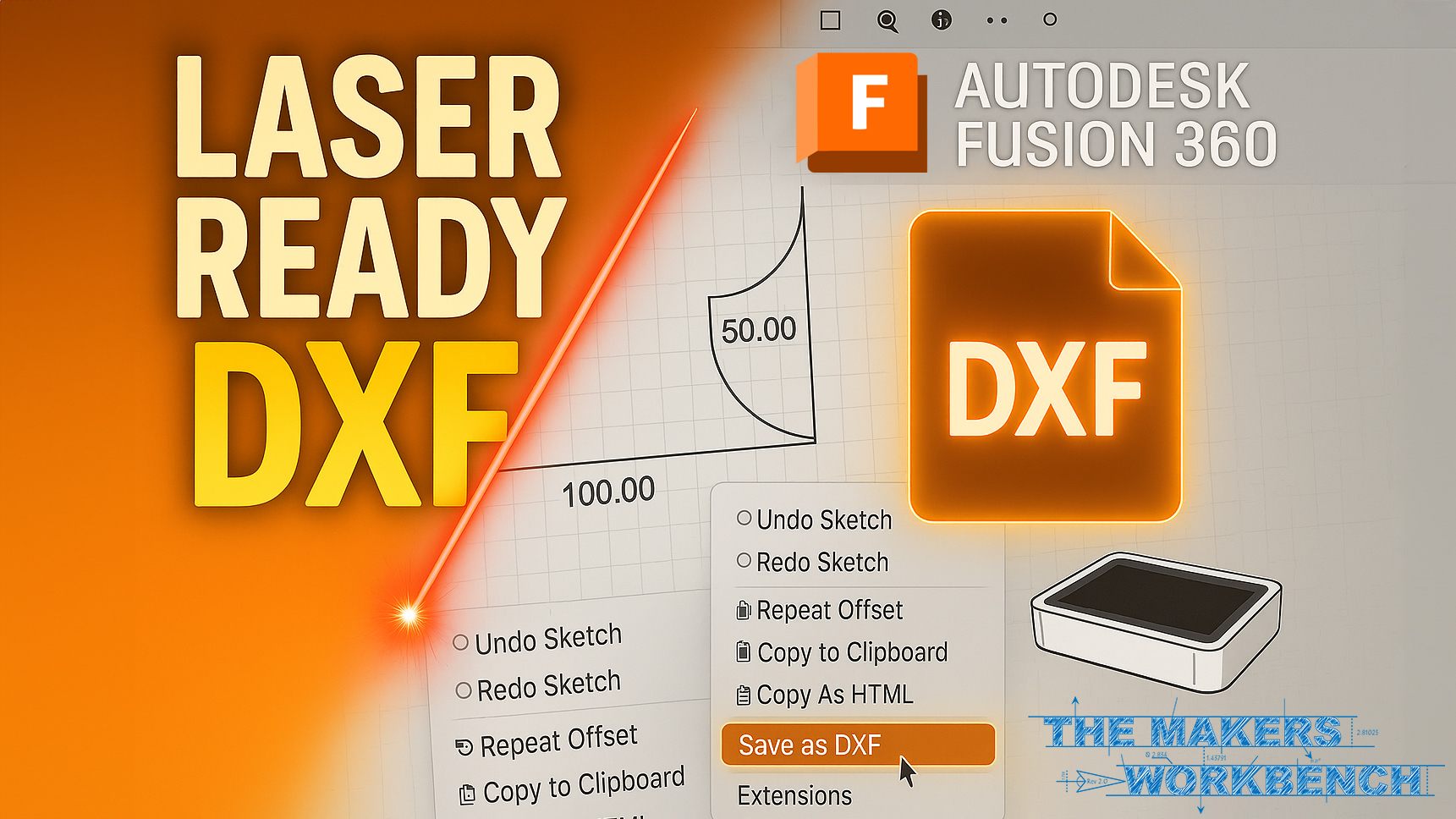
Fusion 360 DXF Export Tutorial in 5 Minutes 🔧
Master exporting flawless DXF files from Fusion 360 for CNC, laser cutting & vinyl cutters—no Illustrator needed!
▶️ Support the channel: https://buy.stripe.com/9AQ16L7PwfCieZOaEF
👍 Like & Subscribe for weekly Maker tutorials! 🔔
💬 Drop a comment: what should I cover next?
Learn how to set up your sketch, configure DXF export settings, and import into LightBurn, xTool Creative Space, Cricut Design Space & more in this step-by-step Fusion 360 DXF export tutorial.
What You’ll Learn:
📝 Preparing your 2D sketch for DXF
⚙️ Choosing units & geometry toggles
💾 Exporting & saving your DXF file
🔌 Importing into laser, CNC & vinyl software
💡 Pro tips to avoid broken lines or extra nodes
Timestamps:
00:00 – Intro
00:32 – Why Fusion 360 DXF Export Matters
00:53 – Sketch Setup (200 mm Circle)
01:14 – Adding Inner Circle & Construction Lines
01:41 – Circular Pattern (8× 25 mm Circles)
02:04 – Finish Sketch & Open Palette
02:20 – DXF Panel: Units & Toggles
03:05 – Saving DXF File
03:25 – Import into LightBurn
03:50 – Import into xTool Creative Space
04:06 – Review: Clean, Machine-Ready DXF
04:29 – Closing
Related Topics: laser cutting DXF, Cricut DXF import, CNC DXF workflow
#Fusion360 #DXFExport #LaserCutting #VinylCutting #CNC