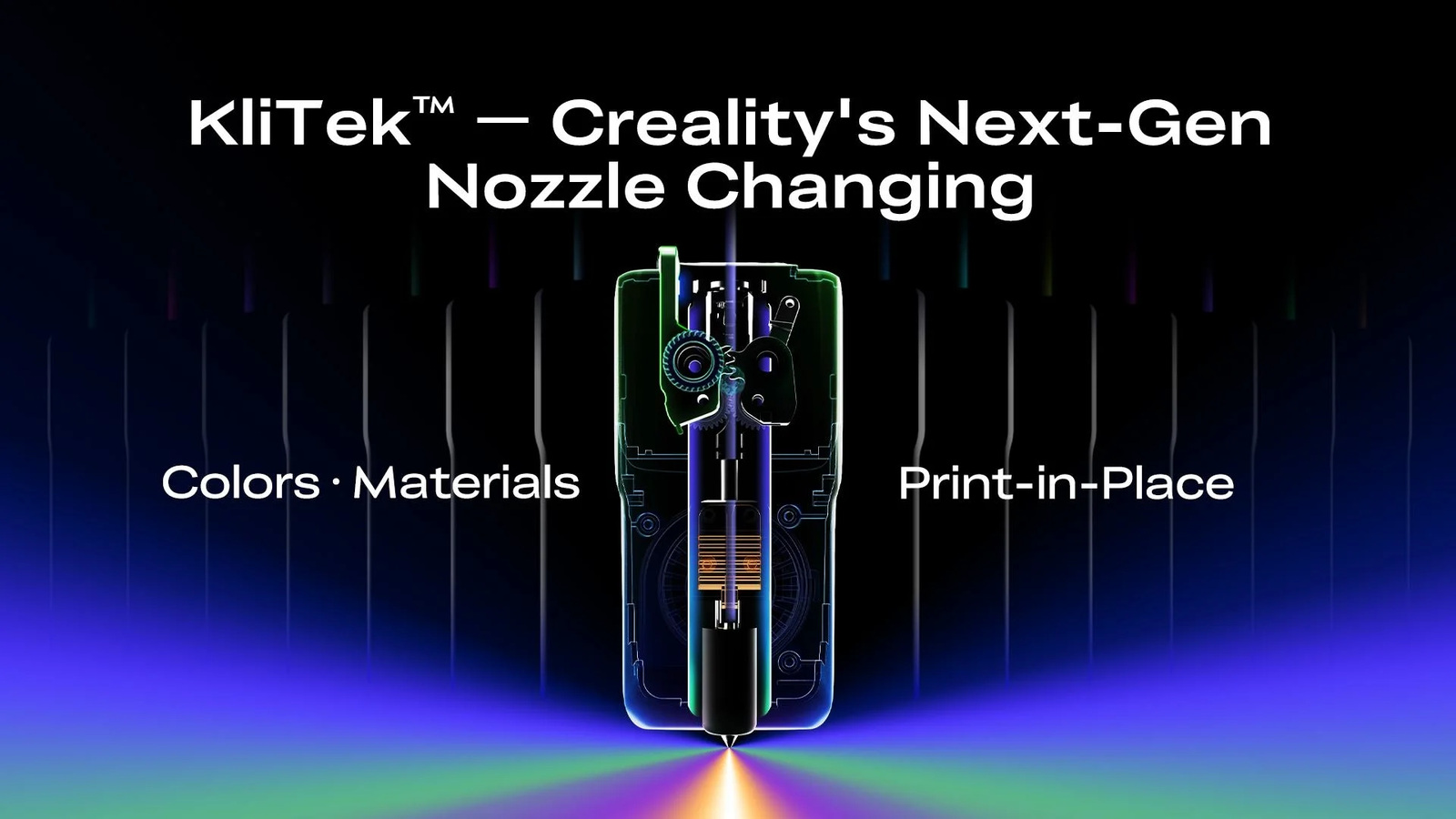
A 3D printer earns its place in a home workshop one ordinary job at a time. The impressive demo model may get attention, but the machine has to load cleanly, produce a dependable first layer, and finish a long part without turning the workbench into a troubleshooting station. Creality is approaching that practical test with the K3 with KliTek, a technology preview for a nozzle-changing printer intended to reduce purge waste and let one print use different nozzle sizes or material types.
The company announced the machine on 2026-05-29. Its main specifications include automatic nozzle changes, a lightweight tool architecture, an S-Drive filament system, demonstrated TPU 80A handling, and workflows that pair a fine 0.4 mm nozzle with a higher-flow 0.8 mm nozzle. Those figures describe the machine on paper. The more useful question is how the design changes a real project after the new-product excitement has passed.
TMWB has not tested the K3 with KliTek. Performance figures, availability, and reliability claims in this article come from Creality's announcement and product material. They should be treated as manufacturer claims until production hardware has been used over a meaningful run of prints.
What did Creality announce?
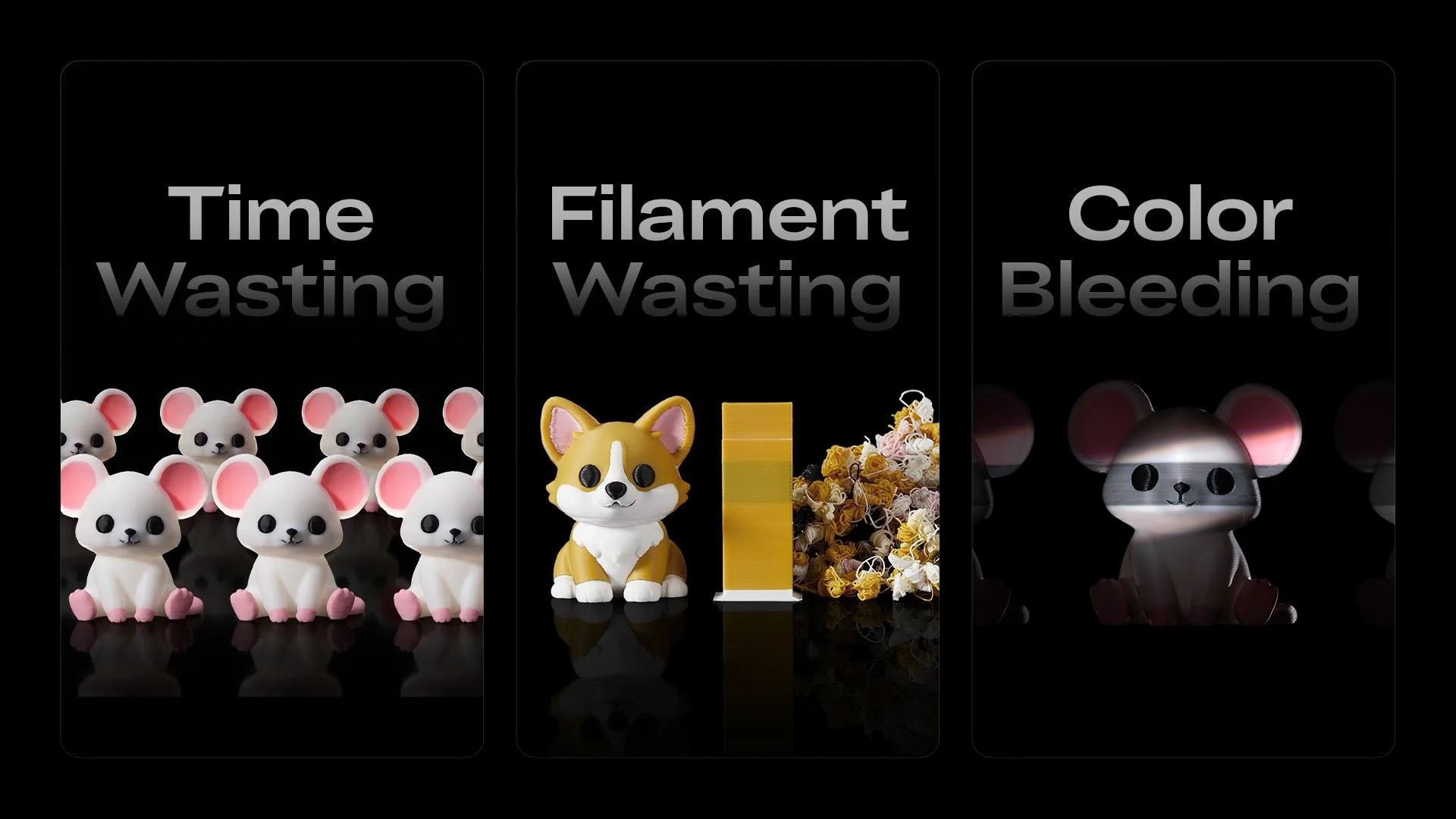
The K3 with KliTek is a technology preview for a nozzle-changing printer intended to reduce purge waste and let one print use different nozzle sizes or material types. That positioning matters because desktop printers are no longer separated only by speed and build volume. The current dividing lines are workflow, material control, and how much intervention a machine needs when a print changes color, nozzle, or polymer.
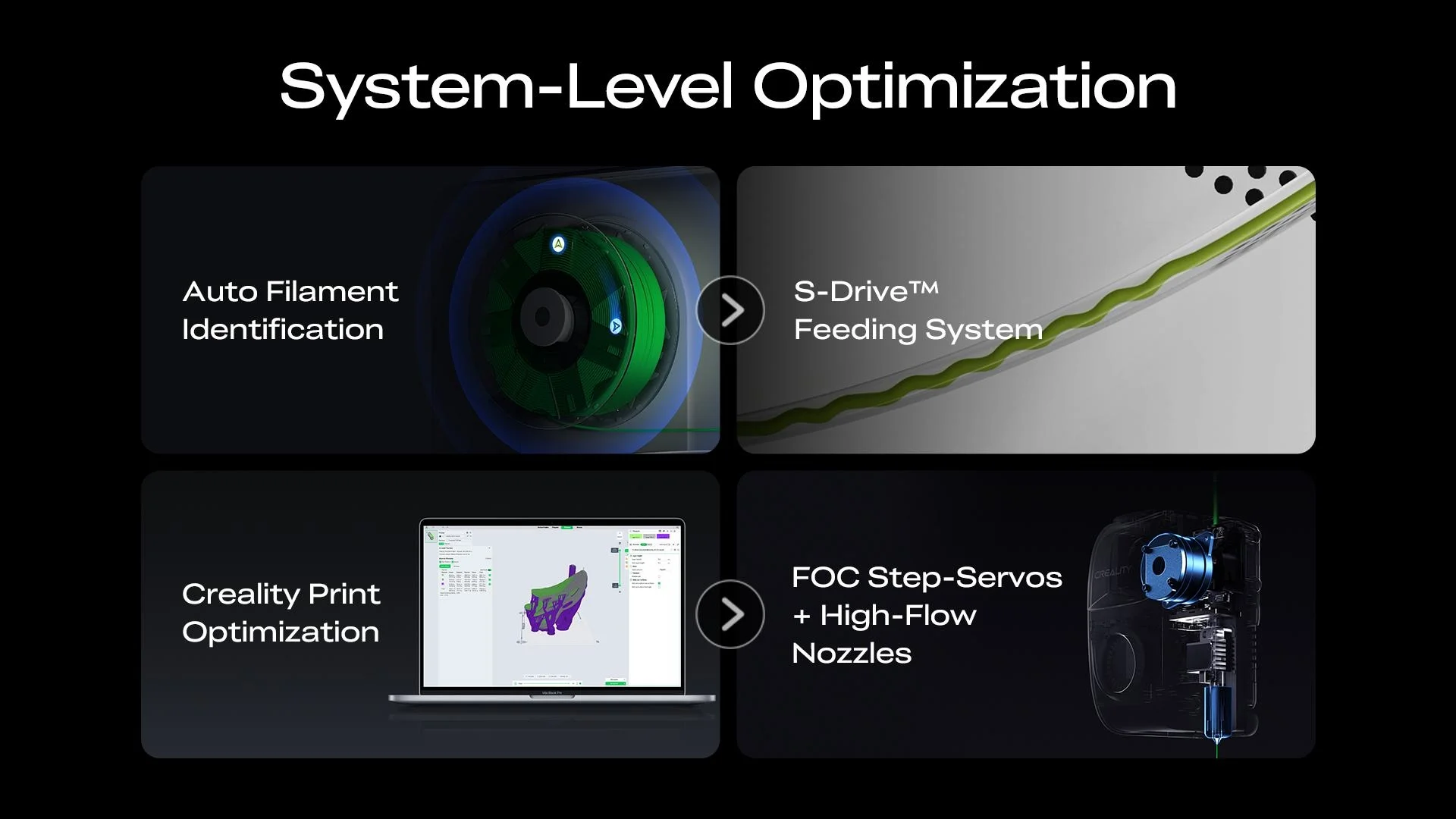
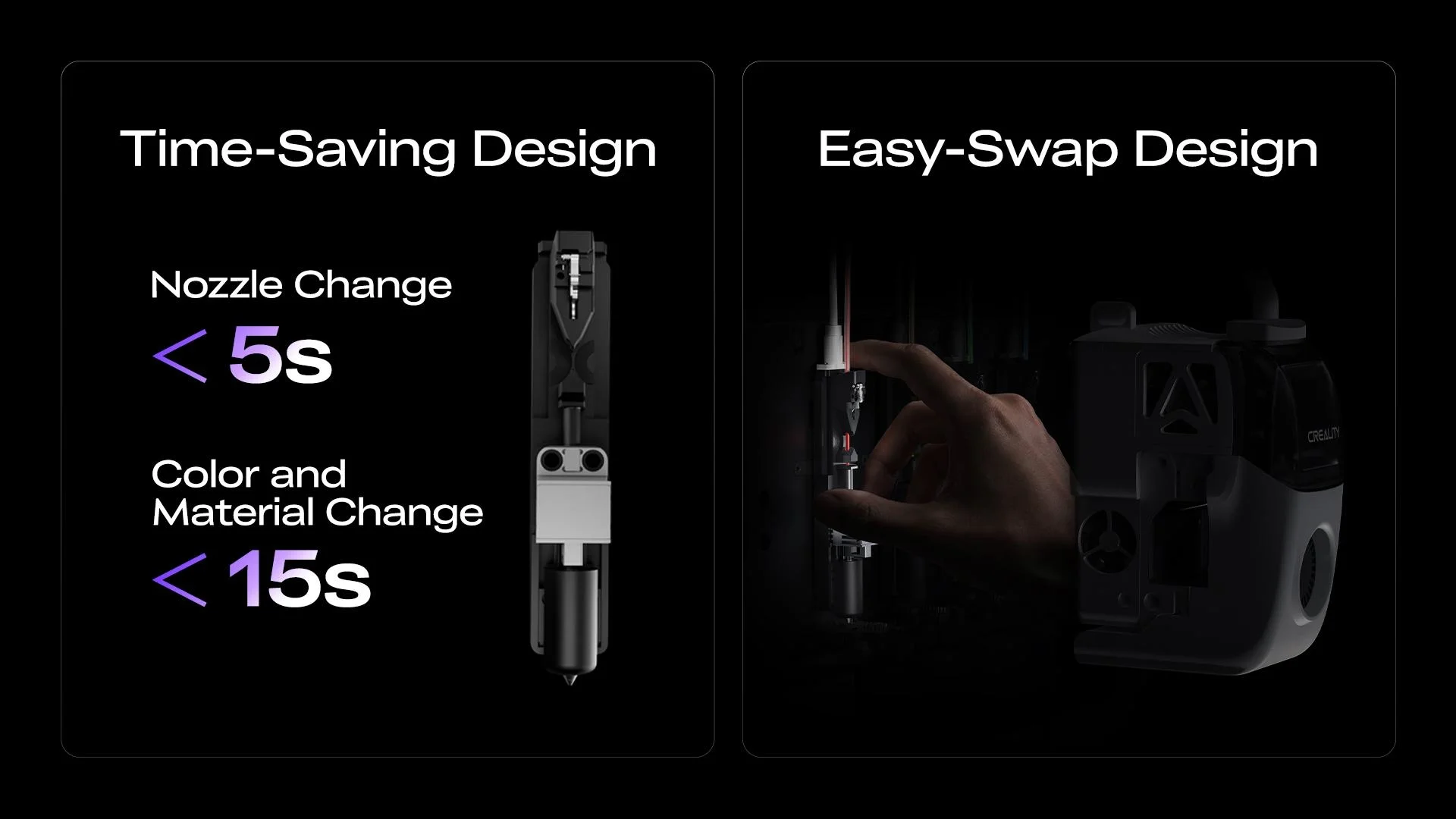
The headline hardware is KliTek nozzle-changing system. In plain English, instead of pushing every filament through one nozzle, the machine exchanges the hot section that melts and deposits plastic. A parked nozzle can keep its own color, material, or diameter ready for the next tool call. That is the part of the announcement worth understanding before comparing price tags. A fast motion system saves minutes only when the material path, temperature control, and tool changes remain predictable.
Fused deposition modeling, usually shortened to FDM, builds a part by melting thermoplastic filament and placing it in thin paths. Each finished layer becomes the foundation for the next one. A modern printer can move quickly, but it still depends on the same physical chain: dry filament must reach a clean nozzle, the first layer must grip the plate, and every later layer must cool at a rate the material can tolerate.
How does the new system change printing?
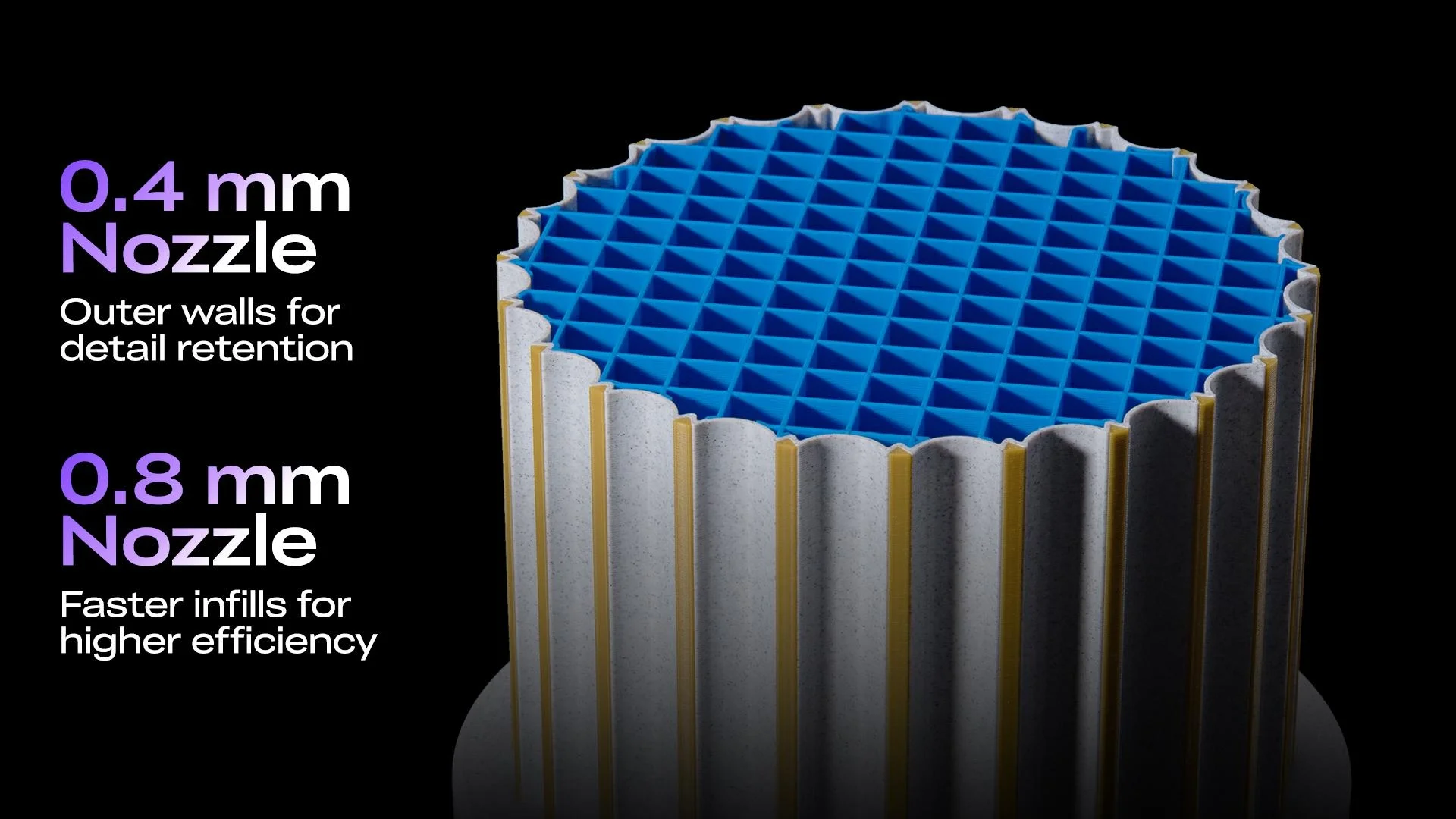
Creality's example uses a small nozzle for visible walls and a larger one for infill. The larger opening lays down more plastic per pass, while the smaller opening preserves surface detail. A dedicated path for flexible TPU also avoids some compromises created by long shared feed routes.
Automation is useful when it removes a decision the machine can measure better than the operator. Bed probing is a good example. A sensor can sample many points on a build plate and create a mesh, which is a small height map used to keep the nozzle at a consistent distance from the surface. Input shaping is another example. It measures vibration and changes motor commands to reduce the ripples that appear after a fast direction change.
Neither feature repeals the underlying mechanics. A dirty plate can still defeat automatic leveling, wet filament can still pop and string, and a loose belt can still leave artifacts in a wall. The advantage is a shorter setup checklist and better information when something goes wrong.
The same rule applies to multicolor and multimaterial printing. Color is mostly a scheduling problem. The printer has to stop using one filament, put another material at the nozzle, and resume at the correct location. A shared nozzle usually unloads, reloads, and purges. A toolchanger parks one melt path and collects another. Dedicated tools can save material and time, although they add docks, offsets, and more nozzles to maintain.
What do the specifications mean at the workbench?
Build volume is the maximum rectangular space in which the nozzle can create a part. It is tempting to treat that number as usable capacity in every situation. Real projects leave room for a brim, purge structure, tool clearance, or multiple objects. A tall stated Z dimension also does not guarantee that a narrow tower will remain stable at maximum speed.
Temperature ratings need similar context. Nozzle temperature tells us whether the hotend can melt a material. It does not tell us whether a large part will stay flat. Bed heat helps the first layer, while chamber heat slows shrinkage across the entire model. An enclosure can contain drafts, but only an actively heated chamber deliberately controls the surrounding air.
Speed is the easiest figure to market and one of the hardest to compare. Maximum travel speed describes a brief motion limit. Actual print time also depends on acceleration, material flow, cooling, layer height, and how often the printer changes tools. A machine rated at 600 mm/s cannot maintain that number while drawing every corner of a small detailed model.
For a workshop, I would pay close attention to service access. Nozzles, cutters, feed gears, build surfaces, filters, and PTFE guide tubes are wear items. A clever system is easier to live with when those parts can be inspected and replaced without dismantling the printer around them.
What should buyers verify?
KliTek was presented as development technology rather than a fully specified retail printer. Price, final tool count, shipping date, noise, calibration behavior, and consumable cost were not all settled in the announcement. Treat performance figures as a preview until production machines and final software are available.
Ventilation belongs on the same checklist as print quality. Melting plastic releases particles and volatile compounds, and the amount depends on the polymer, temperature, and additives. An enclosed printer and carbon filter can reduce what reaches the room, but they are not universal permission to print every material beside a desk. Follow the filament maker's safety data and exhaust demanding materials appropriately.
Availability and bundle names can also move after launch. A Combo may include a feeder that the base machine omits. An enclosure, camera, dryer, or hardened nozzle may be optional in one region and standard in another. Compare the exact box contents and replacement-part prices before treating an announcement price as the finished workshop cost.
Who is the K3 with KliTek for?
The clearest audience is makers watching the next generation of low-waste color systems and anyone who wants to mix nozzle sizes within a single functional print. These users can connect the feature list to jobs they already do. That is a stronger reason to buy than a benchmark model or a maximum-speed claim.
New users should also think about the complete workflow. A printer needs a slicer, which is software that converts a three-dimensional model into layers and motion instructions. It needs dry material, a stable table, room for spool movement, and a safe plan for heat and fumes. Multicolor systems add spool storage and waste handling. Toolchangers add docking space and more consumable parts.
The K3 with KliTek is interesting because its design focuses on a specific source of friction rather than speed alone. If Creality delivers the claimed automation and repeatability in production machines, the benefit will show up in fewer interrupted jobs and less time spent preparing the printer. That is the standard that matters in a real home workshop.
Sources and image credits
- Creality announcement or official product page
- Product images: Creality official press, announcement, and product materials