Configuring one Raspberry Pi by hand is manageable. Configuring fifty identical units by hand is a source of drift, forgotten steps, and long-term maintenance trouble. A product needs a software image that can be rebuilt, reviewed, and installed repeatedly.
Raspberry Pi introduced rpi-image-gen on March 21, 2025, as an official tool for creating highly customized software images. It targets embedded systems, industrial controllers, kiosks, and other deployments where a standard Raspberry Pi OS installation contains too much, too little, or the wrong configuration.
The tool builds Debian-based images from descriptive configuration. A developer can choose packages, organize them into reusable layers, define partitions and filesystems, add product-specific operations, and generate a software bill of materials for the result.
Why not configure a normal image manually?
A common prototype begins with Raspberry Pi Imager. The user writes Raspberry Pi OS to an SD card, boots it, installs packages, edits configuration files, enables services, and removes unwanted software. That process proves the application, but the finished card contains a history of manual decisions.
Cloning the card copies its current state, including mistakes, temporary files, host keys, logs, and credentials that may need to be unique. Months later, rebuilding the same image from a newer base becomes difficult because the original sequence was never recorded precisely.
An image generator treats the operating system as a build output. Text configuration describes what belongs in it. Source-controlled files record changes. A clean build can reproduce the result without relying on one carefully preserved master card.
How is rpi-image-gen different from pi-gen?
Raspberry Pi uses pi-gen to create the standard Raspberry Pi OS distribution. rpi-image-gen is an alternative designed for granular custom images and product deployments.
Both use Debian packages. A package is a managed bundle containing software, metadata, dependencies, and installation instructions. Debian's package system provides signed sources and a familiar update path.
rpi-image-gen introduced a structure based on profiles, layers, image layouts, and top-level configuration files. A profile groups layers that describe packages and installation operations. A layer is a reusable piece of the system, such as core utilities, Bluetooth audio, a desktop, or an application service.
The image layout defines the storage result. It specifies partition-table entries, filesystems, formats, sizes, and mount behavior. A partition table divides a storage device into named regions. A filesystem defines how files and directories are stored within a partition.
The top-level configuration uses INI syntax, a plain-text format built from sections and key-value pairs. It selects the profile, image layout, target hardware, and product-specific settings.
What can a custom image contain?
A minimal sensor gateway might include Debian, the Linux kernel, boot firmware, networking, and one application service. Leaving out the desktop, browser, office software, and development tools reduces download size, storage use, update surface, and background activity.
A kiosk image can do the opposite in a focused way. Raspberry Pi included a webkiosk example that boots Chromium full-screen under the Wayland display system. It uses the Cage compositor, which presents one application and limits normal window switching. A compositor is software that arranges application surfaces and sends the final image to the display.
The example starts a browser through a custom systemd service. systemd is the service manager used by Debian to start and supervise background processes. Packaging the browser, service, and display configuration into the build is more reliable than explaining several manual commands to every installer.
Another example, slim, produces a small bootable image with essential components and enough free space to update and add packages. It is a foundation rather than a finished product.
Custom hooks can perform product-specific setup. A hook is a script or operation invoked at a defined stage of the build. Hooks are powerful, but they should remain deterministic. A build that downloads an unversioned file from a changing web address may produce different output tomorrow.
How can software be excluded?
Removing unnecessary content is as important as adding packages. rpi-image-gen uses bdebstrap and mmdebstrap to construct the Debian filesystem and supports package-manager include and exclude rules.
The Debian package manager, called dpkg at its lower level, can exclude specific paths during installation. A layer written in YAML can describe those choices. YAML is a human-readable structured-data format based on indentation.
Exclusions need testing. Removing documentation is usually low risk. Removing locale data, firmware, certificates, or shared libraries can break features unexpectedly. Build the image, boot it on every supported hardware model, and exercise recovery, networking, updates, and application behavior.
Minimal does not always mean more secure. A smaller image reduces attack surface, which is the set of interfaces and components an attacker can reach. It can become less secure if essential update tools, certificate stores, logging, or recovery features were removed.
What is the software bill of materials?
rpi-image-gen produces a software bill of materials, or SBOM, for every build. An SBOM is an inventory of software components and versions contained in a product. It helps a team determine whether a newly disclosed vulnerability affects deployed devices.
A Common Vulnerabilities and Exposures identifier, or CVE, is a public number assigned to a known security issue. An SBOM can be fed into tools that match component versions against CVE databases.
An inventory does not patch the device by itself. Teams still need a process for evaluating severity, building an updated image, testing it, signing it, and deploying it safely. The SBOM makes the first question, "Do we use this component?", much easier to answer.
Regulations and customer procurement increasingly request this visibility. Building the SBOM alongside the image keeps it tied to the actual artifact instead of a spreadsheet updated by hand.
How should a team adopt the tool?
Begin with a small supported example. Build it in a clean Linux environment, write the result to spare media, and confirm it boots. Record the tool revision and package sources so the build can be repeated.
Next, describe the existing product image. List every package, service, user, permission, kernel setting, and application file. Separate generic capabilities into layers. Keep secrets out of the image source. Per-device credentials should be generated or provisioned through a controlled process.
Automate the build in continuous integration. Continuous integration, or CI, runs defined build and test steps whenever changes are submitted. Store the configuration and custom layers in version control. Preserve hashes of released images and their SBOMs.
Test power loss during first boot and updates. An image that works in a clean laboratory can fail when storage is interrupted. Plan A/B partitions or another rollback mechanism if unattended updates are required. A/B updating keeps two system slots so the device can return to the known-good one after a failure.
rpi-image-gen did not eliminate embedded Linux complexity. It turned more of that complexity into reviewable inputs and repeatable outputs. That is the key step between a Raspberry Pi prototype and a product fleet that can be maintained years later.
If you're still cloning SD cards to make copies, this is the tool I'd look at. Rebuilding an image from text files is far easier to trust than a master card nobody remembers configuring.
Sources and image credits
- Raspberry Pi announcement: Introducing rpi-image-gen
- rpi-image-gen source and documentation
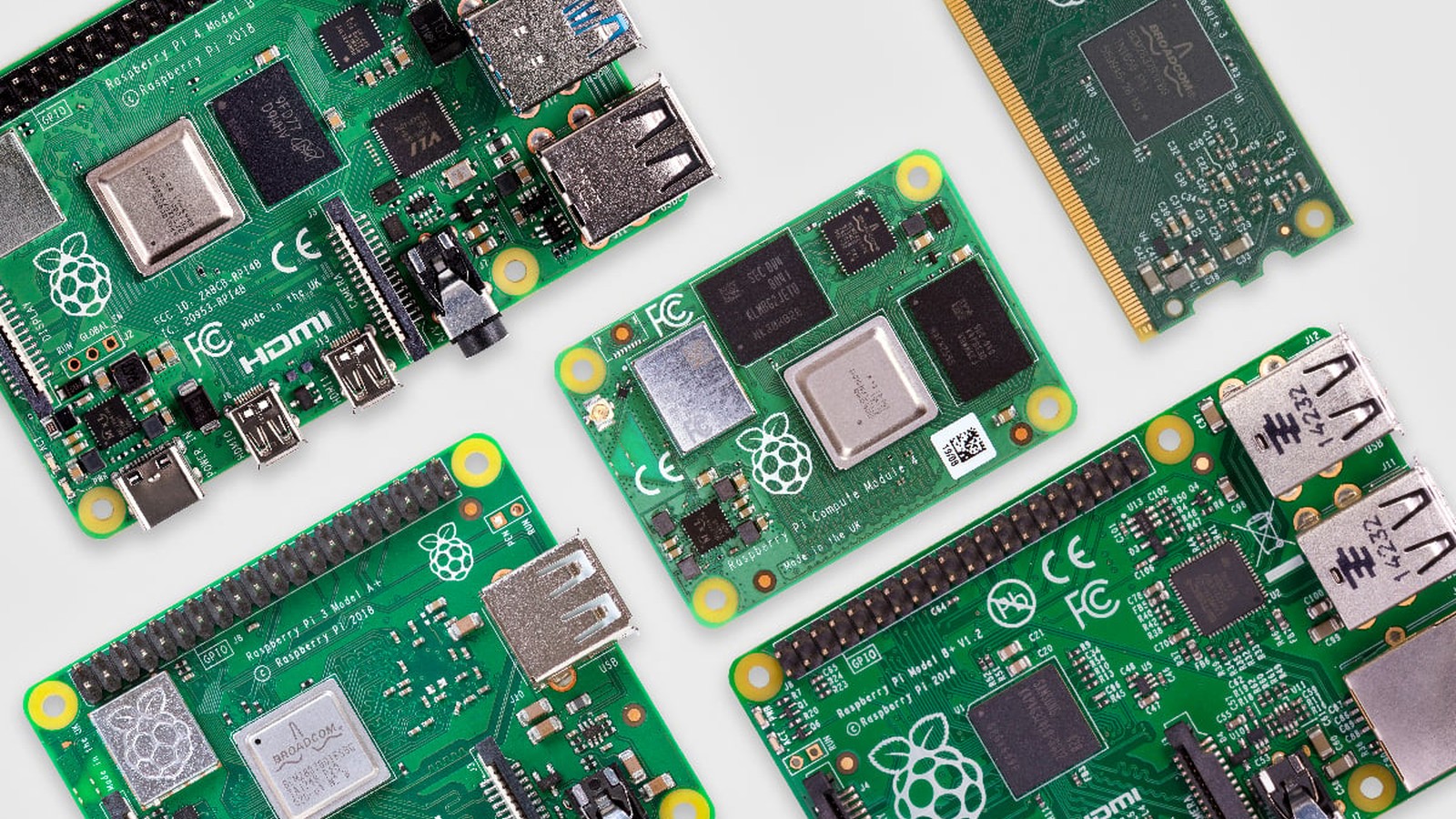
- Official article image from Raspberry Pi's news post, credited to Raspberry Pi Ltd.
- Square and vertical crops are edited from the same source image.