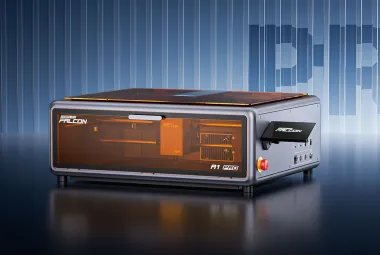
Choosing a laser usually means choosing its strongest material. Blue diode machines are practical for wood and leather. Fiber systems are better suited to metal. Ultraviolet lasers can mark delicate plastics and glass with less visible heat damage. A workshop that needs all three often ends up with several expensive machines.
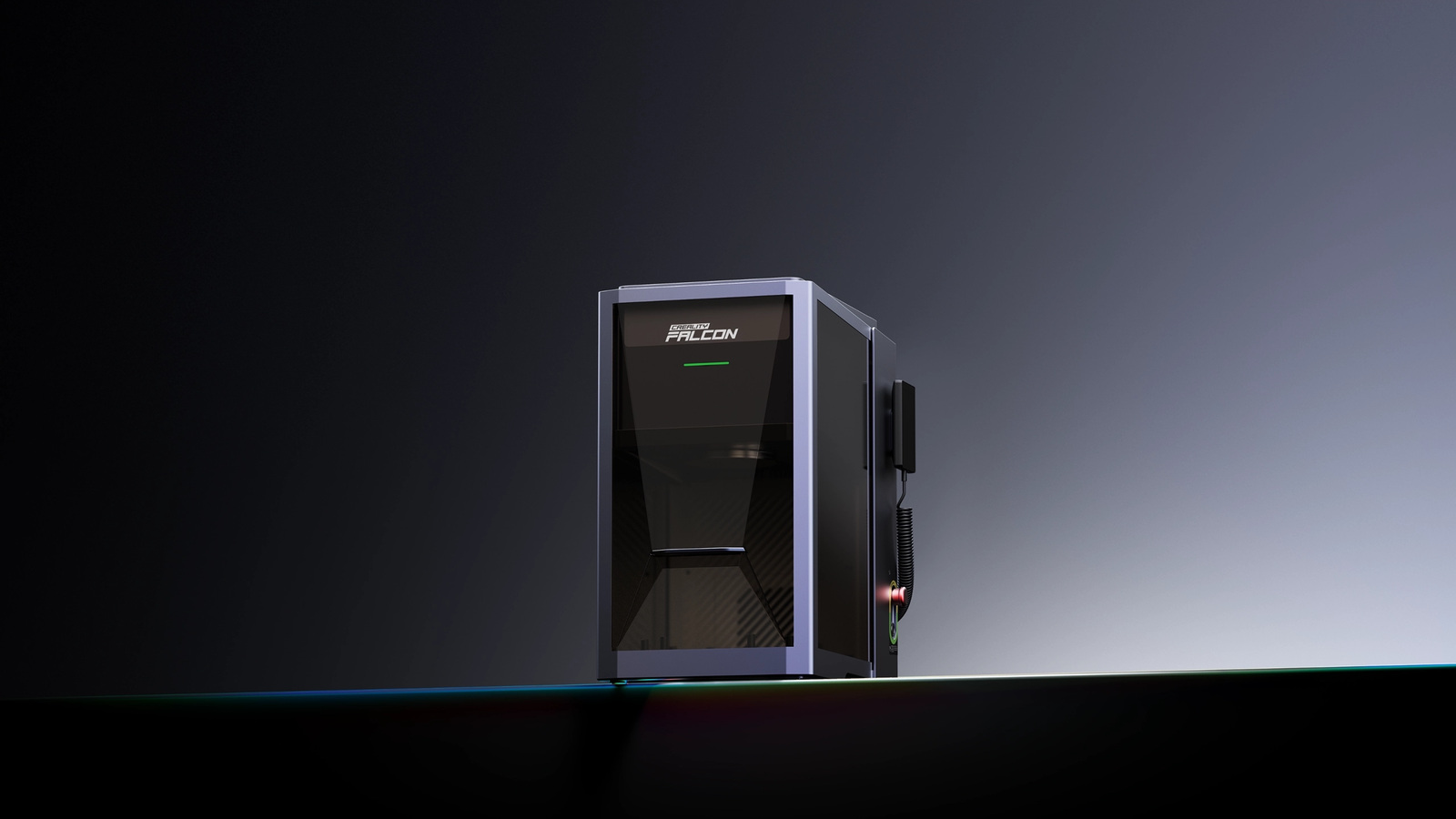
Creality's Falcon T1 puts those options into one enclosed chassis. Released in 2026, the T1 accepts five swappable modules: 20W and 40W blue diode lasers, a 20W fiber laser, a 60W MOPA fiber laser, and a 5W ultraviolet laser. Creality says a module can be changed without tools in about 15 seconds, after which the system identifies the installed source and loads the corresponding operating parameters.
That breadth makes the T1 one of the most unusual machines in the home-workshop laser category. It also makes the headline easy to misunderstand. A T1 does not arrive with five lasers for one entry price. Module bundles, availability, and regional prices vary. TMWB has not tested the machine or its module-change accuracy, so Creality's figures remain manufacturer claims.
What does each laser module do?
The two diode modules produce visible blue light near 445 nanometers. They are the general-purpose choices for cutting and engraving wood, leather, paper, cardboard, fabric, coated metal, and dark acrylic. The 40W version can deliver more energy into a cut than the 20W version, while the lower-power source may be sufficient for engraving and thinner stock.
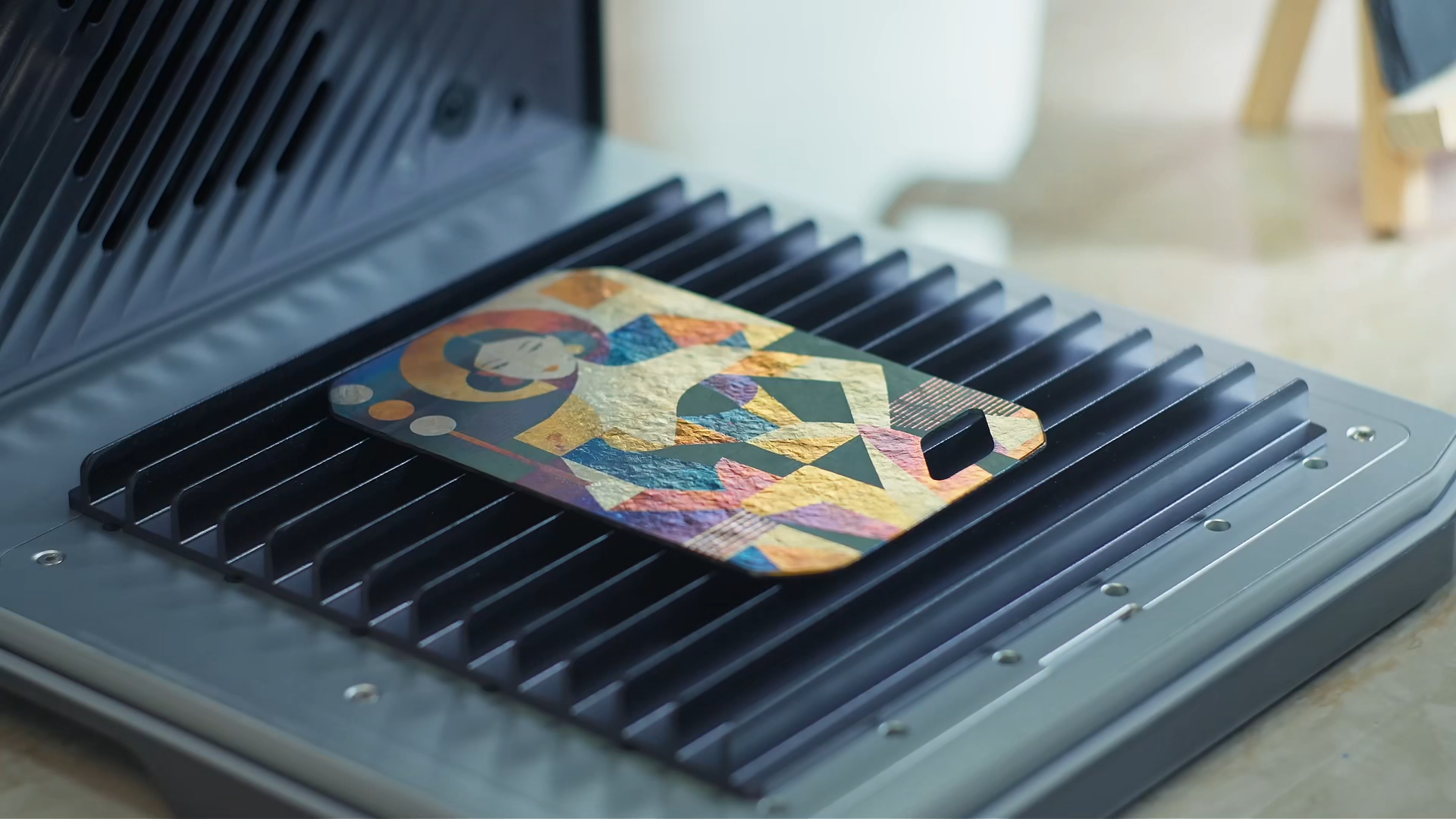
The 20W fiber module operates near 1,064 nanometers. Fiber lasers are effective at marking bare metals and many plastics. They can create serial numbers, logos, textures, and deep relief on stainless steel, aluminum, brass, copper, titanium, gold, and silver. A 20W fiber source can remove metal, but its practical strength in this format is engraving rather than cutting structural sheet.
The 60W MOPA module is also a fiber laser, but MOPA describes a master oscillator power amplifier design. It gives the system more control over pulse duration and frequency. Pulse duration is the time each burst of laser energy lasts. Adjusting it can change how heat reaches the surface, which is useful for dark marks on aluminum, detailed plastic marking, deep metal engraving, and repeatable color effects on some stainless steels and titanium.
The 5W UV module uses ultraviolet light near 355 nanometers. UV photons carry more energy than visible or infrared photons, allowing the beam to break material bonds with less bulk heating in some applications. This is often called cold marking, although the process is not literally cold. Creality aims the UV source at glass, crystal, ceramics, clear and colored plastics, and heat-sensitive materials. An alternate focusing lens is also offered for engraving inside compatible crystal rather than only on its surface.
Five sources do not make every material safe. PVC and other chlorine-containing plastics remain unsuitable. Unknown coatings can release hazardous fumes, and reflective parts can introduce risks that depend on the exact wavelength and setup.
How does the modular system work?
Changing a laser source normally involves more than attaching a new head. Each wavelength has its own optics, focus, power controls, and working area. The Falcon T1's multi-wavelength adaptive system is designed to recognize the module and adjust those machine settings automatically.
Creality advertises a tool-free 15-second physical swap and stores calibration data for the modules. That could be the T1's most important feature if it proves repeatable. A maker should be able to engrave a metal plate with the fiber source, install a diode module, and cut a wooden insert without rebuilding the machine around a new optical path.
Calibration still matters. Moving the machine, changing a lens, or striking the head can affect alignment. Before a valuable part goes under the beam, the sensible routine is to run the manufacturer's focus and positioning check on scrap material.
The T1 uses a 20-megapixel camera for layout and monitoring. Creality claims positioning accuracy below 0.01 millimeter and autofocus in about three seconds. Those are internal test figures. The accuracy of an actual engraved edge also depends on focus, material flatness, thermal effects, and the spot produced by the selected module.
Why does the T1 use a galvo system?
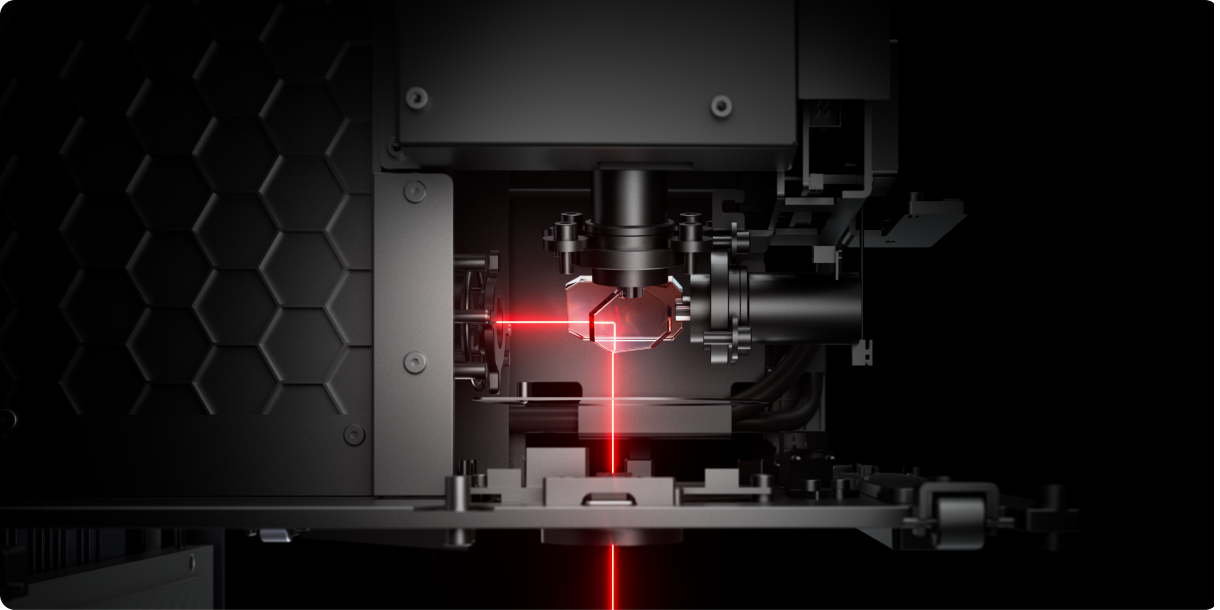
The T1 steers its beam with galvanometer mirrors. A galvanometer, shortened to galvo, rotates a lightweight mirror by a precise amount. Two mirrors direct the beam across horizontal and vertical axes without moving the entire laser assembly over the work.
Creality lists engraving speeds up to 10,000 millimeters per second. Galvo motion is especially useful for text, filled graphics, and repeated marks. It is one reason industrial marking stations can label metal parts quickly.
The tradeoff is working geometry. A galvo lens covers a defined field, and that field can be smaller than the bed of a gantry-style cutter. Creality adds a conveyor option for longer jobs and batch production. A rotary attachment handles cylindrical work, while fixtures hold irregular objects at a repeatable angle.
Speed also changes with the process. Deep engraving needs repeated passes. Cutting requires enough energy to remain on the path. UV marking and internal crystal engraving use their own focus and speed limits. The 10,000-millimeter-per-second headline should be understood as a maximum scanning rate, not a promise for every module and material.

What does the safety enclosure provide?
Creality describes the T1 as a Class 1 product during normal fully enclosed operation. Its window must filter several wavelengths, not just visible blue light. The machine also includes a key, emergency-stop button, lid-open interlock, flame detection, and an exhaust fan.
Class 1 refers to accessible laser radiation with the guards intact. It does not mean the installed 60W MOPA or 40W diode source is harmless. Opening, modifying, or bypassing part of the enclosure changes the safety condition immediately.
The enclosure also does not replace fume control. Wood smoke, vaporized plastic, metal particles, coatings, and adhesives need effective extraction. A purifier must be rated for the process and maintained with replacement filters. Outdoor exhaust must be placed where fumes cannot return through a window or affect neighbors.
Laser work should remain attended. Multiple sensors can stop a detected problem, but they do not justify leaving combustible stock under a powerful beam while the operator leaves the room.
Who is the Falcon T1 for?
The T1 makes the clearest sense for a studio or small business that already knows it needs several wavelengths. Jewelry makers, premium personalization shops, electronics manufacturers, trophy businesses, and mixed-material prototype labs could use the shared chassis to save space.
For a hobbyist who cuts plywood and occasionally marks a coated tumbler, the system is likely more machine than necessary. The starting price shown by Creality is tied to a particular module, while building the advertised five-laser workstation requires additional purchases. Buyers should price the complete set they actually need, including lenses, conveyor, rotary hardware, extraction, and filters.
The modular idea is still significant. Desktop fabrication has spent years combining operations, but laser wavelengths have remained largely separated by machine. Creality is treating the laser source more like a tool cartridge. If the alignment and software experience hold up across repeated swaps, the Falcon T1 could make a multi-laser workshop practical in a footprint that once held only one engraver.
Sources and image credits
- Creality Falcon T1 official product page, Creality.
- Falcon T1 now available, Creality Falcon via PR Newswire, 2026.
- Falcon T1 downloads and manuals, Creality.
- Images supplied by Creality on its official product page. Used for editorial reporting with credit to Creality.