VS Code

How to Use Arduino CLI With VS Code cover image
How to Use Arduino CLI With VS Code
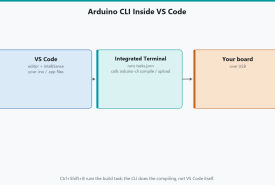
Edit Arduino sketches in Visual Studio Code, compile and upload with Arduino CLI via tasks.json, watch serial in the terminal, and keep IDE 2 for Plotter if you want it.
Microchip Launches an AI Coding Assistant for Embedded Development
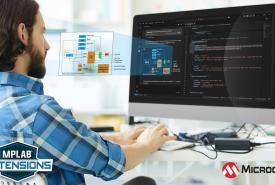
Microchip's free MPLAB AI Coding Assistant adds embedded-focused chat, autocomplete, code editing, error help, documentation search, and diagrams to VS Code.
Texas Instruments Continues Its Shift Toward a VS Code-Like Development Environment With CCS Theia
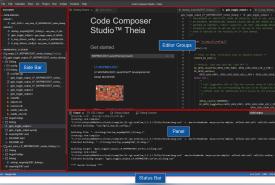
CCS Theia 1.5.1 brings TI development into a VS Code-like interface with project import, integrated debugging, Open VSX extensions, and modern workspaces.
Microchip Brings MPLAB Development Tools to VS Code
Microchip's early MPLAB extensions bring project import, compiling, programming, basic debugging, and live data visualization into the familiar VS Code editor.