Meta has published the Muse Gadgets SDK, an open-source toolkit for connecting ESP32 boards and Raspberry Pi or other Linux computers to Muse, the personal AI agent the company introduced in September. The code is on GitHub under the Apache 2.0 license, with a companion site at gadgets.muse.ai.
Meta describes Muse gadgets as open-source devices you build yourself. On the project's site, the pitch is to program an off-the-shelf ESP32 board or set up a Raspberry Pi with the SDKs, then connect Muse to displays, buttons, sensors, actuators, and whatever else is on the workbench.
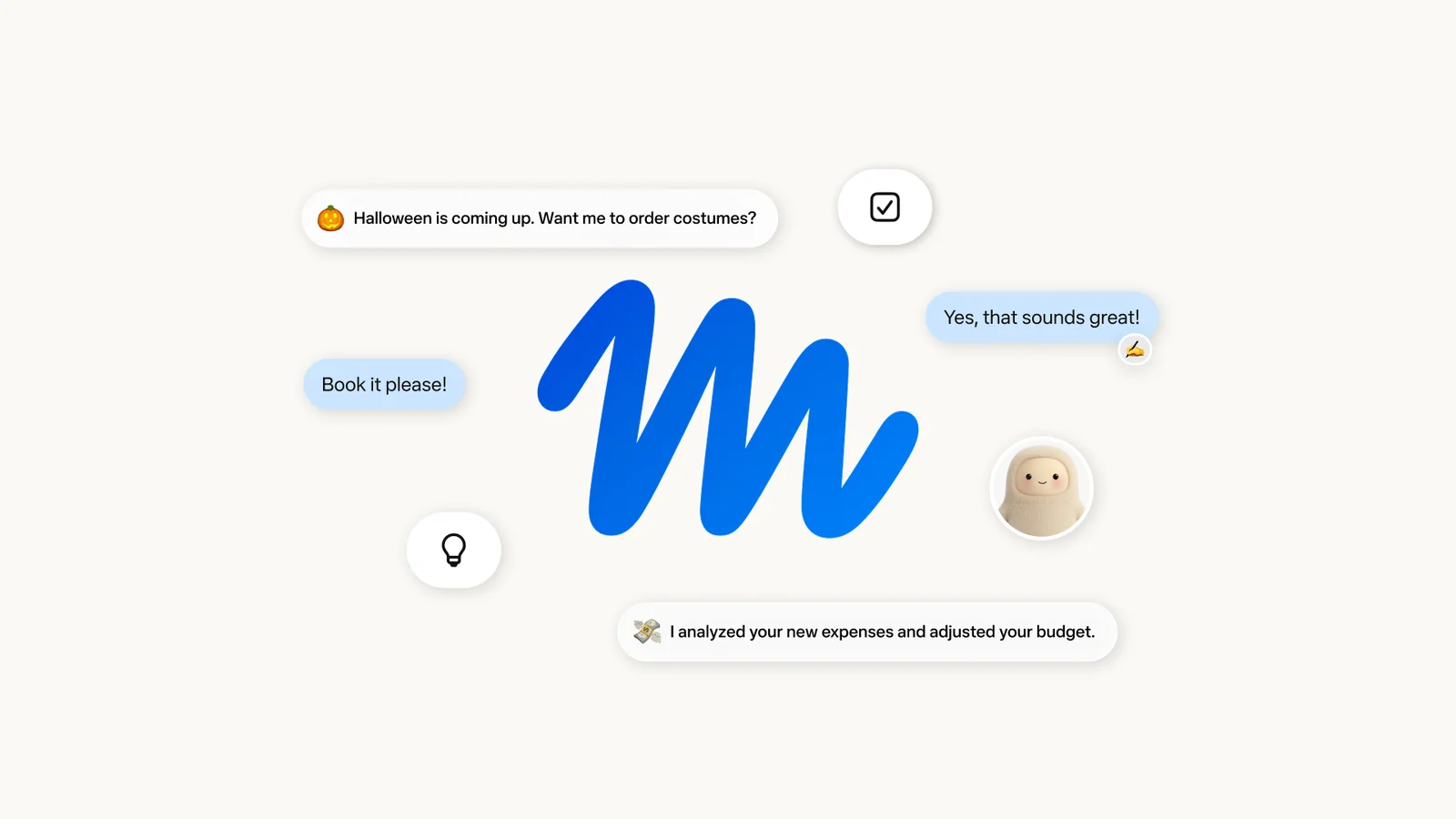
Meta's newsroom introduces Muse as "the world's first personal AI agent built for everyone," and the Gadgets project is its route onto hardware outside Meta's own devices. An AI agent here means software that takes actions on a user's behalf, such as checking something, sending a document to a printer, or switching a light, instead of only answering questions. The gadgets site says community-built skills can handle jobs like those, depending on the setup.
Two SDKs
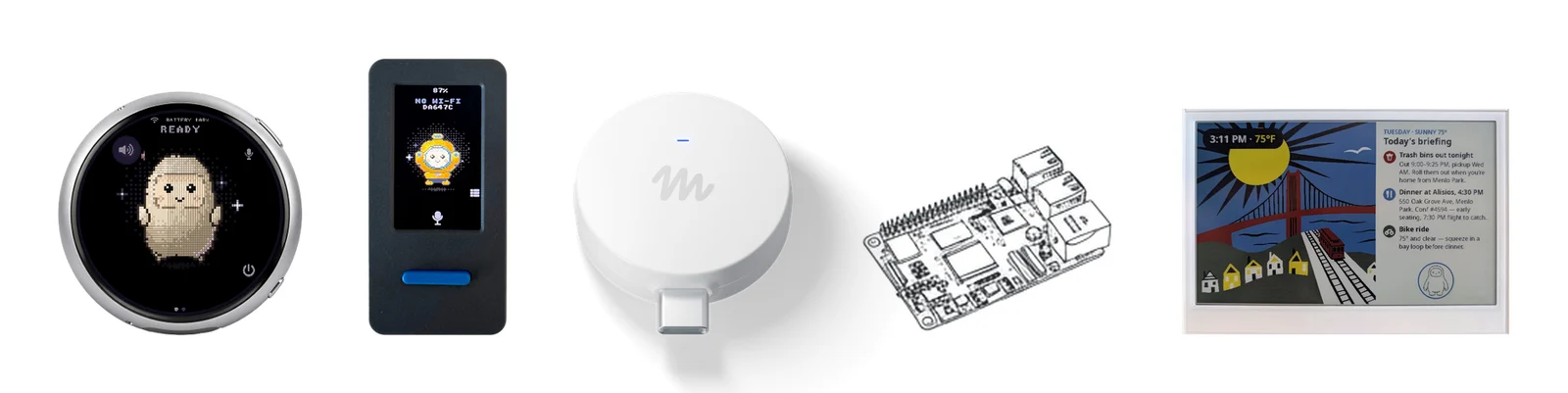
The repository has two main parts. The ESP32 Device SDK connects an ESP32 board to Muse and can add a screen to show images, audio in and out, and other sensors. The Linux Device SDK turns a Raspberry Pi or another Linux box into a gadget, and the README suggests letting Muse handle sysadmin chores or a Home Assistant setup. Most of the code is Apache 2.0. A few third-party files keep their own licenses, and Meta says its Jollybot avatar is not covered. Each directory includes a README and an AGENTS.md file for coding agents such as Meta's Muse Code.
Pairing takes some setup. A developer needs an SDK token and has to accept the Gadget SDK Terms, and every gadget needs a token to pair. Gadgets pair with the Muse app on iOS and Android through Settings, then Devices, with Developer mode switched on. They show up with names that begin "MuseGadget."
Suggested hardware
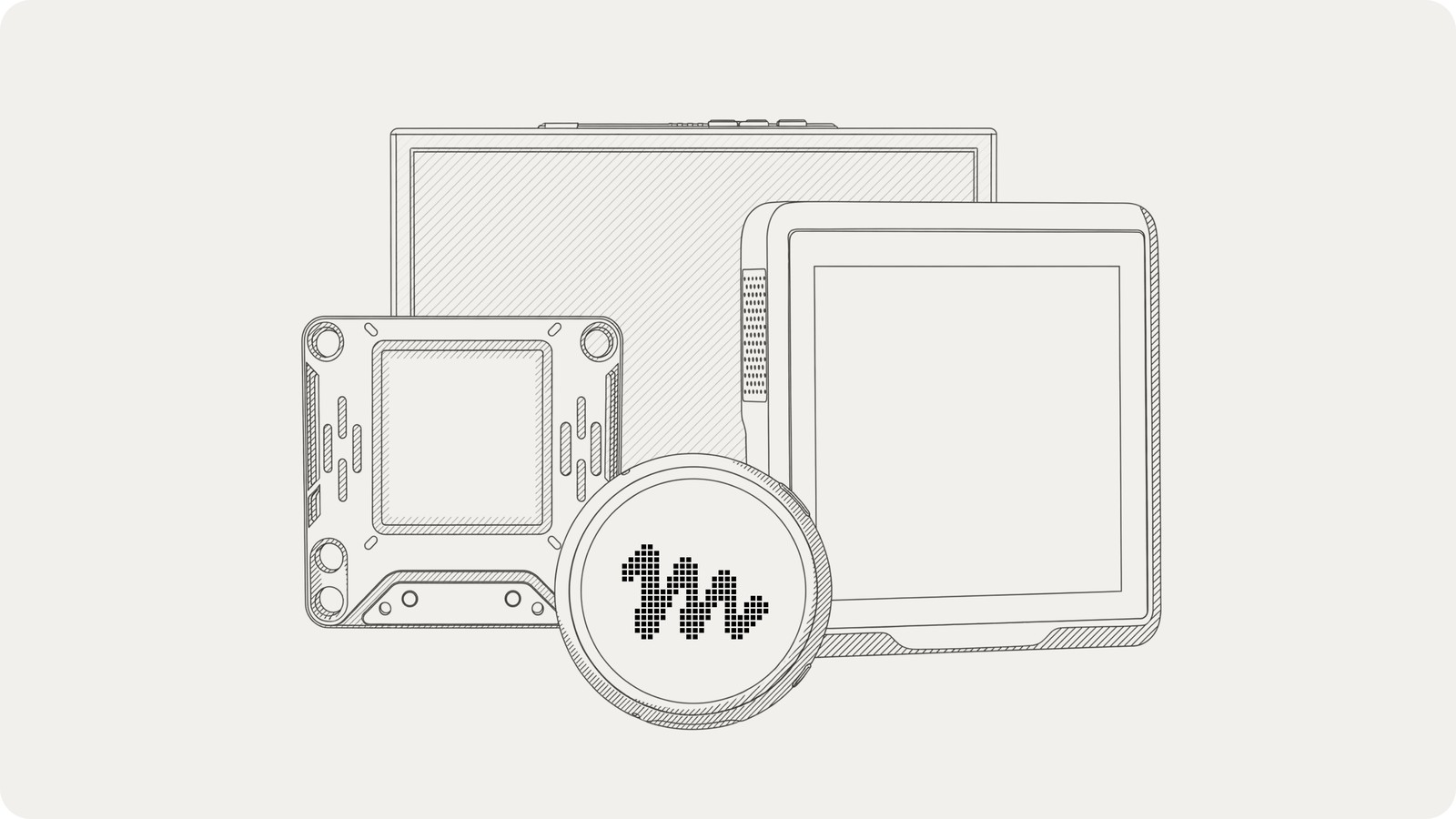
The Muse Gadgets site lists example builds on boards from other companies: the Waveshare ESP32-S3-Touch-AMOLED-1.75C, a Seeed reTerminal E1002 color e-ink display, an ideaspark ESP32 board with a 1.9-inch color display used as a status screen, Home Assistant's Voice Preview Edition for push-to-talk, and a Raspberry Pi or other Linux box. The site describes the e-ink display as a way to show a morning briefing, reminders, or a shopping list, the ideaspark board as a status screen where Muse can draw pictures, and the Voice Preview Edition as push-to-talk hardware with a speaker, microphone, and an LED ring that shows Muse's status. Meta says it does not endorse or warrant those devices, which are made and sold by their own makers.
Meta also has its own Muse Home Link. It is free with an active Muse subscription in the United States only, limited to one per subscriber, and is due to ship in October on a first-come, first-served basis. Claiming one holds a place in line and is not an order.
The site says the device SDKs and firmware are open source under the Apache 2.0 license and provided as is, without warranty. Claiming a Muse Home Link uses the user's Muse account and requires logging in first, and the site says the claim is not an order. For the SDK itself, an SDK token and acceptance of the Gadget SDK Terms are the entry requirements.
Experimental by design
The README is blunt about how finished this is. It calls the project "built by hackers, for hackers, just for fun" and warns that tinkering may brick boards, void warranties, cause brownouts, or lead to bankruptcy. Community discussion and project sharing happen on a Discord server, and Meta says it may feature community builds on the gadgets site with a link to the builder's repository.
Home Assistant users get a direct comparison point. Home Assistant already has its own voice hardware in the Voice Preview Edition, which Meta lists as a Muse gadget, so the same device can run either assistant. ESP32 boards with screens and microphones are common and cheap, which gives the SDK a large pool of hardware to run on.
The release puts an AI agent with microphone and speaker access on hardware people assemble themselves, so what Muse can reach on a home network depends entirely on how the gadget and its skills are set up. That makes it a project for people who already run ESP32 boards or Home Assistant and want to see how Meta's agent behaves on them.
Sources and image credits
- Muse Gadgets (Meta)
- muse-gadget-sdk on GitHub
- Meta newsroom: Introducing Muse
- Images: Meta Platforms official newsroom and GitHub repository materials