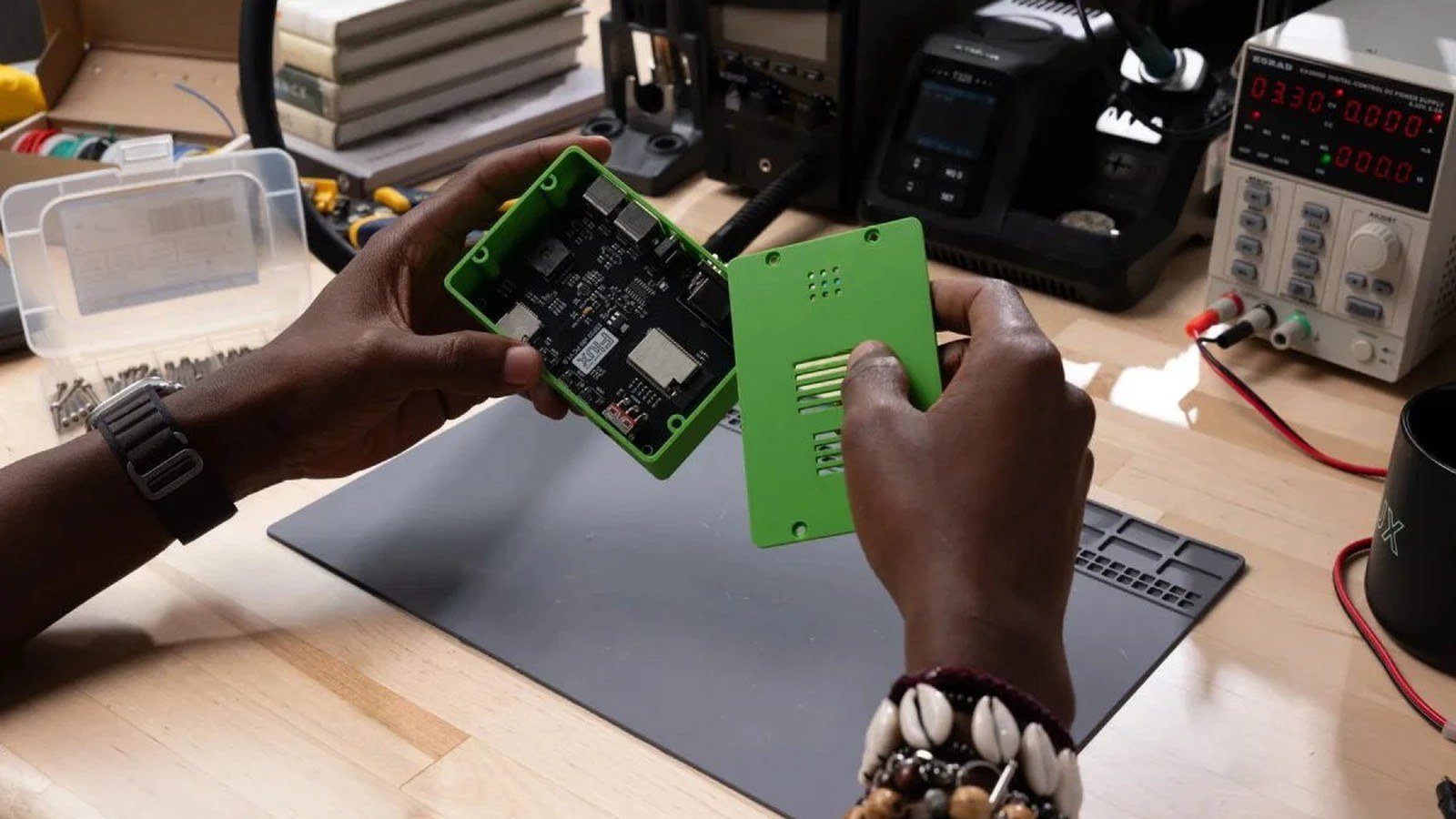
The USB-C plug missed the hole in the printed case because I moved the connector after the case was modeled. The case file never heard about it. As of September 30, 2026, Flux is selling a fix for that drift. Flux here is the printed-circuit-board platform at flux.ai. It is not the FLUX image model. A PCB is the plate that holds the parts and the copper. An enclosure is the case around it: ports lined up, tall parts cleared, something you can mount.
Engineering.com reported it on September 25. Puja Mitra writes that you describe an enclosure in Flux chat, the model comes from the board geometry, and every Flux plan includes it. In a September essay, co-founder Matthias Wagner says enclosure and mechanical design now sit beside the schematic (which pins connect), the layout (where the parts and copper sit), and the firmware (the program on the microcontroller). You can request live quotes from JLC3DP, a 3D-print service, and PCBWay, a board and mechanical fab, without leaving the session.
The essay's slogan about trades collapsing into one conversation is not the news. The news is a case built from the board and updated when the board changes. Thermal analysis and mechanical stress checks are still coming, Flux says. They are not features I can claim today.
What actually changed?
A case used to mean a mechanical engineer, or a separate mechanical program. Engineering.com says that plainly. You exported the board, modeled a box around a snapshot, and hoped nobody moved a connector.
Now you describe the enclosure in chat. Engineering.com says the result is a 3D-printable model from the board's geometry: the outline, the connectors, and the parts standing off the board, which is what sets the lid height. The model can include latches, screw holes, mounting features, curved edges, vents, and port cutouts. You preview it, ask for changes, and export a standard 3D-print format. The report does not name a gap tolerance or the file extensions.
When you move or replace a component, Flux updates the enclosure and the manufacturing and assembly instructions. The screwdriver note has to move with the copper. Wagner also leaves a hole in the offer: thermal analysis and mechanical stress testing are still on the way. A vent you ask for is only a shape.
How does the new piece work?
MCAD, mechanical computer-aided design, is the family of programs that model parts and cases. Engineering.com writes it mCAD. The usual handoff exports a frozen board shape, then builds the case around that snapshot. The files are not one project, so a later save on either side can leave them disagreeing.
Clearance is empty space you leave on purpose. Around a connector, it lets the plug seat and keeps plastic off the metal tongue. A keepout is a region that must stay empty: on a board, often no copper and no parts; on a case, the volume around the connector that the plastic may not enter.
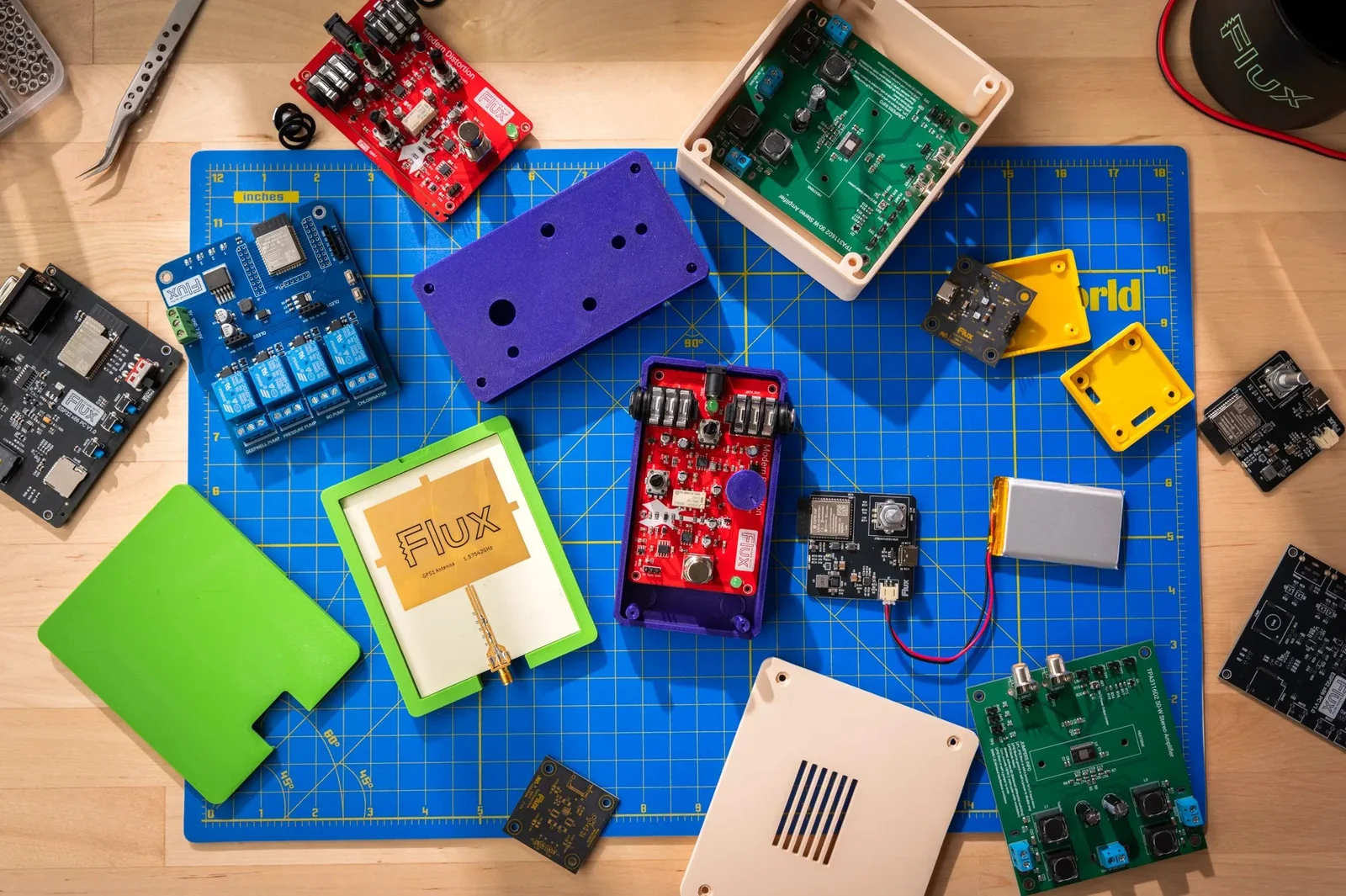
Wagner says the agent designs the case around the actual hardware, so connectors line up and mounting holes land where they should. Engineering.com says a later component move updates the enclosure and the assembly instructions. His broader line is, "Once the expertise isn't locked inside separate people, there's no reason for it to live in separate tools." The check is narrower. Move the connector. See if the cutout moves. See if the assembly note moves too.
What does this look like on a real project?
Take a small USB-C dev board, a board you program before it is a product, with the connector on one edge. You want a two-piece printed case so you can hold it without shorting a regulator. I have not generated that case for this article. The steps below are what the two sources describe.
In chat, ask for a lid and a base, screw holes rather than a latch on the first print, a port cutout for the USB-C plug, and clearance so the plug can seat. A vent, if you want one, is a pattern of holes you ask for. Flux says the thermal study that might place those holes is still coming. Preview, ask for a change if a wall crowds the connector, export, and print one. Engineering.com's reason to do this early is to see the board in its physical situation before a formal run.
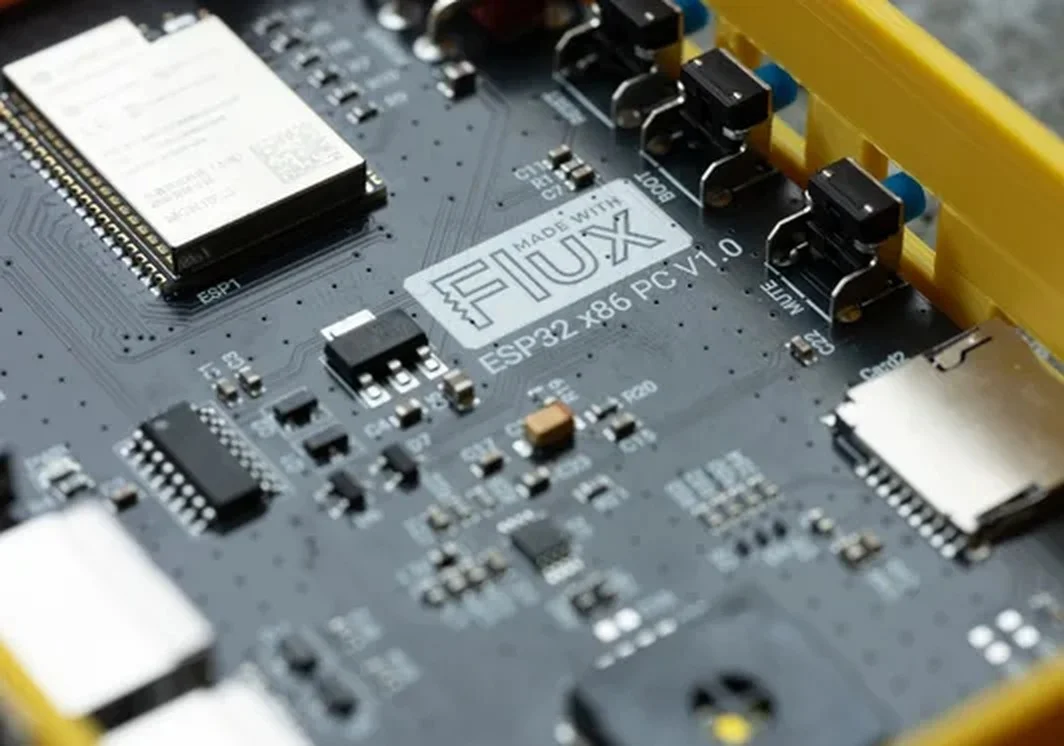
Then cause the failure that usually ruins the afternoon. The plug shell hits a screw boss, so you slide the USB-C connector along the edge. In a separate MCAD file, nothing happens. The cutout stays with the old export. You find out when the cooled plastic will not take the plug. In Flux, the reported behavior is that the enclosure updates, and the manufacturing and assembly instructions update, because the component moved. That follow-through is the product. If you want a shop to print a tougher copy, the essay says you can request a JLC3DP or PCBWay quote in the session. A quote is a price for a file. Seat the real plug before you treat it as a fit.
How does it compare with the previous version?
Flux has been a board tool. The previous way to get a case was to leave: hire the mechanical work, or keep a second design by hand in MCAD. The essay puts the case in the same project as the schematic, the layout, and the firmware.
Neither source gives a fit percentage or a time saved. Engineering.com's old path is enough: a PCB change could force a separate mechanical update. The new path is supposed to do that update inside the project, including the written instructions.
The plastic is still plastic. A wall can be too thin. A latch can snap. A screw hole can miss the boss. Calipers still tell you whether the plug seats. If the question is whether a boss cracks when the cable is yanked, this launch does not answer it. Stress testing is still coming, next to thermal analysis.
Where does it sit next to other tools a maker already uses?
My usual stack is a board program plus an MCAD program. The export between them is where a connector move gets lost. Flux's claim is that the board geometry is already in the session, so you are not maintaining a second body by hand.
A general chat can discuss wall thickness and a USB-C keepout. It does not hold the layout. After the connector moves, that transcript is as stale as the old export.
Makers already upload meshes to JLC3DP and jobs to PCBWay. A quote from inside the session removes a download and a reupload, if Wagner's "live quotes" behave as written. Read the material and the layer height before you treat the number as an order. A full MCAD seat is still the right tool for a gasket, a hinge, or a mount that has to take a load. These pages do not offer that analysis. They offer a printable context around a board, with the cutouts attached to the parts.
What does it cost, and who can use it today?
Engineering.com says the enclosure tool is on all Flux plans, and the essay links a free signup. Neither page prints a per-enclosure fee or a dollar plan grid. There is no token meter in either write-up. Thermal and stress tools are not included. Flux says they are still coming.
What is still unproven?
I have not printed a Flux-generated shell for this article. Neither source reports a measured gap to a real USB-C plug, a minimum wall, or a reprint after a connector move. Treat a vent as an opening you asked for, and a latch as geometry you test with your fingers. Move the connector. Confirm the cutout moved. Confirm the assembly note moved. Print once. Seat the plug. If the cutout stays put, you are back in the old handoff.
Disclosure
Disclosure: The company covered in this article has not sponsored The Makers Workbench or paid for this coverage. Companies interested in having The Makers Workbench evaluate or cover an AI model, product, or service, or incorporate it into a future Makers Workbench project, may contact us for sponsorship rates and terms. Sponsored content and partnerships are disclosed as such.
Sources and image credits
- Flux announcement (www.flux.ai)
- Images: published by Flux with the announcement.