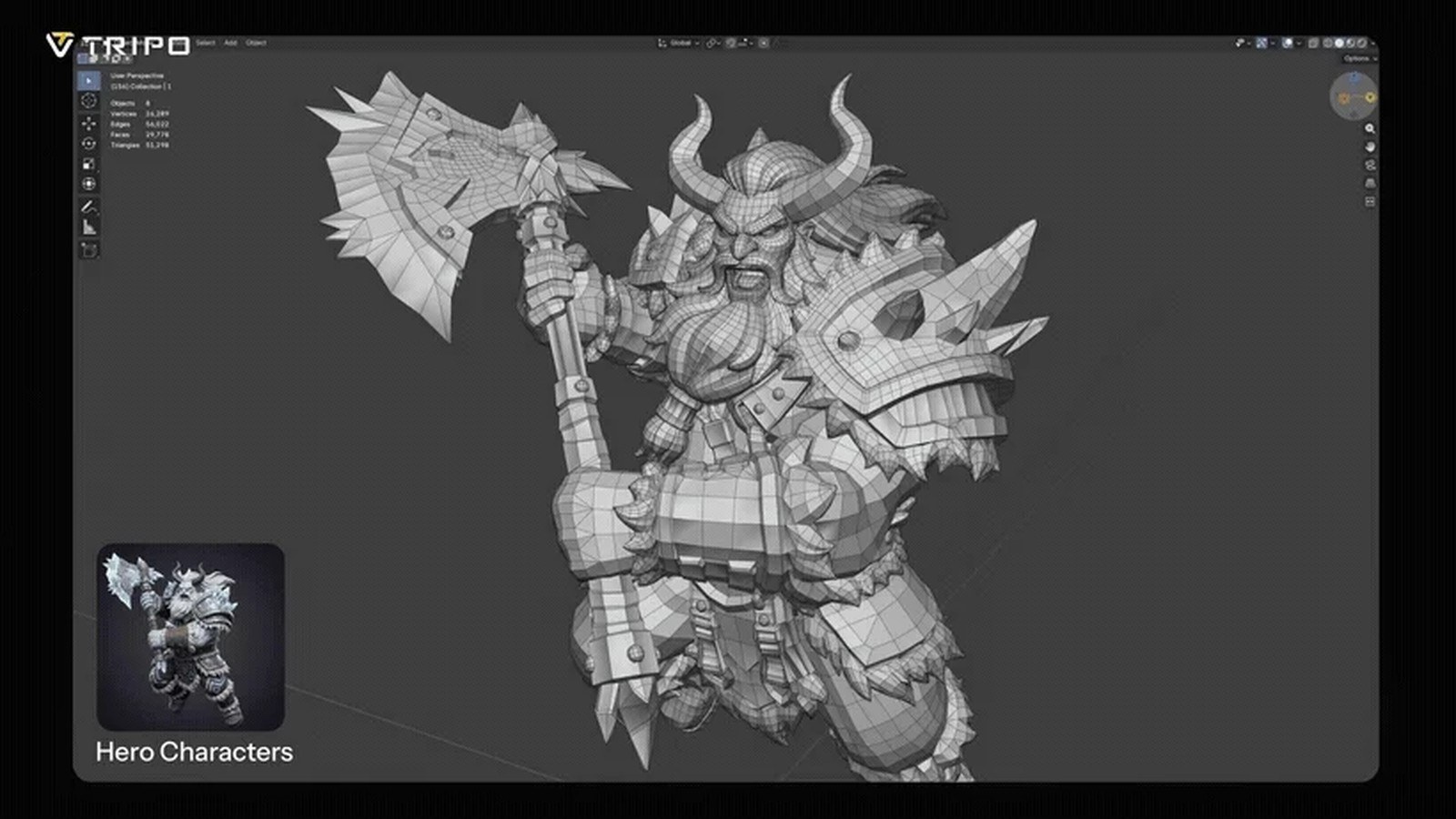
I have a front-panel knob to model, and a small robot shell that needs a hinge before it can sit in a game scene. Both are simple until you try to bend them. On September 23, 2026, Tripo's own blog calls Tripo P2.0 official: a Smart Mesh update for meshes you can edit, rig, and drop into a pipeline. Rigging means attaching a control skeleton so a surface can bend at a joint. The preview came first. Tripo's August recap, published September 7, 2026, still calls P2.0 a preview from that month's work. On September 21, a PR Newswire release datelined San Francisco said Tripo had unveiled P2.0 with native quad topology, up to four versions per prompt, and Mesh Edit.
Tripo says every account gets two free single-image generations. After that, more single-image use and all multi-view runs need a subscription. The blog does not print a monthly dollar price, so I will not invent one.
What actually changed?
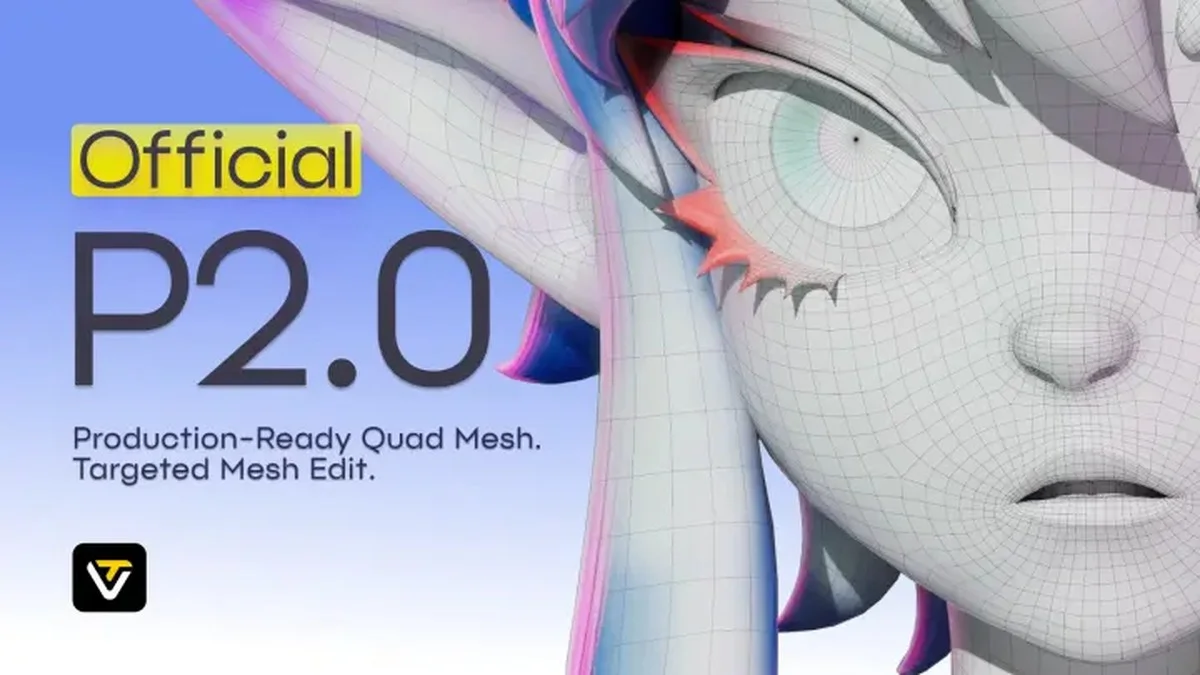
Topology is the way polygons connect: which edges share a corner, and which loops run around a form. A quad is a four-sided polygon. Tripo says P2.0 generates quad-dominant topology natively, with loops that follow the shape, density on the detail, and flat panels left sparse. The August recap called the preview the industry's first native-quad model from multi-view input. That superlative is Tripo's claim.
The September 21 wire and the September 23 blog add the controls. Mesh Edit regenerates a region you select and leaves the rest alone. One prompt can return up to four face-count versions for the same credit cost. Triangle meshes run from 500 to 50,000 faces. Quad meshes run from 500 to 25,000 faces. P1.0, on Tripo's table, was triangles from 500 to 20,000, without quad topology, variants, or Mesh Edit. The official post also separates body, clothing, and accessories. The August preview text said segmentation could split clothing, armor, and other parts for rigging or texturing.
How does the new piece work?
Retopology is the afternoon this is supposed to shorten. It means rebuilding polygon flow so a model bends cleanly, usually by hand, after a generator hands you a pile of triangles. Triangles pinch when a joint rotates, because the edges do not loop the way an animator expects. A quad loop around a hinge or a knob stem gives the bend a place to live. One line Tripo quotes from @pfsouza is enough of the launch chorus: "The quad topology looks AMAZING right off the bat." I have not opened that file.
Generation often takes 10 to 40 seconds, Tripo says, depending on face count. You can start from one image or from up to four: front, left, right, and back. The company says those views keep the back from being a guess. Multi-view needs a subscription. In Tripo Studio the path is Smart Topology Mesh, then P2.0. Variants are a setting for two or four generations with different face counts. The blog's example is 2,000 faces beside 15,000, which maps to a light prop and a close-up. Mesh Edit is a box around the bad area and a retry of that selection. Pro plans get three free edits per model. Max and Team get unlimited edits, then 50 credits each.
What does this look like on a real project?
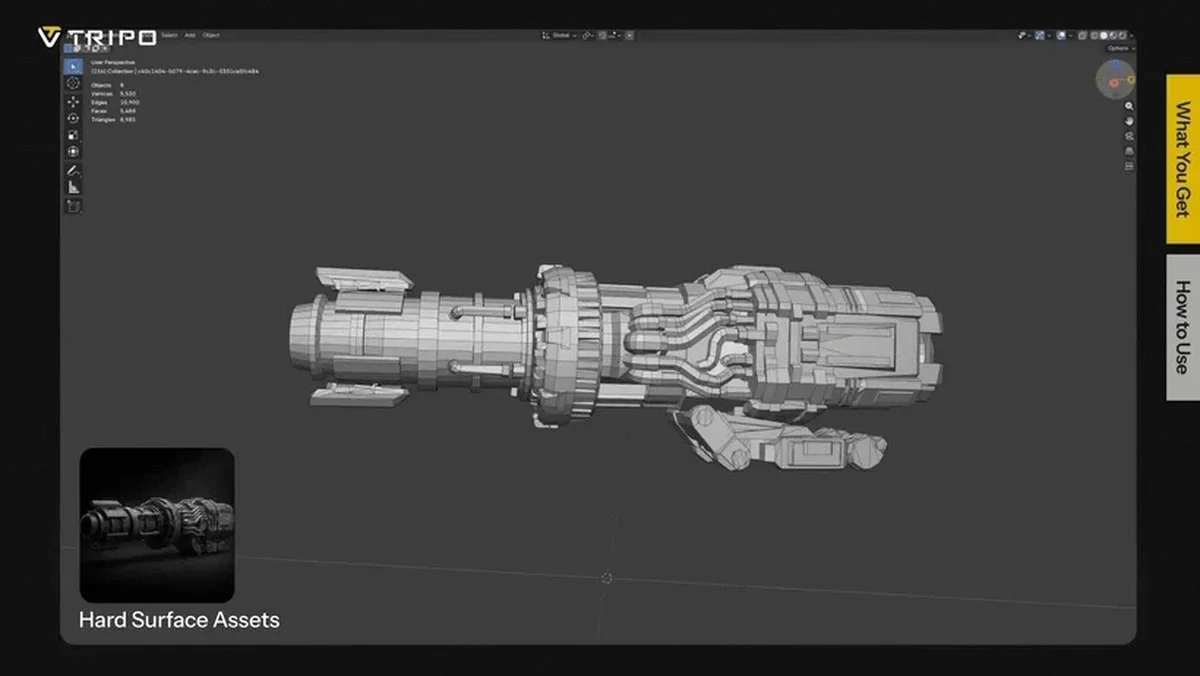
For the robot shell I would shoot front, both sides, and the back under the same light. I would pick quads and a face count I can rig, not the maximum. Twenty-five thousand quads is a hero budget. I would ask for four variants in one pass: a coarse shell for layout, a mid shell for the game, and a denser one if a close-up needs the panel lines. Same prompt, same credit cost, on Tripo's terms.
If the hinge barrel comes out melted, that is a Mesh Edit, not a full reroll. Then the file goes to Blender. Before I rig the hinge I check that quads flow around the pivot. If they do, the skin has a chance to bend without a full retopology pass. I would still rotate the joint before I trust the claim. A knob is the smaller test: the stem needs a loop so the cap does not collapse into spikes when it turns. A UV map, the flat cutout that tells an engine where a picture sits on the surface, is still a later step. Clean quads make that unwrap less painful. They do not paint the texture. If the prop later goes to a printer, that is a check for a closed solid and a thick enough wall, not the reason this model exists.
How does it compare with the previous version?
P1.0 already had triangles and multi-view input. It stopped near 20,000 triangles. It did not have native quads, several face counts in one pass, or Mesh Edit. P2.0 keeps triangles out to 50,000 faces and adds quads to 25,000. The August recap had already described the quad preview, the time range, the face caps, and part splits. What the company treats as new at the official step is the variant count and the region edit. Tripo's FAQ also separates P2.0 from its HD model. P2.0 is the topology tool for games and interactive scenes. HD is the look-quality tool for renders. P1.0 stays available to every user.
Where does it sit next to other tools a maker already uses?
Blender is still where I check normals, set a pivot, and bind a rig. Tripo's August notes mention bridges toward Blender, Maya, 3ds Max, and Unreal, plus faster FBX export. FBX is a common file for moving a mesh between programs. Those lines are workshop plumbing from the recap. Tripo says single-image generators guess the back, and it names Meshy as a tool that does not offer this multi-view path. I am repeating Tripo's comparison. A game engine still wants a material, a collision shape, and a texture. Quad flow helps the rig. It does not rig the shell for you.
What does it cost, and who can use it today?
P2.0 is in Tripo Studio under Smart Mesh. Two free single-image generations are the trial. Further single-image use, and every multi-view generation, need a subscription. Tripo lists Starter, Pro, Advanced, Max, and Team for multi-view. Annual plans are described as up to 50% off, without a base price I can quote. Four variants share one credit cost. I would spend the two free tries on the knob and the shell before I pay. If those meshes are triangle soup with a quad label, the plan can wait.
What is still unproven?
I did not generate a P2.0 mesh for this article. Native quads can still hide triangles in the corners, and Mesh Edit can leave a scar around the box you dragged. The 10 to 40 second range will move with face count and with how busy the service is. The timeline is the part I trust, because the company's own pages are specific. The September 7 recap still says preview. The September 21 wire says unveiled, with variants and Mesh Edit past the August preview. The September 23 blog says official. Export a quad and bend the hinge before you delete retopology from the schedule.
Disclosure: The company covered in this article has not sponsored The Makers Workbench or paid for this coverage. Companies interested in having The Makers Workbench evaluate or cover an AI model, product, or service, or incorporate it into a future Makers Workbench project, may contact us for sponsorship rates and terms. Sponsored content and partnerships are disclosed as such.
Sources and image credits
- Tripo announcement (www.tripo3d.ai)
- Images: published by Tripo with the announcement.