

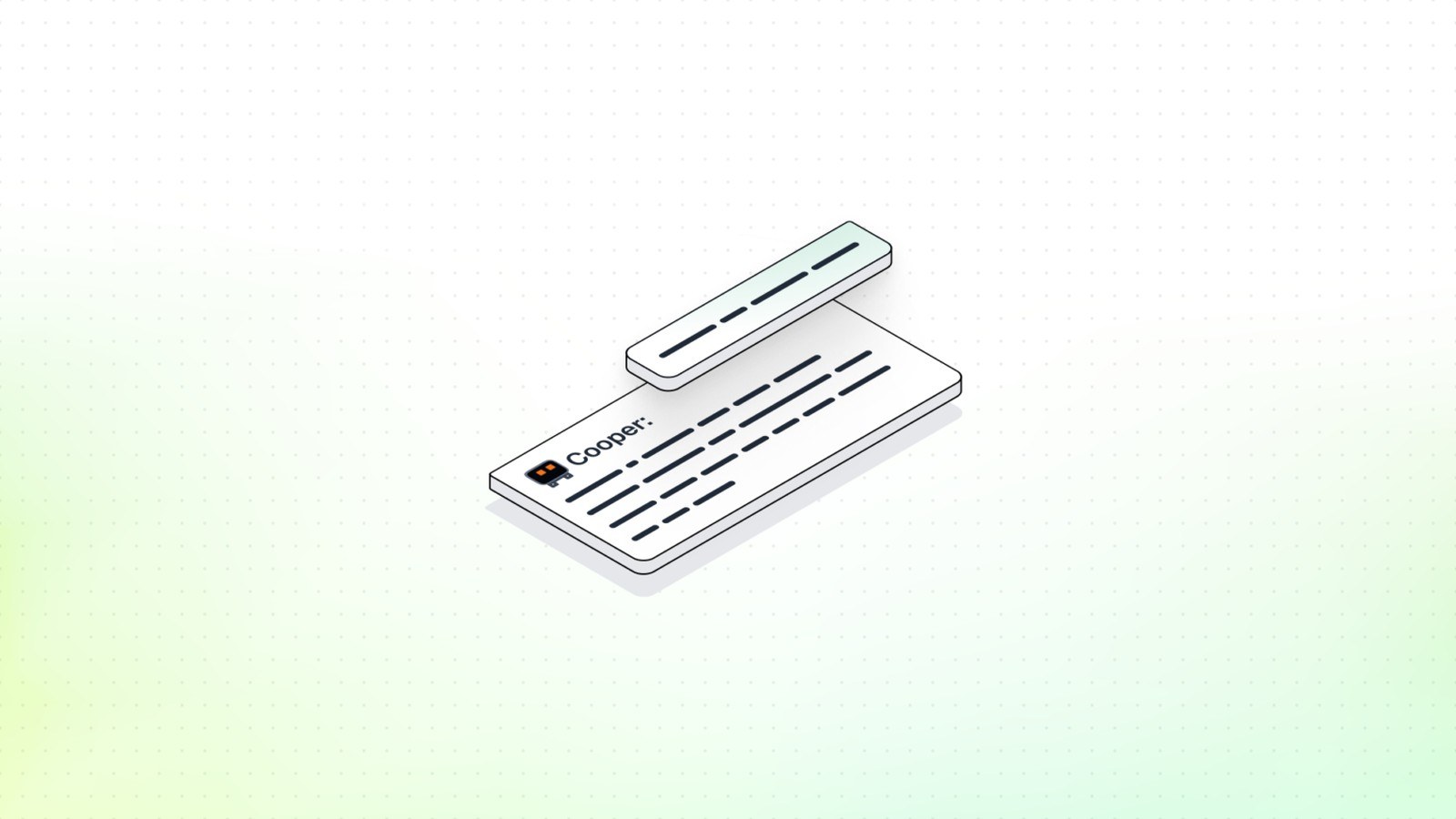
The last USB dongle I touched failed in a way the design-rule check was happy to ignore. D+ and D- were two ordinary nets. The inner layers looked like planes and were tied to nothing. The board came back noisy, and the respin cost a month. On July 23, 2026, DeepPCB introduced Cooper, a layout assistant on top of the DeepPCB router. Nabil Chouba wrote the post. Cooper reads the setup, explains what is wrong, applies the fixes you approve, and then the DeepPCB engine routes.
The example request is the product in one line: "Add a GND and +3V3 plane, fix the USB diff pairs, and route it." GND is ground. +3V3 is the 3.3 volt rail. A differential pair is two traces that carry a signal and its opposite so shared noise can be rejected. USB data uses that kind of pair. You sign up and try a board, then pay as you go. The post has no price table. A disappointing read, it says, costs a coffee. If you were drafted into layout, this is the setup step the router cannot invent for you.
What actually changed?
The router already drew the copper. Cooper is the new step in front of it. DeepPCB says most failed boards were broken before a trace was routed: a pair never marked, a power plane filed as a signal layer, a clearance tighter than you meant. Clearance is the minimum gap the rules demand between copper. The router then follows the bad setup. A design rule check can still pass, because the shapes are legal and the intent was never entered.
Cooper does not change the netlist. A netlist is the schematic's connectivity list, which pins share a net. A wrong schematic stays wrong. Cooper will not invent a missing wire.
The worked example is the public STRF board, an STM32L4 microcontroller plus an nRF24 2.4 gigahertz radio, drawn in KiCad. KiCad is a free tool for printed circuit boards, the fiberglass and copper parts are soldered to. DeepPCB says the first read flagged four setup problems a rule check misses, including two inner layers set as power planes with no net, so there was no real ground or power plane. After the fixes, Cooper's route finished 98 of 98 airwires in one pass. An airwire is a rat's-nest line that still needs a copper trace.
How does the new piece work?
Cooper's first move is to read and change nothing. In seconds it checks net classes, differential pairs, planes, clearances, track widths, and the stack-up. A plane is a copper sheet tied to one net, usually ground or a supply. A net class is a bucket of nets that share width and clearance. The first reply is a plain summary, while the unmarked pair or the empty plane is still cheap to fix.
The second move is one approved pass in ordinary language: mark the USB nets as a pair, add a ground plane, widen the 5 volt rail, route the high-speed nets first. Cooper applies that set together. The post says you do not click through hundreds of pins, and you do not have to open the layout tool for the setup.
The route starts only when you say go: the whole board, the high-speed nets, or one net by name. Cooper drives. The DeepPCB engine routes. DeepPCB says it hits 96 percent mean completion and stays DRC-clean. DRC, design rule check, flags copper that is too close, too thin, or outside the rules. A 96 percent mean is an average, so some boards do not finish. The STRF scorecard reads 0 of 98 airwires left, 68 vias, and 2 minutes 6 seconds. A via is a plated hole between layers. Cooper never edits connectivity.

What does this look like on a real project?
The mistake Cooper is built to catch is a USB pair and a ground plane typed wrong. I am describing it. I did not upload a board for this article.
On a small dongle, USB D+ and D- can sit in the default net class, so a router may pull them apart and hop layers on different vias. They need to be marked as a differential pair, with a width and a gap, before routing order matters.
The ground error rides along. A pair wants a reference, the copper the signal returns through. Inner layers set to plane with no GND or +3V3 assigned are floating sheets. DeepPCB says the STRF read caught that, and that a DRC pass slides past it. I would type the post's request, read the summary, and refuse a retag I did not ask for. After the route I would still look at the pair. The live project at app.deeppcb.ai is their 98 of 98 run.
How does it compare with the previous version?
On May 21, 2026, earlier than this launch, DeepPCB shipped a KiCad plugin in beta. Rihab Dridi wrote that post. It is routing only. Install it in KiCad, add an API key, and the copper comes back into the open project. The May limits are up to 8 layers and 1,200 airwires, with net classes, differential pairs, DRC-clean output, and pay-as-you-go pricing. New users were told to create a free account. A natural-language setup assistant was still to come.
Cooper, on July 23, is that setup layer inside DeepPCB. The July post does not put Cooper in the KiCad plugin, and it does not repeat the May caps, so those caps stay May facts. The plugin path on this date is still routing only. July adds a summary and one approval before the route. The STRF 98 of 98 is one repaired board, not a new plugin ceiling.
Where does it sit next to other tools a maker already uses?
The tool beside Cooper is still KiCad, or whichever package wrote the file. EDA, electronic design automation, is that category. DeepPCB's point is that the EDA tool was fine. The gap was expert setup with nobody free to do it. A chat window can talk about pairs for a long time. Cooper's path on this post is a summary, an approval, a route, and a netlist left alone. I would keep connectivity edits in the schematic, and I would still run the fabricator's rule deck, because a different clearance number can flag copper DeepPCB called clean.
The May plugin drops copper back into an open KiCad file. The July path is the review conversation at app.deeppcb.ai. Neither one reviews the schematic for you.
What does it cost, and who can use it today?
The July 23 post says pay as you go, and it tells you to sign up and try a board at app.deeppcb.ai. It lists no per-board price, no monthly plan, and no free routing quota. The coffee line is a metaphor. The May 21 post, earlier, said to create a free account and listed pay-as-you-go pricing for the plugin. Those two sentences are not a July coupon.
Chouba aims this at someone who is not a layout specialist. You see the summary before anything changes, you approve the fixes, and you decide when routing starts. The netlist stays as drawn. The demonstrated scope is 98 of 98 airwires on the STRF board, an engine at 96 percent mean completion, and a reviewer that does not edit connectivity. The July page states no layer cap. It also does not publish a limit table.
What is still unproven?
I did not run Cooper. The 98 of 98 airwires, 68 vias, and 2 minutes 6 seconds are their demo on one simple public board. The 96 percent mean admits other boards do not finish. DRC-clean does not name the fabricator's rule deck. The line about hundreds of nets across a dozen layers has no scorecard here.
Disclosure: The company covered in this article has not sponsored The Makers Workbench or paid for this coverage. Companies interested in having The Makers Workbench evaluate or cover an AI model, product, or service, or incorporate it into a future Makers Workbench project, may contact us for sponsorship rates and terms. Sponsored content and partnerships are disclosed as such.
Sources and image credits
- DeepPCB announcement (deeppcb.ai)
- Images: published by DeepPCB with the announcement.


