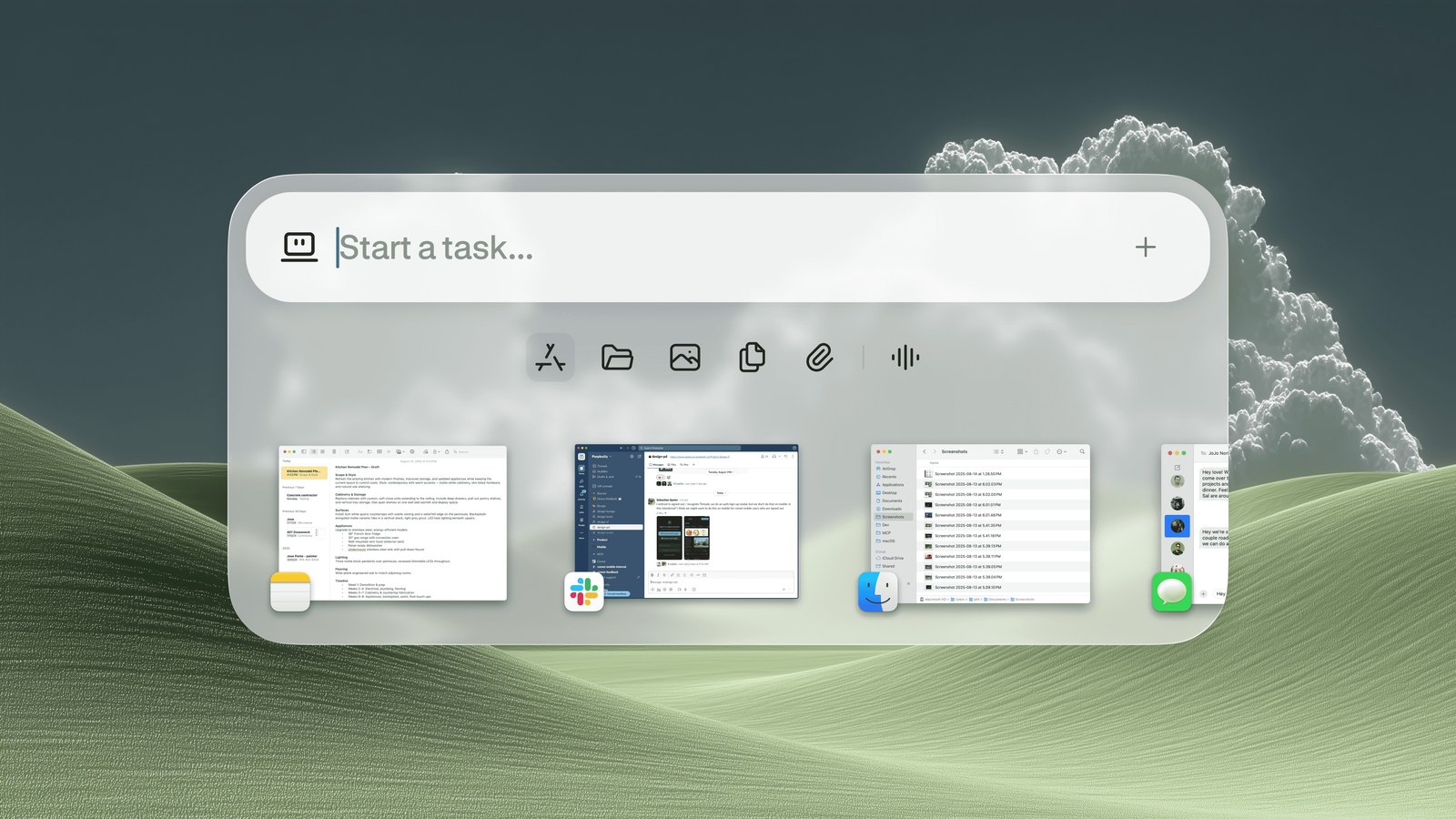
Firmware notes for a sensor board live on my Mac, beside a Downloads pile of PDFs I never renamed. Datasheets, a schematic print, a register map I typed. On April 16, 2026, Perplexity began rolling out Personal Computer. That pile is why the post matters on a bench.
Personal Computer expands Perplexity Computer. It brings Computer's multi-model orchestration onto the machine, across local files, native apps, connectors, and the web. An agent, in the plain sense, takes an objective, splits it into steps, and carries the steps out. Perplexity's word is orchestrator. A connector is a link to a service you already use, such as email, so the software can reach it without a paste into a chat box.
The Mac build is rolling out to Perplexity Max subscribers. The waitlist is prioritized. There is a download. The post does not add a separate price. Access is tied to Max.
What actually changed?
I still hold the thread on a shop Mac: which note has the pin table, which PDF is the revision I stuffed, which browser tab is current. Perplexity's sketch of the personal computer lands on that chore. The machine got closer to the desk. A person still remembered the order of the work.
Personal Computer is the expansion that puts their existing orchestrator on the Mac. Perplexity says it can take jobs too messy for a chat box and too repetitive to do by hand, including work they call continuous. It mixes the local machine with server-side systems. They name security and productivity as the reasons. The post does not include an audit, so that security line stays a design goal.
Native apps are programs installed on the Mac. Local files are the ones on its disk. Connectors and the web stay in the same system.
How does the new piece work?
Perplexity says a Mac mini is one of the best ways to run it. The mini can stay available around the clock, written as 24/7, when a job needs a machine left on or local access to files and apps. You can start a task from your phone. I would watch the first session at the desk.
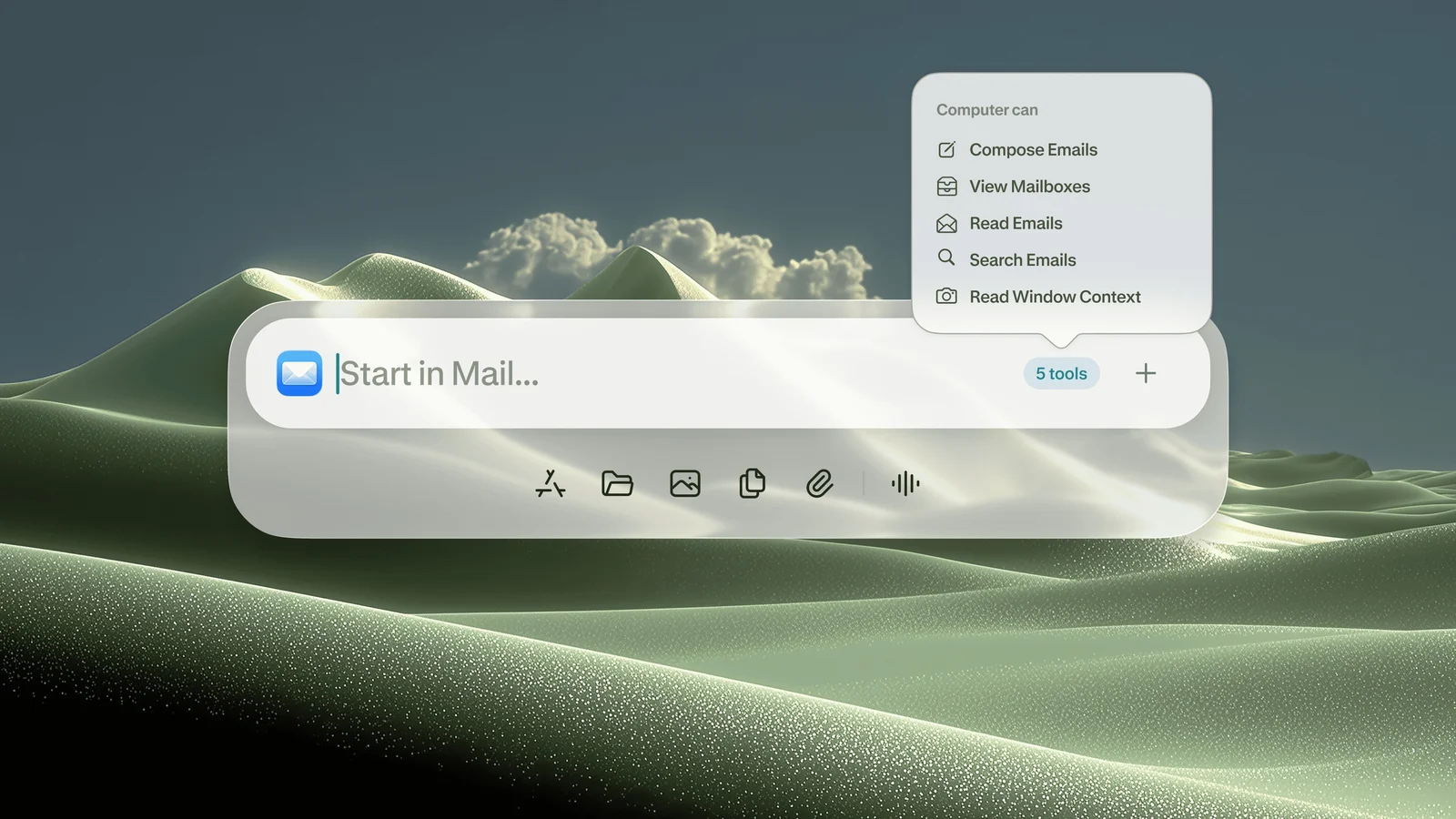
In Apple Notes, both Command keys (the keys marked CMD) wake Personal Computer. It can read a to-do list. The post says you can also ask it to do the list: reason about each item, then work across local files, iMessage, email, connected apps, and the open web. iMessage is Apple's messaging app. That is a wide door. I close part of it in the project below.
Other named jobs fit a bench day. Sort a messy Downloads folder into project folders. Compare local files with the web, then use both to finish a task or make a decision. Speak a request and have it act on the Mac. No success rate is attached.
On sensitive actions, Perplexity says you stay in the loop. You can see the work, step in, and keep the important decisions. New files are created in a secure sandbox, a contained workspace kept apart from the rest of the disk until you accept them. Actions are auditable and reversible: you can look back, and you can undo. I want that trail before anything touches a firmware folder.
What does this look like on a real project?
The pass starts in Notes, because that is the control the post describes. This is a plan for the April 16 software. It is not a result I measured that day.
The note would say:
- Sort loose PDFs in Downloads into folders by project.
- Compare my humidity-sensor notes with the manufacturer's page on the web.
- Write the differences as a new text file.
- Do not send email. Do not send an iMessage. Do not delete the originals.
The compare is theirs: local files against the web. The last line is mine. A to-do run may reach mail and iMessage through connectors. A note to a vendor is a sensitive action, and the post says I can step in. I would. Mail can wait until a file-only job has been boring and correct.
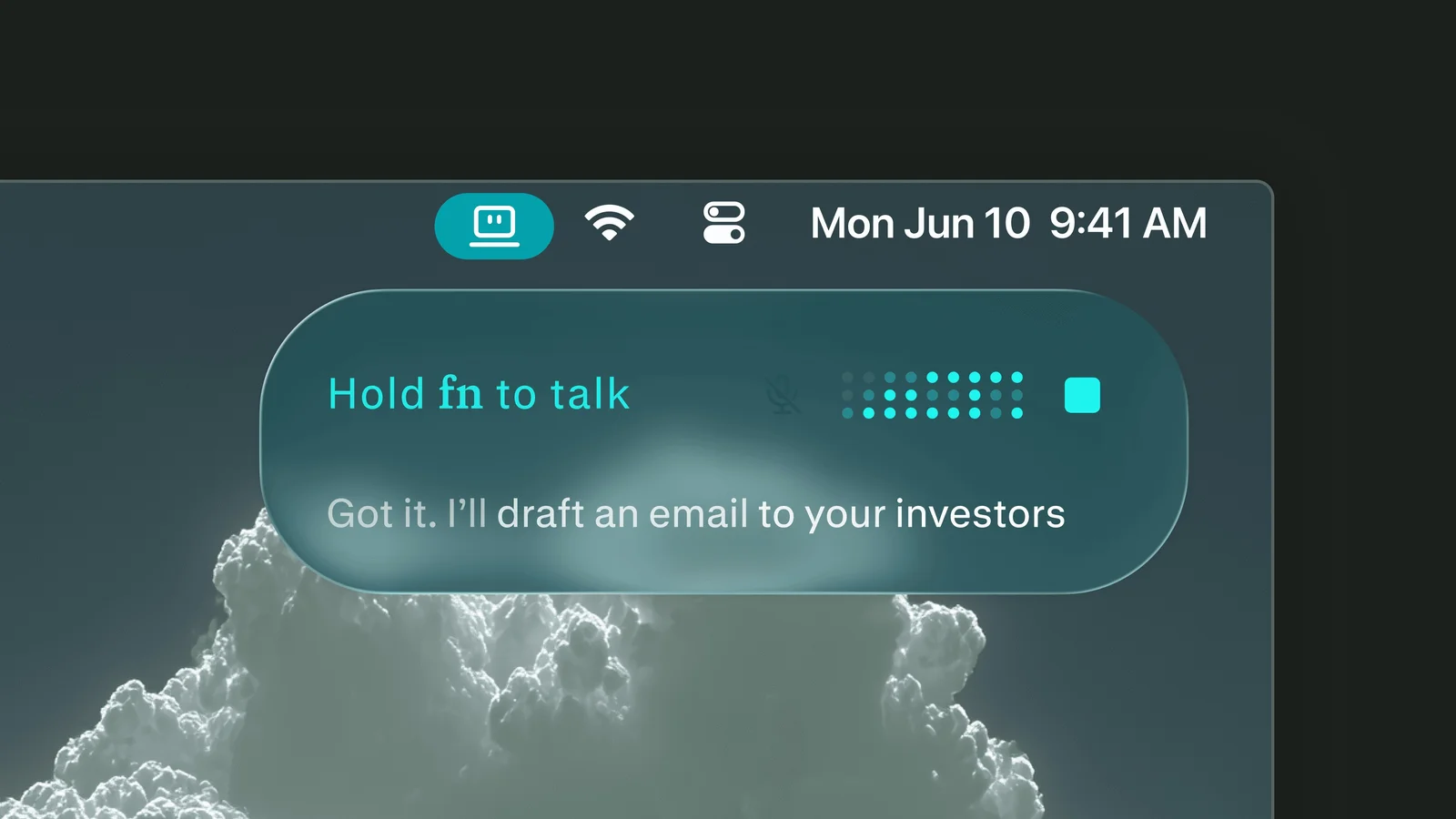
A large PDF pile is the case for a Mac left on. A Mac mini is their example, not a rule that you must buy one. I would start a later batch from the phone only after one sort had landed in the sandbox and undone cleanly. I could also speak the request. I would still forbid mail out loud. Spoken tasks get wide in a hurry.
Then I open the sandbox before I touch Downloads. Did the renamed PDF match the chip on the board, or a similarly named part? Did the web page match the revision printed on my PDF? Did the register notes survive? Undo helps only if I look first. The post does not claim this replaces reading a datasheet. Pinout and limits stay with me.
How does it compare with the previous version?
Perplexity Computer is the previous piece. Personal Computer is the expansion onto the Mac: local files, native apps, and a machine that can stay up. Connectors and the web are in the same description. The post does not give a feature table for Computer on the day before, and I will not invent one.
There is no accuracy number and no timing number. The announcement does not claim a measured speedup. It talks about reach, about work that can keep going, and about putting the orchestrator next to the files.
Where does it sit next to other tools a maker already uses?
Finder, Notes, Preview, a firmware editor, and a browser are still the bring-up day. Personal Computer is supposed to move among them. Finder is where I confirm a file landed. Preview is where I read a pin table. The editor is where code changes. A website chat cannot see a folder it was never given. That limit is what this post answers, for Max subscribers on a Mac. A tidy Downloads folder is convenient. A wrong register copied into a clean note is not. I would confirm, with dummy PDFs, that new files appear in the sandbox before I open the real fabrication set.
What does it cost, and who can use it today?
Rollout day is April 16, for Perplexity Max, waitlist first, Mac download linked from the post. No separate price is printed. Access is tied to Max. I will not guess Max's fee. It is not in this announcement.
Outside Max and outside the waitlist, the page does not say you have a working copy today. The computer they describe is a Mac. The always-on example is a Mac mini. A phone can start a task. A separately named, separately priced phone app is not in the post.
What is still unproven?
I have not aimed this build at my PDFs. There is no benchmark, no rename error rate, and no sample of a bad sort. An around-the-clock mini is a suggestion, not a measured duty cycle. The sandbox and the reversible log are the right ideas for software that sees local files, and this page does not attach an outside review or a diagram of which bytes stay on the Mac. I would learn that on screen, with copies. The written scope is Mac, Max, waitlist order. I am not stretching it.
Disclosure
Disclosure: The company covered in this article has not sponsored The Makers Workbench or paid for this coverage. Companies interested in having The Makers Workbench evaluate or cover an AI model, product, or service, or incorporate it into a future Makers Workbench project, may contact us for sponsorship rates and terms. Sponsored content and partnerships are disclosed as such.
Sources and image credits
- Perplexity announcement (www.perplexity.ai)
- Images: published by Perplexity with the announcement.