

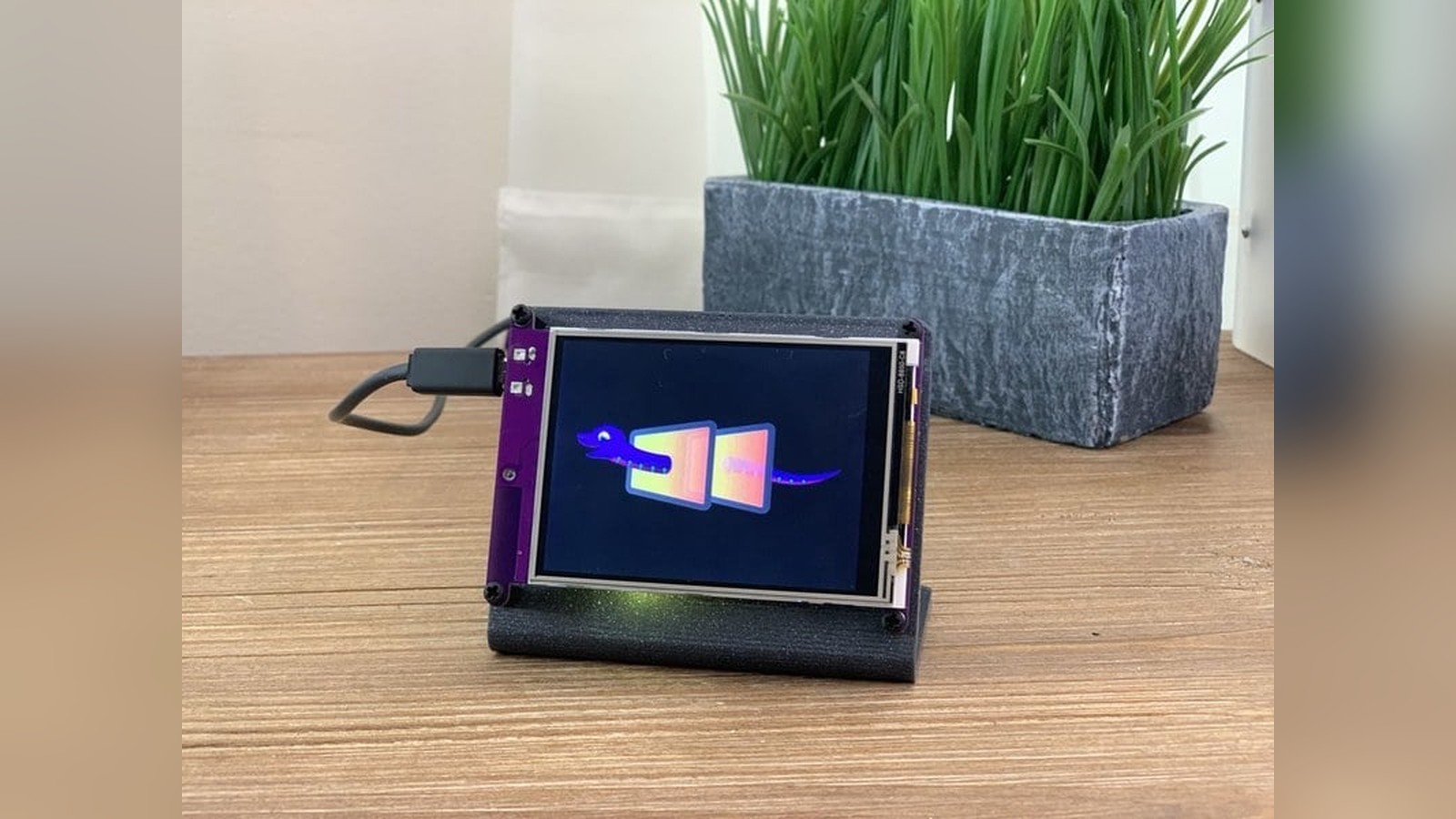
Plug a CircuitPython board into a computer and it behaves less like a traditional microcontroller than you might expect. Instead of compiling a program, finding the right upload port, and waiting for a toolchain to build firmware, you open a small USB drive named CIRCUITPY. Save a Python file to that drive and the board runs it. That approachable loop has always been CircuitPython's strongest idea.
CircuitPython 8.0, released on February 6, 2023, did not replace that familiar workflow. It made the workflow more practical for connected projects. The release added a dedicated place for network credentials, expanded support for Espressif chips, improved web-based access, and introduced lower-level changes that helped CircuitPython feel like a serious embedded platform rather than a simplified classroom language.
Keep that framing in mind. A friendly first hour is useful, but a development environment also has to support the second week of a project, when Wi-Fi passwords, configuration files, debugging messages, and hardware differences begin to pile up.
What is CircuitPython?
CircuitPython is Adafruit's beginner-focused version of MicroPython. MicroPython is an implementation of the Python programming language designed to run on microcontrollers, which are the small computers inside development boards, sensors, appliances, and countless embedded products.
On a normal desktop computer, Python can rely on gigabytes of memory, a full operating system, and a large filesystem. A microcontroller may have only a fraction of that memory and no conventional operating system at all. CircuitPython packages Python's most useful ideas into that smaller environment, then adds a consistent hardware programming interface and a USB-drive workflow aimed at makers and educators.
The result is immediate feedback. Change code.py, save the file, and the board automatically restarts the program. If something goes wrong, a serial console can show the error. A serial console is a text window that displays messages sent over the board's USB connection. It is the embedded equivalent of having a conversation with the program while it runs.
CircuitPython 8 kept those fundamentals intact. Its most visible improvements focused on what happens once a project needs to connect to other devices and services.
Why does settings.toml matter?
Connected projects need secrets. A weather display may need a Wi-Fi network name and password. A sensor dashboard may also need an API key, which is a private string that allows software to access an online service.
Before CircuitPython 8, many projects placed those values in a Python file commonly named secrets.py. That worked, but it mixed configuration with executable code. It also made an easy mistake more likely: a maker could share the project folder and accidentally publish a real Wi-Fi password with it.
CircuitPython 8 added formal support for settings.toml. TOML, short for Tom's Obvious Minimal Language, is a text format for storing configuration as readable name-and-value pairs. The file gives network credentials and service keys a predictable home in the root of the CIRCUITPY drive.
Separating settings from program logic has several practical benefits. You can share code.py without sharing the real credentials. The same program can move between two boards while each board keeps its own local configuration. Libraries also gain a standard place to look for common values instead of every tutorial inventing a different file layout.
There is an important gotcha here. Moving a password into settings.toml does not encrypt it. Anyone who can read the drive can still see the value. The improvement is organization and safer sharing, not secure storage against someone with physical access to the board.
CircuitPython became more useful on Espressif hardware
Espressif's ESP32 family made inexpensive wireless microcontrollers widely available. CircuitPython 8 expanded support across more of that family, including newer RISC-V-based devices. RISC-V is an open instruction set, meaning it defines the basic language understood by a processor without tying that language to one company's proprietary CPU design.
For most CircuitPython users, the processor architecture stays out of sight. The practical benefit is choice. Developers can use the same high-level Python style across boards with different combinations of Wi-Fi, Bluetooth Low Energy, USB, memory, and pin counts. Bluetooth Low Energy, usually shortened to BLE, is a version of Bluetooth designed for small amounts of data and low power consumption.
Version 8 also continued improving workflows for boards that expose CircuitPython tools over a network. A web workflow lets a supported board present browser-accessible files and a browser serial connection. This is useful when a device is installed where reaching its USB port is inconvenient. It also points toward development from tablets, Chromebooks, and other systems where installing a traditional embedded toolchain may be difficult.
Wireless development requires more care than copying a file over USB. A device still needs valid credentials, both devices must be reachable on the network, and browser security rules can affect what the computer is allowed to access. The important change was not that every cable suddenly became unnecessary. CircuitPython was building a second path for situations where a cable was the awkward part of the job.
What changed under the surface?
Large releases are rarely defined by one feature. CircuitPython 8 also included changes to core modules, board support, memory handling, display behavior, and the APIs used by libraries. An API, or application programming interface, is the agreed set of names and rules one piece of software uses to talk to another.
Those changes count even when they are invisible in a beginner's first blinking-LED program. CircuitPython supports a wide range of boards from multiple manufacturers. Each board combines a processor, memory, pins, and peripherals in a slightly different way. A stable high-level experience depends on a substantial compatibility layer underneath it.
The release also reflected a more mature approach to compatibility. Major-version upgrades can require library updates or changes to existing projects, so users should match the CircuitPython library bundle to the major version installed on the board. A library bundle is a downloadable collection of ready-made drivers and helpers. Using an older bundle with newer firmware can produce import errors or missing features even when the project code itself has not changed.
The safest upgrade routine is simple: make a copy of the entire CIRCUITPY drive, install the appropriate CircuitPython build for the exact board, download the matching version 8 library bundle, and restore only the files the project needs. That backup is especially important because some upgrade procedures can erase or replace files.
Why this release is bigger than a version number
CircuitPython is often introduced as Python for people who are not ready for C or C++. That description misses much of its value. Fast iteration, a readable language, cross-vendor libraries, and a consistent hardware API are useful to experienced developers too. They shorten the distance between an idea and a working prototype.
CircuitPython 8 strengthens that argument. settings.toml makes connected projects easier to organize. Wider Espressif support opens more hardware choices. Web workflow improvements reduce dependence on a locally installed development environment. Less visible changes give library authors and board designers a broader, more consistent foundation.
There are still tradeoffs. Interpreted Python generally cannot match optimized native code for timing-critical work, and the runtime consumes memory that a small C program may leave available. Some peripherals arrive first in vendor SDKs, which are the official software development kits supplied by chip manufacturers. CircuitPython also depends on board-specific builds, so a random microcontroller board is not automatically supported.
Those limits do not weaken what the release accomplishes. They help define where the platform fits. CircuitPython is especially strong when development speed, readability, education, hardware experimentation, and library reuse matter more than squeezing every last byte or processor cycle from a chip.
What should makers take away from CircuitPython 8?
If you are already using CircuitPython, version 8 offers a cleaner way to manage connected projects and a growing selection of capable wireless boards. If you have dismissed the platform as a toy language, the release is a good reason to look again.
The easiest feature to underestimate is the configuration file. Moving credentials out of source code sounds like housekeeping, but good housekeeping is what allows a one-evening experiment to grow into a project you can maintain, share, and reinstall months later. Embedded development is full of small points of friction. CircuitPython 8 removes several of them without giving up the simple edit-save-run loop that brought people to the platform in the first place.
That is what makes the release important. It preserves the welcoming front door, then adds more room behind it.
If you've been putting off CircuitPython 8, I'd back up the whole CIRCUITPY drive first, then move your Wi-Fi details into settings.toml. It's a small change that makes sharing code much safer.
Sources and image credits
- CircuitPython 8.0.0 release announcement, Adafruit, February 6, 2023.
- Creating a
settings.tomlfile, Adafruit Learning System. - Photo from the Adafruit PyPortal guide, Adafruit Learning System, Adafruit Industries.
- Square and vertical crops are edited from the same source image.


