Clicking Verify is fine until you have three sketches and two board types. Then you want a command that compiles everything and stops if one of them fails. Arduino CLI is built for that. This article is local automation on your PC: a PowerShell loop, a sketch list, more than one FQBN, and a sketch.yaml profile. GitHub Actions is the next article. A full CI/CD pipeline is the one after that.
FQBN means Fully Qualified Board Name: vendor:architecture:board. arduino:avr:uno is an Uno. Part 3 of the Mastery Series is still what a sketch is. Install the CLI and arduino:avr first (the install article in this folder).
Compile does not need the board plugged in. Upload does. Automatic compile is a compile check. Do not mix in --upload unless a board is on the cable and you meant to flash it.
One sketch, one board, fail loudly
# Compile the sketch in the CliBlink folder for an Uno
arduino-cli compile --fqbn arduino:avr:uno .\CliBlink
# If the compiler reported failure (anything but 0), stop the script with an error
if ($LASTEXITCODE -ne 0) { throw "compile failed" }
$LASTEXITCODE is PowerShell's "did the last program succeed?" 0 means yes. A throw stops the script. That is the whole trick. Without it, PowerShell continues after a failed compile and you think you are fine.
--clean forces a full rebuild when you do not trust the cache:
# Throw away cached build pieces and compile everything from scratch
arduino-cli compile --fqbn arduino:avr:uno --clean .\CliBlink
--warnings all nags. Useful in an automatic check so unused variables show up before a pull request (a pull request is a proposed change on GitHub that someone reviews before it is merged into the main code).
Several sketches
Put sketch folders next to each other. A tiny script:
$fqbn = "arduino:avr:uno"          # The one board every sketch is built for
$sketches = @(                     # A list of sketch folders. Add a line per sketch.
  ".\CliBlink",
  ".\Dht22Bench"
)
foreach ($s in $sketches) {        # Repeat for each folder in the list
  Write-Host "=== $s ==="          # Header line so the output is easy to scan
  arduino-cli compile --fqbn $fqbn $s
  if ($LASTEXITCODE -ne 0) { throw "compile failed: $s" }  # Stop at the first failure
}
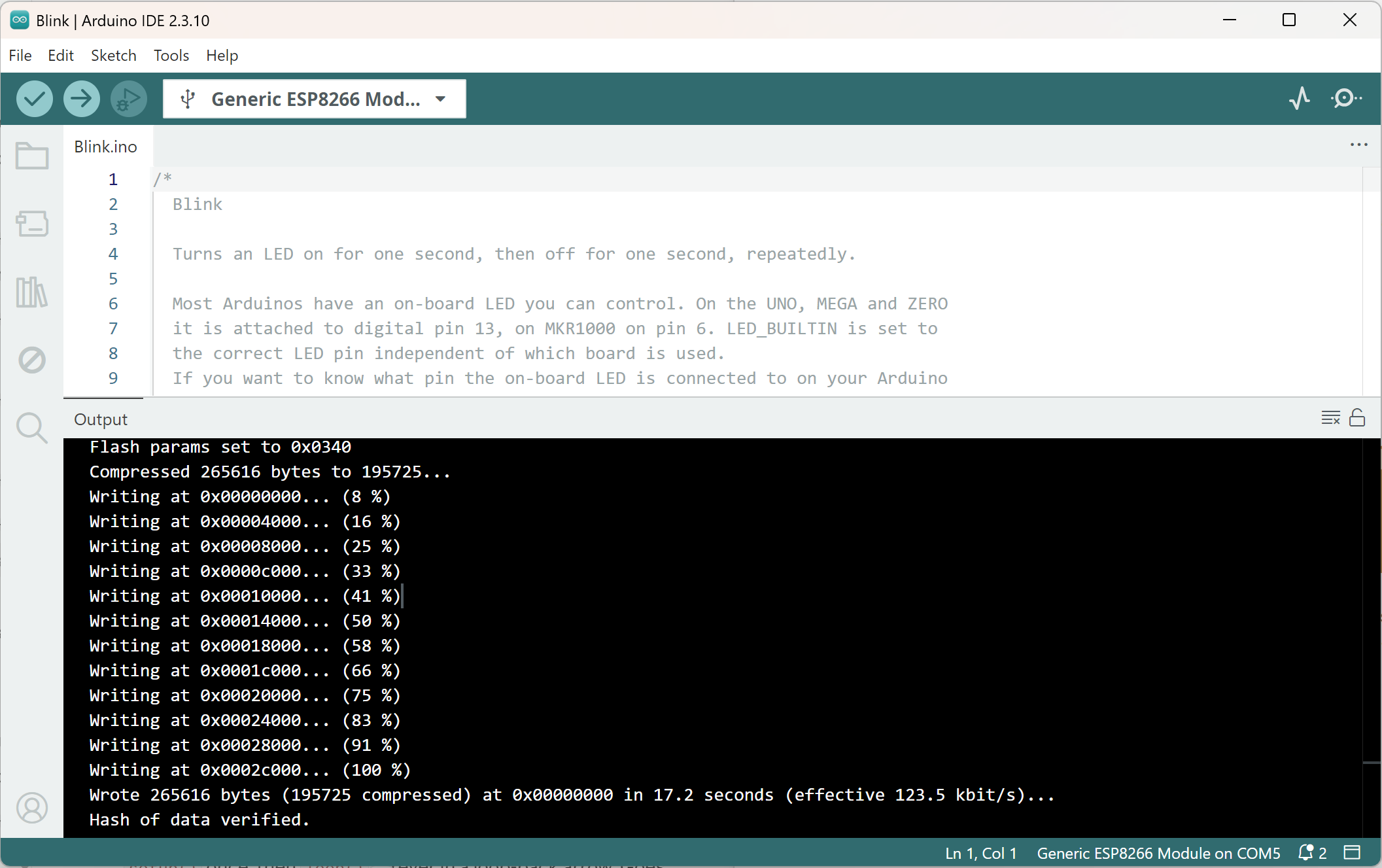
If a path is wrong, the CLI says it cannot find a sketch. Folder name and .ino name must match (CliBlink\CliBlink.ino).
Several boards
The same source, two FQBNs:
$boards = @(                          # Every board this sketch is supposed to support
  "arduino:avr:uno",
  "arduino:avr:nano"
)
foreach ($fqbn in $boards) {          # Same sketch, once per board
  Write-Host "=== $fqbn ==="
  arduino-cli compile --fqbn $fqbn .\CliBlink
  if ($LASTEXITCODE -ne 0) { throw "compile failed for $fqbn" }
}
A sketch that uses Mega-only pins will fail the Nano compile. That is the point of running both.
Cores must already be installed (arduino-cli core list). Automatic compile will not magically fetch ESP32 unless you core install in the same script, which is slower and needs the extra index URL.
sketch.yaml profiles
Arduino CLI can store a build profile in sketch.yaml next to the .ino. A profile names the board, the exact core version, and the exact library versions, so the compile comes out the same next month as it does today. A small one looks like this:
# sketch.yaml, saved in the same folder as Dht22Bench.ino
profiles:
  uno:                                   # The profile's name, used with --profile uno
    fqbn: arduino:avr:uno                # Which board to build for
    platforms:
      - platform: arduino:avr (1.8.6)    # Exact core version (example number)
    libraries:
      - DHT sensor library (1.4.6)       # Exact library version (example number)
default_profile: uno                     # Used when you do not pass --profile at all
The version numbers above are only examples. Get your real ones from the next paragraph. Then:
# Build using everything the "uno" profile pins down
arduino-cli compile --profile uno .\Dht22Bench
--dump-profile on a compile that already works prints a starting profile with your installed versions filled in, ready to paste into sketch.yaml. If a core or library is missing, a profile-based compile can download it into an isolated folder. Handy. Also slower the first time, and it needs network.
For a personal bench script, a hardcoded --fqbn is enough. For a repo you share, a profile (or a documented FQBN in the script) beats "whatever Board Manager had last week."
What a failure actually looks like
$LASTEXITCODE -ne 0 catches every failure, but it is worth seeing what triggers it before you are staring at one at 11 p.m. A missing include prints something like:
Dht22Bench.ino:3:10: fatal error: DHT.h: No such file or directory
compilation terminated.
exit status 1
A wrong FQBN prints a different shape of failure entirely, usually before any C++ compiling even starts:
Error during build: Platform 'arduino:esp32' not found
Both end with a non-zero exit code, which is all your if ($LASTEXITCODE -ne 0) check needs. But the two messages tell you where to look first: a missing header means a library problem, a missing platform means a core problem, and neither one means your C++ syntax is wrong. Reading the first line of the actual error, not just reacting to the exit code, is still the fast path to a fix.
Logging output for later
A script you run by hand shows failures in the terminal you are already watching. A script that runs unattended, from a Git hook or a scheduled task, needs somewhere to put that output so you can read it after the fact:
# Redirect both normal output and errors to a timestamped log file
$logFile = "compile-log-$(Get-Date -Format yyyyMMdd-HHmmss).txt"
arduino-cli compile --fqbn arduino:avr:uno .\CliBlink *> $logFile
if ($LASTEXITCODE -ne 0) { throw "compile failed. See $logFile" }
*> in PowerShell redirects every output stream, standard output and errors both, into one file. That single file is what you paste into a bug report or reread the next morning, instead of trying to remember what scrolled past in a terminal window that closed hours ago.
When to run the script
- By hand, after a batch of edits.
- From VS Code as a task (the VS Code article in this folder).
- As a Git pre-commit hook if you want a broken sketch to never enter Git. A hook is a small script Git runs before
git commit. Keep it fast: one FQBN, not five ESP32 variants. - On a timer only if that solves a real problem. Compiling all night because you can is not a workflow. If you do have a real reason (a nightly check against a library that updates on its own schedule, for instance), Windows Task Scheduler can run
compile-all.ps1on a schedule without you present: Create Task, set the trigger to Daily, set the action topowershell.exewith the argument-ExecutionPolicy Bypass -File "C:\path\to\compile-all.ps1", and point the log file from the previous section somewhere you will actually check it.
Do not upload from an automatic script unless the script also checked board list and you are staring at the bench. Flashing the wrong COM port from a scheduled task is a bad afternoon.
Save the script as compile-all.ps1 next to the sketches. Run it with .\compile-all.ps1 from that folder. If PowerShell complains about execution policy (a Windows safety setting that decides whether script files are allowed to run at all), powershell -ExecutionPolicy Bypass -File .\compile-all.ps1 is the usual workaround on a machine you own. It bypasses the rule for that one run only. Do not weaken execution policy globally unless you know why.
Keep the FQBN in the script, not in your head. Six months later you will not remember whether that sketch was meant for Uno or Nano Every.
Libraries in an automatic compile
If the sketch #includes a Library Manager package, that package must be installed in the CLI's user directory (lib list, lib install). The script can install known names first:
# Make sure the library exists first (harmless if it is already installed)
arduino-cli lib install "DHT sensor library"
# Then compile the sketch that depends on it
arduino-cli compile --fqbn arduino:avr:uno .\Dht22Bench
Pinning versions belongs in a profile or in a comment at the top of the script. "Latest" is how a library update breaks CI on a Monday.
Troubleshooting
| Symptom | Likely cause | Fix |
|---|---|---|
| Script keeps running after a failed compile | $LASTEXITCODE never checked |
Add the if ($LASTEXITCODE -ne 0) { throw ... } line after every compile call |
| "Cannot find sketch" | Folder and .ino name do not match |
CliBlink\CliBlink.ino, not CliBlink\blink.ino |
| Second board fails, first one worked | Sketch uses pins or a library the second core lacks | Fix the sketch, or drop that board from the list honestly |
--profile compile is slow the first time |
Profile downloading its own pinned core/library copies | Expected once. Later runs reuse what it downloaded |
| Execution policy blocks the script | Windows default PowerShell restriction | -ExecutionPolicy Bypass -File for a one-off run, not a global policy change |
Wrap-up
Automatic compile is a loop: each sketch, each FQBN, stop on $LASTEXITCODE not zero. No board required. No upload unless you meant it. Next is the same idea on GitHub's computers, using Arduino's Actions.
Hack The World and Make Awesome.