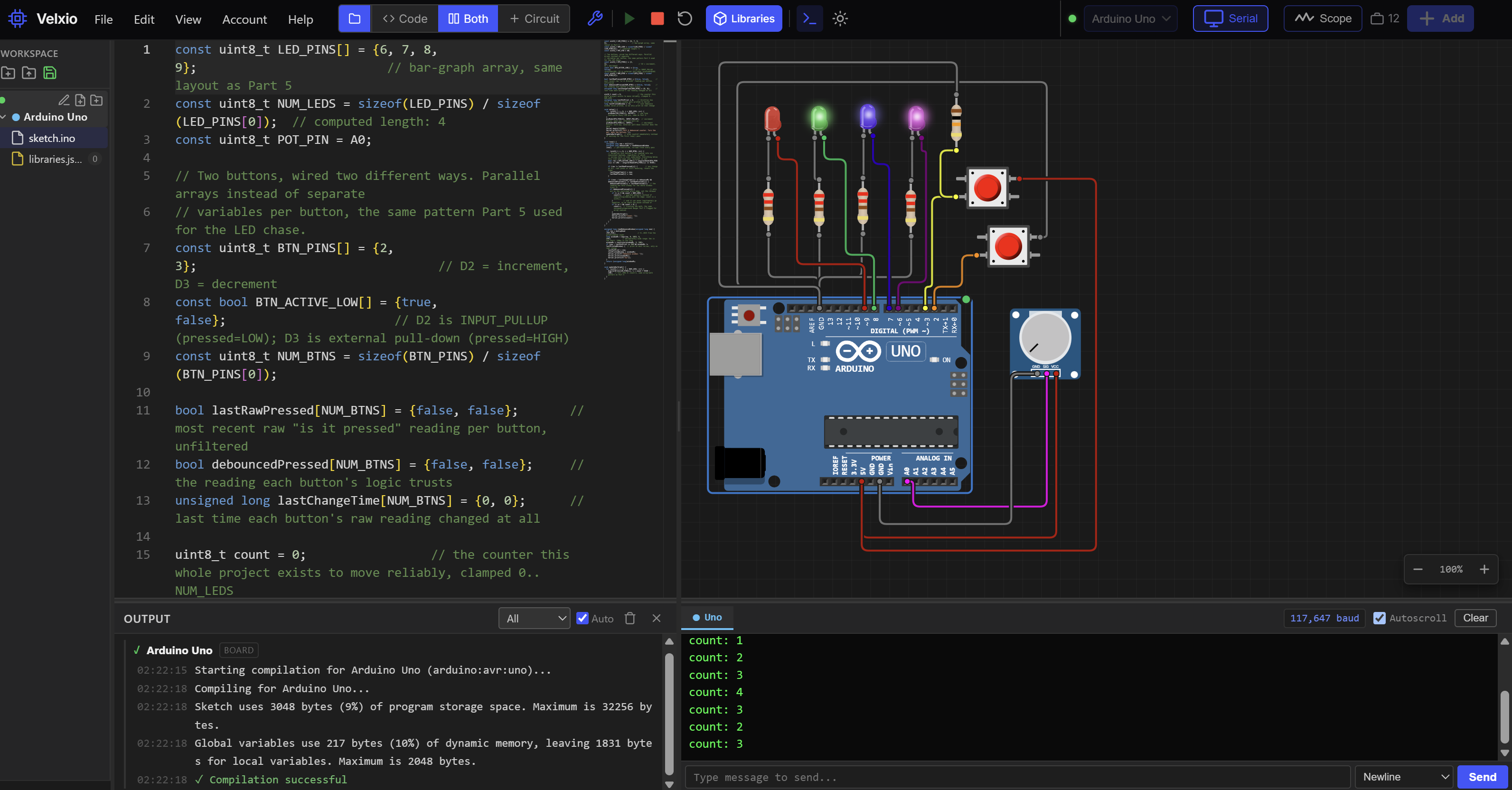
Part 5 of the Arduino Mastery Series: how arrays store more than one value under a single name, how a C-string differs from Arduino's String class, and a serial-controlled LED chase project that puts real data types to work.
Part 4 of the Arduino Mastery Series: why delay() freezes your whole sketch, how millis() and micros() track time without blocking, and a non-blocking control panel project that blinks, dims, and times a button press all at once.
How a sketch actually runs, the core Arduino functions, Serial as a debug tool, installing libraries, and SRAM awareness: the vocabulary the rest of the series assumes you have.
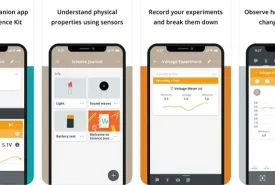
What Arduino Science Journal is, how it uses phone sensors and Bluetooth Arduino boards, how it differs from Arduino IDE 2 and IoT Remote, and experiments you can run without writing a sketch first.
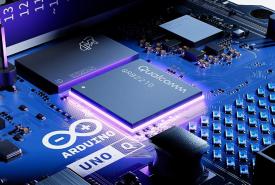
How App Lab runs AI on the UNO Q Linux side as Bricks or Python, why the microcontroller never executes the model, and how to send a small result over the Bridge to a pin.
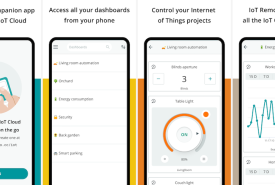
What Arduino IoT Remote is, how it attaches to Arduino Cloud dashboards, what you can and cannot do on the phone, Phone as Device, and a practical path from a Wi-Fi board and a DHT22 to a dashboard you can open on the couch.
How to write, save, and upload Arduino sketches from a Chromebook using Arduino Cloud and the Chromebook app, which boards work, how USB fits in, and what you give up compared with Windows, macOS, or Linux.