Recovery path when a UNO Q will not boot or App Lab cannot see it: cables and udev first, then Emergency Download Mode and Arduino Flasher CLI `flash latest`.
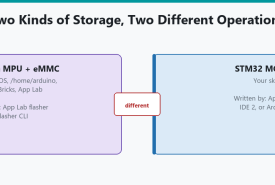
How to reinstall the UNO Q Debian image when the board still talks to App Lab, using the built-in flasher, with a clear warning that this is not the same as uploading a sketch.
Why UNO Q and VENTUNO Q run a Linux operating system, how that differs from uploading a sketch, when to reflash, how App Lab's flasher compares to Arduino Flasher CLI, how to recover a UNO Q that will not boot, and why VENTUNO Q follows a different procedure.
How the UNO Q Bridge lets Linux Python and the STM32 sketch call each other's functions, including provide/call, the 256-byte limit, and the Arduino Router service underneath.
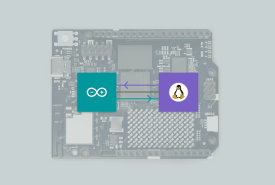
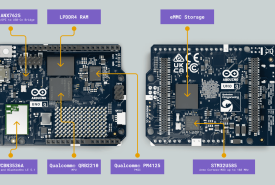
How the UNO Q's two processors split the work: Debian Linux on the Qualcomm microprocessor, real-time Arduino C++ on the STM32 microcontroller, and why that is not two sketches in one loop.
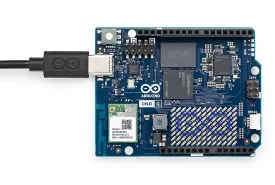
Install Arduino App Lab, connect a UNO Q or VENTUNO Q, run a Blink example, and know what USB-C power, discovery, and first-run setup actually involve.
What Arduino App Lab is, how Apps combine Python on Linux, C++ sketches on a microcontroller, Bricks, and AI on UNO Q and VENTUNO Q, and when you still want Arduino IDE 2 instead.