Arduino IDE 2 programs microcontroller firmware. Arduino App Lab orchestrates Linux, Python, MCU sketches, and Bricks on UNO Q and VENTUNO Q. This is a side-by-side of both tools, including when a UNO Q still wants the IDE.
Install Arduino App Lab, connect a UNO Q or VENTUNO Q, run a Blink example, and know what USB-C power, discovery, and first-run setup actually involve.
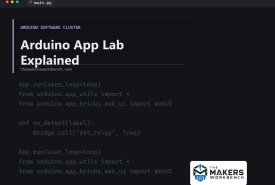
What Arduino App Lab is, how Apps combine Python on Linux, C++ sketches on a microcontroller, Bricks, and AI on UNO Q and VENTUNO Q, and when you still want Arduino IDE 2 instead.
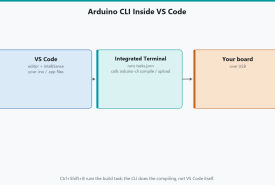
Edit Arduino sketches in Visual Studio Code, compile and upload with Arduino CLI via tasks.json, watch serial in the terminal, and keep IDE 2 for Plotter if you want it.
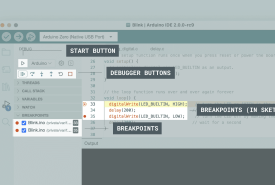
What live debugging in Arduino IDE 2 is, which boards can pause on a breakpoint, why a classic Uno cannot over its USB-serial chip, and when Serial prints are still the right tool.
What Arduino PLC IDE is, how it differs from Arduino IDE 2, what IEC 61131-3 languages and a scan cycle are, which hardware it supports (Opta and Portenta Machine Control), licenses, Modbus and CAN, and who should download it.
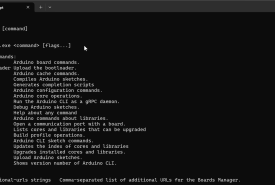
Arduino IDE 2 is a window on top of Arduino CLI. This compares when to click and when to type: Serial Plotter, autocomplete, scripts, VS Code, and shared cores.