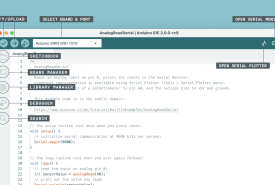
How Arduino IDE 2 differs from Legacy IDE 1.8.19 in interface, architecture, speed, autocomplete, debugging, Serial Monitor, board support, and library compatibility, and why 1.8.19 still exists.
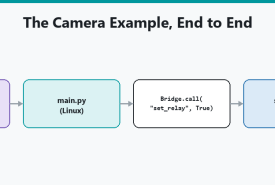
How the UNO Q Bridge lets Linux Python and the STM32 sketch call each other's functions, including provide/call, the 256-byte limit, and the Arduino Router service underneath.
How to compile one or more Arduino sketches from a script using Arduino CLI, fail on a non-zero exit code, cover more than one board FQBN, and use a sketch.yaml profile so the compile line stays short.
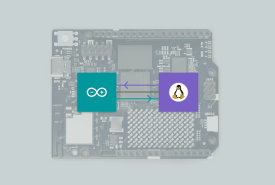
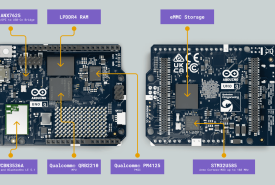
How the UNO Q's two processors split the work: Debian Linux on the Qualcomm microprocessor, real-time Arduino C++ on the STM32 microcontroller, and why that is not two sketches in one loop.
Arduino IDE 2 programs microcontroller firmware. Arduino App Lab orchestrates Linux, Python, MCU sketches, and Bricks on UNO Q and VENTUNO Q. This is a side-by-side of both tools, including when a UNO Q still wants the IDE.
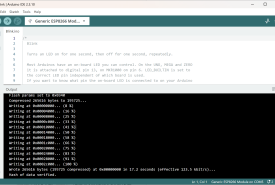
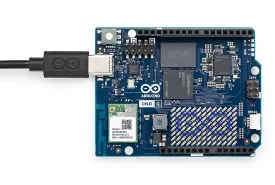
Install Arduino App Lab, connect a UNO Q or VENTUNO Q, run a Blink example, and know what USB-C power, discovery, and first-run setup actually involve.
What Arduino App Lab is, how Apps combine Python on Linux, C++ sketches on a microcontroller, Bricks, and AI on UNO Q and VENTUNO Q, and when you still want Arduino IDE 2 instead.