Arduino IDE 2 is a window on top of Arduino CLI. This compares when to click and when to type: Serial Plotter, autocomplete, scripts, VS Code, and shared cores.
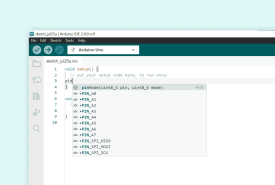
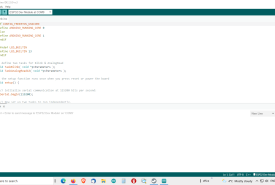
How Arduino IDE 2 suggests function names and jumps to definitions, why a board must be selected first, what to do when the language server is silent, and how this differs from IDE 1.8.
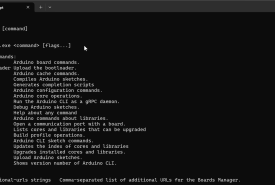
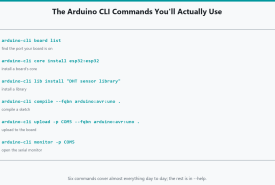
The Arduino CLI commands used every week: board list, cores, libraries, compile, upload, and serial monitor, with FQBN and Windows COM ports spelled out.
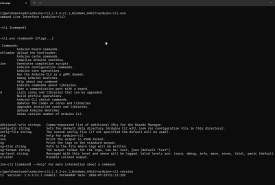
Install Arduino CLI on Windows, understand that it is the engine under Arduino IDE 2, and compile, upload, and manage cores and libraries from the terminal.
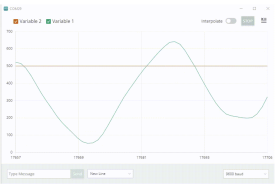
How Arduino IDE 2 Serial Plotter reads numbers over USB, the line format it wants, a simulated temperature and humidity stream, multiple traces, and what to do when the graph is empty or upload fails.
How Serial Monitor works in Arduino IDE 2: baud rate, line endings, timestamps, print debugging, fake sensor data, and parsing what the board sends, without treating the window as magic.