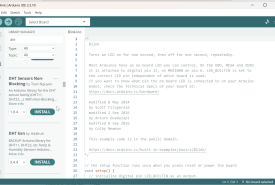
What an Arduino library is, how Library Manager differs from a .zip or a folder drop, where files land, how to update and remove packages, and how to fix duplicate-class and missing-header errors.
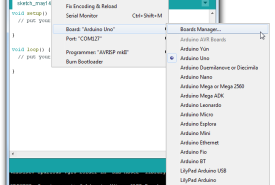
What a core is, why ESP32 is missing on a fresh IDE 2 install, where packages live on disk, how Additional boards manager URLs work, and how to install, update, and remove board support without guessing.
A map of every official Arduino software tool in 2026 (IDE 2, CLI, App Lab, Cloud, MicroPython, PLC IDE, and the rest), who each one is for, and which one you should install today.
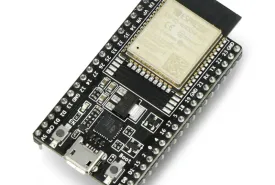
Why ESP32 and ESP8266 are missing from Arduino IDE 2 on day one, how Board Manager URLs and cores work, and a complete install path for Espressif's ESP32 package and the ESP8266 community package, through a first Blink upload.
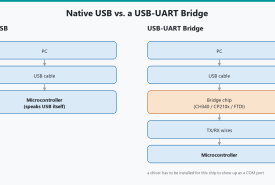
Why Arduino IDE 2 shows an empty Tools → Port menu, how USB-serial chips and cables actually work, and a Windows-first path through Device Manager, CH340/CP210x/FTDI drivers, ESP boot modes, and port conflicts.
Download the real Arduino IDE 2 for Windows 11, choose MSI vs EXE vs ZIP, get past SmartScreen and USB drivers, finish the first-launch core download, and confirm Blink can compile.
Install Arduino IDE 2, learn the window, add boards and libraries, compile, upload, use Serial Monitor and Plotter, and fix the problems that make a good board look broken.