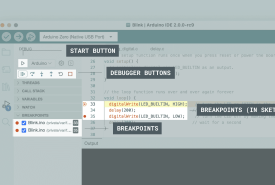
What live debugging in Arduino IDE 2 is, which boards can pause on a breakpoint, why a classic Uno cannot over its USB-serial chip, and when Serial prints are still the right tool.
What Arduino PLC IDE is, how it differs from Arduino IDE 2, what IEC 61131-3 languages and a scan cycle are, which hardware it supports (Opta and Portenta Machine Control), licenses, Modbus and CAN, and who should download it.
Arduino IDE 2 is a window on top of Arduino CLI. This compares when to click and when to type: Serial Plotter, autocomplete, scripts, VS Code, and shared cores.
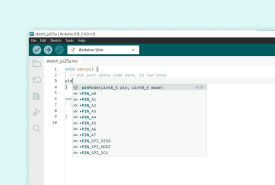
How Arduino IDE 2 suggests function names and jumps to definitions, why a board must be selected first, what to do when the language server is silent, and how this differs from IDE 1.8.
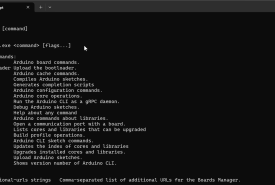
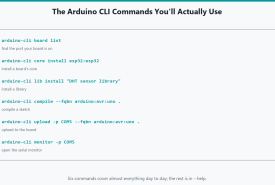
The Arduino CLI commands used every week: board list, cores, libraries, compile, upload, and serial monitor, with FQBN and Windows COM ports spelled out.
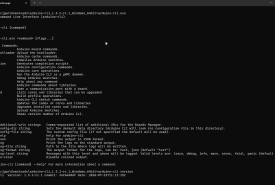
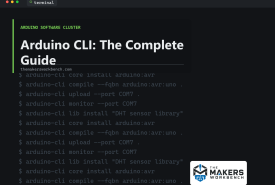
Install Arduino CLI on Windows, understand that it is the engine under Arduino IDE 2, and compile, upload, and manage cores and libraries from the terminal.