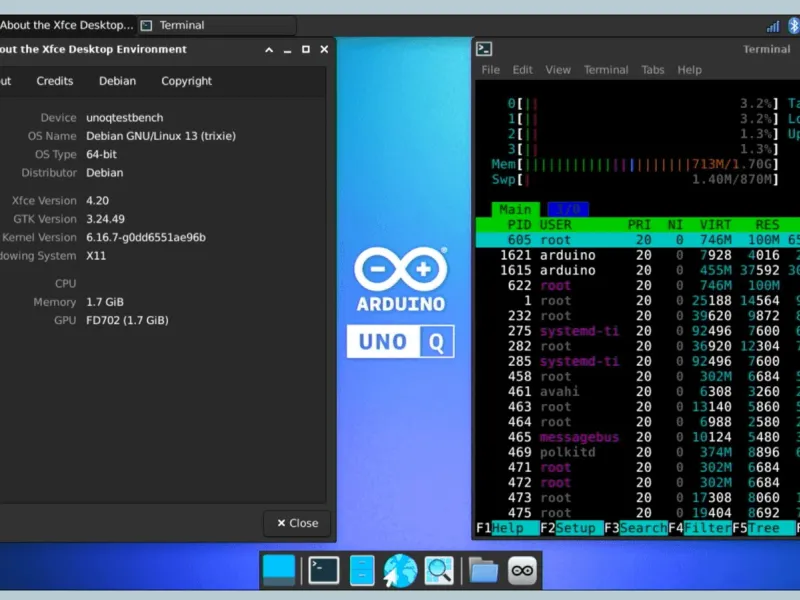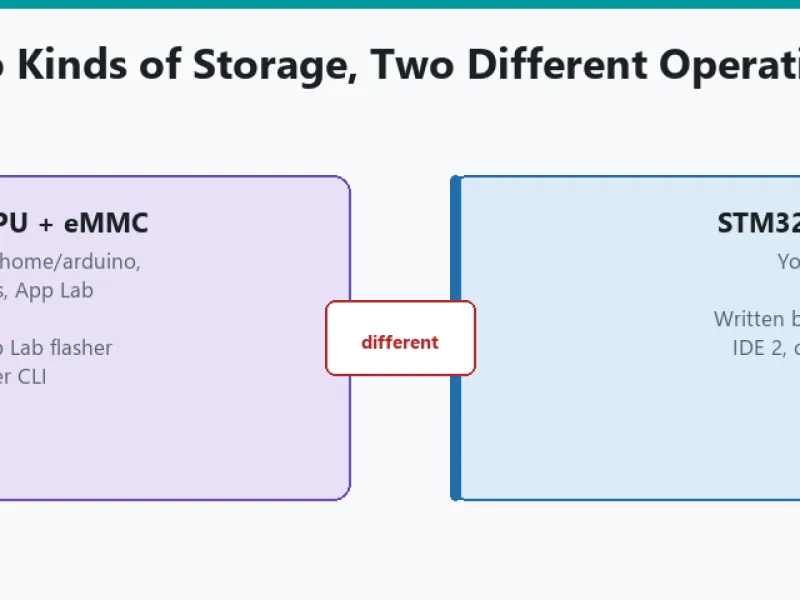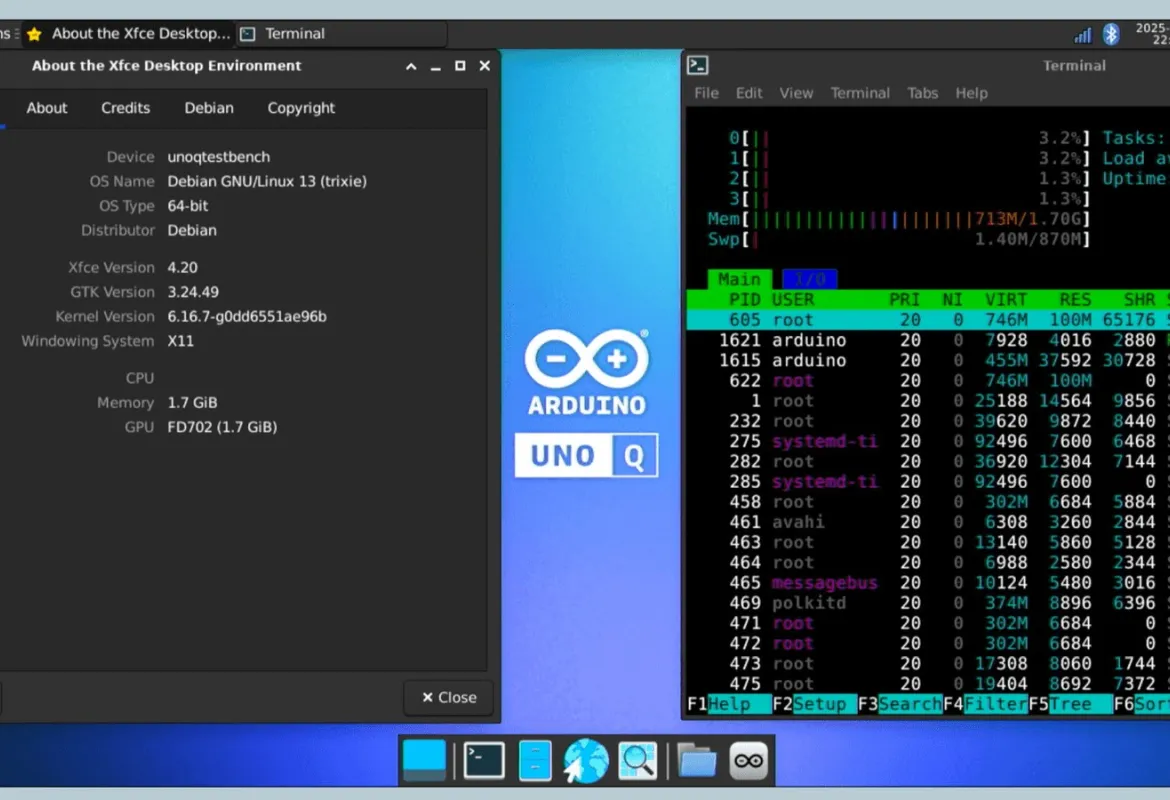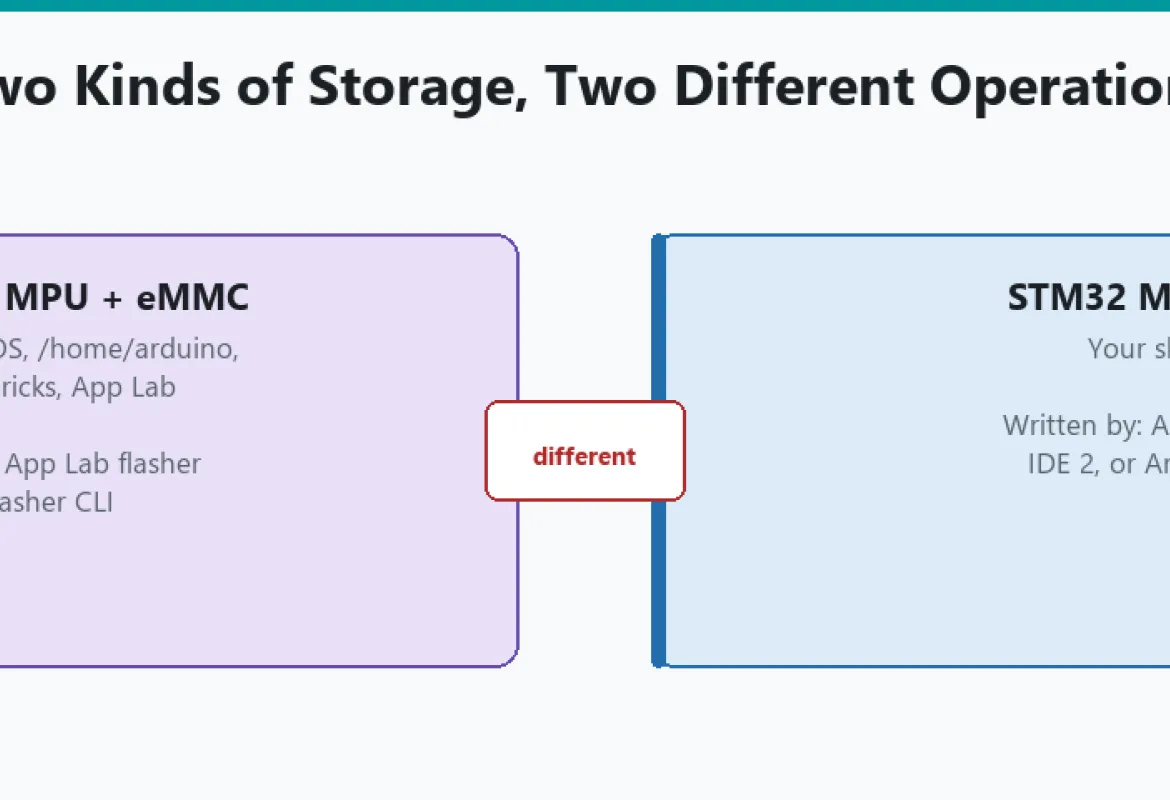
How to reinstall the UNO Q Debian image when the board still talks to App Lab, using the built-in flasher, with a clear warning that this is not the same as uploading a sketch.
Why UNO Q and VENTUNO Q run a Linux operating system, how that differs from uploading a sketch, when to reflash, how App Lab's flasher compares to Arduino Flasher CLI, how to recover a UNO Q that will not boot, and why VENTUNO Q follows a different procedure.
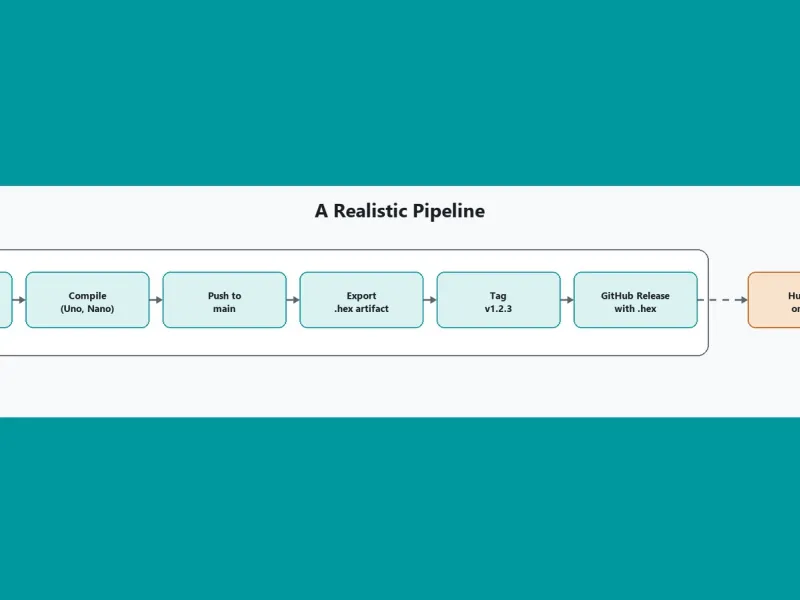
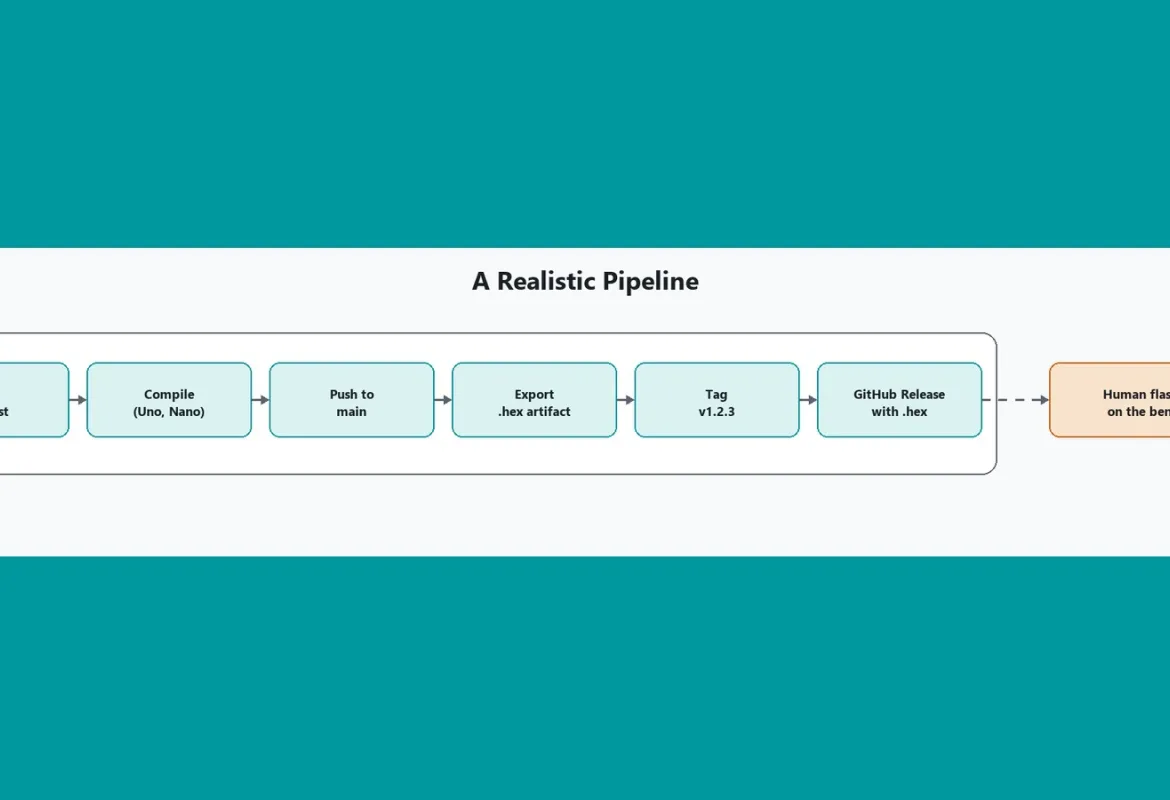
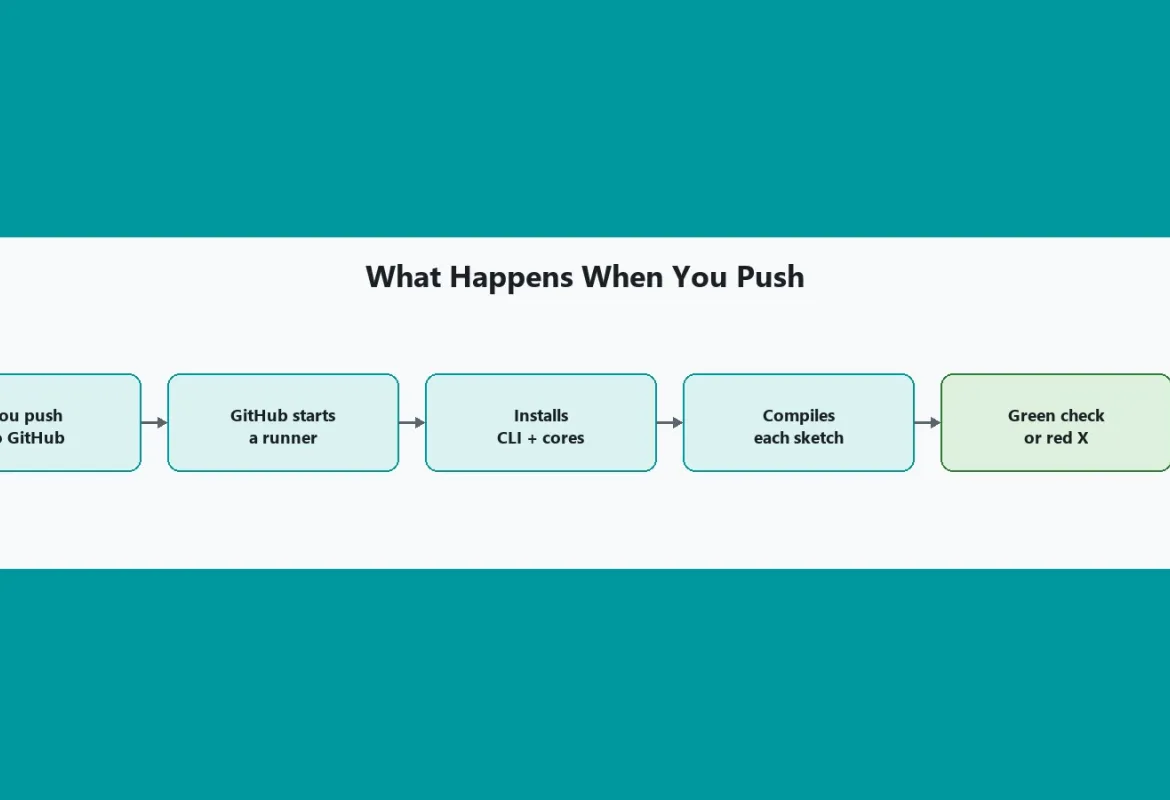
How to turn Arduino CLI compile checks into a small pipeline: compile on pull requests, save hex artifacts, optionally lint, and keep flashing boards as a local or tagged-release step, not something GitHub-hosted runners can do without hardware.
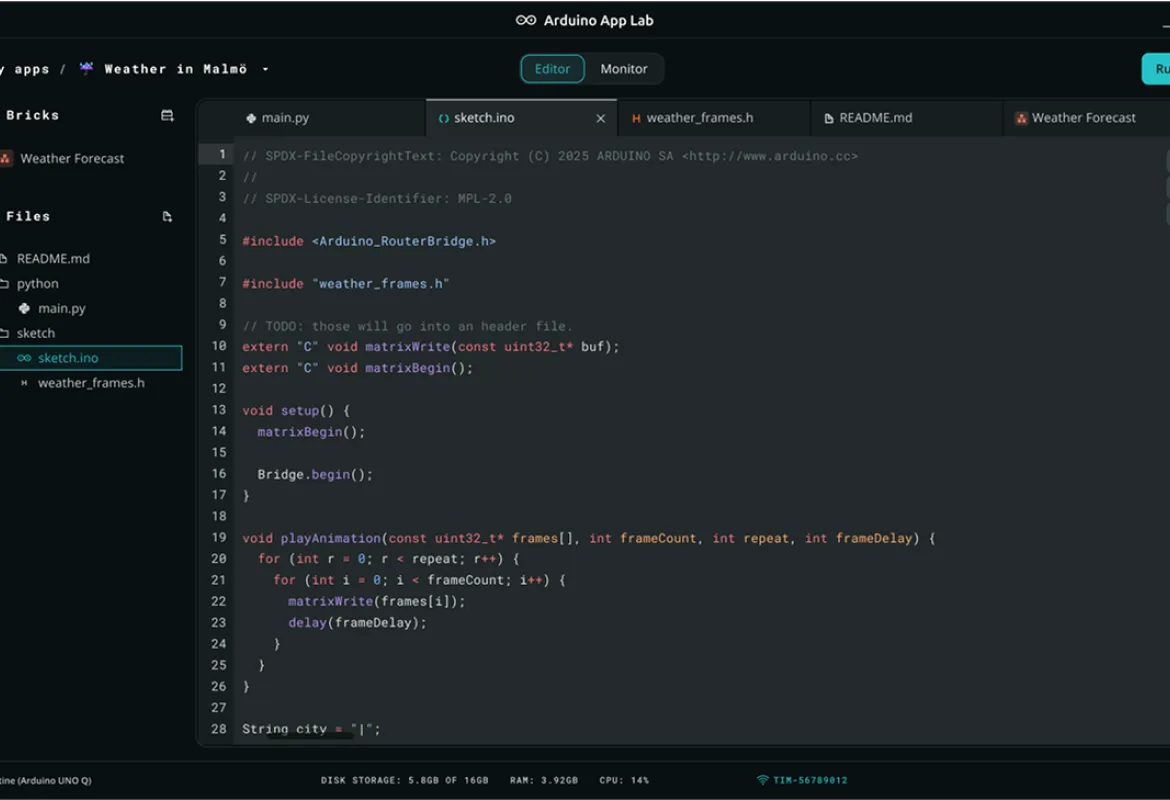
Duplicate an official Blink example in Arduino App Lab, read main.py and sketch.ino, change the Bridge call, Run, and know how to get back if IDE 2 overwrote the microcontroller.
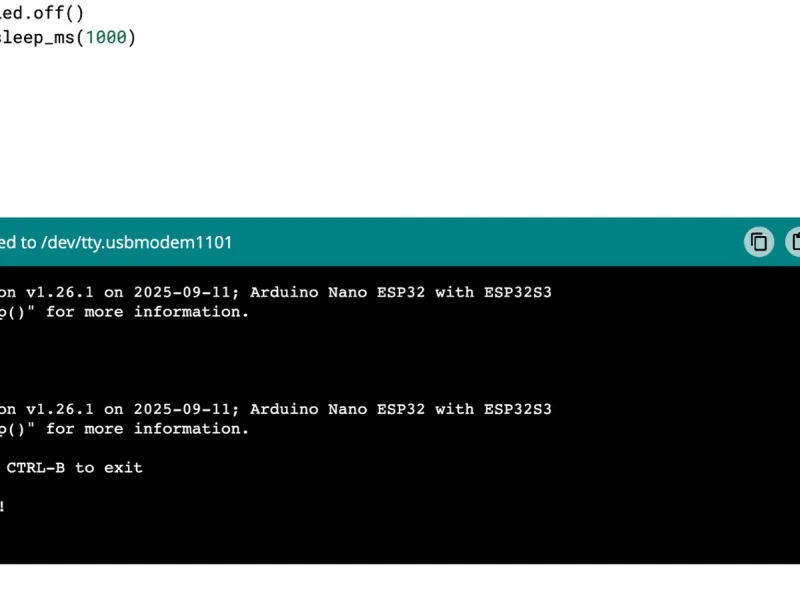
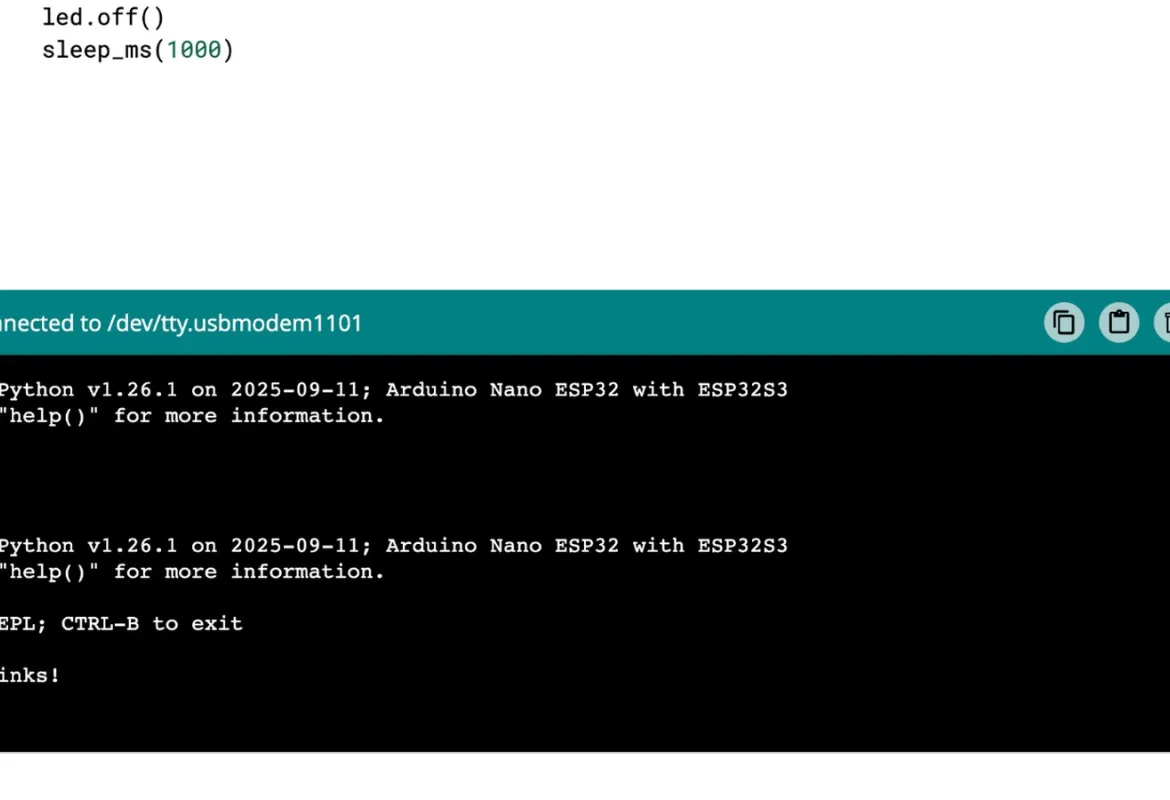
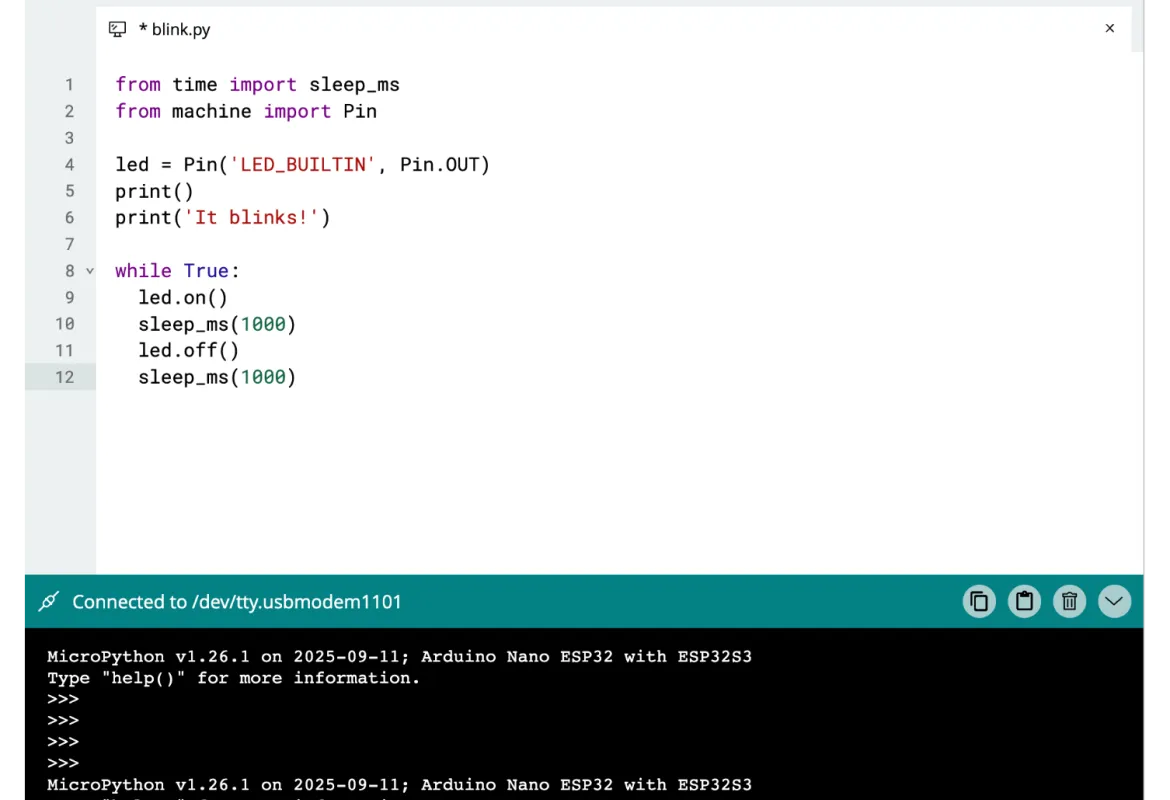
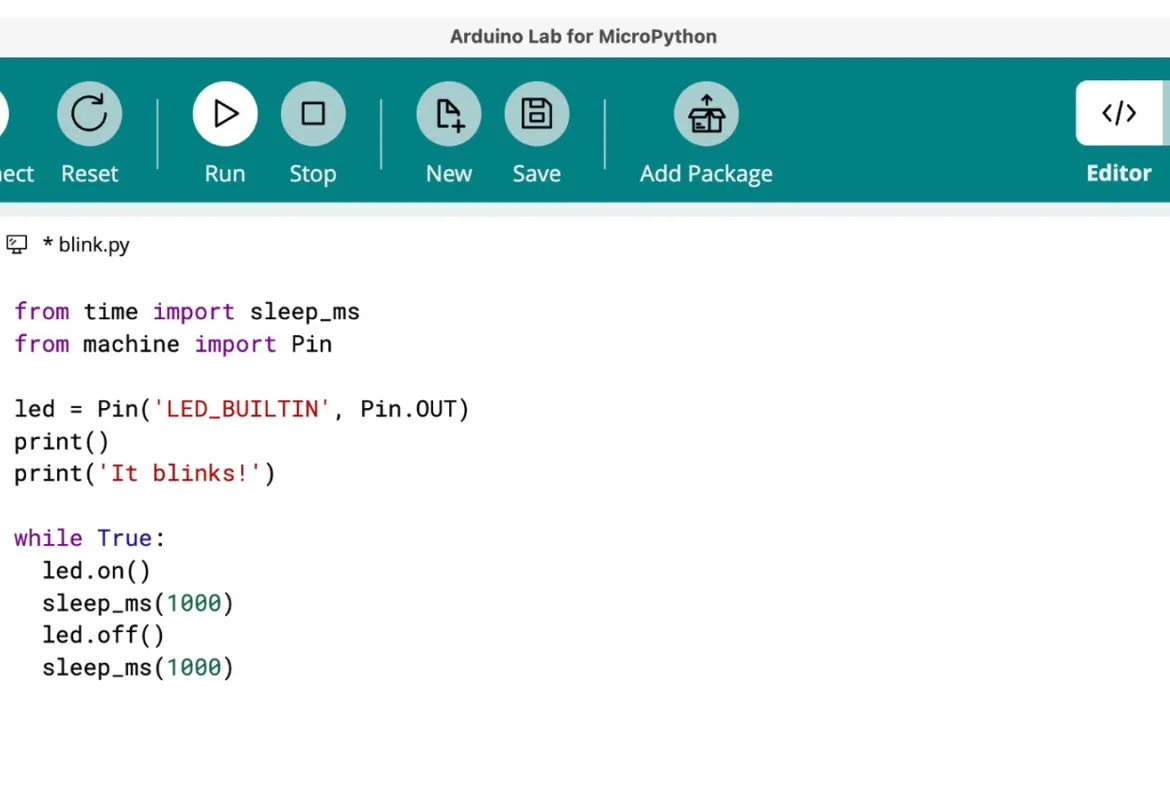
How to use MicroPython's Read-Eval-Print Loop in Arduino Lab: live lines, paste mode, Stop, soft reset, and why REPL experiments are not the same as a main.py you can reboot.
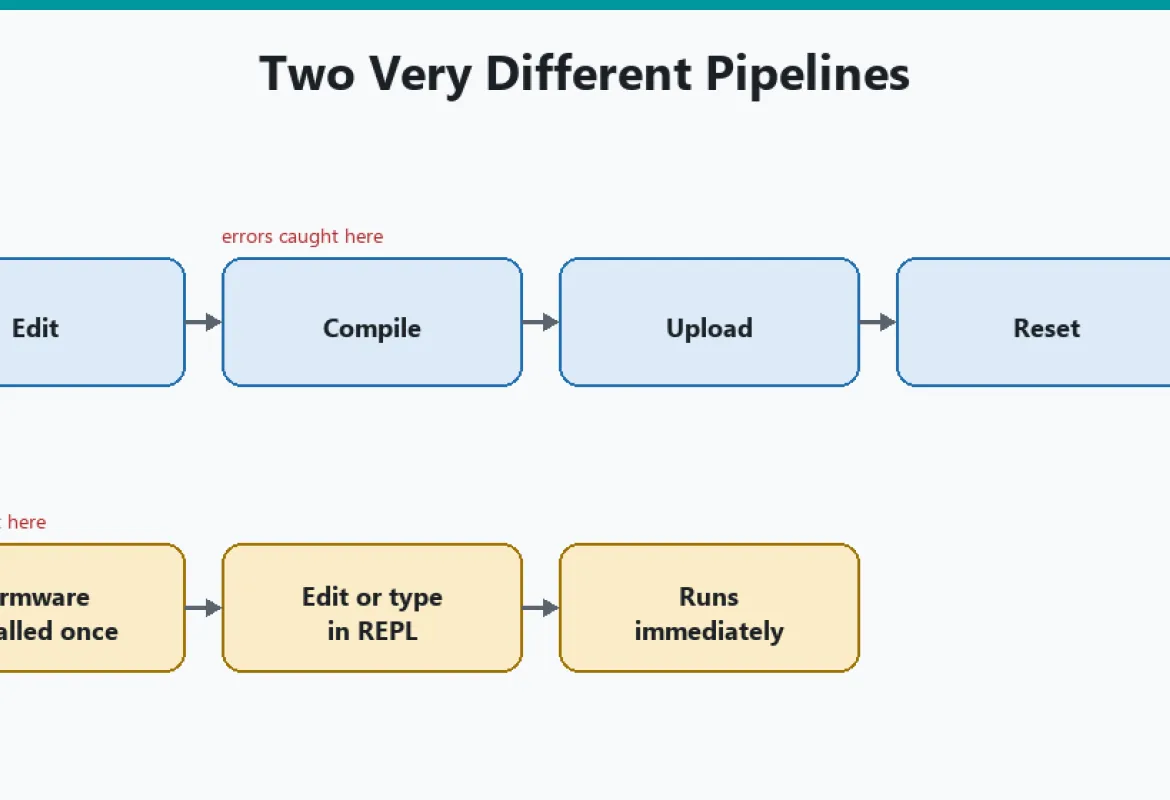
A practical comparison of Arduino C++ and MicroPython on Arduino boards: compiled vs interpreted, speed, memory, how fast you can try an idea, the REPL, libraries, debugging, hardware access, and which one is easier when you are new.
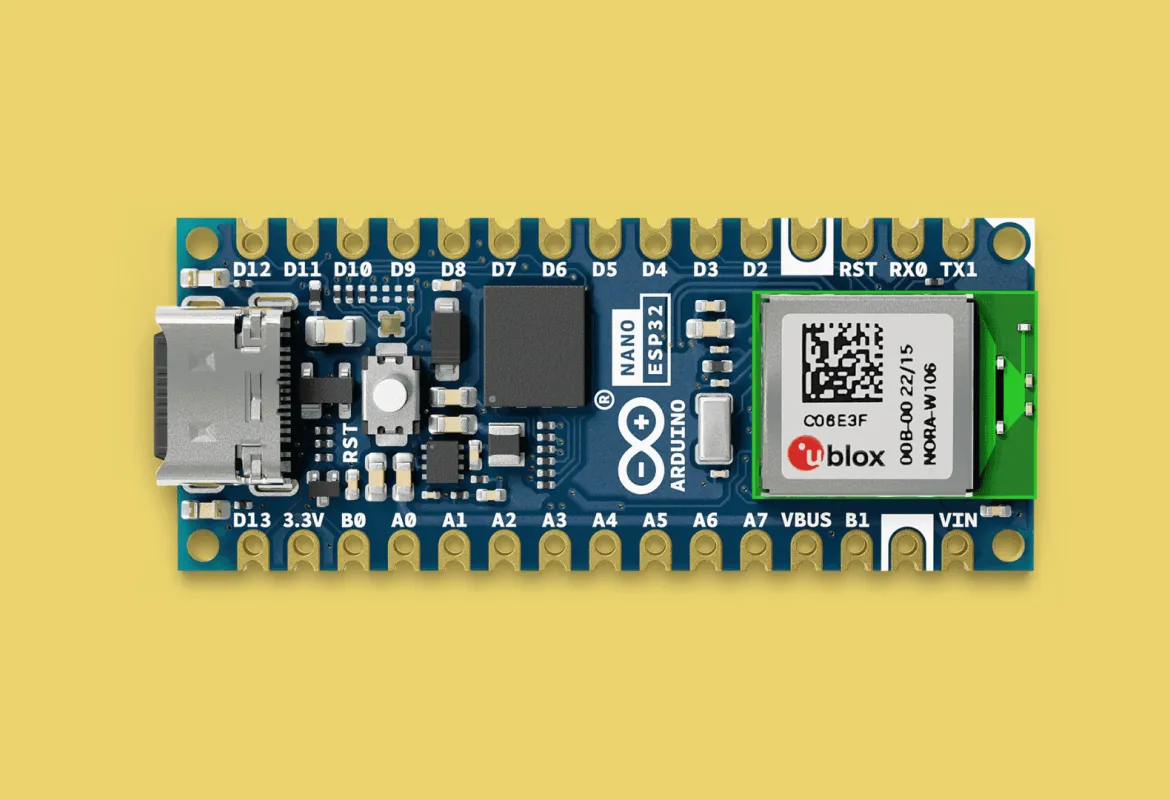
How to put MicroPython firmware on a supported Arduino board with Arduino's MicroPython Installer, which boards are on the list, and how to get Arduino C++ back by uploading a sketch.
What Arduino Lab for MicroPython is, how it differs from Arduino IDE 2, how to put MicroPython firmware on a supported board, how the REPL and file transfer work, and how to get back to Arduino C++ when you want the sketch workflow again.
How to compile Arduino sketches on every GitHub push or pull request using Arduino's official Actions (setup-arduino-cli and compile-sketches), including a matrix of board FQBNs.
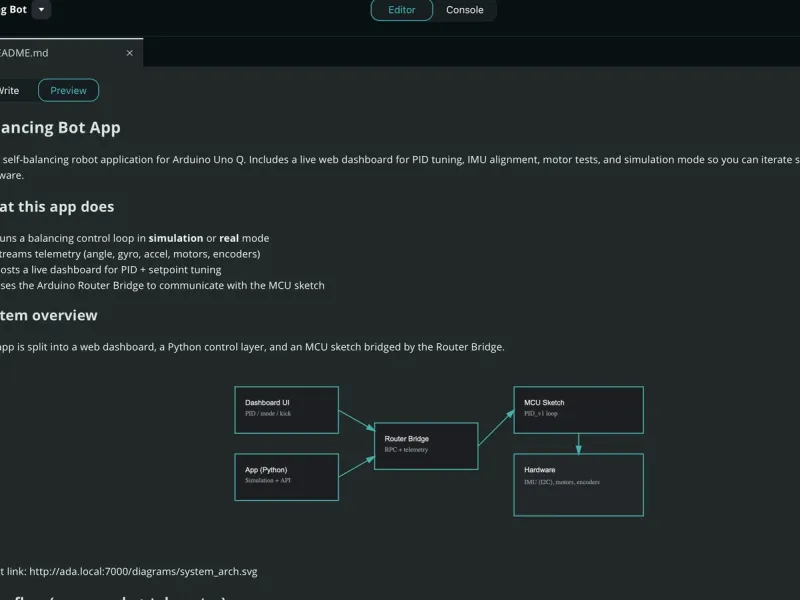
How to split an App Lab project so Python on Linux handles slow work and Arduino C++ on the microcontroller handles pins, using the App folder layout and the Bridge.
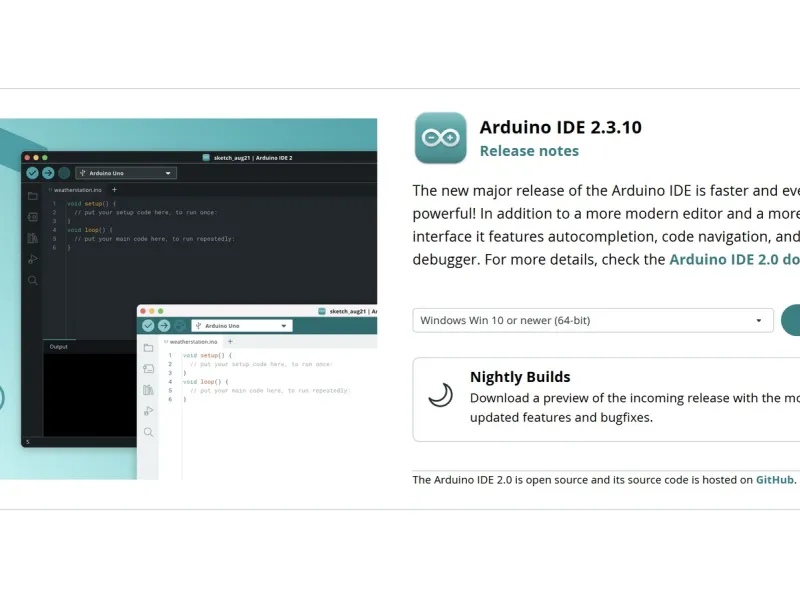
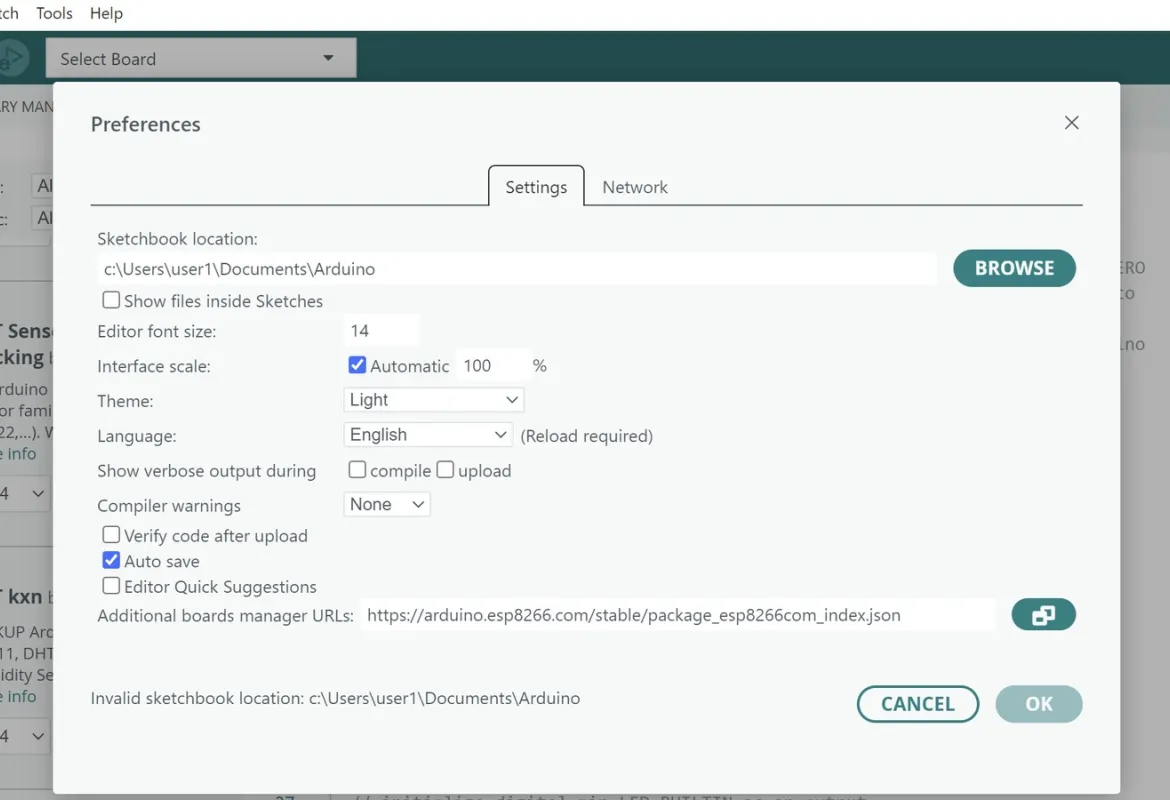
How to install Arduino IDE 2 beside 1.8.19, keep your sketchbook and libraries, reinstall cores if needed, find Serial Monitor and Board Manager in the new window, and only uninstall 1.8 when a project compiles and uploads in 2.