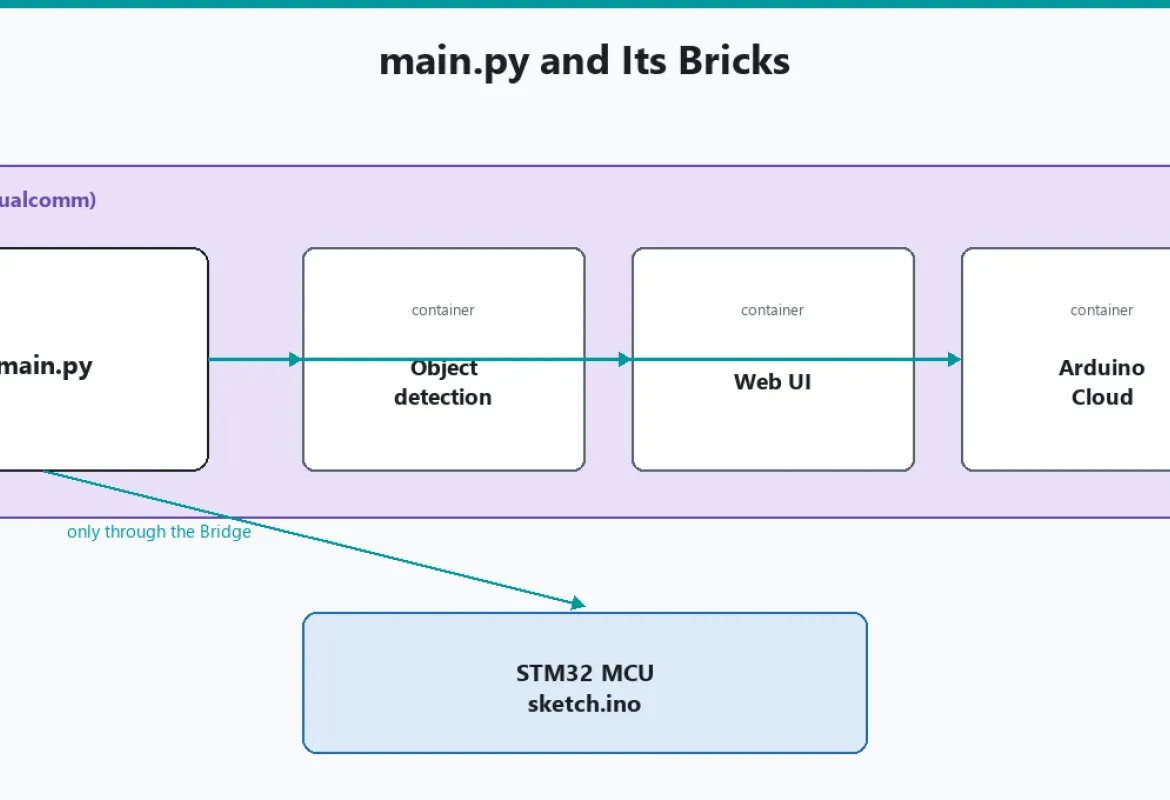
What an App Lab Brick is, how it differs from an Arduino library, how Bricks run beside Python on Linux, and how to add one from the catalog without treating it as magic.
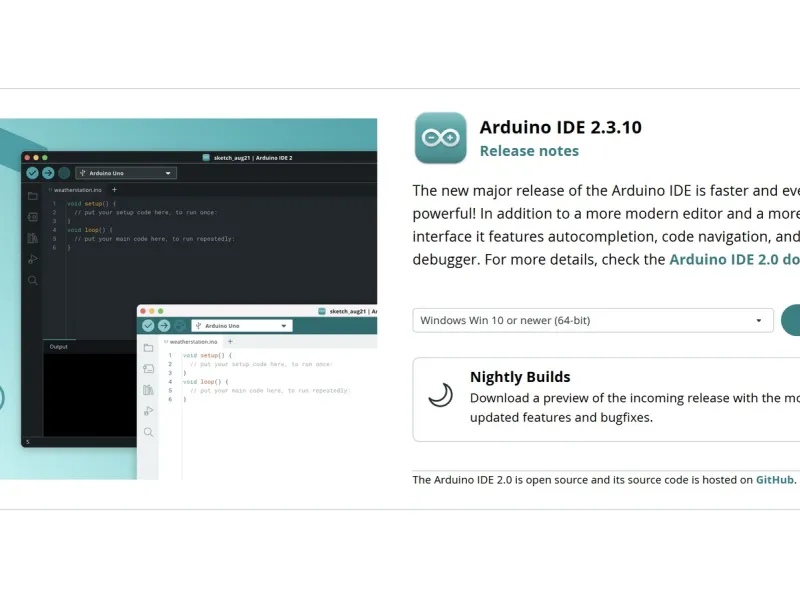
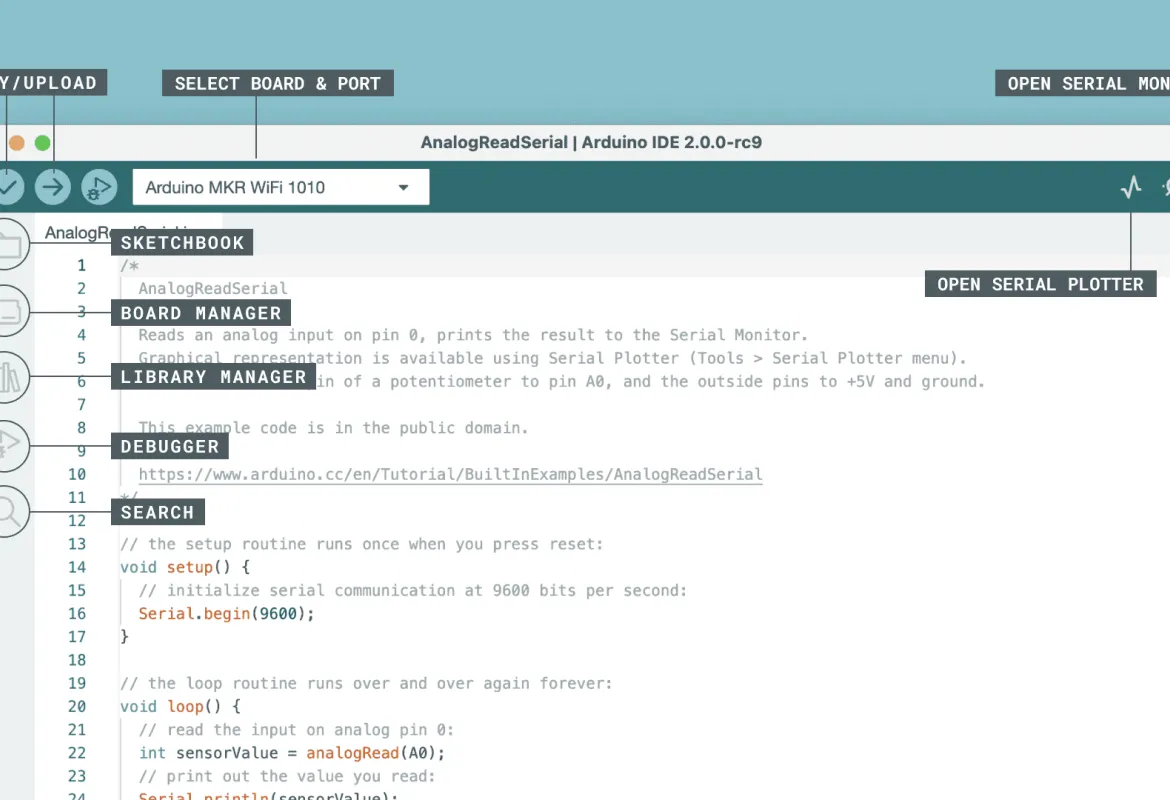
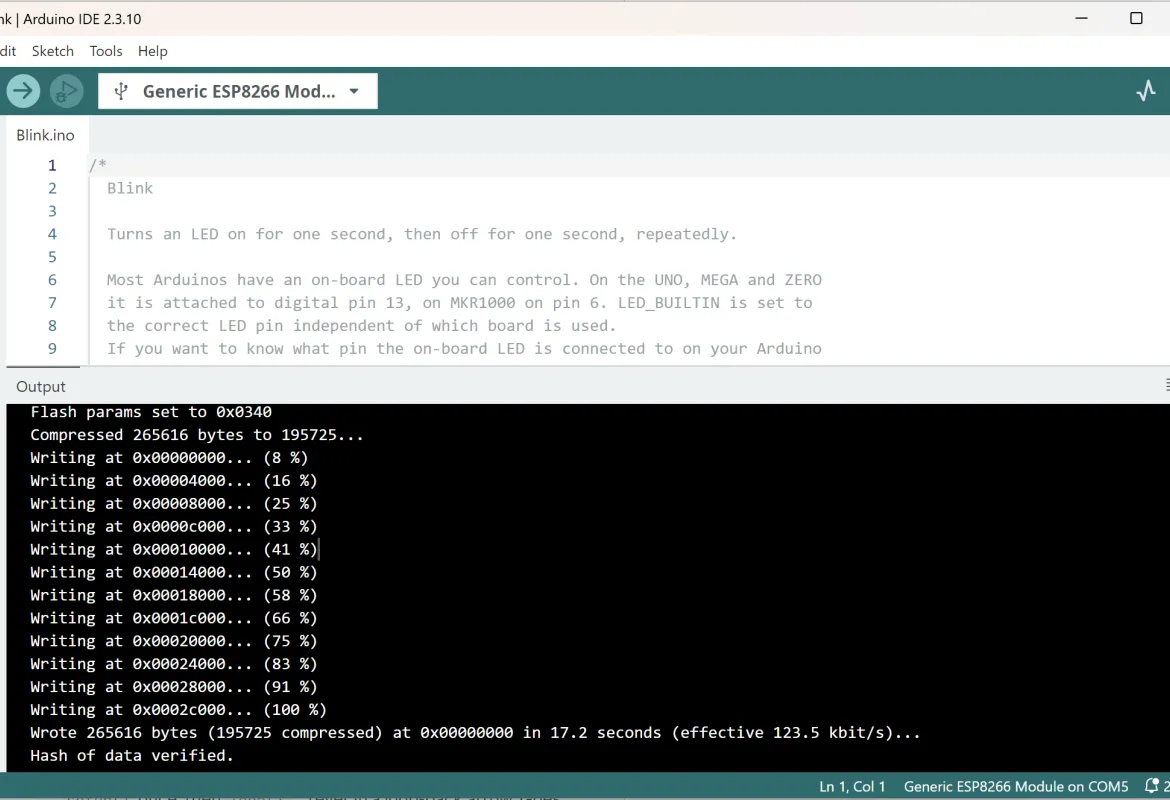
How Arduino IDE 2 differs from Legacy IDE 1.8.19 in interface, architecture, speed, autocomplete, debugging, Serial Monitor, board support, and library compatibility, and why 1.8.19 still exists.
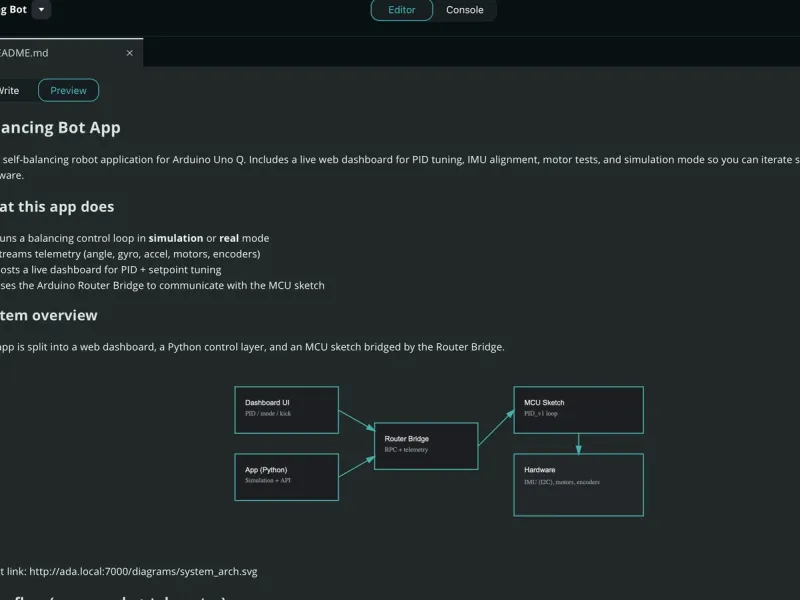
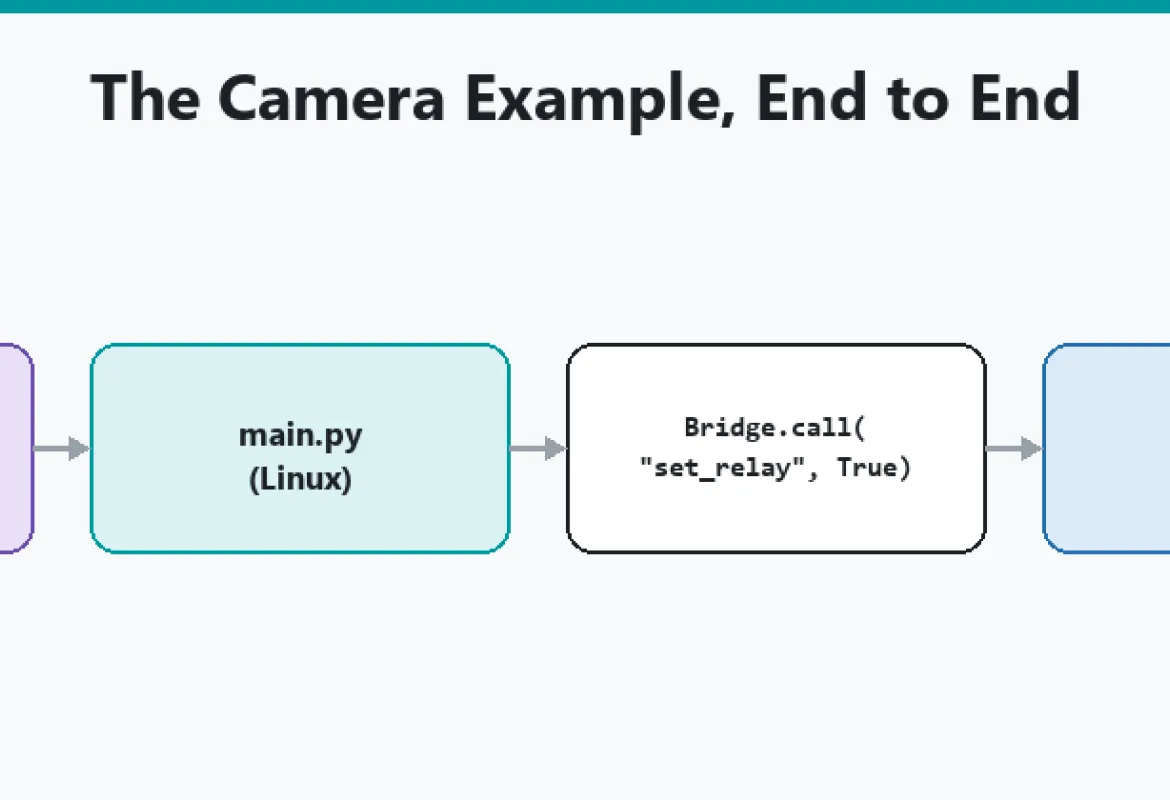
How the UNO Q Bridge lets Linux Python and the STM32 sketch call each other's functions, including provide/call, the 256-byte limit, and the Arduino Router service underneath.
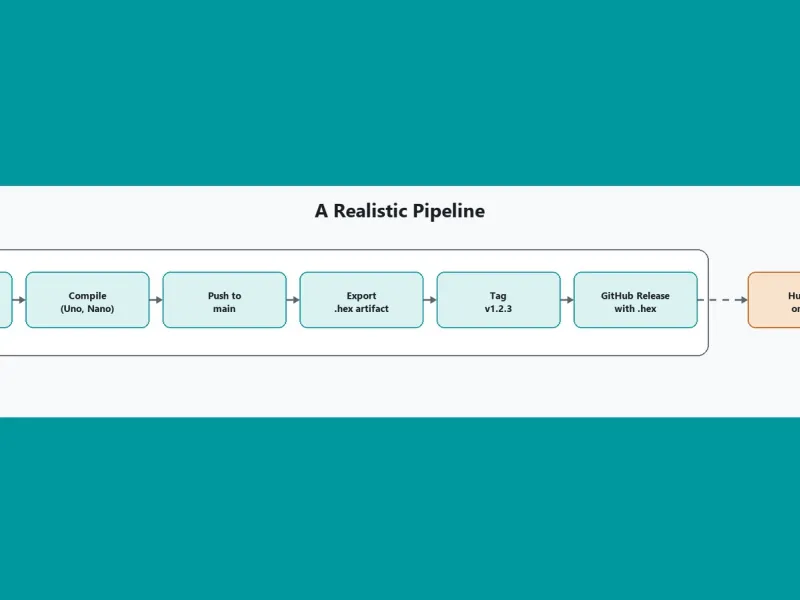
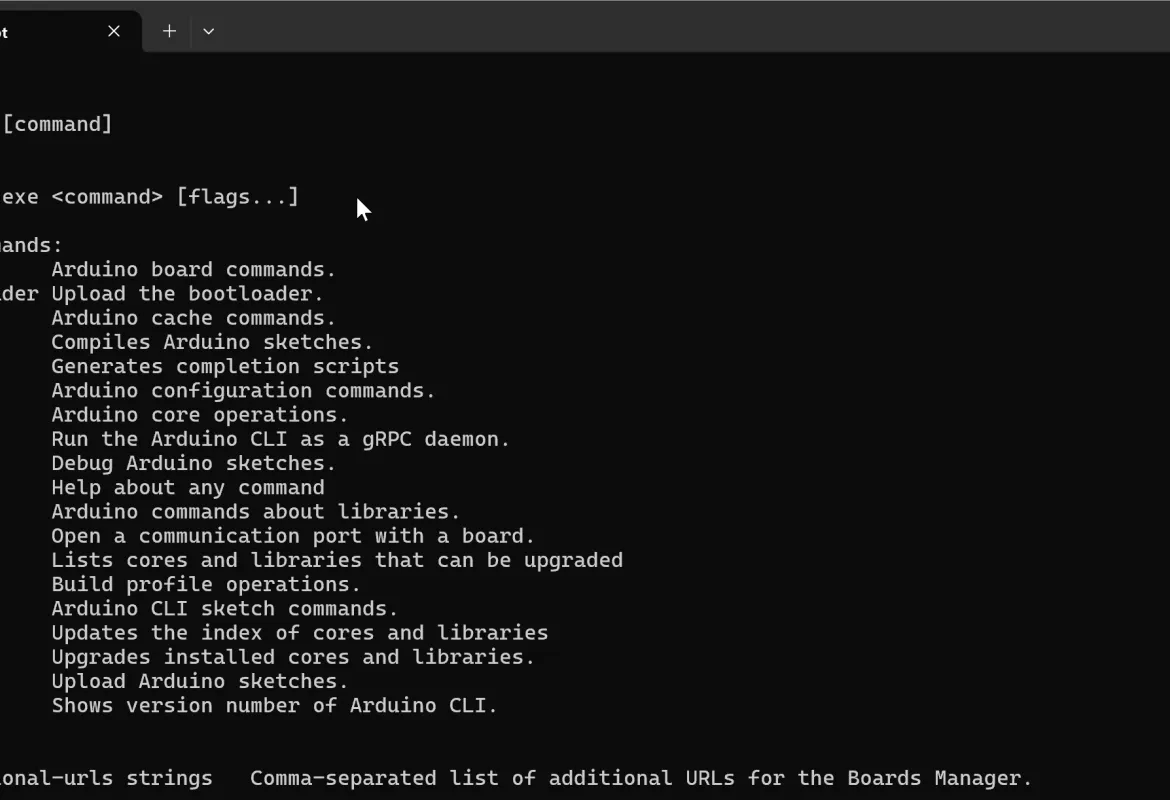
How to compile one or more Arduino sketches from a script using Arduino CLI, fail on a non-zero exit code, cover more than one board FQBN, and use a sketch.yaml profile so the compile line stays short.
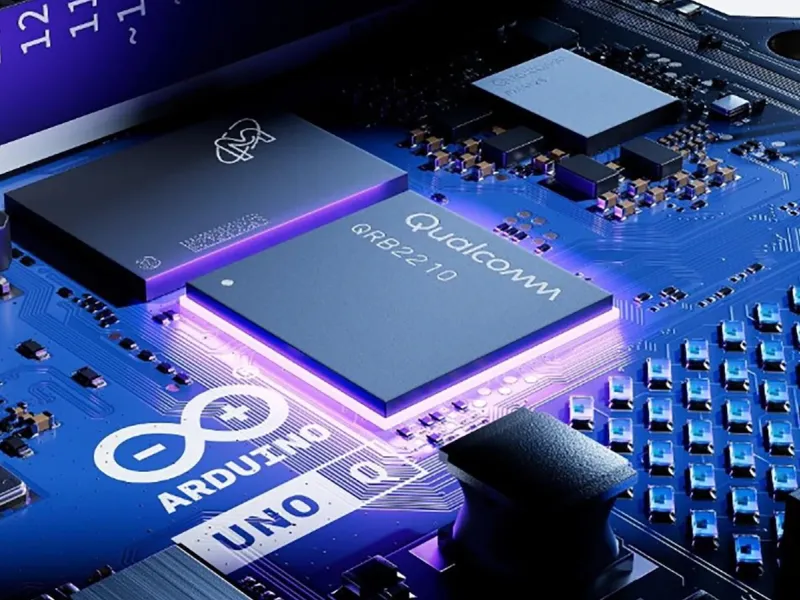
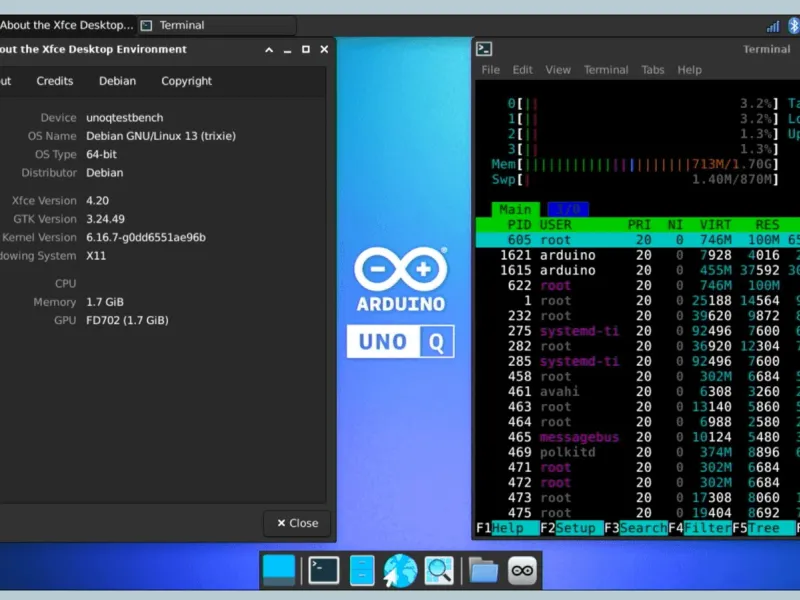
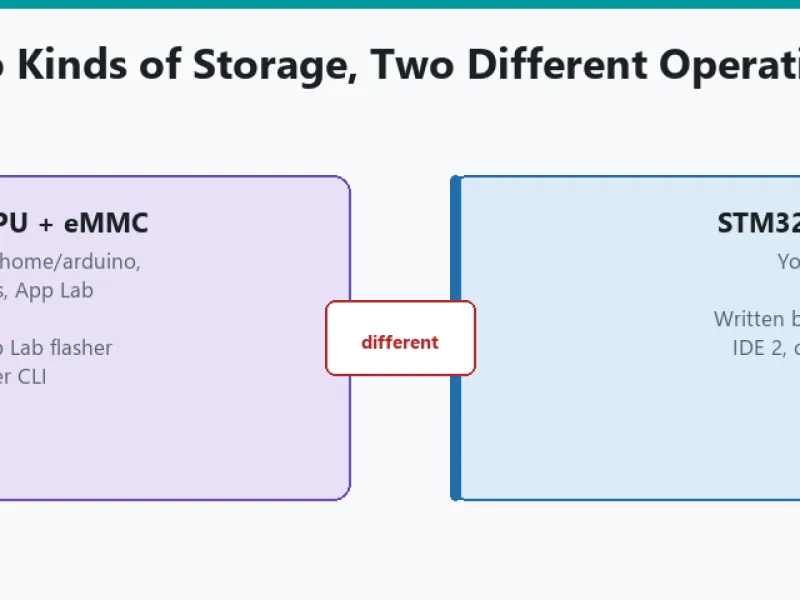
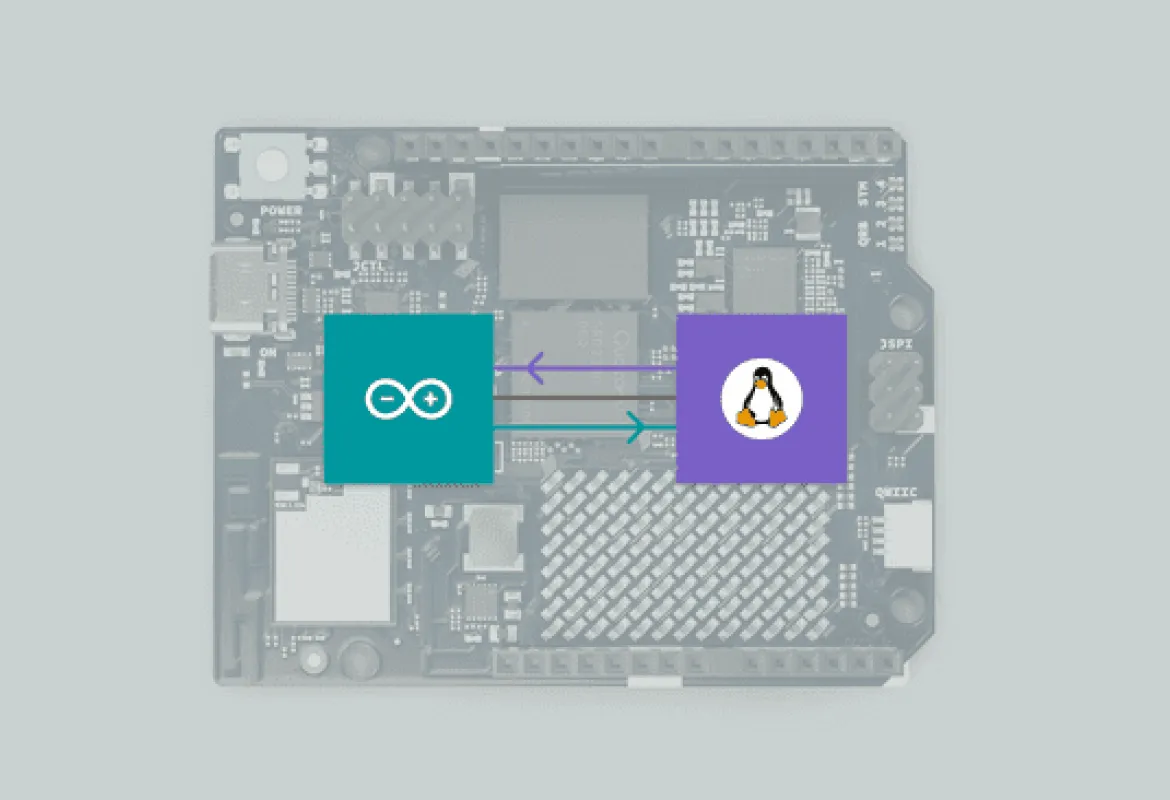
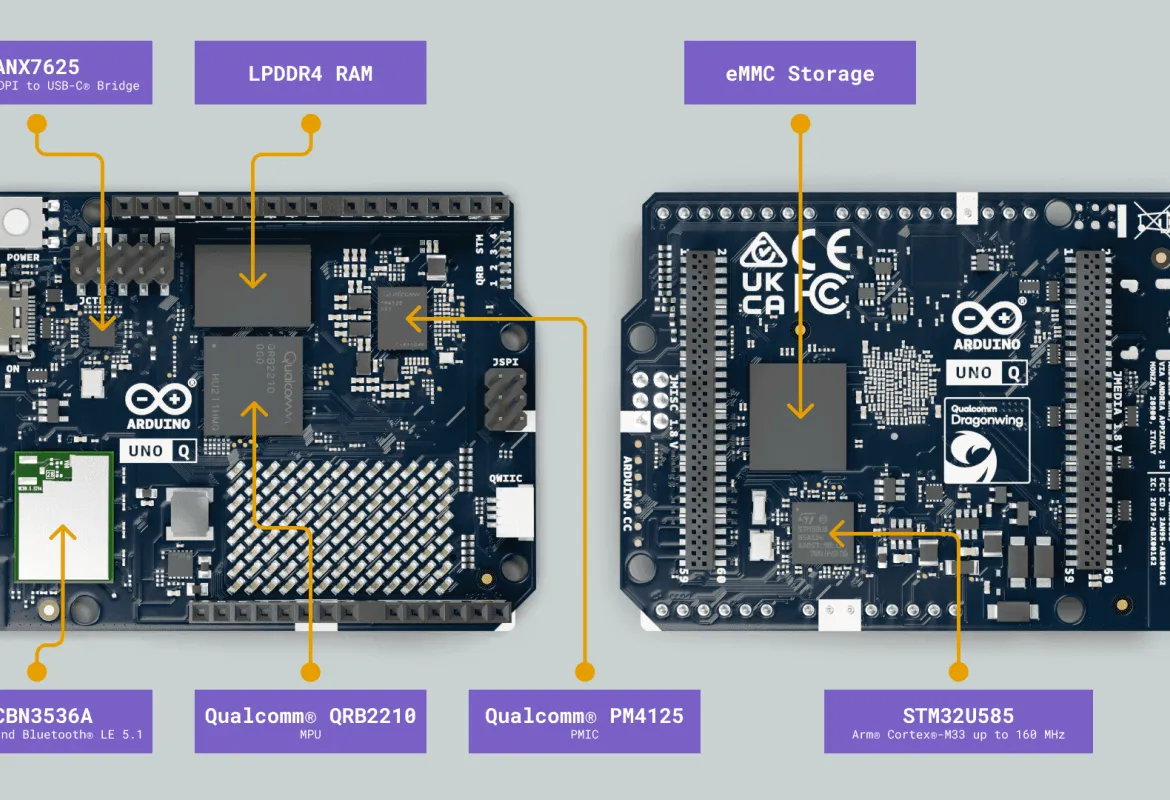
How the UNO Q's two processors split the work: Debian Linux on the Qualcomm microprocessor, real-time Arduino C++ on the STM32 microcontroller, and why that is not two sketches in one loop.
Arduino IDE 2 programs microcontroller firmware. Arduino App Lab orchestrates Linux, Python, MCU sketches, and Bricks on UNO Q and VENTUNO Q. This is a side-by-side of both tools, including when a UNO Q still wants the IDE.
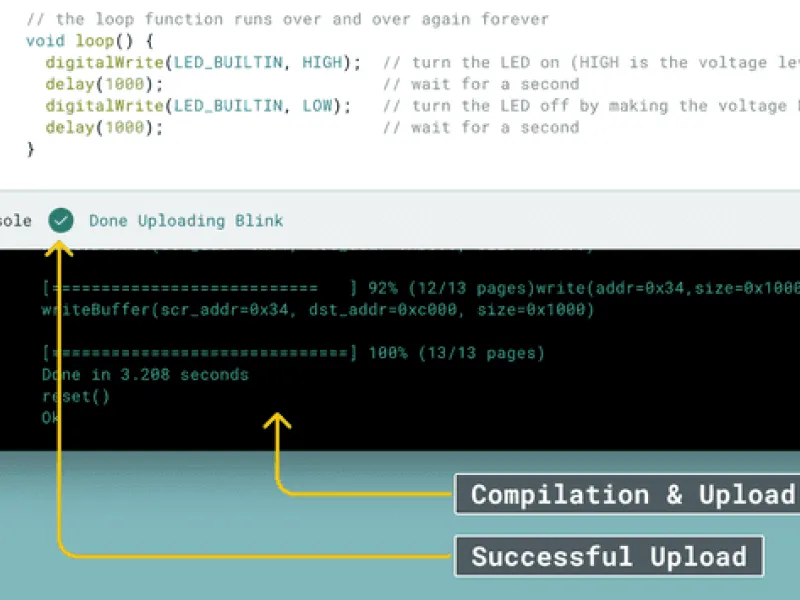
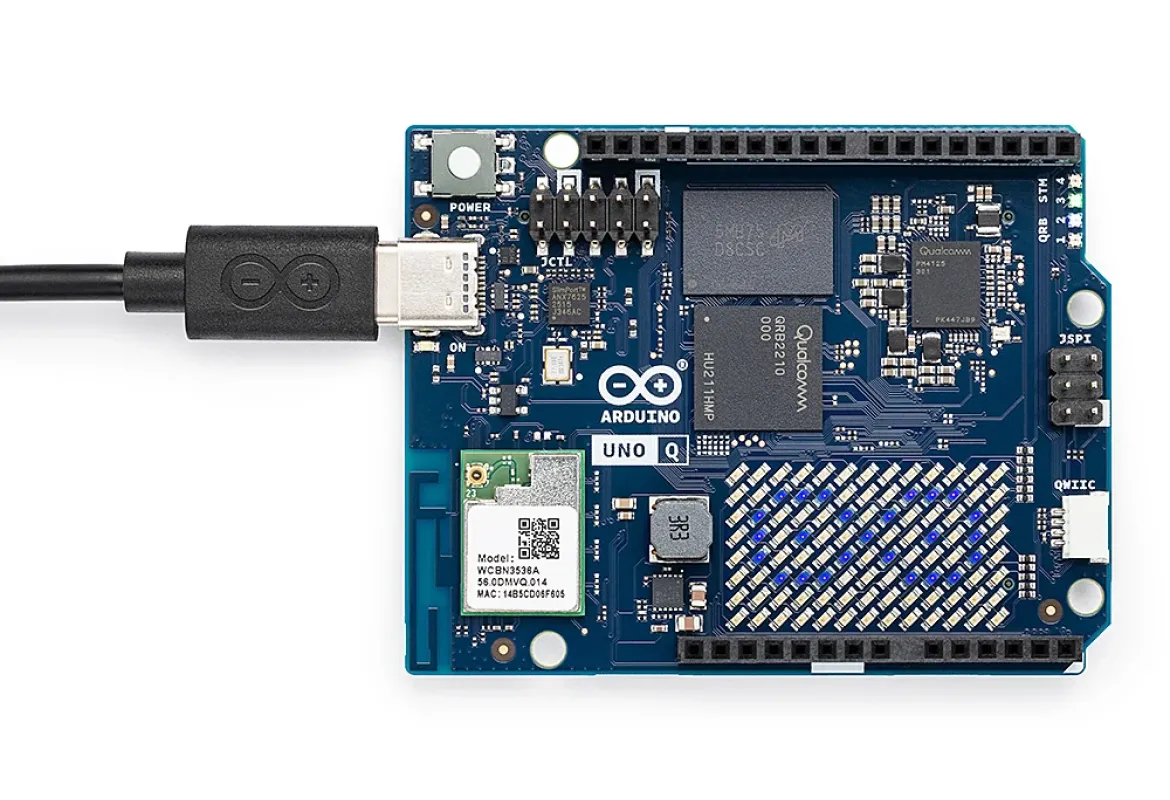
Install Arduino App Lab, connect a UNO Q or VENTUNO Q, run a Blink example, and know what USB-C power, discovery, and first-run setup actually involve.
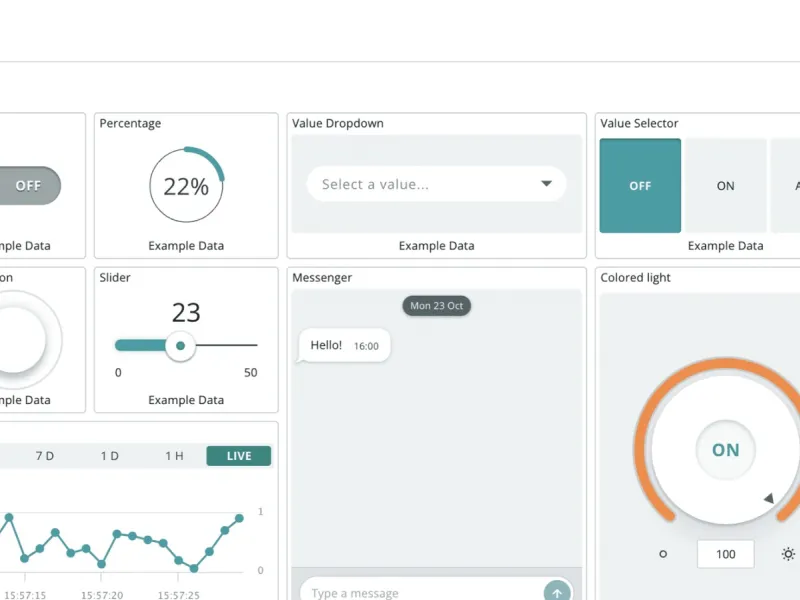
What Arduino App Lab is, how Apps combine Python on Linux, C++ sketches on a microcontroller, Bricks, and AI on UNO Q and VENTUNO Q, and when you still want Arduino IDE 2 instead.
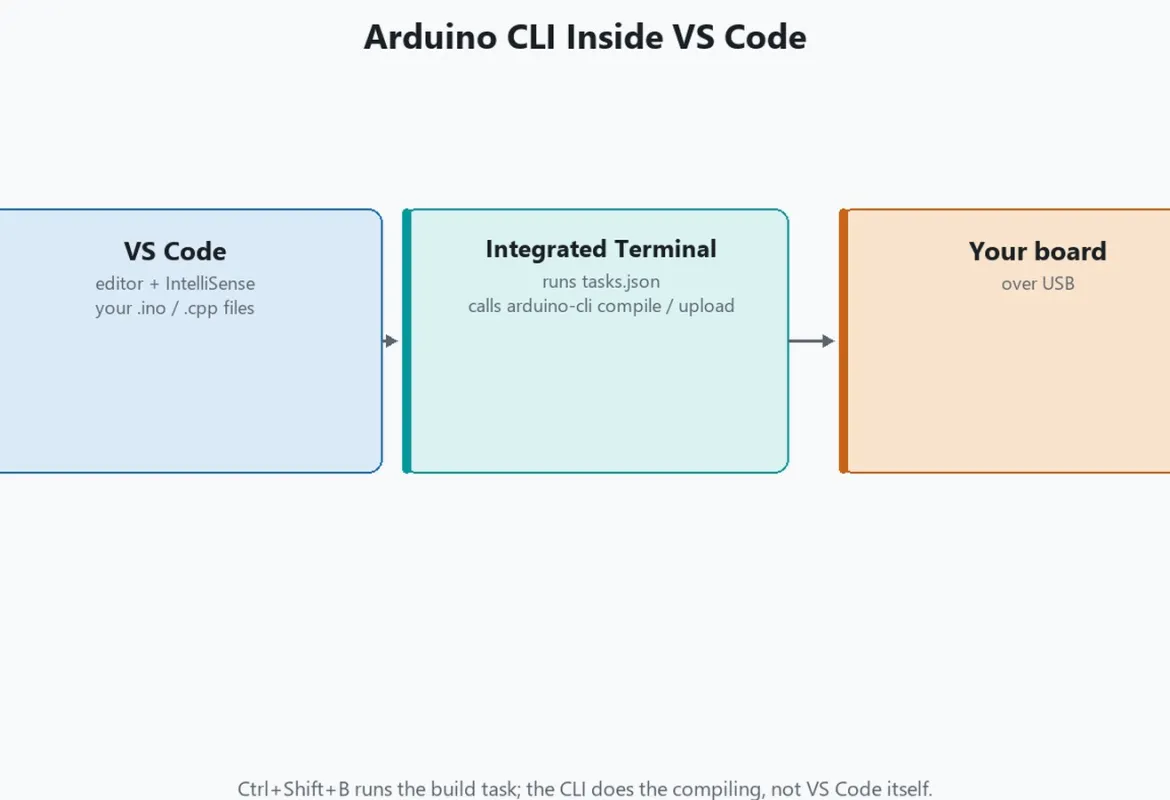
Edit Arduino sketches in Visual Studio Code, compile and upload with Arduino CLI via tasks.json, watch serial in the terminal, and keep IDE 2 for Plotter if you want it.
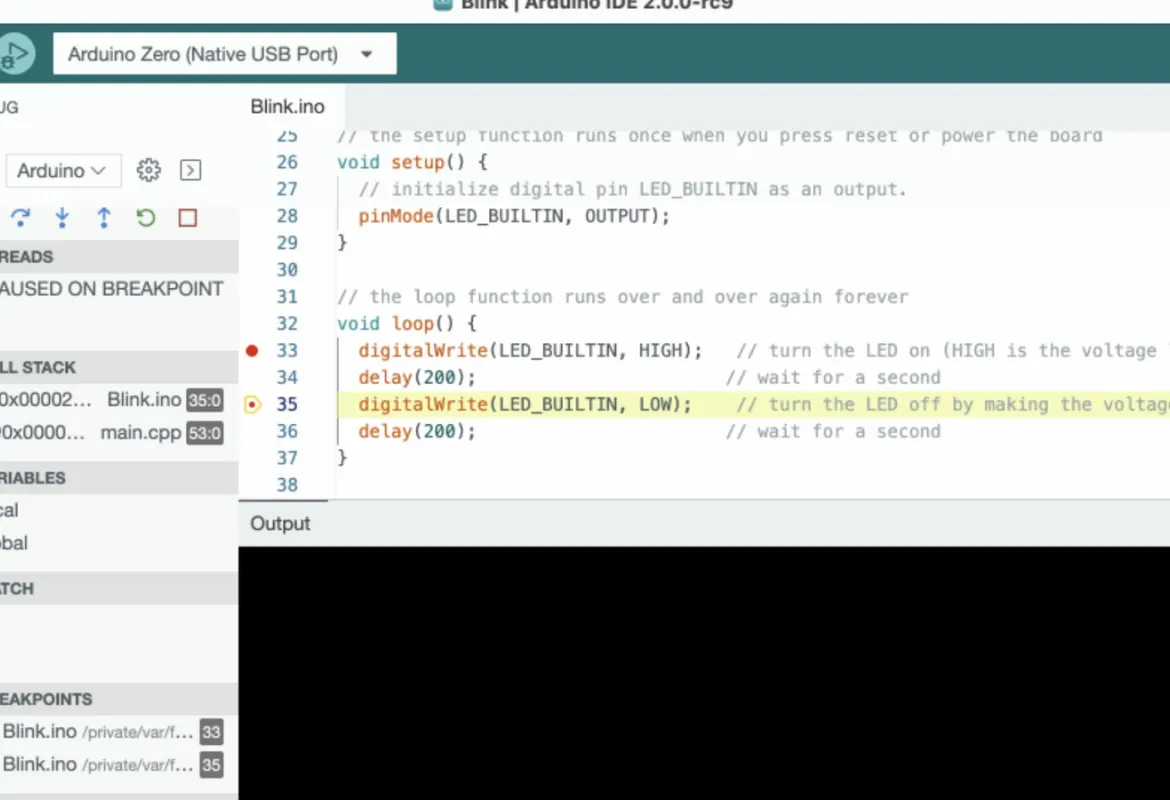
What live debugging in Arduino IDE 2 is, which boards can pause on a breakpoint, why a classic Uno cannot over its USB-serial chip, and when Serial prints are still the right tool.
What Arduino PLC IDE is, how it differs from Arduino IDE 2, what IEC 61131-3 languages and a scan cycle are, which hardware it supports (Opta and Portenta Machine Control), licenses, Modbus and CAN, and who should download it.
Arduino IDE 2 is a window on top of Arduino CLI. This compares when to click and when to type: Serial Plotter, autocomplete, scripts, VS Code, and shared cores.