Arduino

Sponsored Content

Mastering Arduino Series

Complete archive

Arduino Archive

Browse every published item in this section.
Tutorial

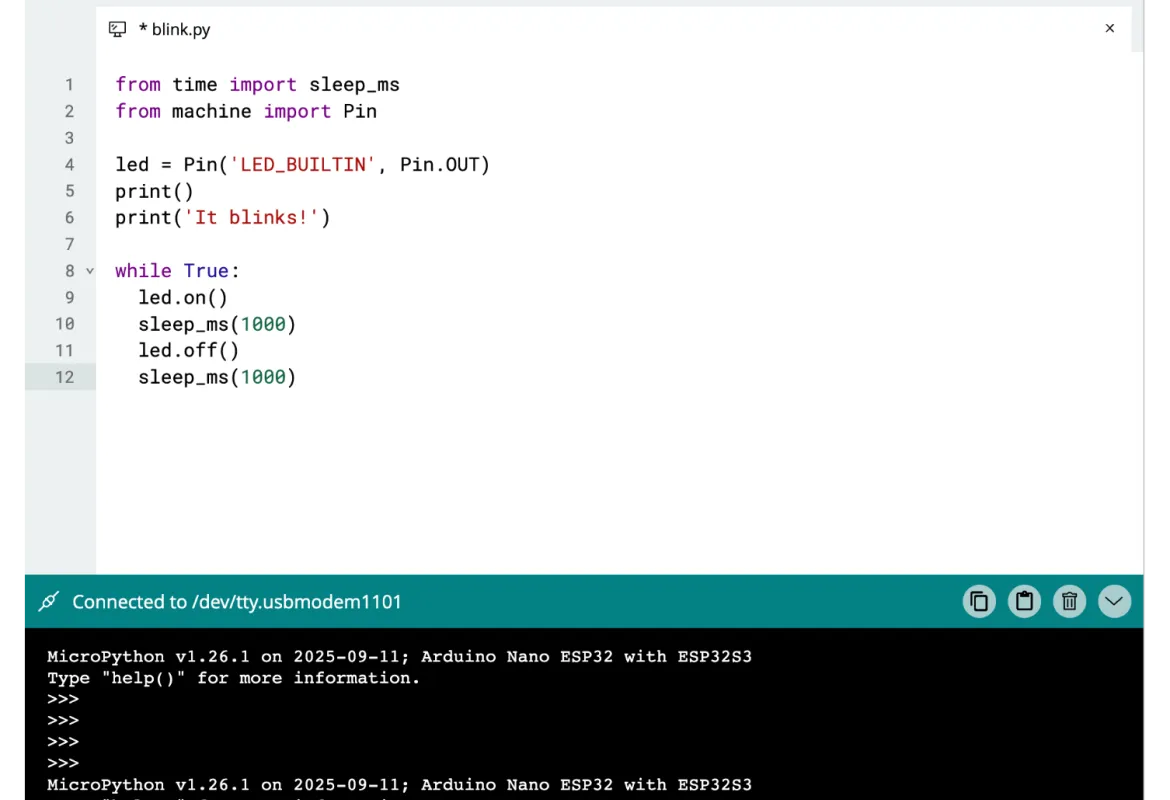
Your First MicroPython Program on Arduino

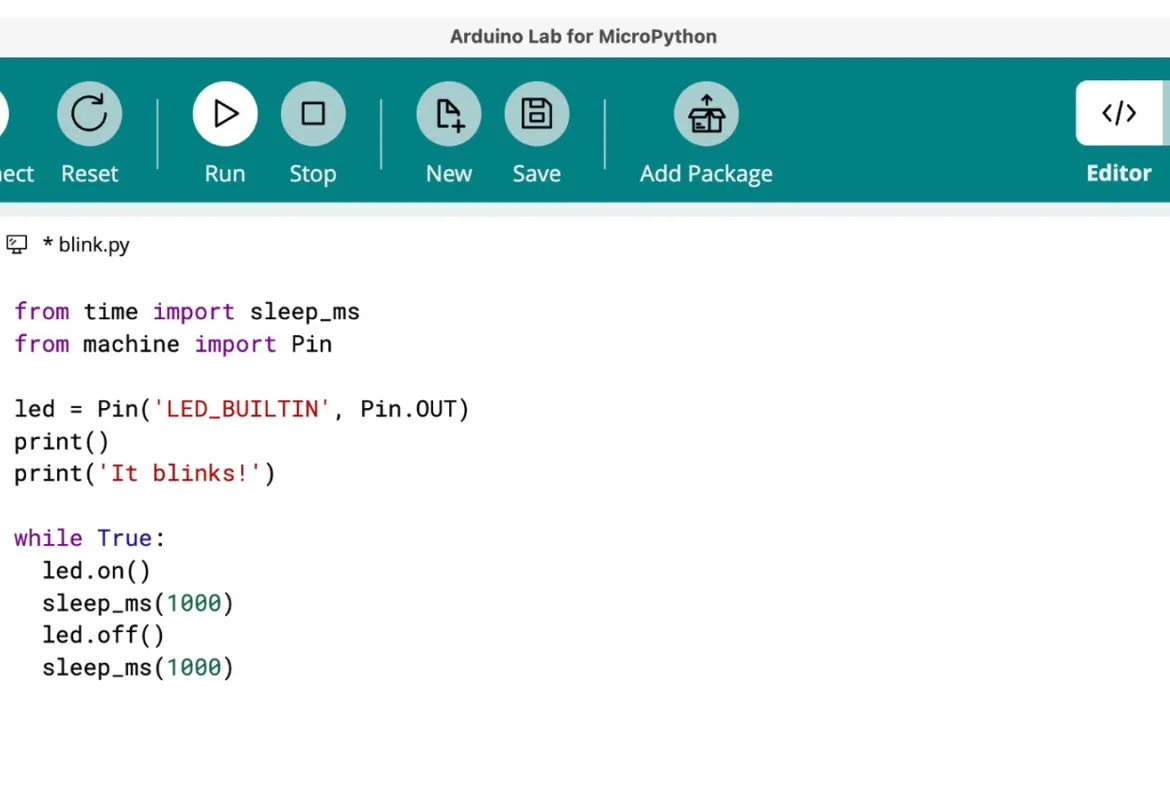
Write a MicroPython blink, Run it from Arduino Lab, save it as main.py so it starts on boot, and avoid time.sleep seconds vs delay milliseconds.
Tutorial

How to Install MicroPython on an Arduino

How to put MicroPython firmware on a supported Arduino board with Arduino's MicroPython Installer, which boards are on the list, and how to get Arduino C++ back by uploading a sketch.
Tutorial

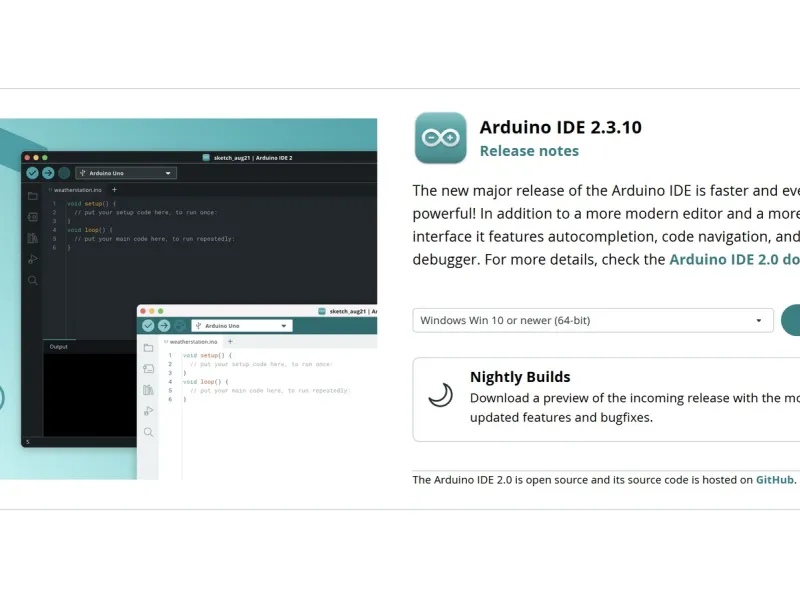
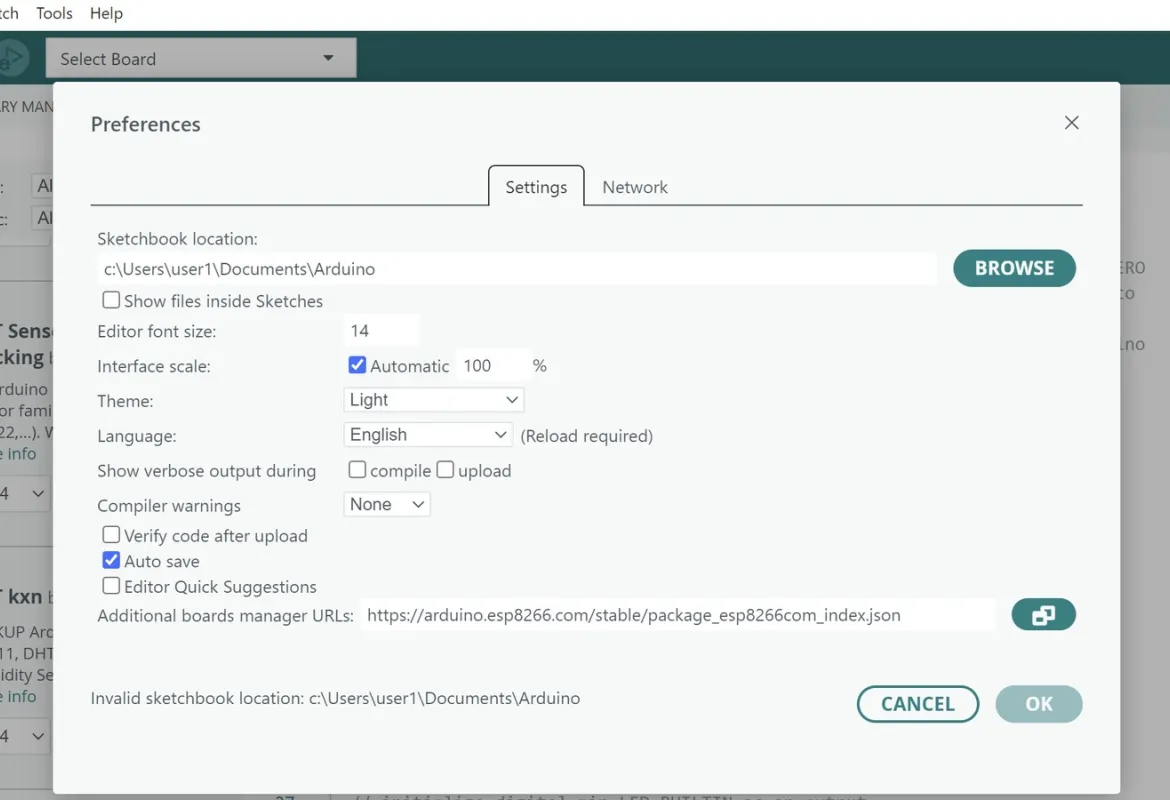
How to Move From Arduino IDE 1.8 to Arduino IDE 2

How to install Arduino IDE 2 beside 1.8.19, keep your sketchbook and libraries, reinstall cores if needed, find Serial Monitor and Board Manager in the new window, and only uninstall 1.8 when a project compiles and uploads in 2.
Tutorial

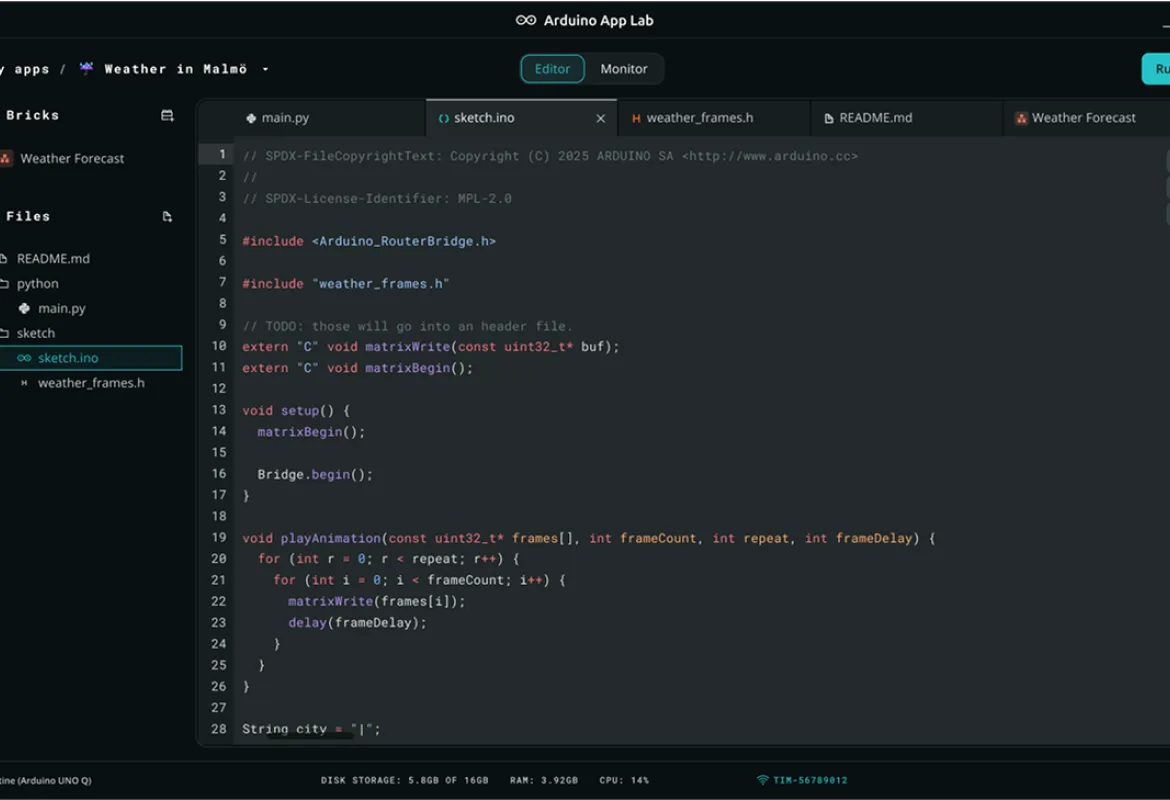
Arduino App Lab Bricks Explained

What an App Lab Brick is, how it differs from an Arduino library, how Bricks run beside Python on Linux, and how to add one from the catalog without treating it as magic.
Tutorial

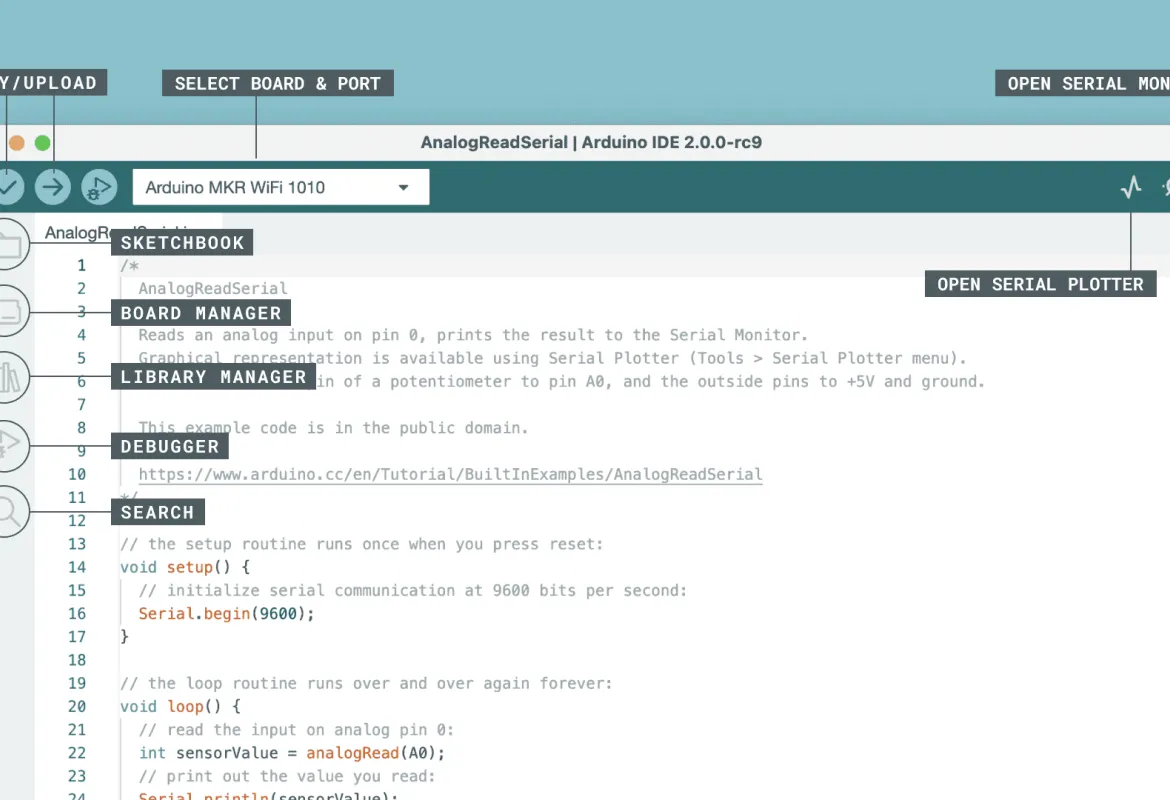
Arduino IDE 1.8 vs Arduino IDE 2: What's Different?

How Arduino IDE 2 differs from Legacy IDE 1.8.19 in interface, architecture, speed, autocomplete, debugging, Serial Monitor, board support, and library compatibility, and why 1.8.19 still exists.
Tutorial

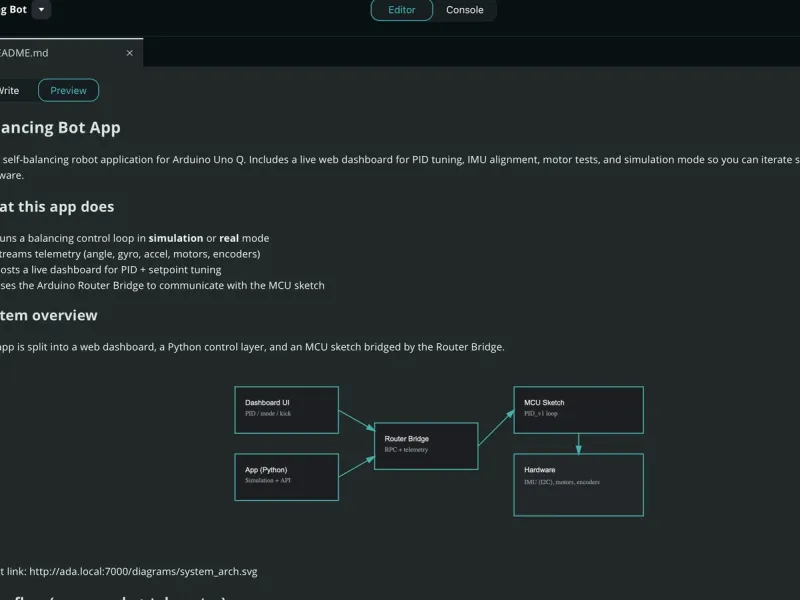
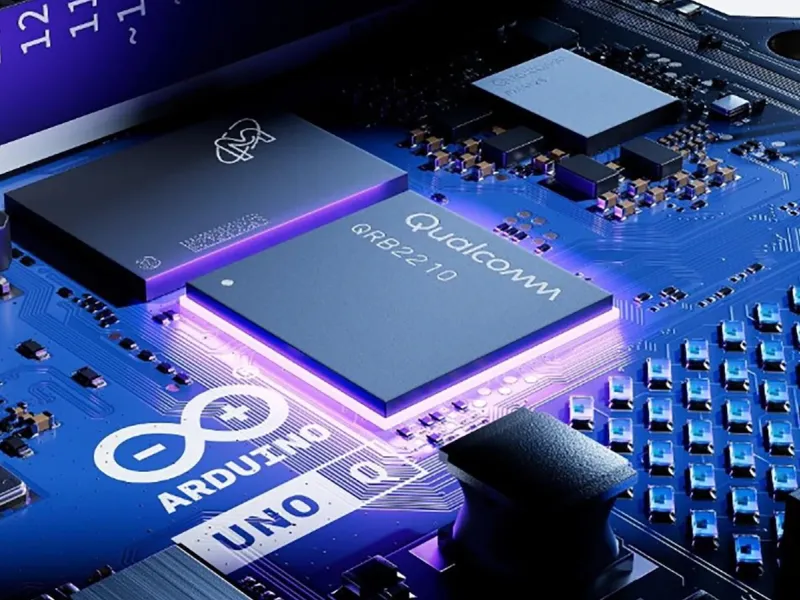
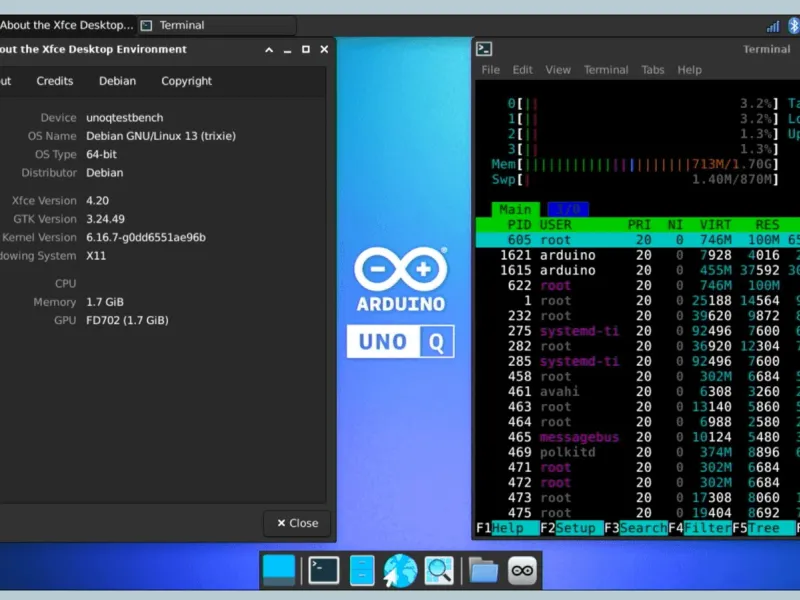
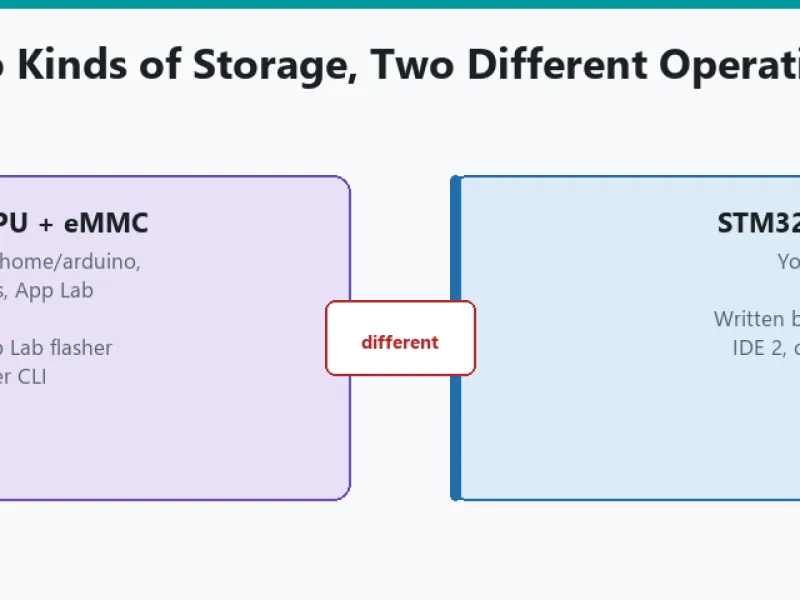
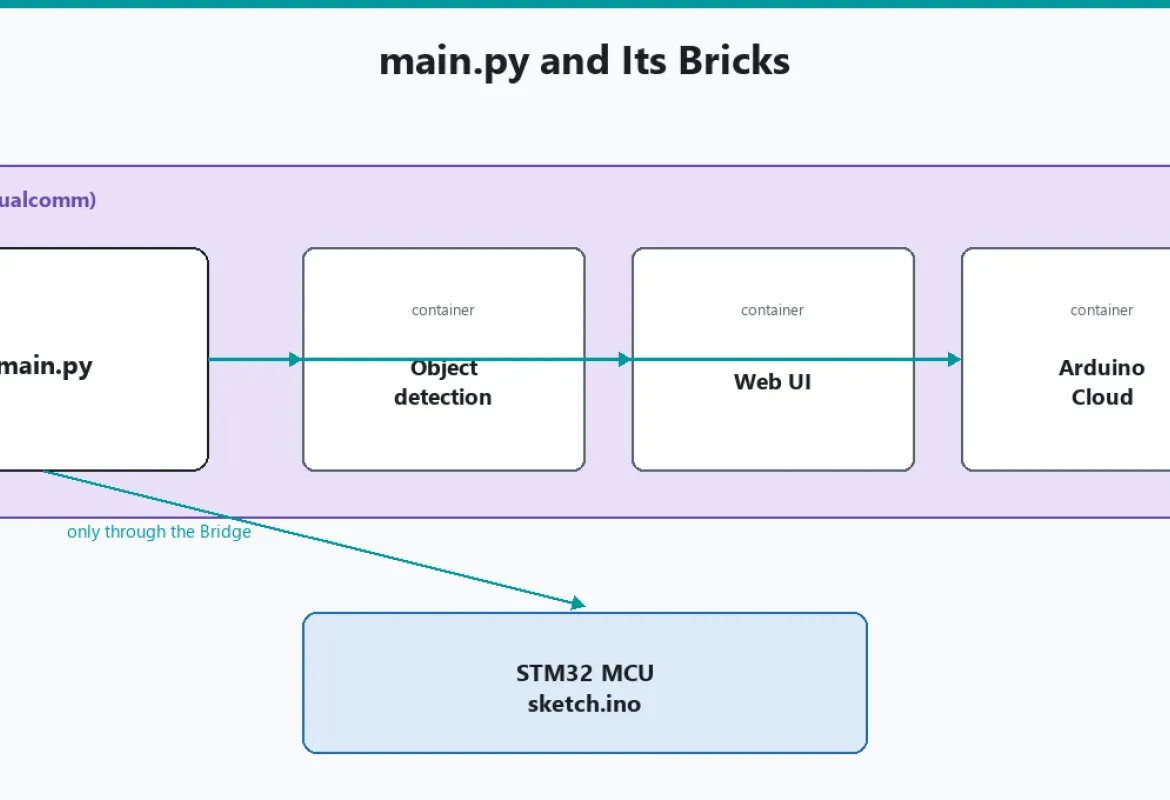
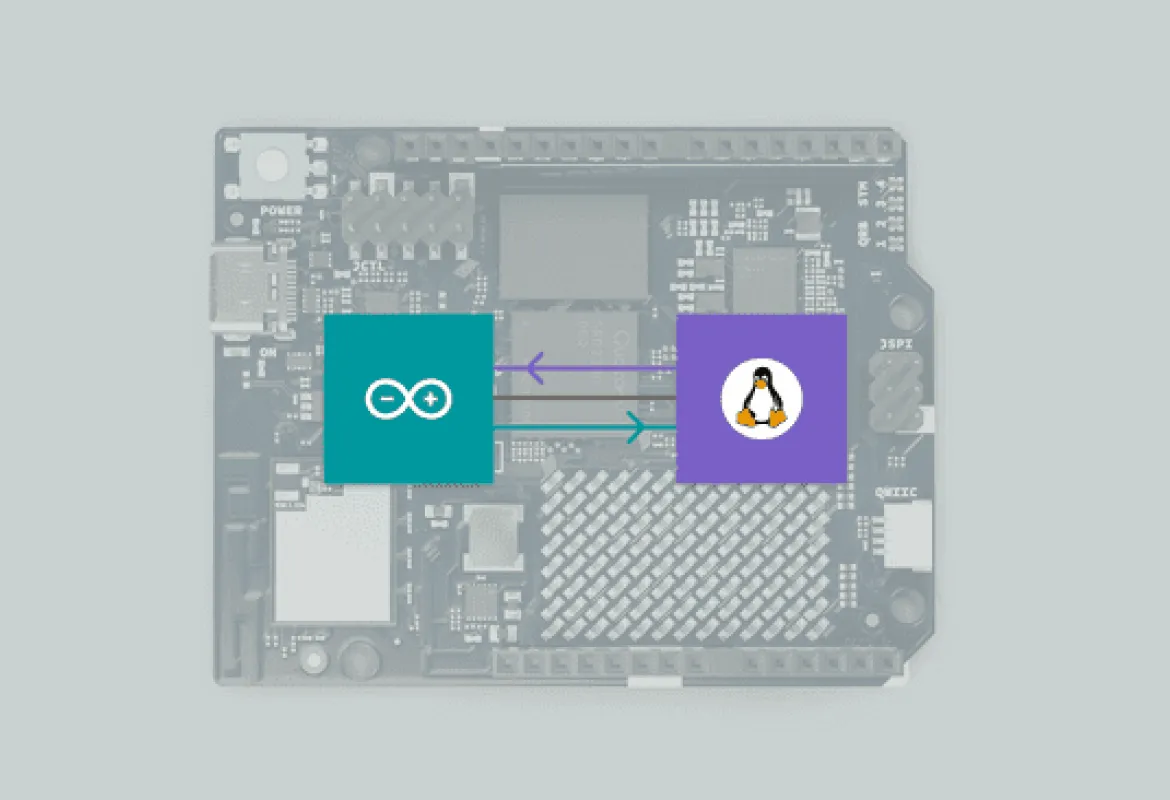
Understanding Arduino Bridge/RPC on the UNO Q

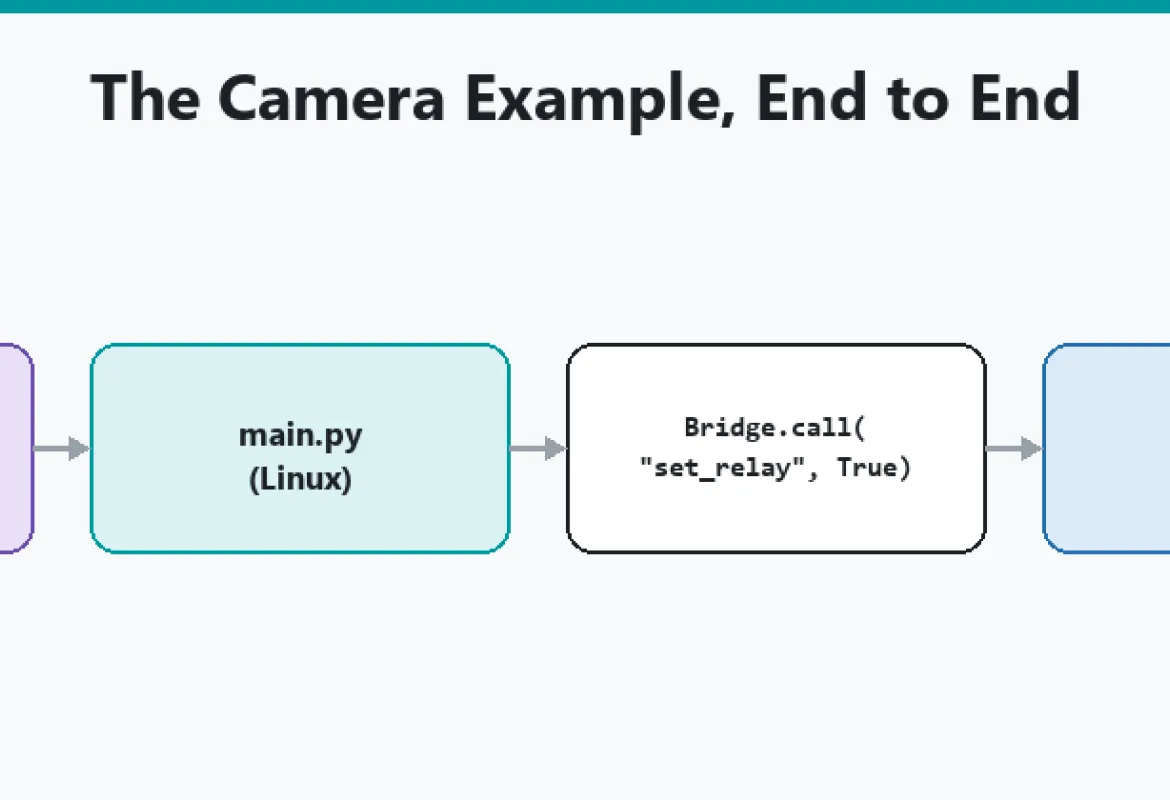
How the UNO Q Bridge lets Linux Python and the STM32 sketch call each other's functions, including provide/call, the 256-byte limit, and the Arduino Router service underneath.
Tutorial

Arduino App Lab vs Arduino IDE: What's the Difference?

Arduino IDE 2 programs microcontroller firmware. Arduino App Lab orchestrates Linux, Python, MCU sketches, and Bricks on UNO Q and VENTUNO Q. This is a side-by-side of both tools, including when a UNO Q still wants the IDE.