Arduino Tutorials

Complete archive

Arduino Tutorials Archive

Browse every published item in this section.
Tutorial

Arduino App Lab vs Arduino IDE: What's the Difference?

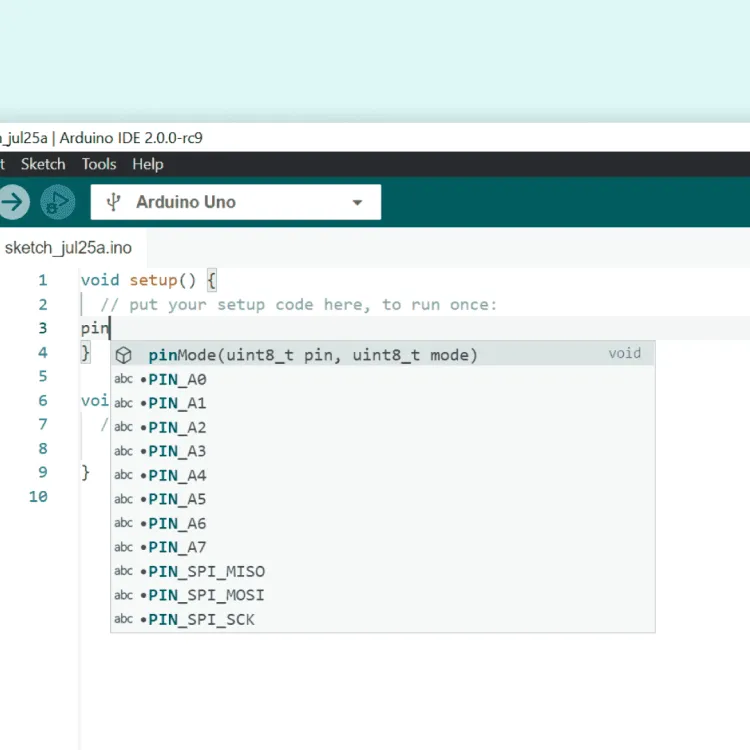
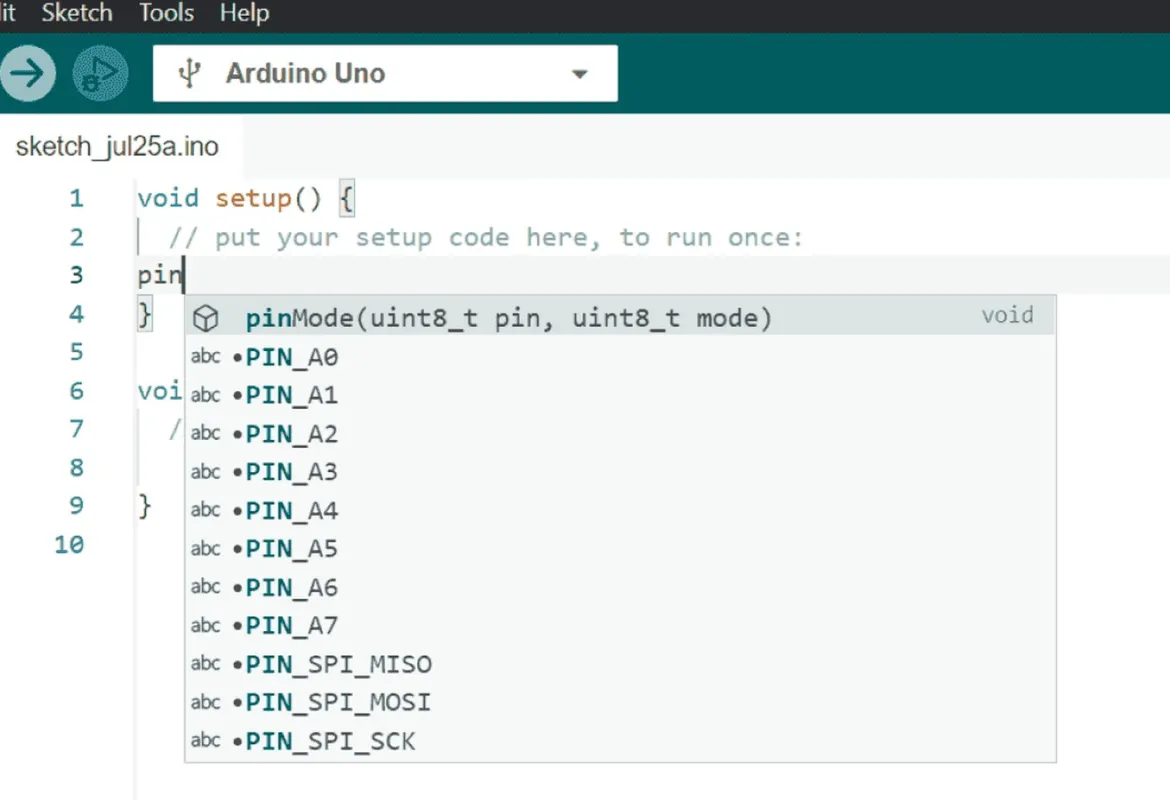
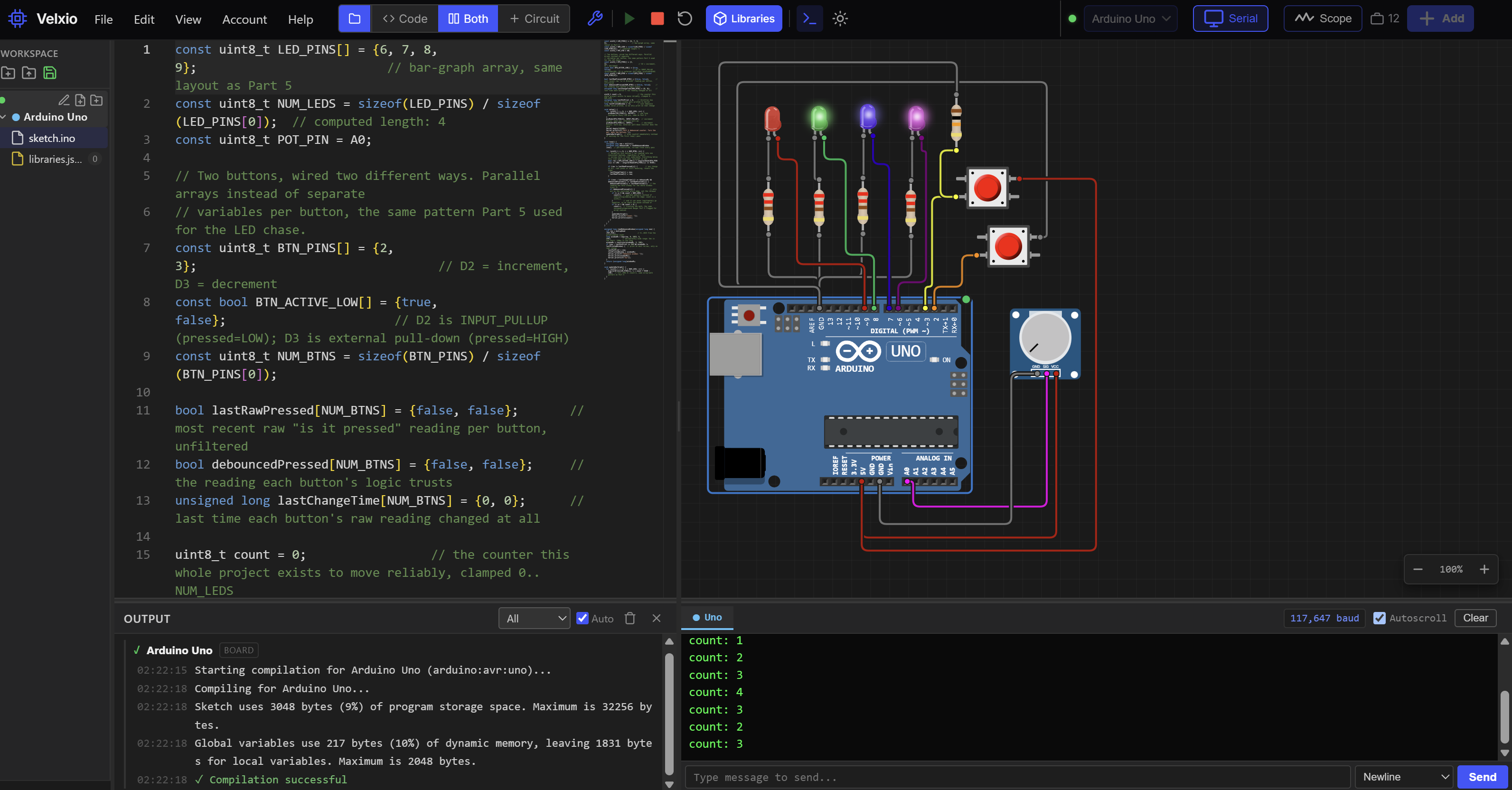
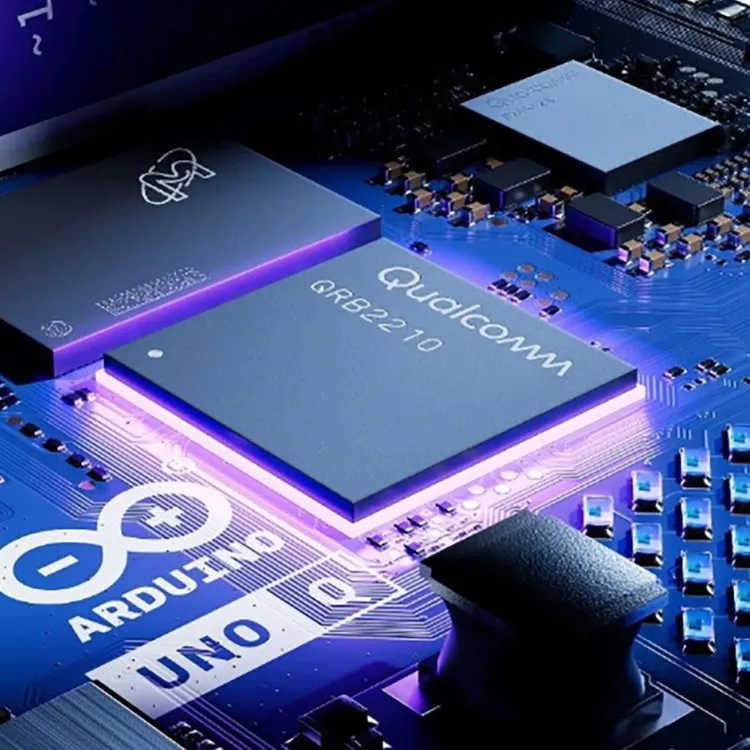
Arduino IDE 2 programs microcontroller firmware. Arduino App Lab orchestrates Linux, Python, MCU sketches, and Bricks on UNO Q and VENTUNO Q. This is a side-by-side of both tools, including when a UNO Q still wants the IDE.
Tutorial

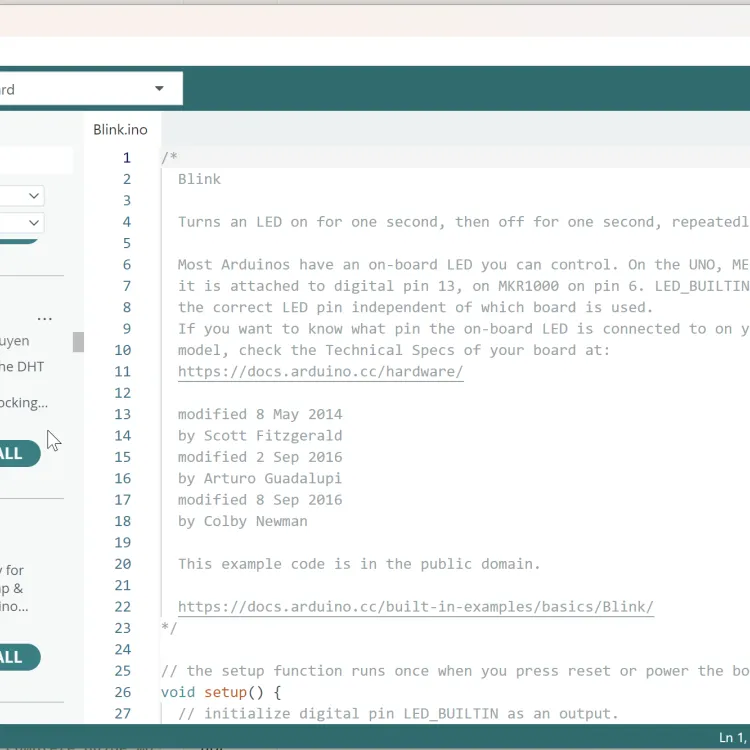
Getting Started With Arduino App Lab

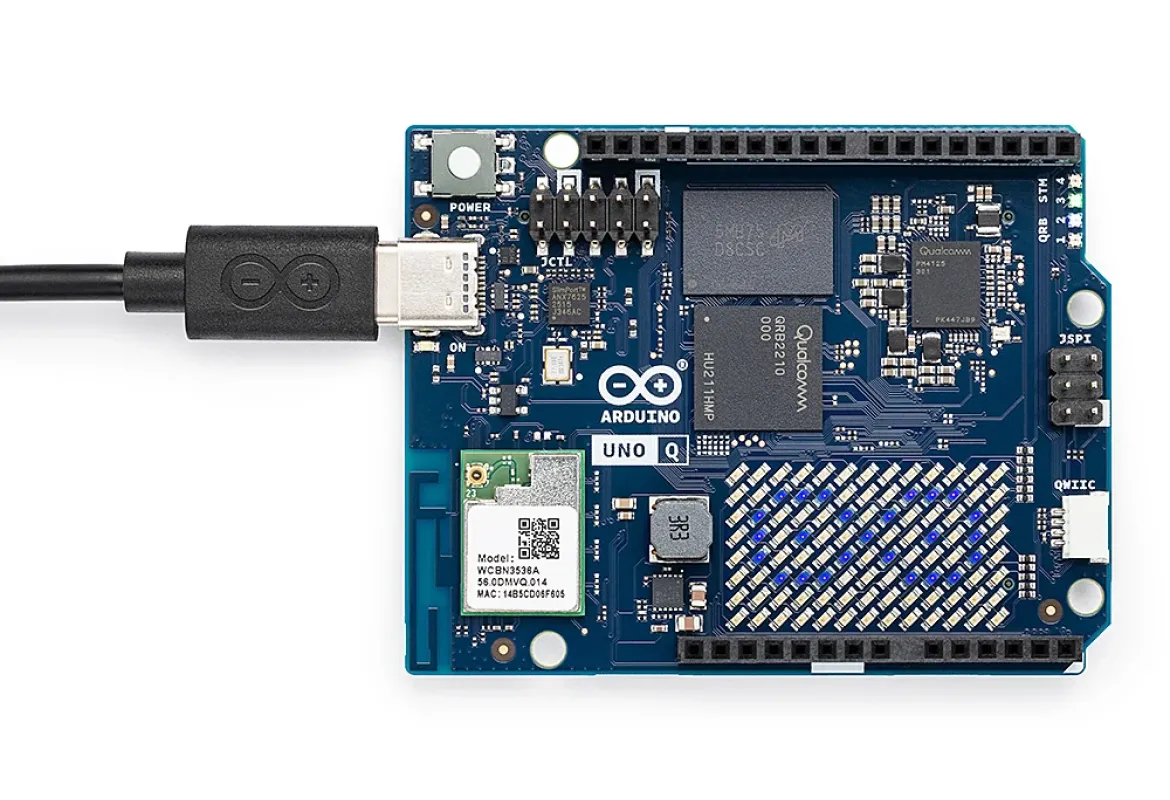
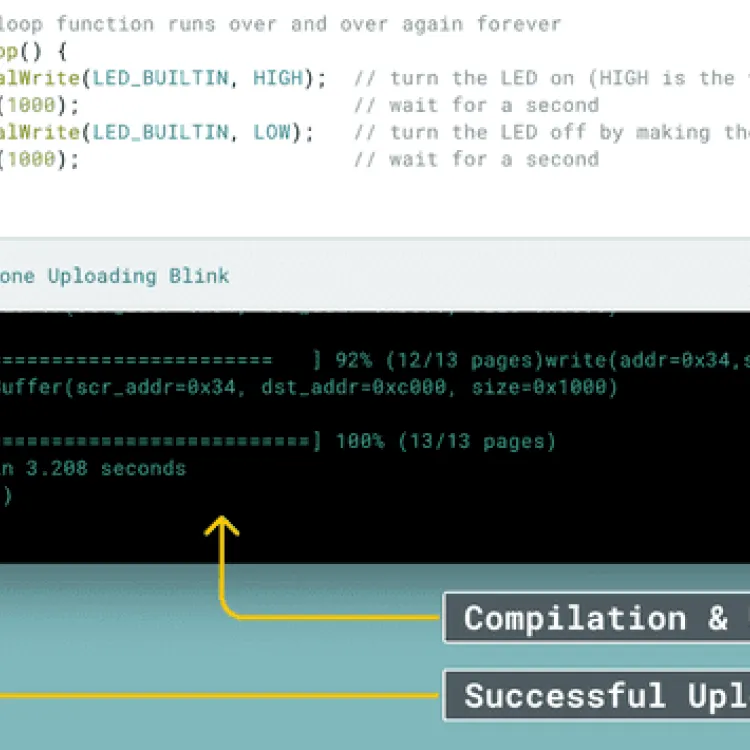
Install Arduino App Lab, connect a UNO Q or VENTUNO Q, run a Blink example, and know what USB-C power, discovery, and first-run setup actually involve.
Tutorial

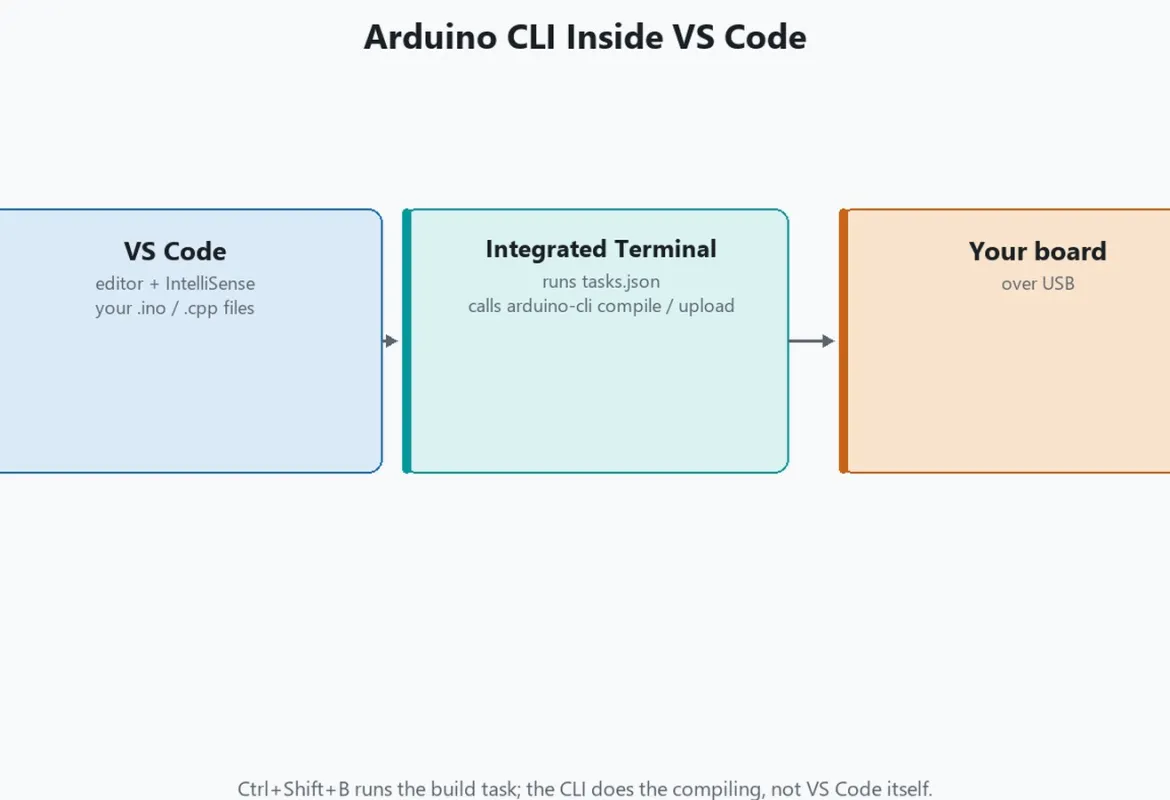
How to Use Arduino CLI With VS Code

Edit Arduino sketches in Visual Studio Code, compile and upload with Arduino CLI via tasks.json, watch serial in the terminal, and keep IDE 2 for Plotter if you want it.
Tutorial

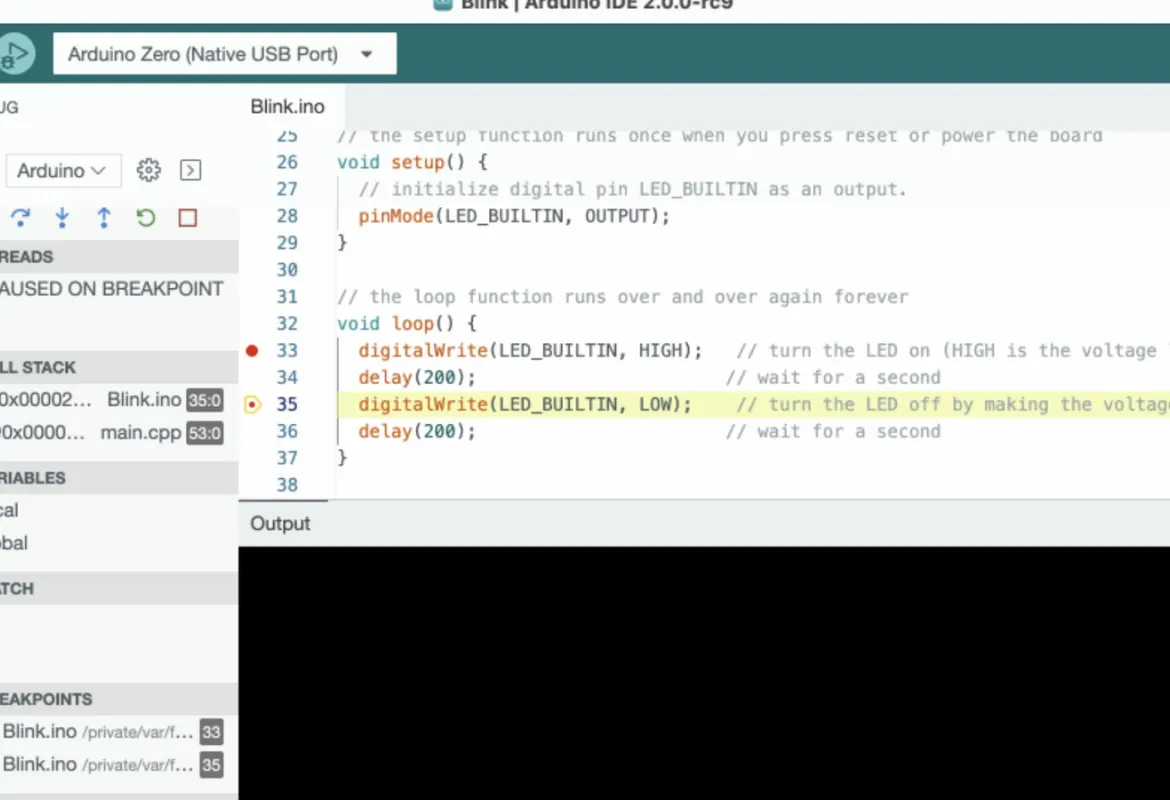
How Arduino Debugging Works in Arduino IDE 2

What live debugging in Arduino IDE 2 is, which boards can pause on a breakpoint, why a classic Uno cannot over its USB-serial chip, and when Serial prints are still the right tool.
Tutorial

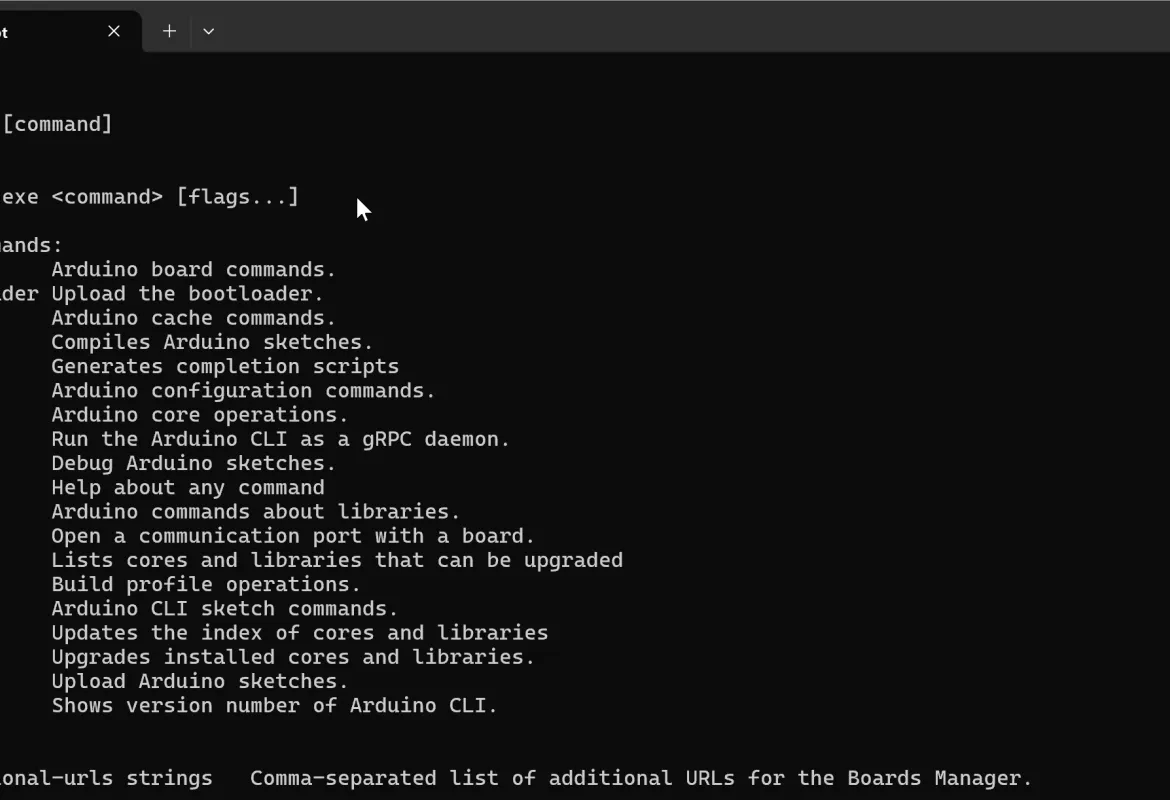
Arduino CLI Commands You Actually Need

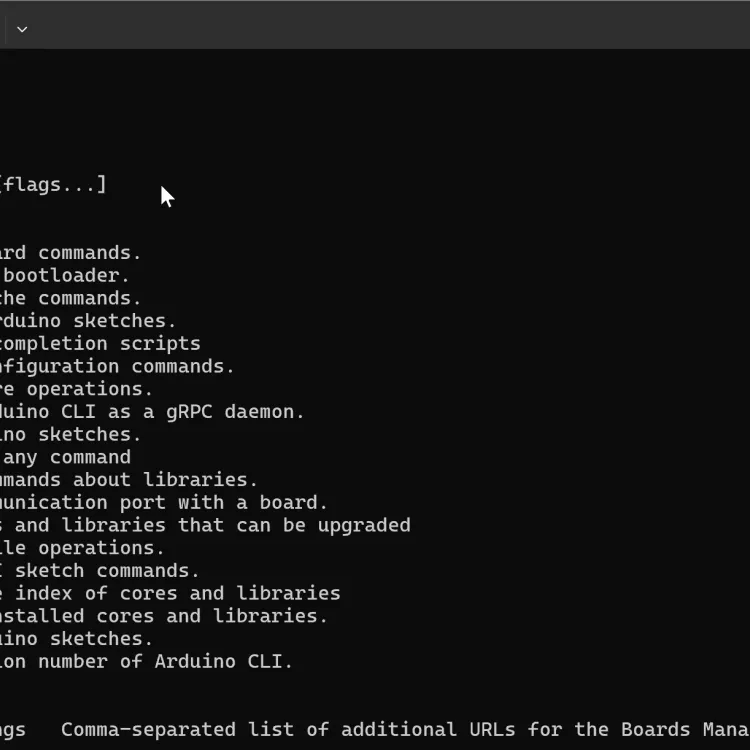
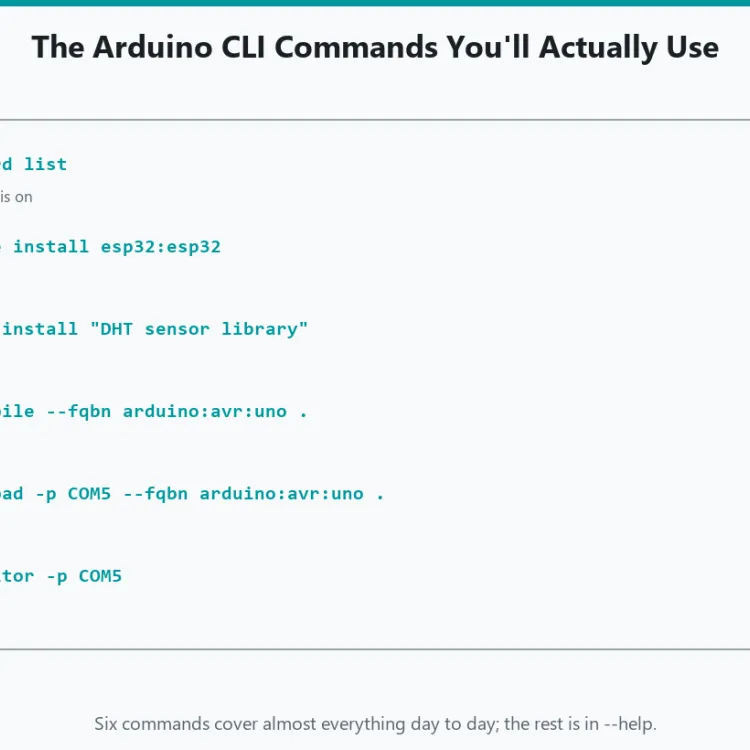
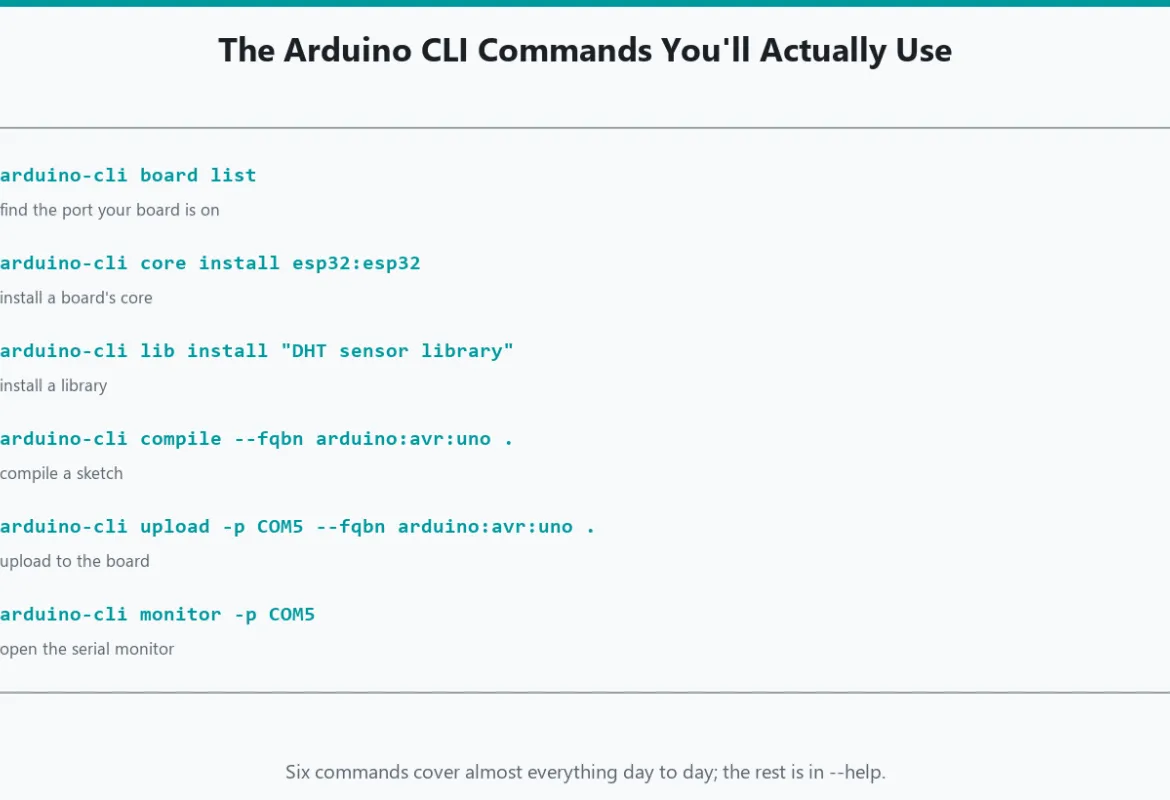
The Arduino CLI commands used every week: board list, cores, libraries, compile, upload, and serial monitor, with FQBN and Windows COM ports spelled out.
Tutorial

How to Install Arduino CLI on Windows

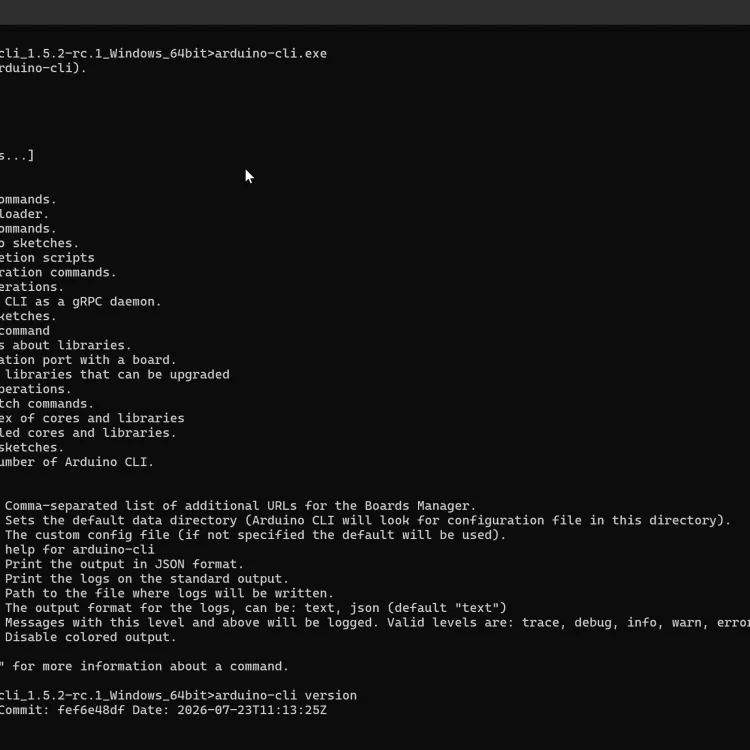
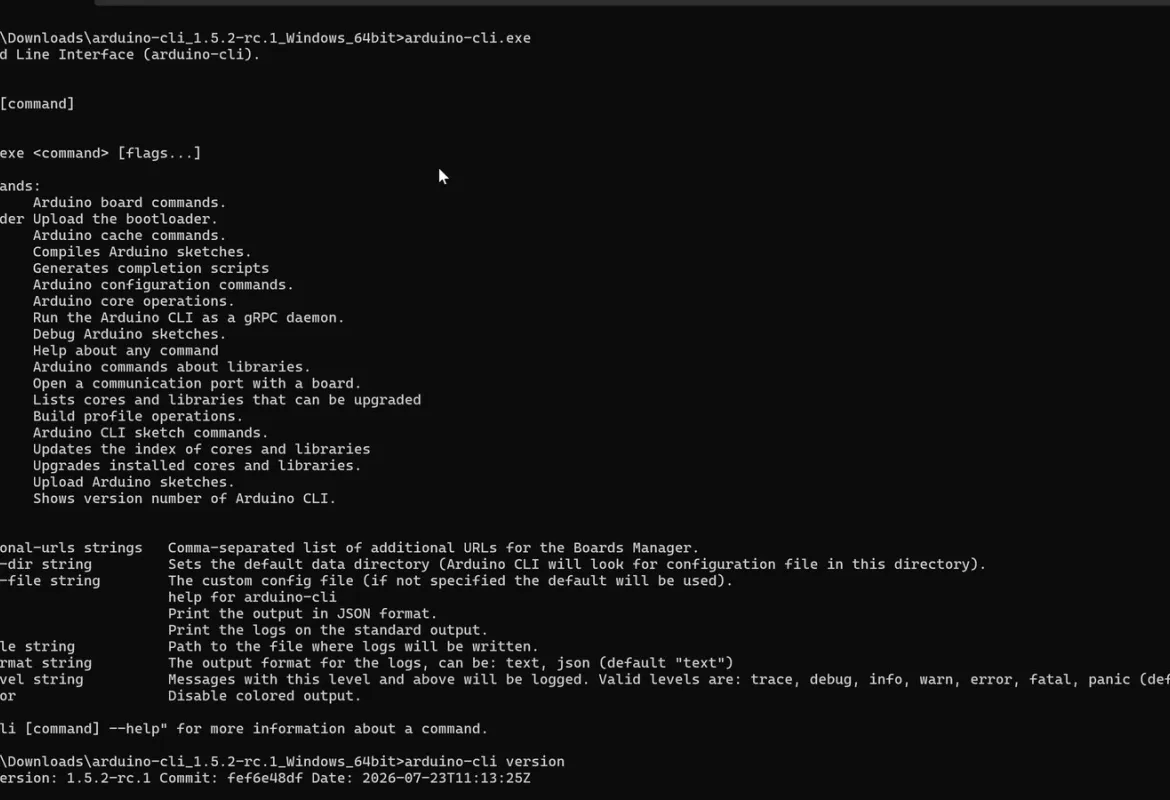
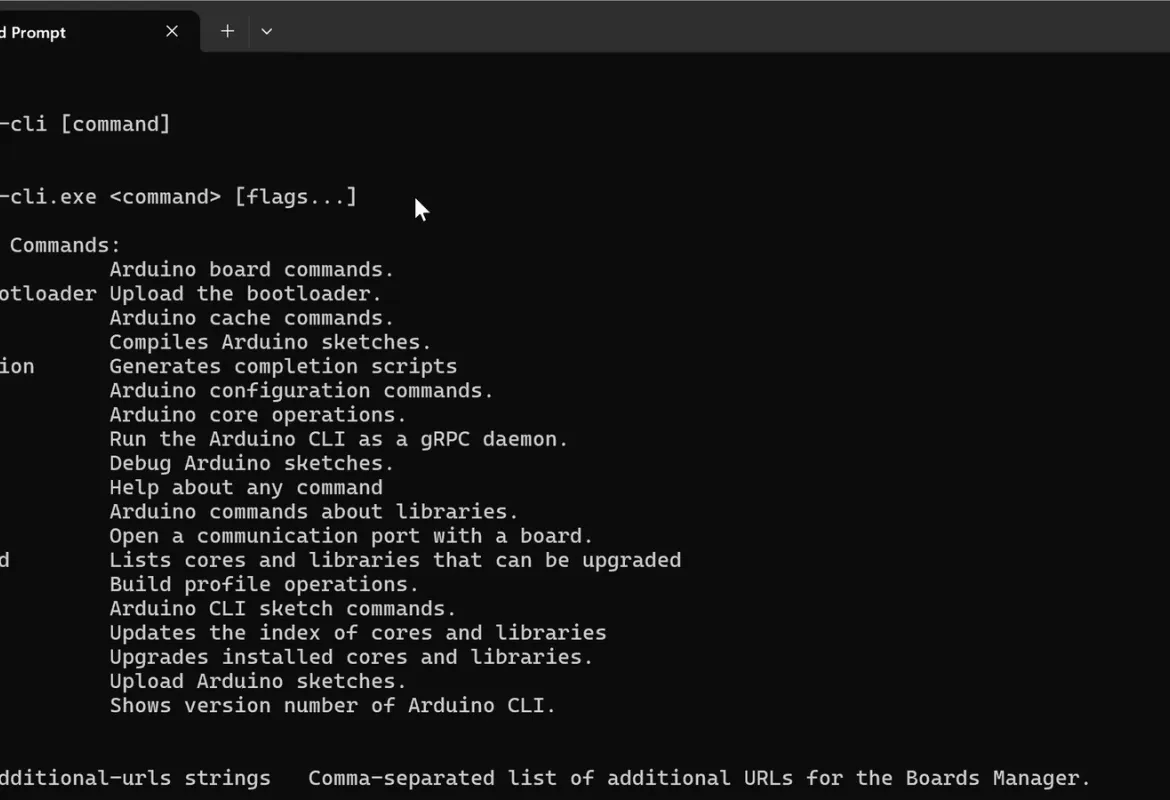
Download Arduino CLI on Windows 10 or 11, put it on PATH, run config init, and confirm `arduino-cli version` works in a new PowerShell window.
Tutorial

How to Use the Arduino Serial Plotter

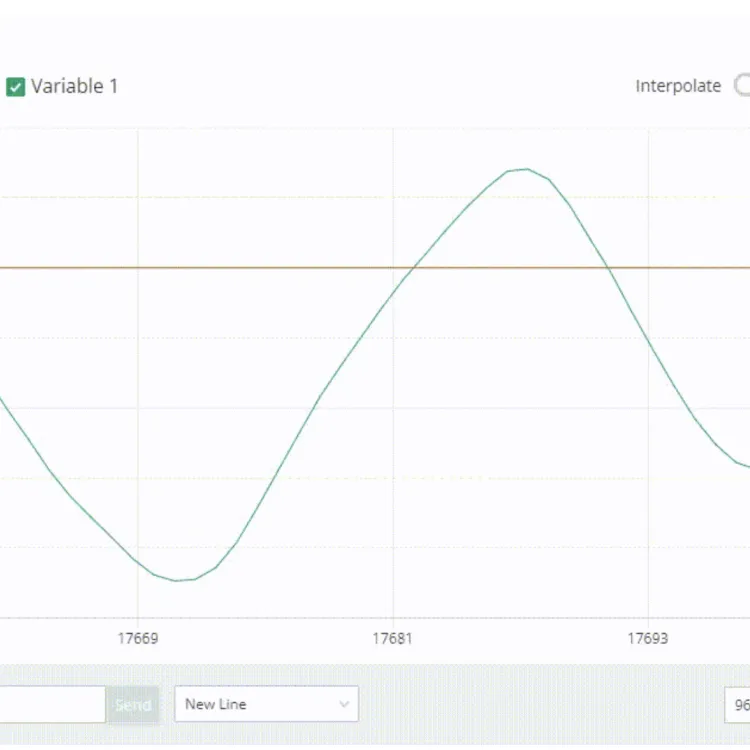
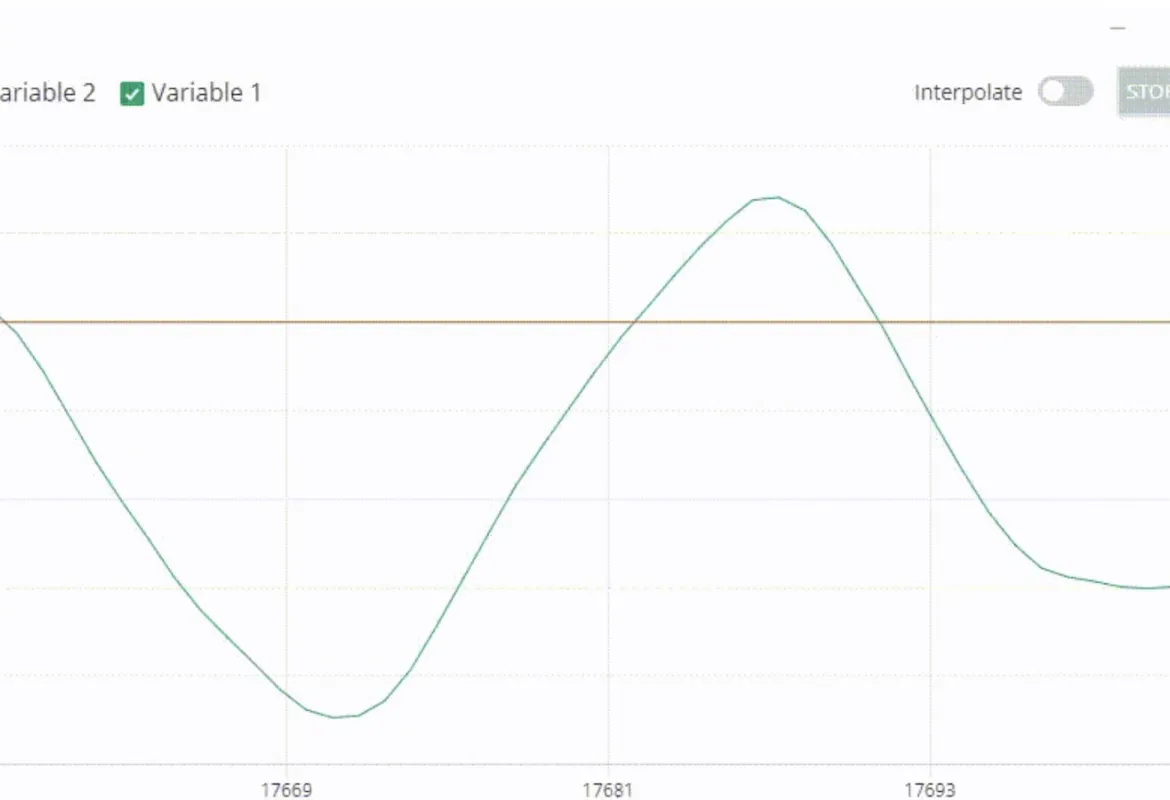
How Arduino IDE 2 Serial Plotter reads numbers over USB, the line format it wants, a simulated temperature and humidity stream, multiple traces, and what to do when the graph is empty or upload fails.