DIY Electronics

New learning hub

Electronics Fundamentals

Learn how circuits, components, analog and digital electronics, power systems, sensors, and test equipment work.

Explore Electronics Fundamentals

Recent Electronic Component Content
Complete archive

DIY Electronics Archive

Browse every published item in this section.
Tutorial

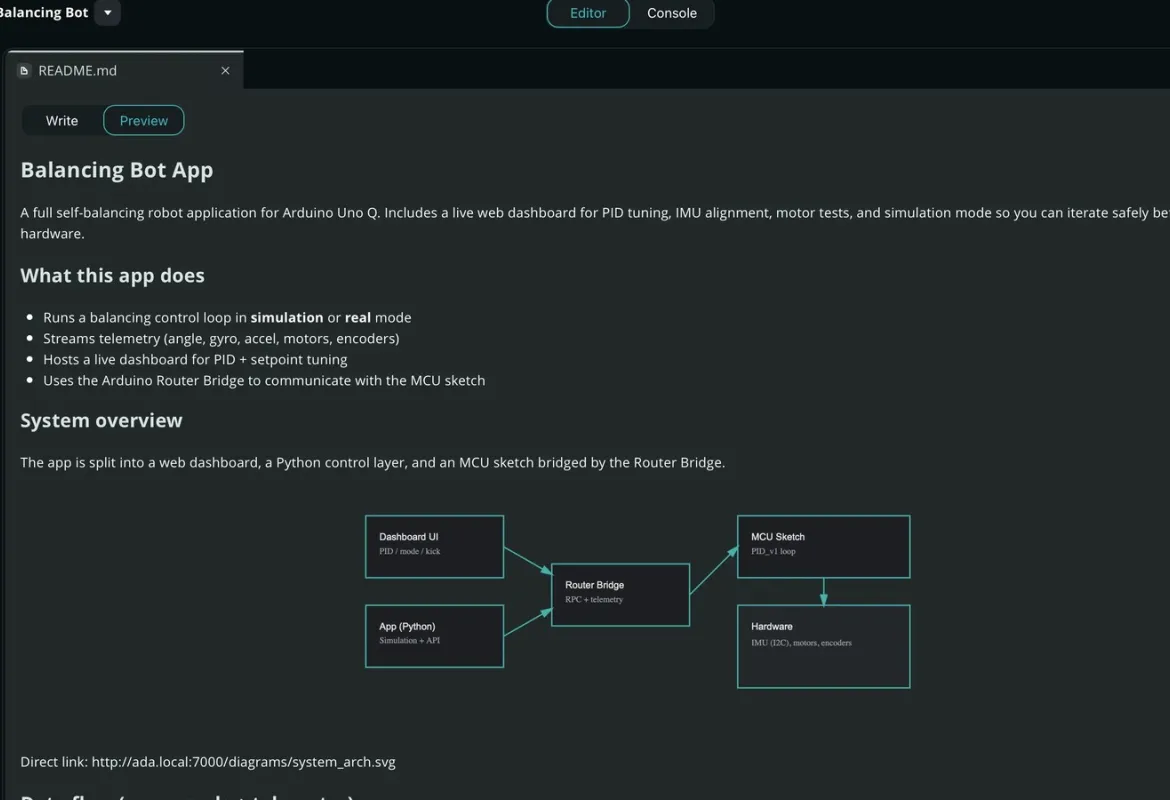
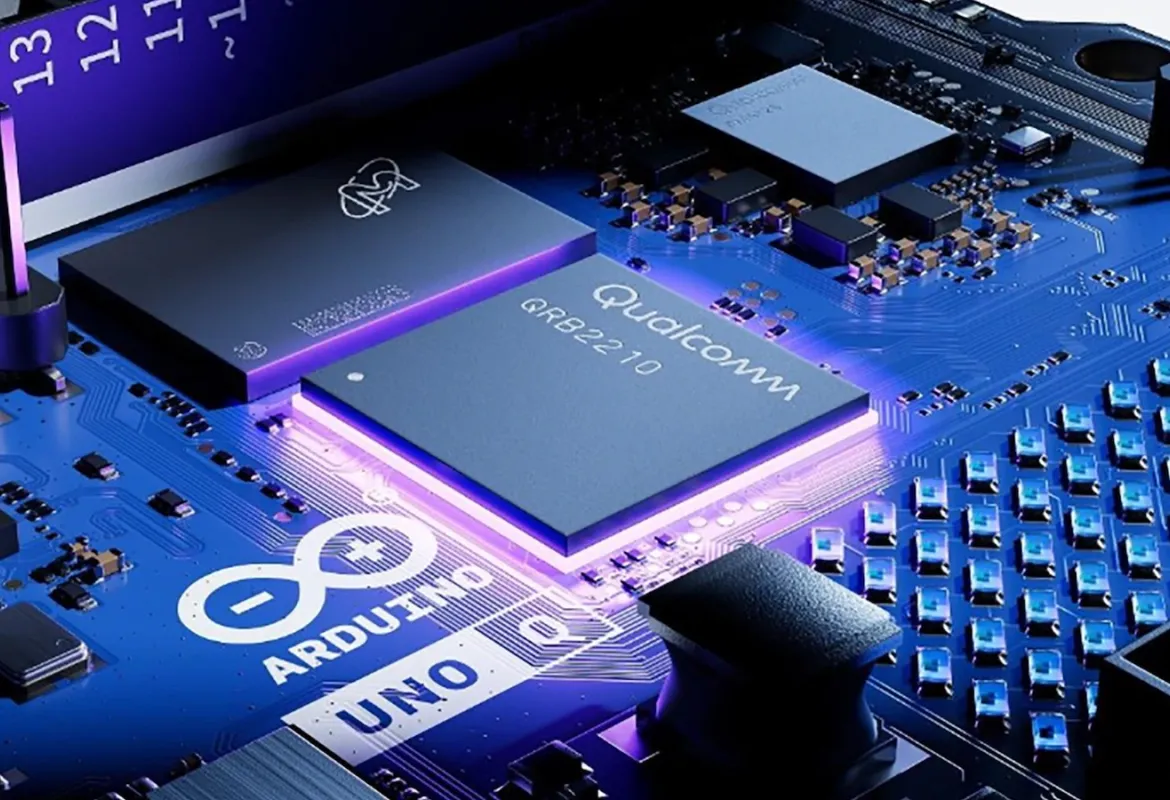
Using AI Models With Arduino App Lab

How App Lab runs AI on the UNO Q Linux side as Bricks or Python, why the microcontroller never executes the model, and how to send a small result over the Bridge to a pin.
Tutorial

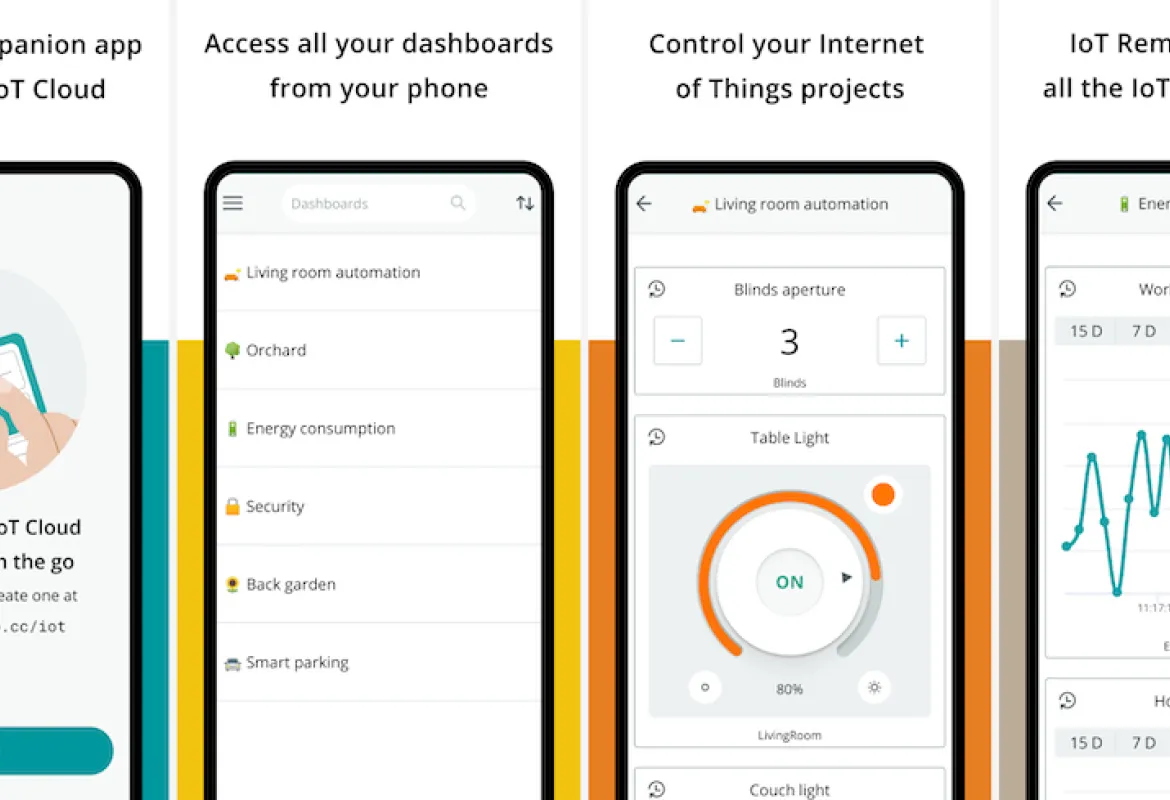
Arduino IoT Remote: Control Arduino Projects From Your Phone

What Arduino IoT Remote is, how it attaches to Arduino Cloud dashboards, what you can and cannot do on the phone, Phone as Device, and a practical path from a Wi-Fi board and a DHT22 to a dashboard you can open on the couch.
Tutorial

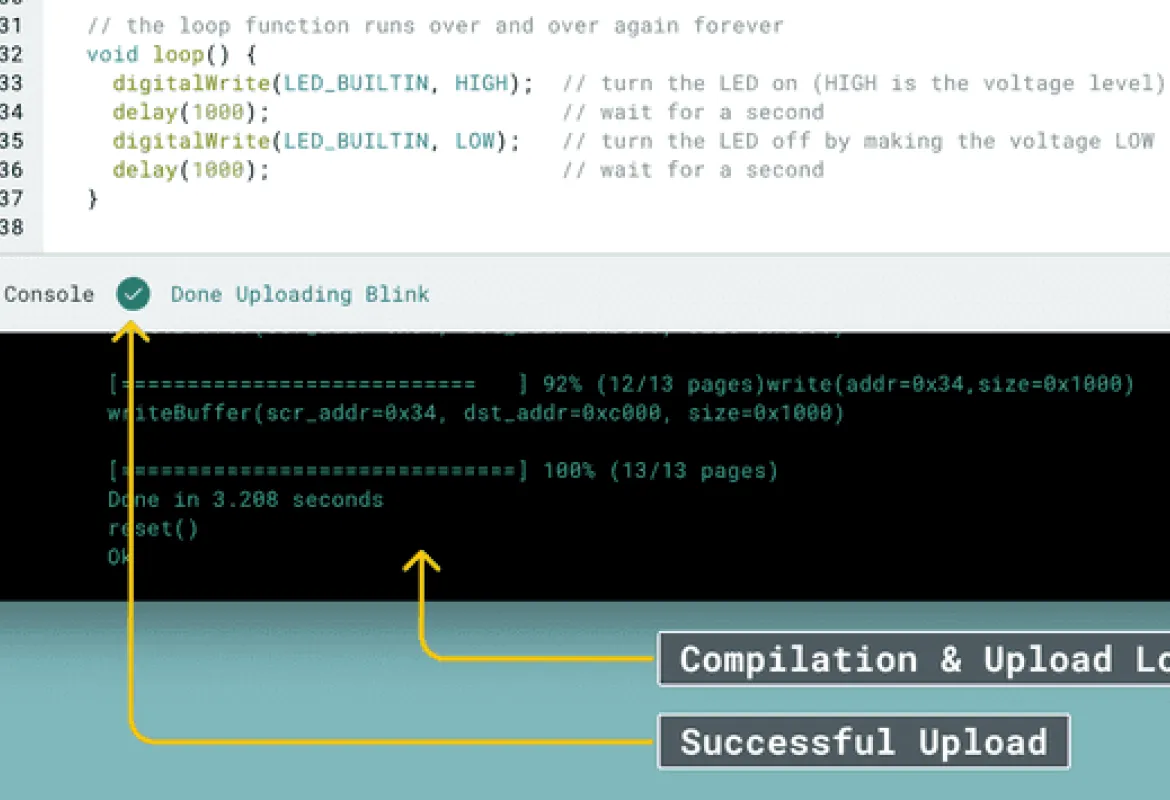
How to Program Arduino From a Chromebook

How to write, save, and upload Arduino sketches from a Chromebook using Arduino Cloud and the Chromebook app, which boards work, how USB fits in, and what you give up compared with Windows, macOS, or Linux.
Tutorial

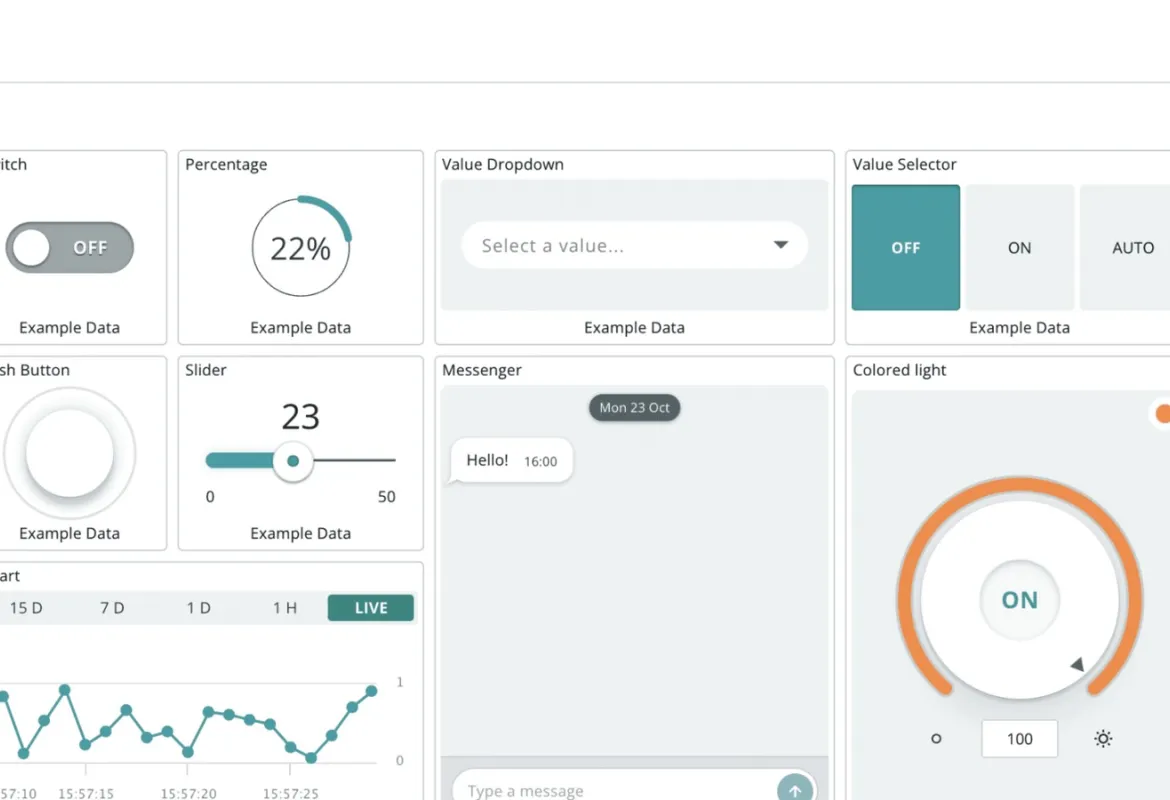
Arduino Cloud: The Complete Guide

What Arduino Cloud is, how Things, variables, dashboards, triggers, and OTA fit together, how the Cloud Editor compares to Arduino IDE 2, and a first project that puts a sensor on a dashboard.
Tutorial

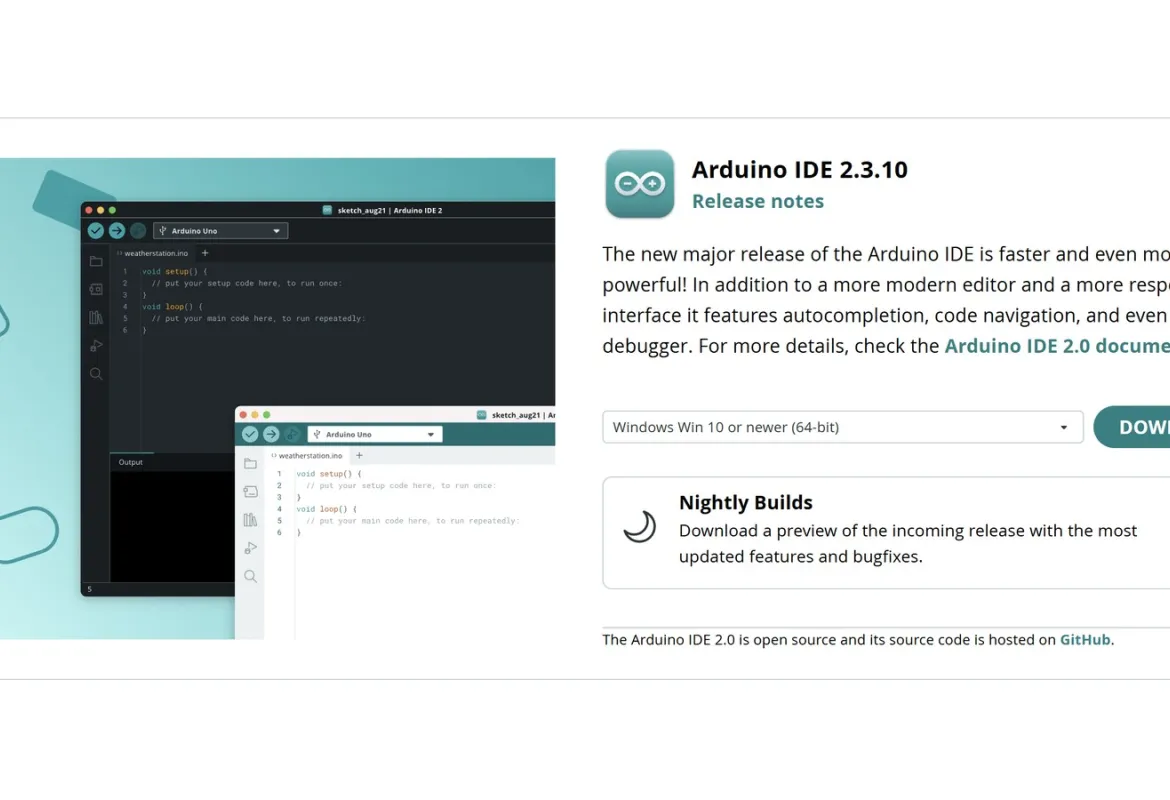
How to Recover or Reimage an Arduino UNO Q

Recovery path when a UNO Q will not boot or App Lab cannot see it: cables and udev first, then Emergency Download Mode and Arduino Flasher CLI `flash latest`.